
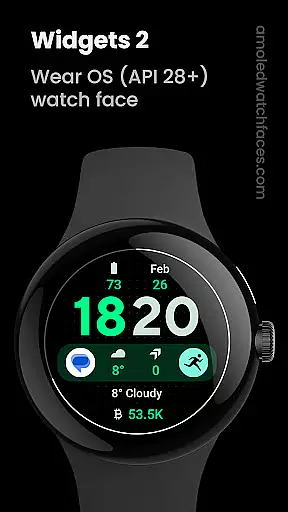
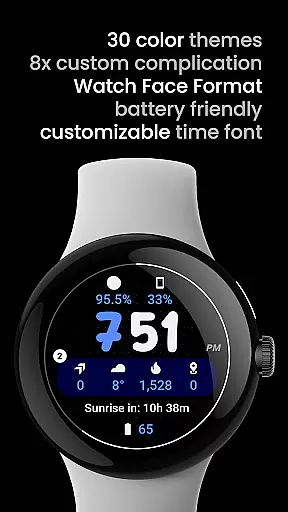
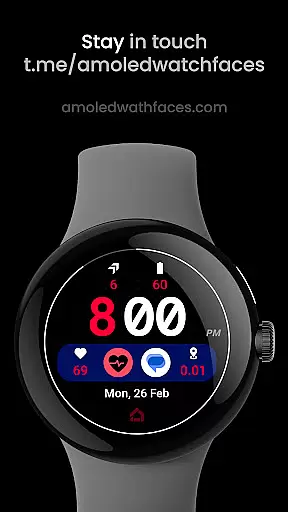
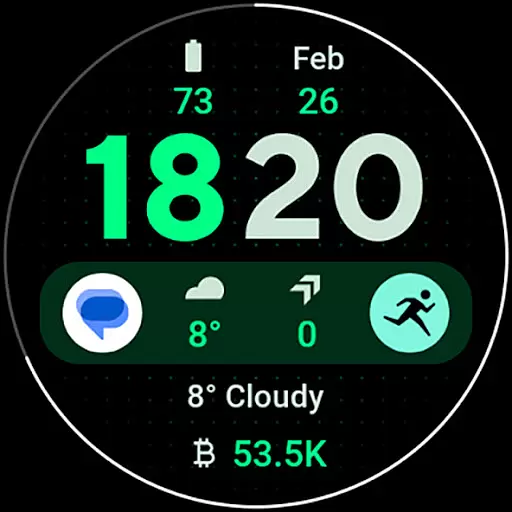
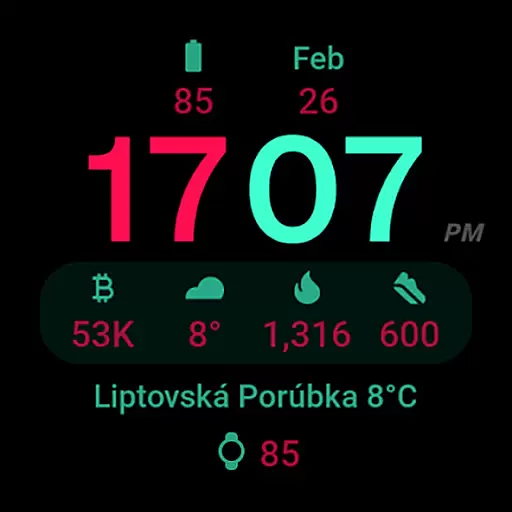
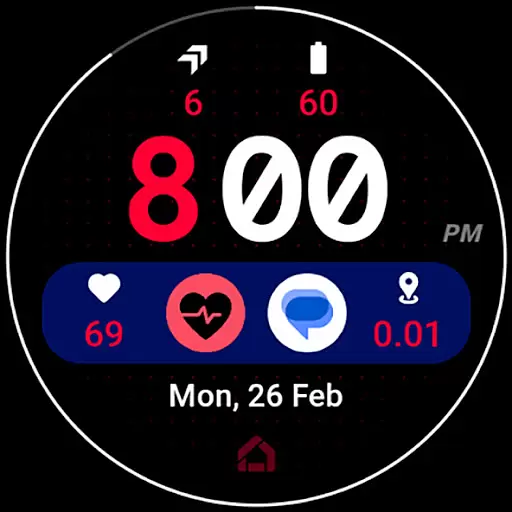
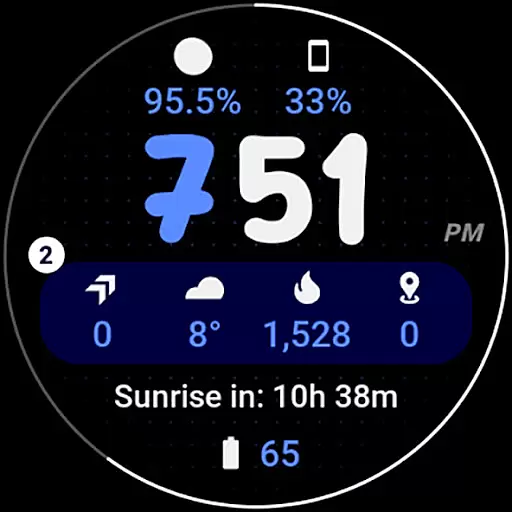
Widgets 2 is a feature-rich productivity app designed exclusively for Wear OS 4+ devices. This innovative application offers advanced watch face customization options, making it an ideal choice for users seeking to personalize their smartwatch experience. With support for true black backgrounds, high resolution displays, and unique color themes, the app ensures optimal visual quality while maintaining battery efficiency.
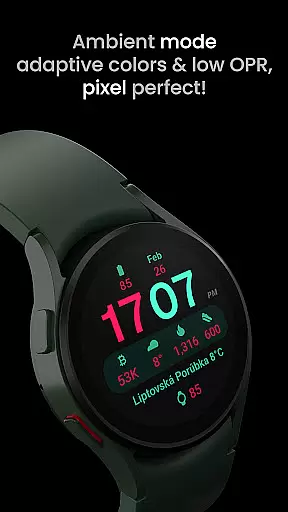
The app's standout feature is its support for 8 custom complication slots, allowing users to display various types of information directly on their watch face. The unique ambient mode with low OPR and adaptive colors provides enhanced usability while protecting the display from burn-in. These capabilities, combined with customizable time fonts and progress bar seconds indicators, make Widgets 2 a comprehensive solution for power users who demand both functionality and style in their wearable devices.
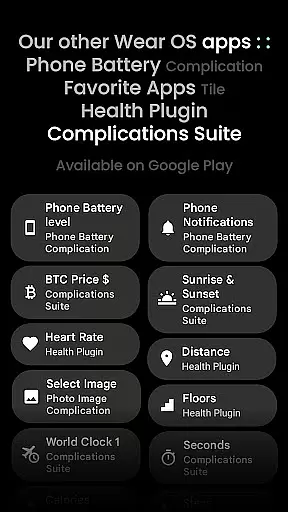
Widgets 2 distinguishes itself through its comprehensive set of features tailored for productivity enthusiasts. The app fully supports Watch Face Format 1 and offers seamless compatibility with the latest Wear OS devices. Its technical capabilities include phone notification complication support, though this requires a separate Phone Battery Complication app for full functionality.
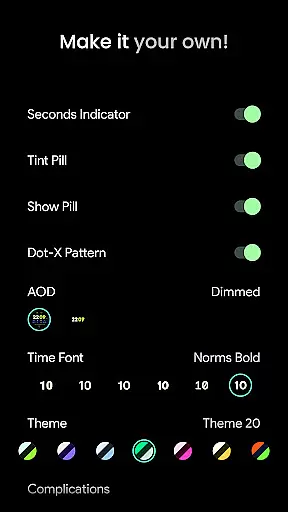
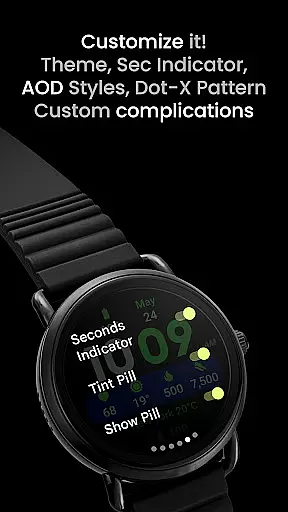
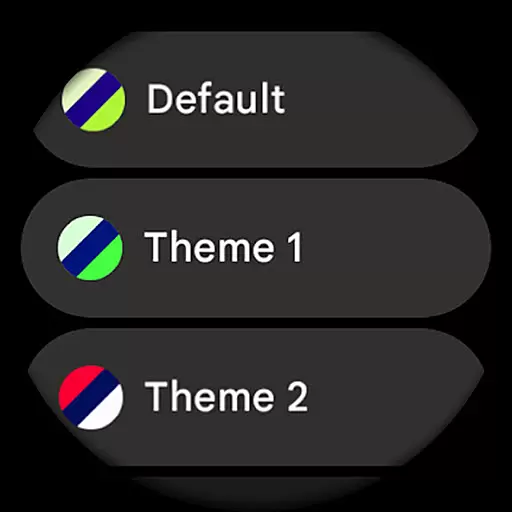
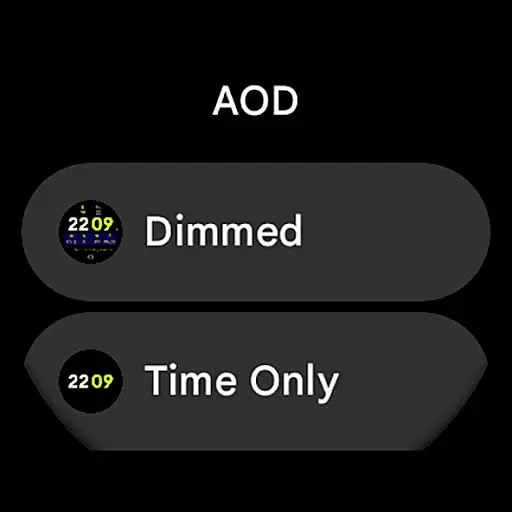
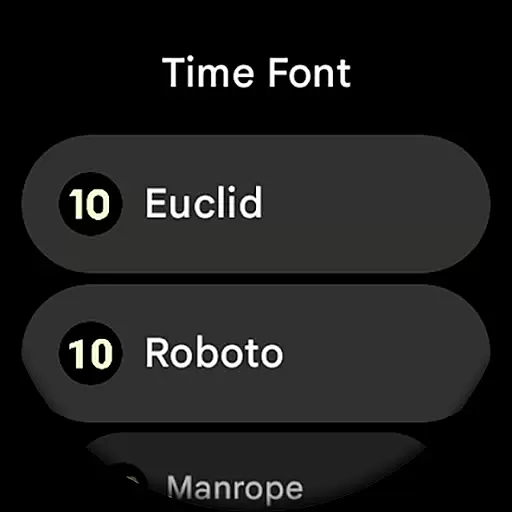
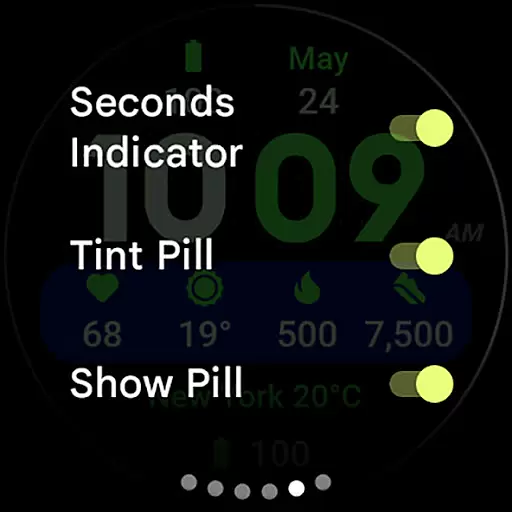
What sets Widgets 2 apart is its extensive user configuration options. Users can choose from 30 different themes, select among 7 time fonts, and customize their Always-On Display (AOD) with 2 style options. The app provides granular control over various display elements including seconds indicators, tint pills, and dot patterns. With support for 8 custom complications, users can create a truly personalized watch face that meets their specific productivity needs.
The app's implementation of burn-in protection and adaptive ambient mode demonstrates its commitment to device longevity and usability. These features work in tandem with the customizable progress bar seconds indicator and various toggle options, giving users unprecedented control over their smartwatch interface while maintaining optimal performance and battery life.
Task management is a cornerstone of productivity applications, and Widgets 2 excels in providing users with the tools necessary for efficient task organization. This app offers a comprehensive suite of features that cater to the needs of those looking to streamline their daily operations on Wear OS 4+ devices.
Widgets 2 incorporates user configurations such as Theme selection from 30 different options, Time Font choice among 7 styles, and toggles for Seconds Indicator, Tint Pill, Show Pill, and Dot-X Pattern. These customizations ensure that users can tailor their experience to match their personal preferences and improve their workflow.
The inclusion of 8 customizable complication slots allows users to access vital information at a glance and interact with various aspects of their digital environment directly from their watch face. This level of integration enhances the overall efficiency of task management by reducing the need to navigate through multiple apps or menus.
By focusing on compatibility with the latest Wear OS devices, Widgets 2 ensures that its task management capabilities are delivered through a seamless and responsive interface. The true black background and high resolution contribute to an optimal viewing experience, while unique ambient modes support extended battery life without sacrificing functionality.
Cross-device synchronization is essential for maintaining consistency and reliability across different platforms, and Widgets 2 addresses this need by ensuring that all user configurations and data are accurately synced. As a productivity app designed for Wear OS 4+, it provides peace of mind to users who rely on continuous connectivity between their devices.
With support for phone notifications complications, Widgets 2 extends the capability of staying informed beyond the smartphone. Users can receive timely updates and alerts directly on their smartwatch, which keeps them engaged and responsive to important events without having to reach for another device.
The app's requirement for the Phone Battery Complication app highlights its dedication to delivering accurate and useful information across devices. This interconnected ecosystem not only enhances convenience but also reinforces the dependability of cross-device interactions, allowing users to manage their tasks and communications effectively.
Installation guidance and troubleshooting resources provided by Widgets 2 further bolster confidence in its synchronization abilities. By offering clear instructions and accessible support channels, including email and live Telegram group discussions, the app empowers users to resolve any potential issues swiftly, thus preserving the integrity of their synchronized data.
Extensive customization
High-resolution support
Burn-in protection
Unique ambient mode
Multiple complication slots
Rectangular watch incompatible
Separate app required
Complex setup process
Wear OS 4+ only
Premium features limited

A customizable calendar for your Wear OS watch
 4.20
4.20
QuickBooks Workforce lets teams view pay info and track time in one place.
4.70
Native client for Forgejo and Gitea
5.00
Ads Free App! Editor, Hide File, Copy, Move, Delete and Rename.. all facility av
1.70
Mega cloud explorer plugin for Solid Explorer
3.80
Make your handwriting beautiful, even more than pen on paper.
3.60
aCalendar+ makes your day, week and month
4.70
Simple and reliable communication between inmates, friends and family
3.20
Access, manage and transfer files on Android, PC, Mac, NAS and cloud storages.
4.30
Multilingual translator for text, voice, and image translation!
4.90
Simple notepad & memo. Take notes, to-do list, shopping list with reminders.
4.80
App lock - lock apps with fingerprint, password, pin or pattern, protect privacy
4.70
A beautiful digital clock with autostart and many other functions
4.70
Send files, sync SMS, notifications & clipboard across devices via local network
4.40
Easily read and manage all your PDF files
4.10
Activate Two Factor Authentication (2FA or Multi OTP), Password manager and more
4.10
Intelligent AI Assistant
4.10
Create and edit presentations with Google Slides, part of Google Workspace.
4.00
Easiest event planning, volunteer signups & parent teacher conference scheduling
2.20


User Reviews