
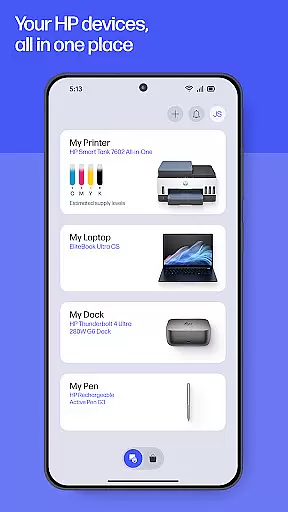
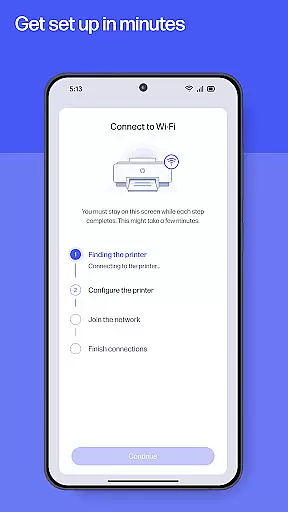
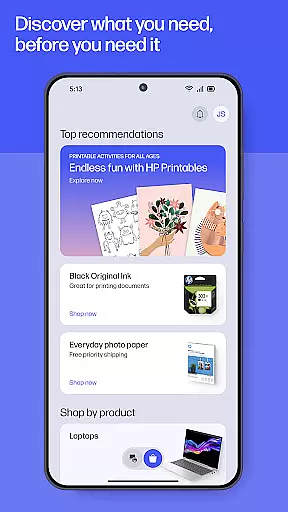
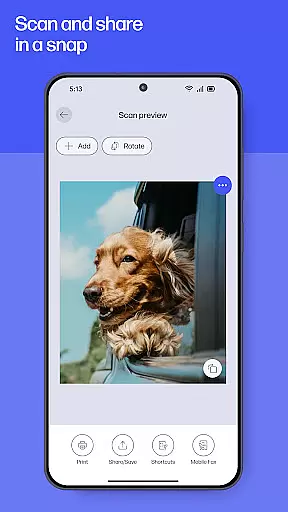
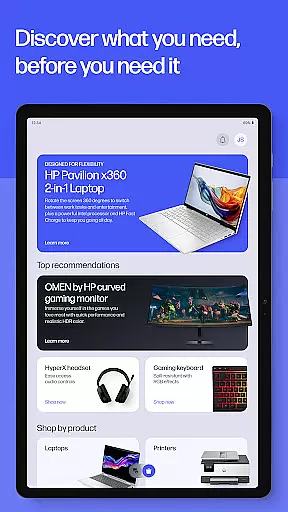
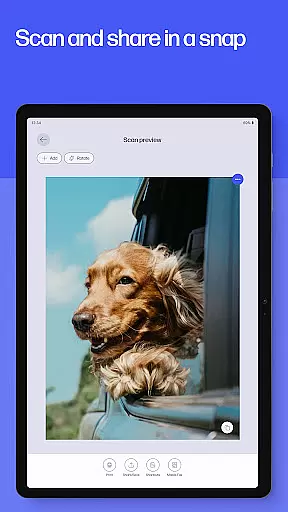
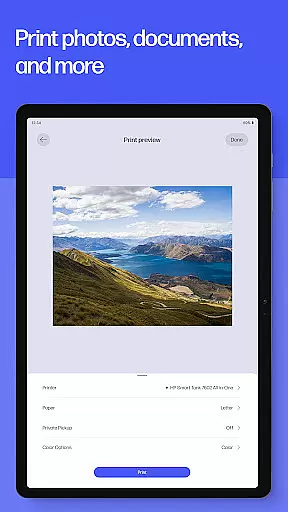
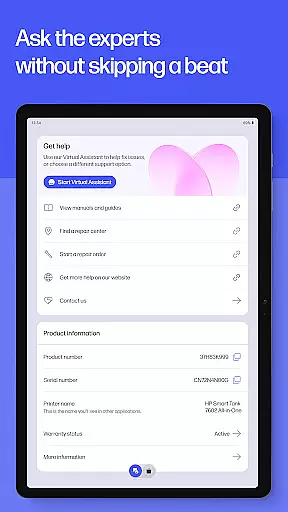
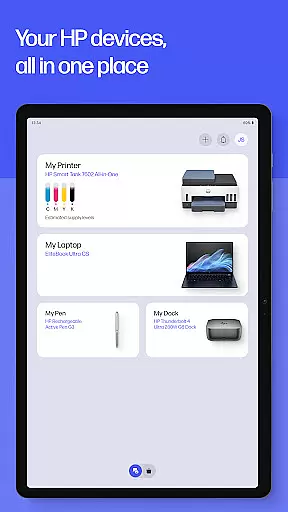
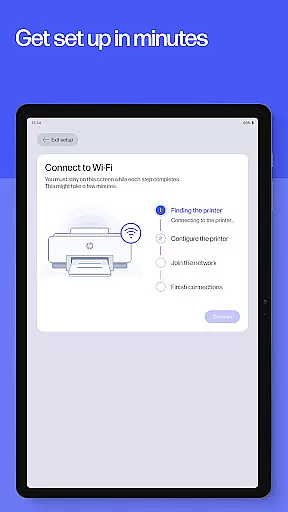
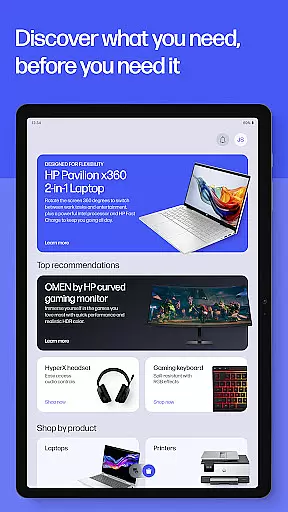
The HP app is a comprehensive productivity tool designed to streamline device management for HP users. This all-in-one solution allows you to set up new printers, customize settings, print, scan, and access support seamlessly. With features like guided setup, ink level monitoring, and personalized recommendations, it ensures your devices are always optimized.
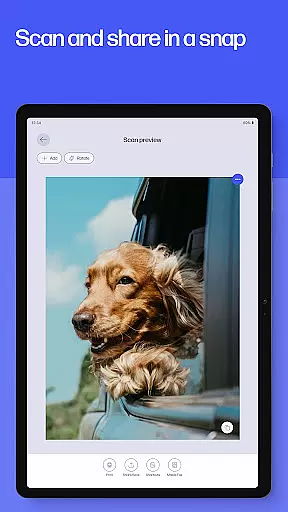
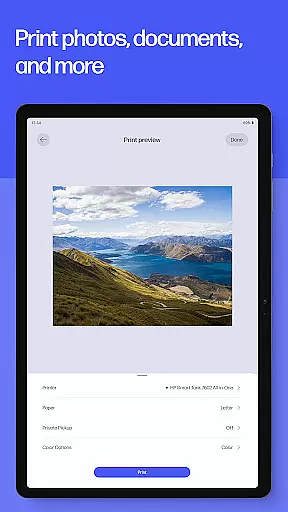
Beyond basic functionality, the app offers advanced capabilities including photo printing, document scanning, fax services, and customizable print shortcuts. The integrated HP Printables feature provides access to creative templates while smart notifications help maintain uninterrupted workflows. Whether at home or in the office, the HP app delivers professional-grade tools that adapt to your specific needs.
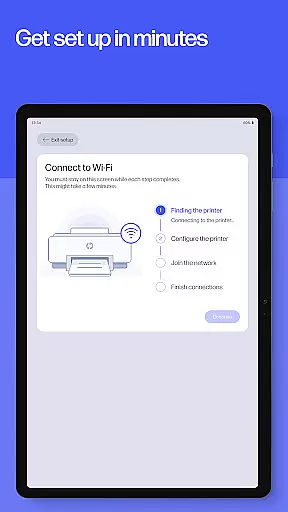
The HP app distinguishes itself through an impressive array of productivity-enhancing features. Its guided setup process simplifies initial device configuration while intelligent recommendations help users optimize their printer and computer settings. The app's print and scan capabilities are particularly robust, supporting everything from quick document digitization to high-quality photo printing.
Advanced functionalities include HP Printables for creative projects, fax transmission services, and automated supply notifications when ink runs low. Users can create custom print shortcuts for frequently used tasks and manage warranties through the dedicated HP Warranty Check feature. With seamless integration across devices and regular feature updates, the HP app continually evolves to meet modern productivity demands.
Task management is at the heart of productivity applications, and the HP app excels in providing users with comprehensive tools to manage their printing and scanning tasks efficiently. The app offers a guided setup for new devices, ensuring that users can start managing their tasks without hassle.
With features like Print Shortcuts, users can set up custom shortcuts for frequently used print tasks, streamlining their workflow. This functionality not only saves time but also reduces the complexity involved in repetitive tasks, making it easier for users to focus on more important activities.
The HP app goes beyond basic task management by integrating supply notifications. When printer ink or paper runs low, users receive alerts and can order supplies directly through the app, ensuring uninterrupted productivity. This proactive approach helps maintain a seamless workflow.
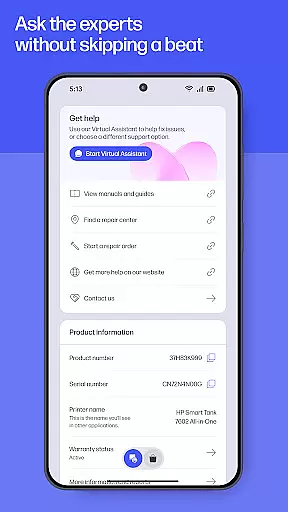
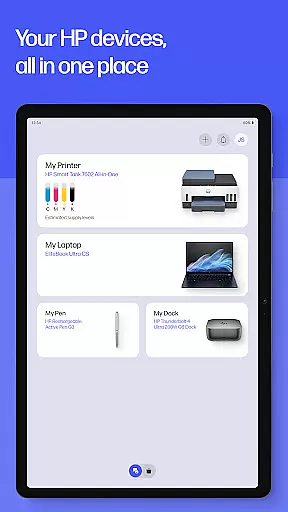
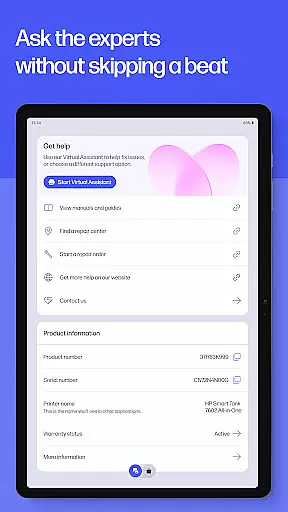
Furthermore, the app's ability to manage both printers and computers from one place enhances its task management capabilities. Users can check ink levels, manage print jobs, and even contact support when needed, all within the same intuitive interface. This consolidation of functions makes the HP app an indispensable tool for efficient task management.
Cross-device synchronization is crucial for users who operate in multi-device environments, and the HP app ensures reliable performance across different platforms. Whether you're using an Android mobile phone or tablet, the app maintains consistent functionality and data integrity.
The app requires internet access to enable real-time updates and synchronization between devices. This connectivity ensures that any changes made on one device are immediately reflected on others, providing a unified experience regardless of the device being used.
For full functionality, an HP account is necessary, which further strengthens the synchronization process. By logging into the same account on multiple devices, users can seamlessly transition between them without losing any data or settings, enhancing their overall productivity.
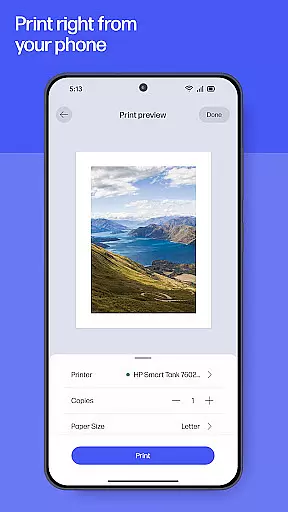
Moreover, the HP app supports various features such as printing photos directly from your device and scanning documents for easy sharing and storage. These features work consistently across devices, reinforcing the app's commitment to reliable cross-device synchronization. With these capabilities, users can trust that their tasks will be accurately synchronized and accessible wherever they go.
User-friendly interface
Comprehensive device management
Regular feature updates
Advanced print capabilities
Integrated support system
Limited device compatibility
English language dominance
Potential premium charges
Internet dependency
Account requirement

When you Focus, so will your Bean in this cozy focus timer
 4.30
4.30
Ads Free App! Editor, Hide File, Copy, Move, Delete and Rename.. all facility av
1.70
Easily read and manage all your PDF files
4.10
Smart PDF reader & editor to view, organize and manage PDF documents easily.
3.70
Todo reminder
4.10
Font maker keyboard with your own handwriting
4.10
Docker, Kubernetes management over Portainer Mobile
4.40
Best Tool for the professionals Electrician, Electrical contractors, etc.
4.90
Secure your apps with lock screens, use custom themes and different features.
4.40
Multilingual translator for text, voice, and image translation!
4.90
Secure, fast, open-source, VNC and SSH Remote Desktop for Windows, Linux and Mac
4.70
QuickBooks Workforce lets teams view pay info and track time in one place.
4.70
Secure, fast, open-source, Remote Desktop Client for Windows and Linux with SSH
4.60
Lightweight PDF, Word, Excel reader.
4.60 4.20
4.20
Professional calendar app for Google Calendar, MS Outlook & Exchange
4.20
Device's storage information in a simple and clear graphical form (infographics)
4.10
Customizable calendar widget for seamless event sync, planning & scheduling.
4.00
A Revolutionary All-in-One Artificial Intelligence Tools
3.80


User Reviews