
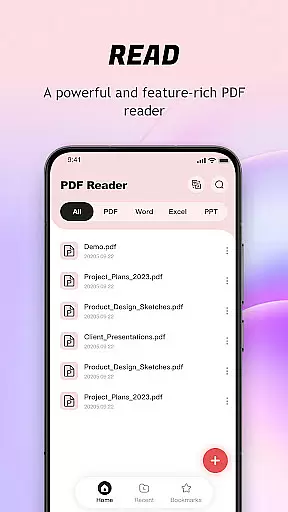
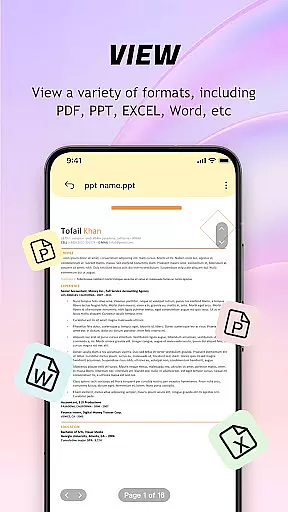
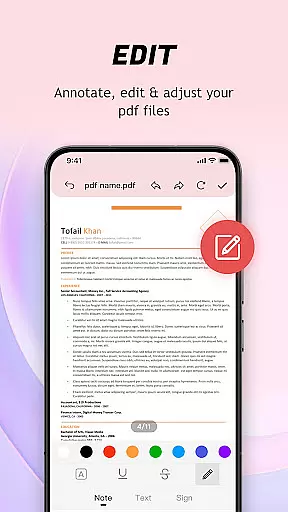
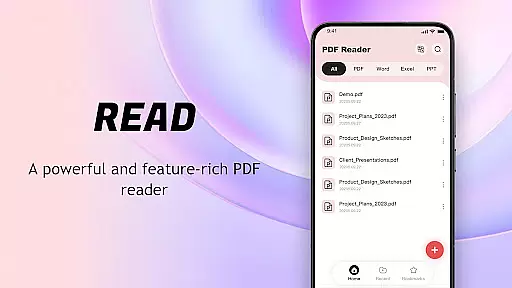
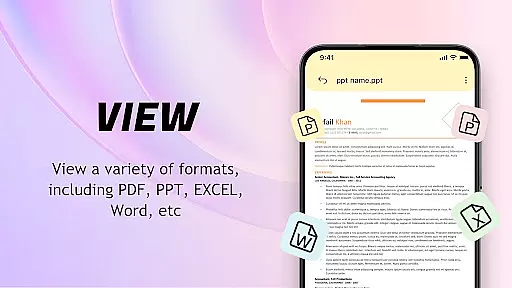
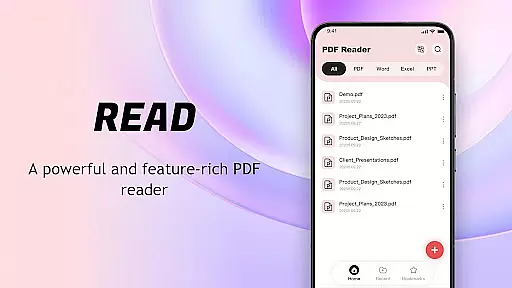
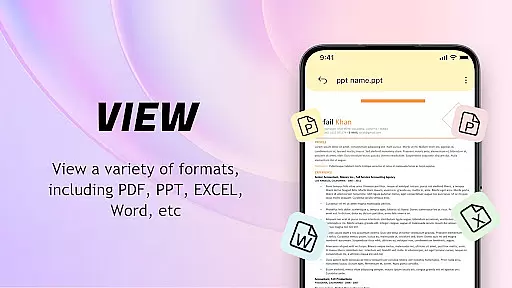
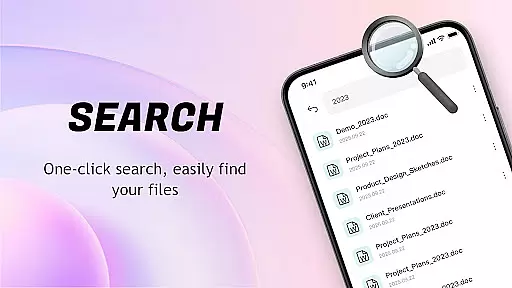
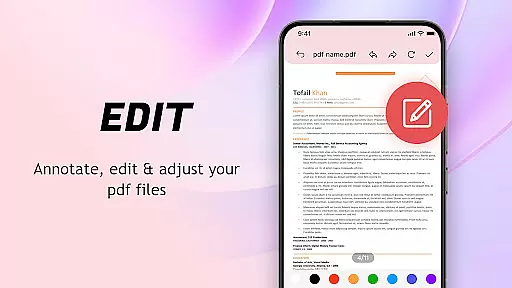
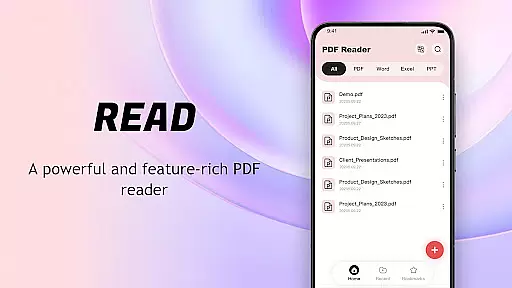
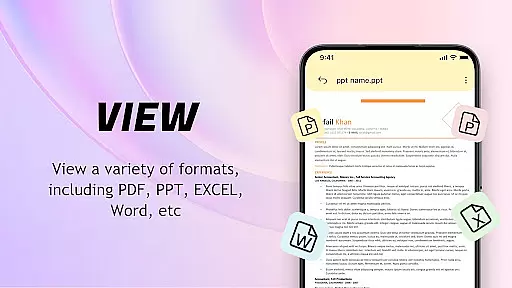
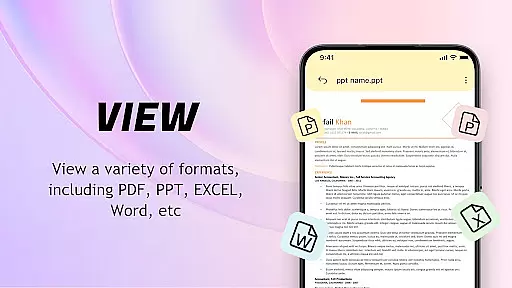
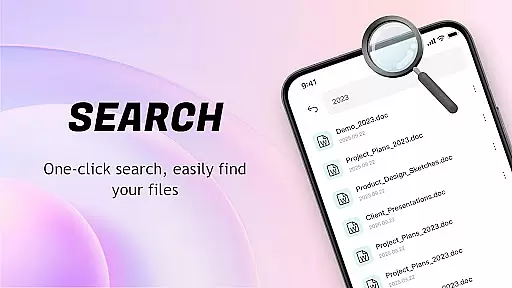
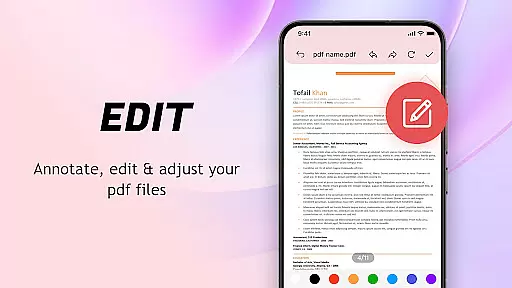
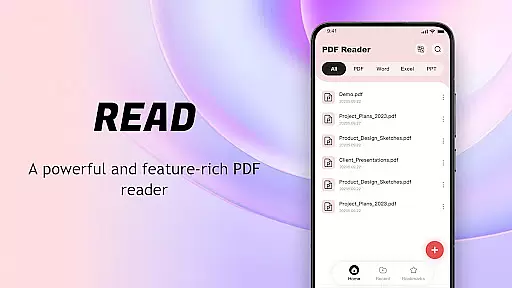
PDF Reader: Easy Fast Viewer is a versatile document management tool designed for efficient PDF handling. This application offers automatic file detection on mobile devices, enabling seamless reading and organization of documents. With its user-friendly interface, users can easily access and manage various file formats.
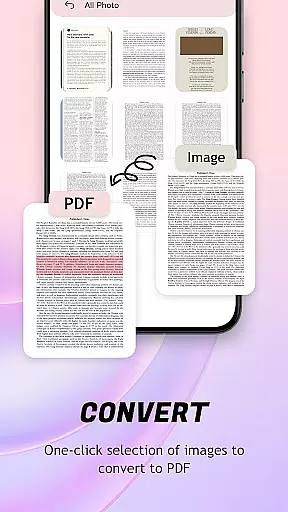
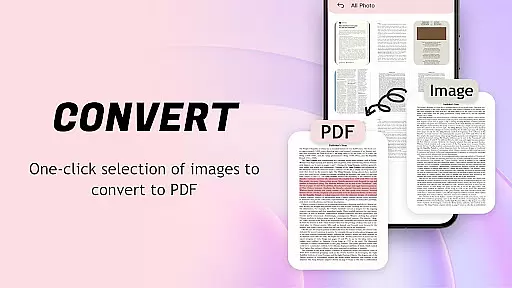
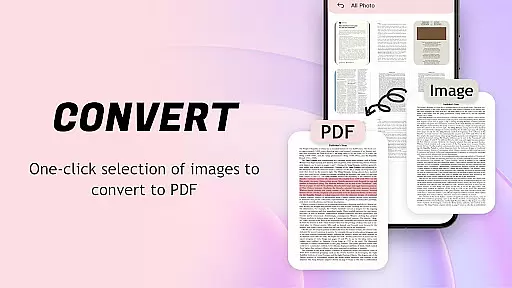
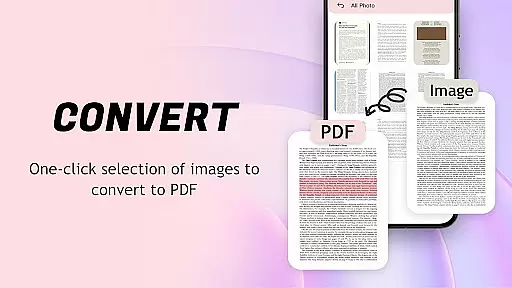
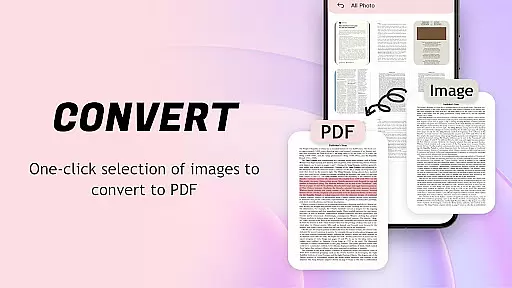
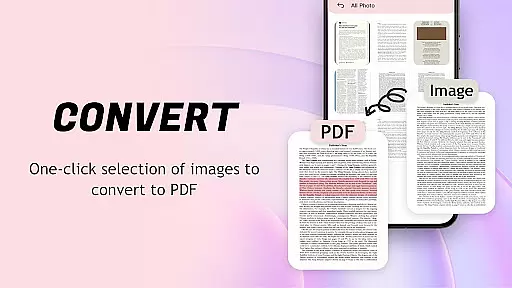
The app stands out with its powerful conversion feature that allows images to be transformed into PDFs with optimized layouts. Its smooth scrolling modes and clear text rendering ensure an uninterrupted reading experience. The inclusion of recent file display and file collection options makes document management both intuitive and efficient.
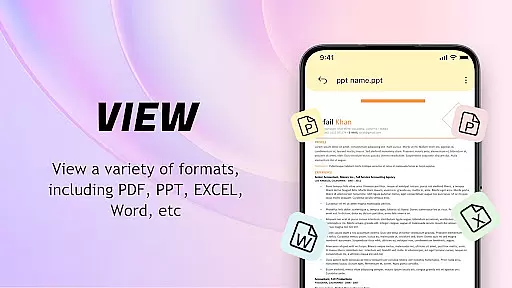
Ideal for professionals and students alike, this PDF manager facilitates quick sharing, printing, and collaboration. By supporting multiple file formats and offering advanced permissions for file handling, it ensures both convenience and security, making it an essential tool for anyone dealing with digital documents.
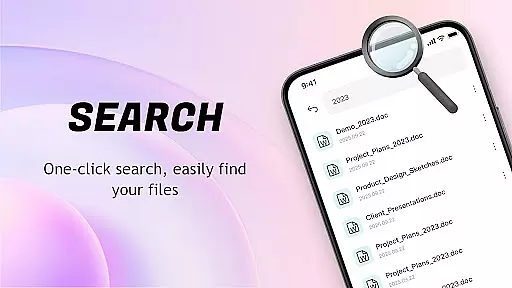
PDF Reader: Easy Fast Viewer boasts an array of features that cater to diverse document management needs. One of its key strengths is the automatic identification and presentation of all device-stored documents, ensuring that users can swiftly locate and open their files.
The app provides multiple scrolling modes for PDF viewing, allowing users to customize their reading experience. It supports high-quality text and image display, maintaining clarity even with complex documents. Additionally, the image-to-PDF conversion tool streamlines file management by optimizing layouts and enabling one-click generation.
Further enhancing its utility, the app includes a robust file management system. Users can delete unnecessary files, mark important ones as favorites, and quickly print documents directly from their mobile devices. These features collectively create a comprehensive solution for managing digital content efficiently.
For a PDF reader application, core function accuracy and effectiveness are crucial to providing a seamless document viewing experience. The app excels in this area by offering automatic file recognition, which efficiently locates and displays all PDF documents on the user's device.
The software ensures that text and images within files are rendered clearly, maintaining the integrity of the original document. It supports multiple scrolling modes, allowing users to choose their preferred method of navigation through documents, thus enhancing the reading experience.
Additionally, the app provides advanced features such as image-to-PDF conversion with automatic layout optimization. This functionality not only demonstrates the app's commitment to document management but also its adaptability to various user needs.
Users benefit from the app's dedication to performance and convenience, enjoying quick access to recently opened files and easy sharing options for collaboration. These capabilities ensure that the app remains a powerful tool for both personal and professional PDF management.
A simple and intuitive interface is essential for any tool application, and the PDF Reader: Easy Fast Viewer delivers just that. Its lightweight design ensures that even users who are new to digital document management can easily navigate and utilize its features.
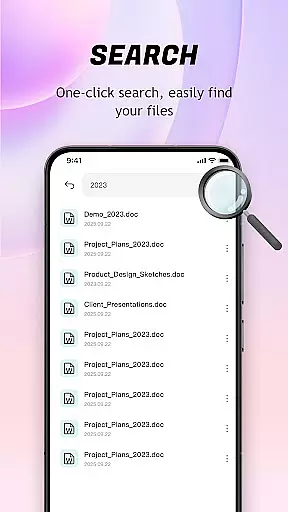
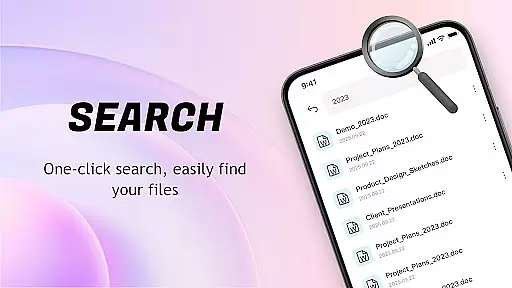
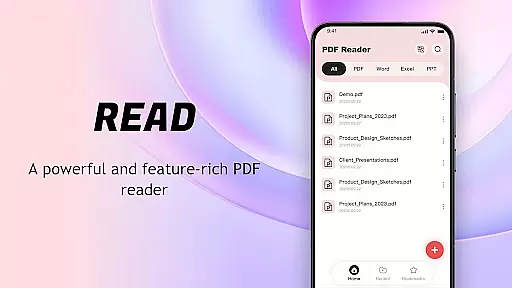
The app presents an uncomplicated layout where PDF files are automatically searched and displayed, streamlining the process of document management. With just a few taps, users can open and read their files, making it an ideal choice for those seeking efficiency.
Further contributing to its user-friendly nature, the app offers smooth page turning and clear display of content details. Users can switch between different scrolling modes, catering to individual preferences and ensuring an uninterrupted reading session.
By focusing on ease of use without compromising on functionality, the app empowers users to manage their documents effectively while enjoying a hassle-free experience. This balance of simplicity and power makes it a standout choice among PDF readers.
User-friendly interface
Multi-format compatibility
Efficient file management
High-quality display
Quick sharing options
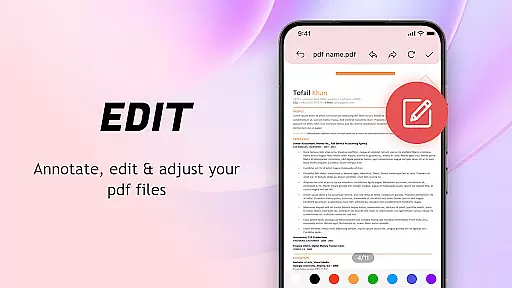
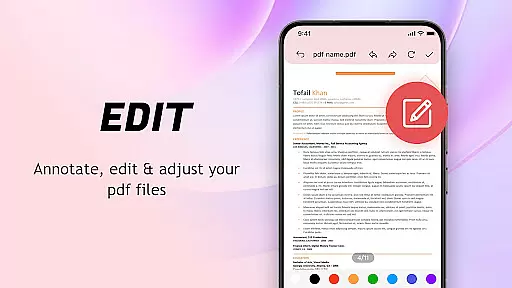
Limited advanced editing
Occasional performance lags
Basic security features
Ads in free version
Large file size

Just one-tap to easy translate in any language after calls within seconds.
 4.20
4.20
HD Camera captures every special moment.
4.60
Extremely fast, secure, and protects your privacy
4.80
Canon PRINT is a companion app for your Canon printer.
4.60
eXtended Permission Manager - a small app to manage permissions and AppOps
4.50
The one-and-only remote control for PC, Mac, and Linux
4.70
The Ultimate Bluetooth Keyboard & Mouse. Securely control your PC, Mac, and more
4.50
Support Fossify apps with a warm thank you!
5.00
Planner and Tracker for Stardew Valley
4.60
Learn the vast amount of system information about device and monitor it's state
4.70
The Ultimate Flex Drivers Utility App - Convenient Tapping & Block Filters
4.70
Creation, Learning, Entertainment & More — The All-in-One AI Search Engine
4.70
App to pay for FUTO Keyboard
4.60 4.50
4.50
Universal TV remote control all TVs, Roku, LG, Samsung, Fire, Vizio, Sony, TCL.
4.40
App that Recover your pictures, videos or files after you delete them.
4.20
Create your own custom widget with endless possibilities
3.90
Clean the junk files on your device
3.40
Undelete and recover your lost or deleted files with DiskDigger!
3.40


User Reviews