
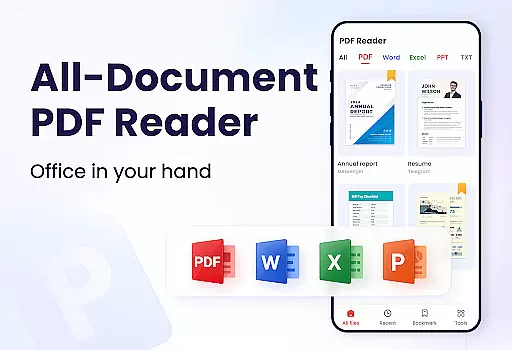
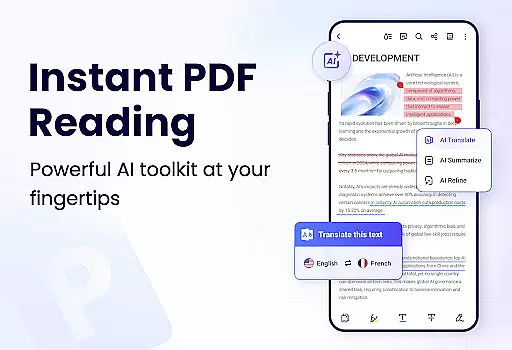
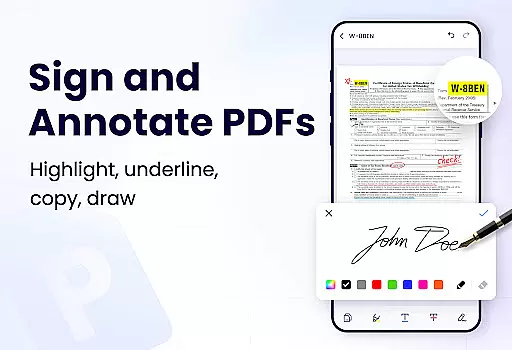
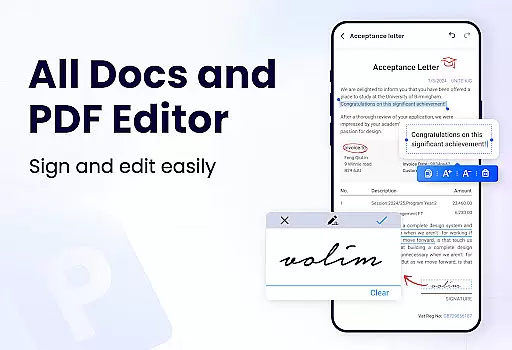
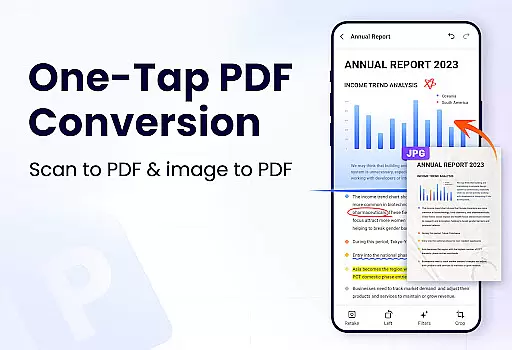
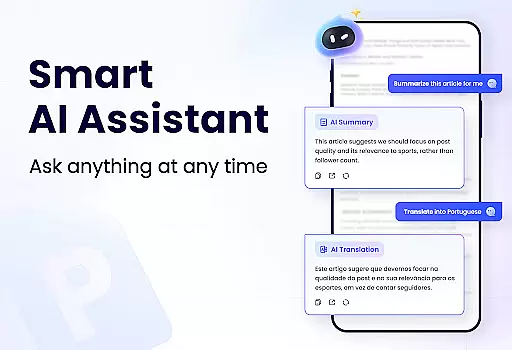
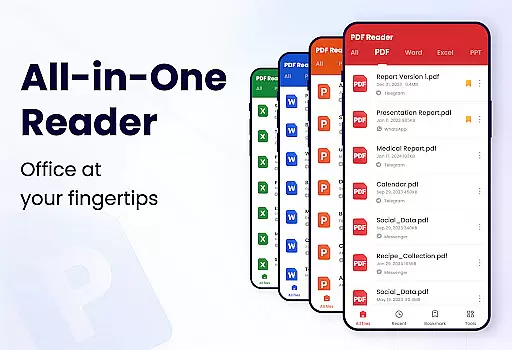
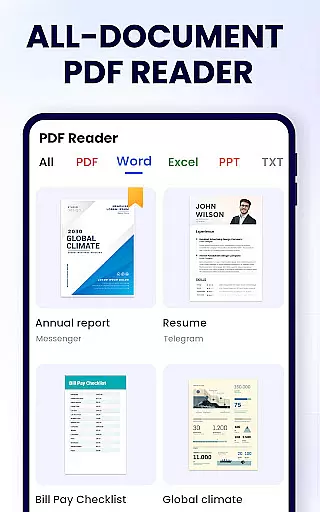
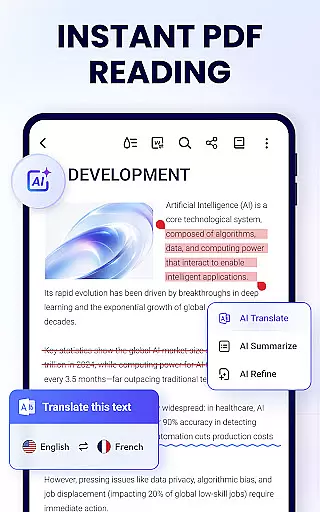
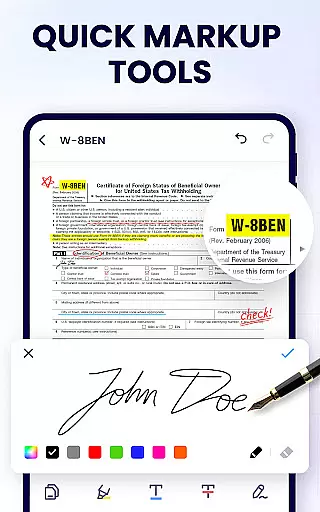
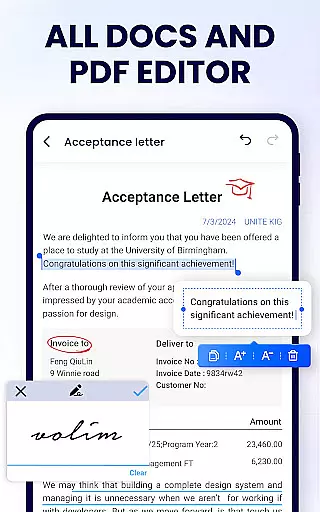
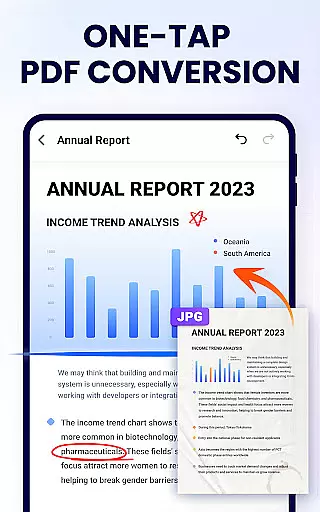
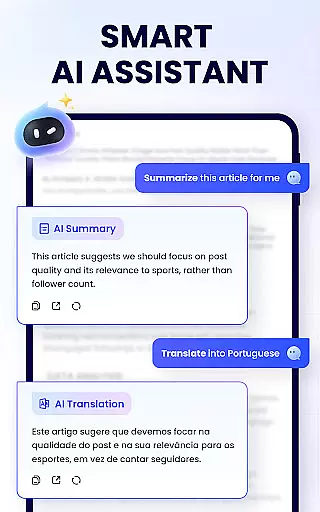
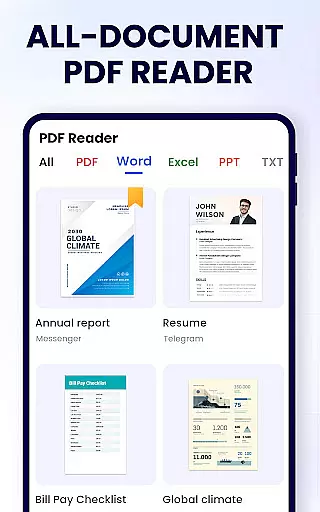
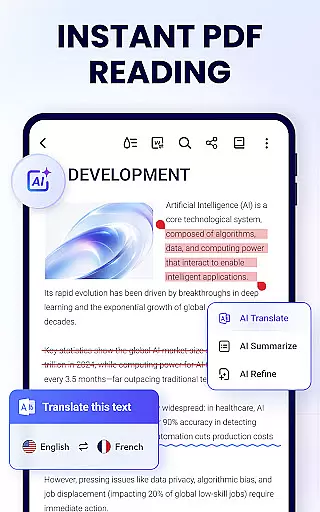
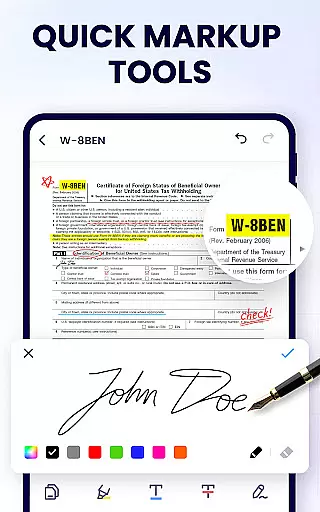
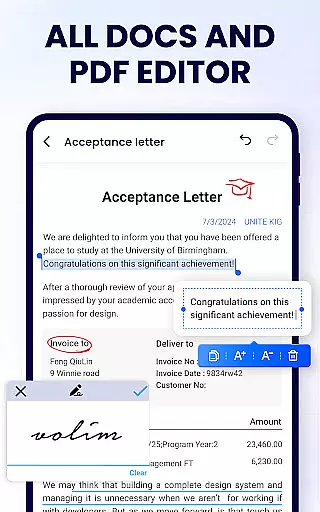
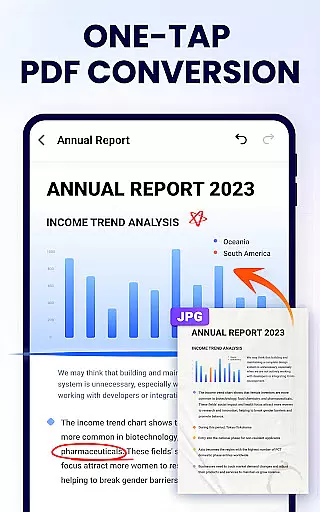
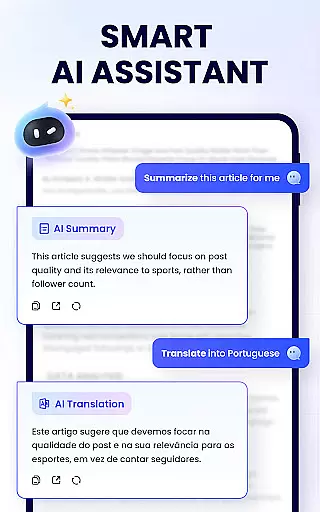
PDF Reader - PDF Viewer is a comprehensive productivity tool designed for Android users who need to manage, edit, and view PDF documents efficiently. This free app, A+ Read, offers an all-in-one solution by combining a powerful PDF viewer, editor, and manager into a single platform. With its user-friendly interface, the app allows you to auto-search and display all your PDF files, making it easy to open and read them quickly. Beyond viewing, it supports advanced features like note-taking, merging and splitting files, setting passwords, and adding bookmarks.
The app's standout feature is its ability to enhance productivity through smart reading and editing options. It provides multiple viewing modes including page-by-page and continuous scrolling, horizontal and vertical orientations, and full-screen mode for an optimal reading experience. Users can zoom in and out as needed and navigate directly to specific pages. The annotation tools allow for highlighting, underlining, and striking through text, while also enabling doodles and text copying. These capabilities make it an ideal choice for students, professionals, and anyone who frequently works with PDFs.
PDF Reader - PDF Viewer is particularly useful in work and study scenarios where document management is crucial. Its efficient file handling and editing features ensure that users can easily organize and modify their PDFs without needing additional software. Whether you're annotating research papers, managing reports, or sharing important documents, this app provides the necessary tools to streamline your workflow and enhance your productivity on the go.
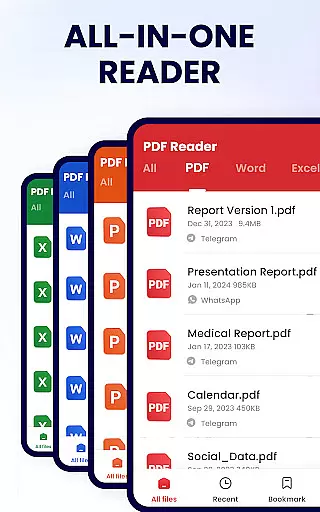
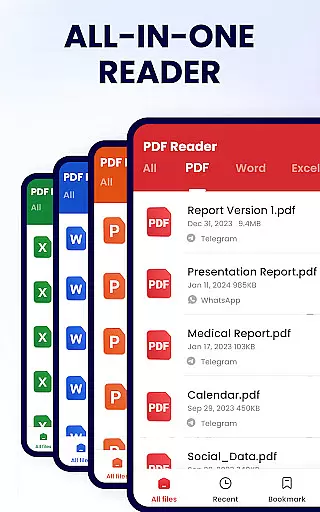
PDF Reader - PDF Viewer stands out with its extensive range of features tailored to meet the needs of Android users who require robust PDF management capabilities. One of its primary strengths is the convenience it offers as a PDF viewer. The app automatically searches and displays all PDF files on your device, presenting them in a simple and clear list format. This makes it effortless to locate and open any document swiftly. Additionally, users can add bookmarks to specific pages for quick future reference, ensuring that important sections are always at hand.
As a smart PDF reader, the app provides several advanced functionalities that enhance the reading experience. It supports both page-by-page and continuous scrolling modes, allowing users to choose their preferred method of navigation. The app also offers horizontal and vertical viewing options, catering to different reading preferences. For those seeking an immersive experience, the full-screen mode eliminates distractions, while the zoom feature enables detailed examination of document content. Users can jump to specific pages by entering the page number, streamlining navigation within large documents.
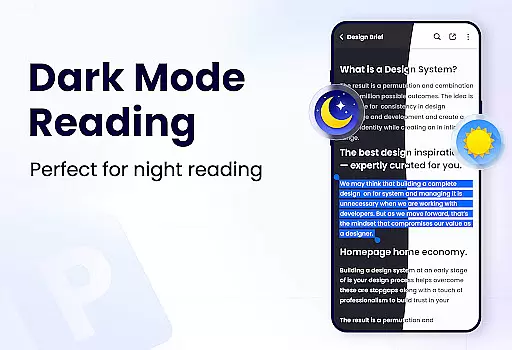
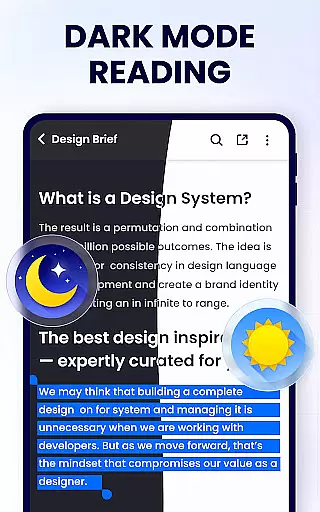
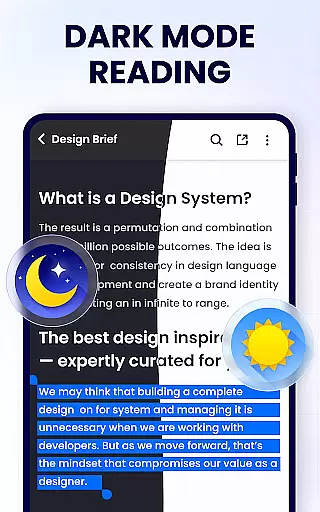
Moreover, PDF Reader - PDF Viewer excels as a full-featured PDF manager and editor. It includes annotation tools that let users highlight, underline, and strikethrough text, as well as doodle on PDFs for personalized notes. The app facilitates efficient document management by enabling users to merge and split PDF files, set passwords for protection, and rename files according to their preferences. Sharing documents via social media platforms is straightforward, and the lightweight design ensures smooth performance even on less powerful devices. With ongoing updates promising features like dark mode and PDF form filling, this app continues to evolve, meeting the dynamic needs of its users.
In the realm of productivity, effective task management is crucial for maintaining an organized workflow. PDF Reader - PDF Viewer excels in this area by offering a comprehensive suite of tools designed to streamline your document handling tasks.
This application allows users to not only view PDFs but also actively manage them through features like merging and splitting files, setting passwords for document protection, and renaming files for better organization. These capabilities ensure that managing your documents is both efficient and straightforward.
Moreover, the app provides a 'Recently opened' section, which simplifies the process of revisiting files you've worked on recently. This feature saves time and enhances productivity by reducing the effort needed to locate and reopen documents.
By integrating these powerful management tools, PDF Reader - PDF Viewer empowers users to handle their PDF documents with ease, making it an indispensable tool for anyone looking to optimize their document management process.
Cross-device synchronization is essential for users who work across multiple devices. PDF Reader - PDF Viewer addresses this need by ensuring reliable synchronization, allowing seamless transitions between different platforms.
While the current version does not explicitly detail cloud-based sync features, its robust file management system lays a solid foundation for potential future enhancements in cross-device functionality. Users can be confident that their document edits and annotations will be preserved and accessible.
The app's efficient performance, even as a standalone tool, suggests that when synchronization features are utilized, they will maintain high standards of reliability and speed. This ensures that users can switch devices without losing any progress or data.
With the increasing demand for flexible working solutions, having a dependable PDF reader that supports cross-device workflows is invaluable. PDF Reader - PDF Viewer is well-positioned to meet this demand, providing peace of mind for users who require consistent access to their documents regardless of the device they are using.
User-friendly interface
Comprehensive PDF editing
Advanced security options
Efficient file management
Lightweight and fast
Limited advanced features
No cloud integration
Occasional bugs
Ads in free version
Basic collaboration tools

AI Video AI Image Private LLM AI Browser Llama Gemma Ollama Connect LLM Studio
 4.5
4.5
The upgraded version of Name Wheel with AI and the power to add your own wheels.
4.3
We're working to become the best machining app on the market! www.cncdirt.com
4.80
Customizable calendar widget for seamless event sync, planning & scheduling.
4.00
Todo reminder
4.10
Docker, Kubernetes management over Portainer Mobile
4.40
* block pre-roll ads, pop-up and forced redirect ads * Samsung certification app
4.00
Best Tool for the professionals Electrician, Electrical contractors, etc.
4.90
Daily processing of PDF documents.
4.40
Seamlessly integrate data and reports to build your presentation to impress
4.80
Planet Free VPN - The best Fast Unlimited and Secure VPN Without Logs
4.50
This small app MUST BE INSTALLED after purchase, else license won't work
4.40
Secure your apps with lock screens, use custom themes and different features.
4.40
Enjoy classic gameplay with customizable features and retro-style graphics.
4.30
A customizable calendar for your Wear OS watch
4.20
Smart PDF reader & editor to view, organize and manage PDF documents easily.
3.70
Make your handwriting beautiful, even more than pen on paper.
3.60
Experience and share your SolidWorks designs on your Android® phone and tablet.
2.50
Easiest event planning, volunteer signups & parent teacher conference scheduling
2.20


User Reviews