

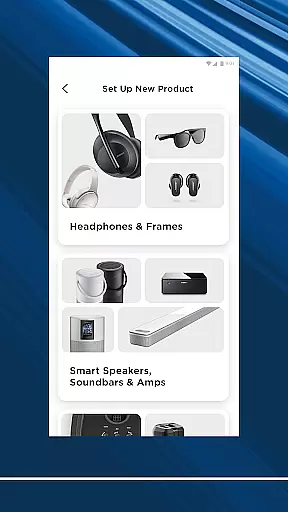
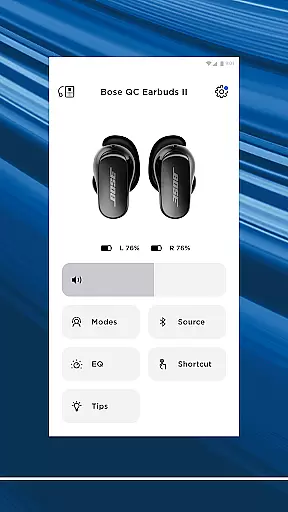
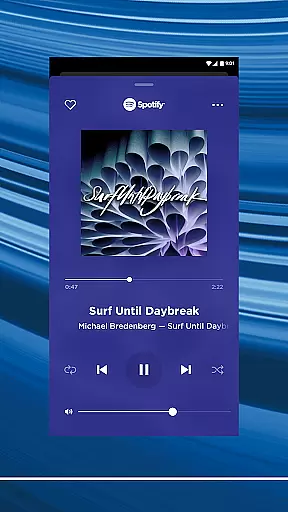
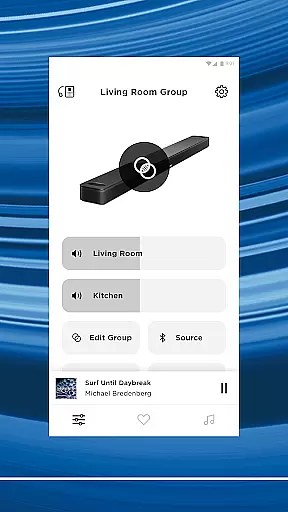
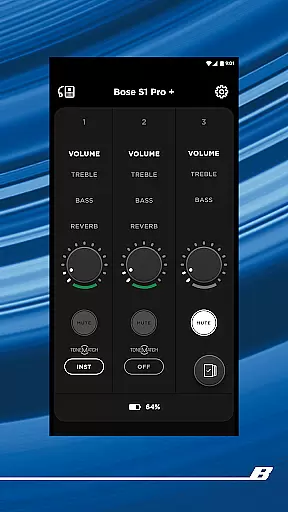

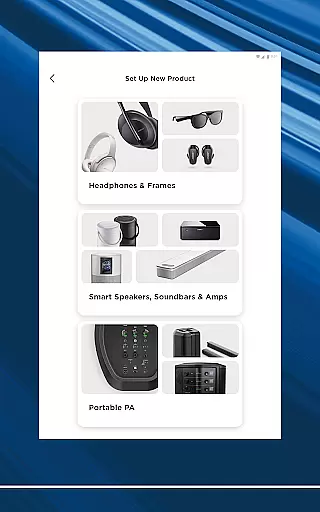
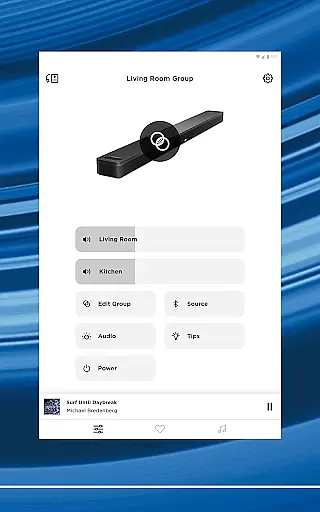
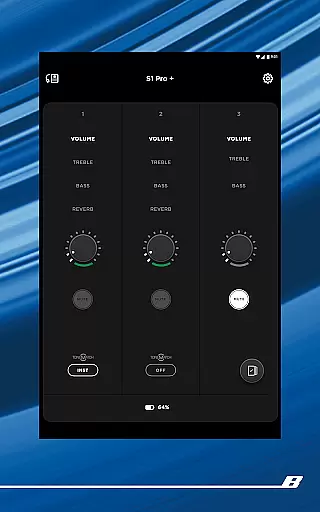

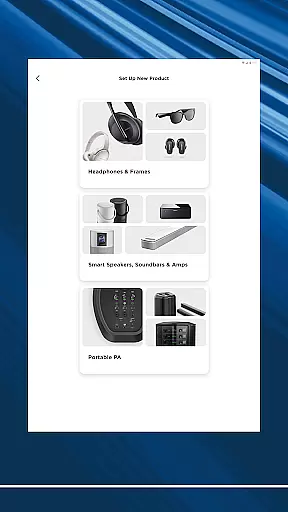
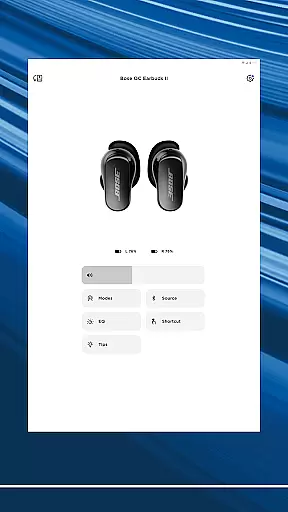
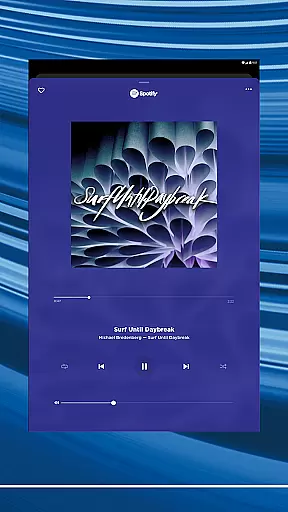
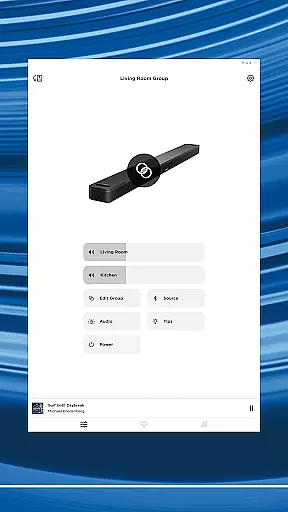
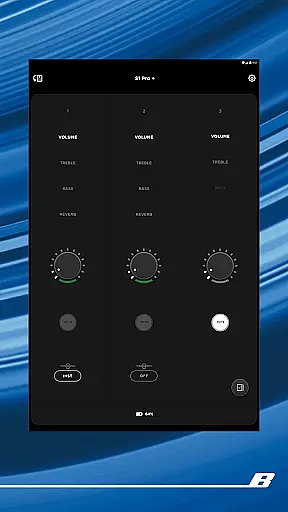
The Bose app is your ultimate control center for all Bose products, allowing seamless management of speakers, soundbars, headphones, and more from a single interface. Designed for audio enthusiasts, this application brings together a network of compatible devices to elevate your listening experience across different environments.
With advanced features like controllable noise cancellation and ActiveSense technology, users can personalize their auditory environment with precision. The app also enables easy setup of new devices, complete control over EQ settings, and one-touch access to favorite playlists. Whether you're at home or on the go, the Bose app ensures your music experience is smooth, customized, and immersive.
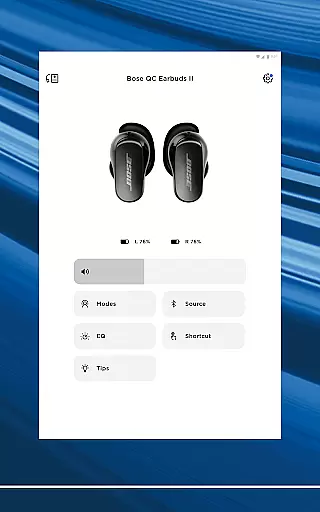
The Bose app offers an impressive suite of features designed to enhance user interaction with Bose products. One standout capability is its compatibility with QuietComfort products, where users can toggle between Quiet Mode for full noise cancellation and Aware Mode to stay connected with their surroundings. For select models, ActiveSense technology adjusts external sounds to comfortable levels, ensuring balanced audio perception.
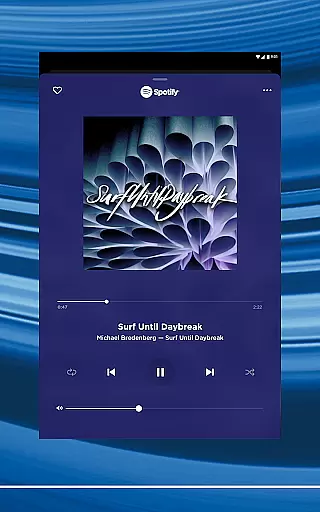
Beyond device control, the app provides extensive customization options. Users can fine-tune EQ settings, assign product shortcuts, and manage multi-room audio setups. Integration with popular streaming services like Spotify, Pandora, and Amazon Music allows quick access to vast music libraries. Additionally, the app supports intuitive preset configurations for effortless playback of preferred content, making it a comprehensive tool for both casual listeners and audiophiles alike.
The Bose app offers seamless integration with major music streaming services like Spotify, Pandora, Amazon Music, and more, providing users access to an extensive music library. This vast selection ensures that listeners can find and enjoy their favorite tracks and discover new music effortlessly.
Each music service integrated into the app is officially licensed, guaranteeing copyright authenticity. Users can trust that the music they stream is legitimate and supports the artists and rights holders properly. This commitment to copyright compliance enhances the credibility of the app and assures users of a legal and high-quality listening experience.
By centralizing control over multiple music platforms, the Bose app simplifies the user experience. Whether you're queuing up playlists from Spotify or exploring stations on Pandora, all your music sources are accessible in one place. This consolidation not only saves time but also enriches the overall enjoyment by making music discovery and playback intuitive.
Furthermore, the app's design emphasizes ease of navigation through this extensive music library. Intuitive controls and well-organized menus allow users to browse, search, and play music efficiently. The result is a streamlined interface where accessing a diverse range of audio content becomes a pleasure rather than a chore.
One of the standout features of the Bose app is its ability to deliver exceptional audio quality across various devices. By leveraging advanced audio technologies, the app ensures that every track sounds clear, balanced, and true to the artist's intention, regardless of the listener's choice of headphones or speakers.
Users have the option to customize their audio settings within the app, tailoring the sound profile to their personal preferences. Whether adjusting the equalizer settings for a bass-heavy experience or fine-tuning the treble for clearer vocals, the Bose app provides granular control over audio output. This level of customization allows for a personalized listening experience that caters to individual tastes.
In addition to customizable EQ settings, the Bose app supports high-definition audio formats. This means that listeners can enjoy studio-quality sound when streaming from compatible services, further enhancing the depth and clarity of their music. Such support for premium audio formats underscores Bose's dedication to delivering top-tier sound experiences.
Moreover, the app optimizes audio performance based on the specific Bose product being used. Whether it's noise-cancelling headphones or a home soundbar system, the Bose app automatically adjusts settings to maximize audio fidelity. This intelligent optimization ensures that users get the most out of their Bose equipment, experiencing sound as it was meant to be heard.
Seamless device integration
Advanced noise cancellation
Customizable EQ settings
Wide music service support
User-friendly interface
Limited third-party compatibility
Occasional connectivity issues
High device dependency
Premium feature costs
Complex for beginners

Your HD audio recorder on the go for music, meetings, ambience, animal sounds…
 4.30
4.30
Offline and always ad-free - stream in the highest quality available.
4.10
Full-featured, High-Quality Groovebox Workstation, perfect for Live Performance!
4.80
A High-Precision Audio Spectrum Analysis App
4.20
Next generation modular control surface
4.10
Recording studio w/ 10k beats, pro vocal FX and a network of 20M rappers & fans!
4.60
Offline Tunes, Unlimited Vibes
3.90
Reverse your voice & songs instantly! Fun singing challenge with cool effects.
4.60
Listen to offline music and sounds from all categories
4.70
Your song collections with lyrics and chords on Android smartphones and tablets.
4.80
Listen radio AM / FM Stations. Live AM / FM Radio App Station. Radio Com.
4.70
SqueezePlayer turns your Android phone or tablet into a SqueezeBox on its own!
4.60
Formerly known as Spotistats! View your top tracks, artists, albums and more!
4.40
DJ Music Mixer Pro is a real DJ controllers and DJ Music Studio to remix DJ.
4.40
Smart piano keyboard, Classical to Pop, Real-time multiplayer connection!
4.20
The ultimate media player for Android devices
3.90
MilkDrop for Android TV
3.00
The Minimalistic Premium Music Player. Handmade with passion for music
2.20
Music Streaming suite for Ampache, Nextcloud Music and compatible backends.
4.4


User Reviews