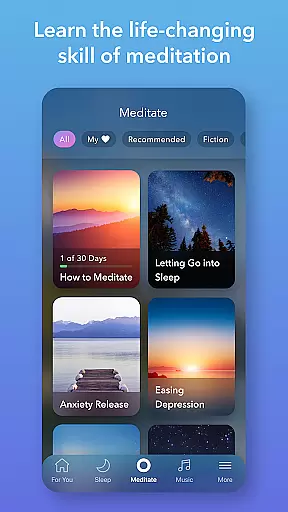
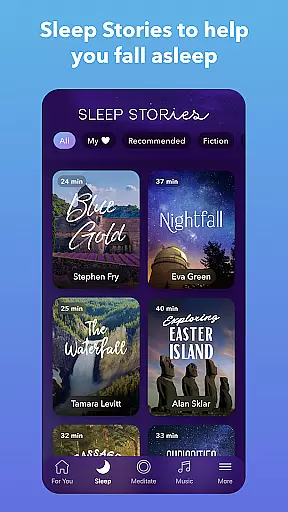
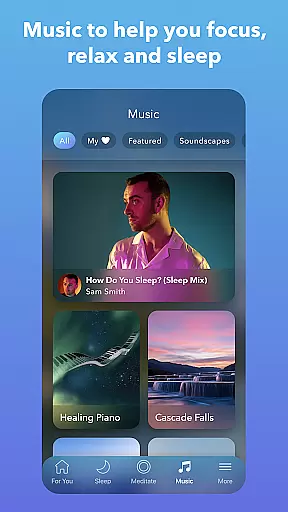
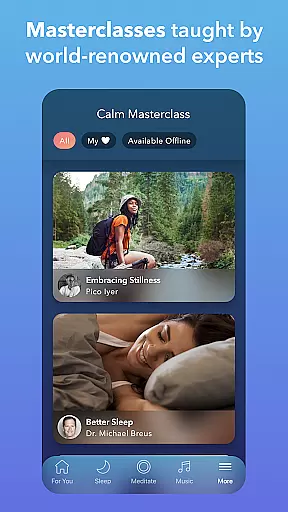
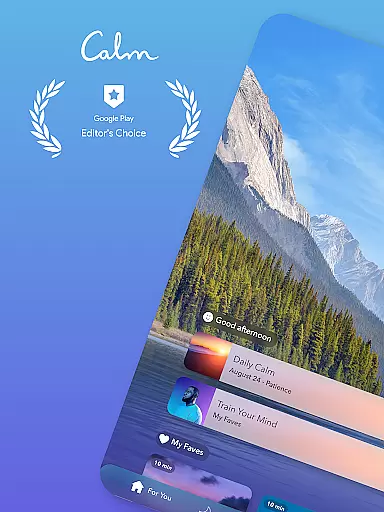
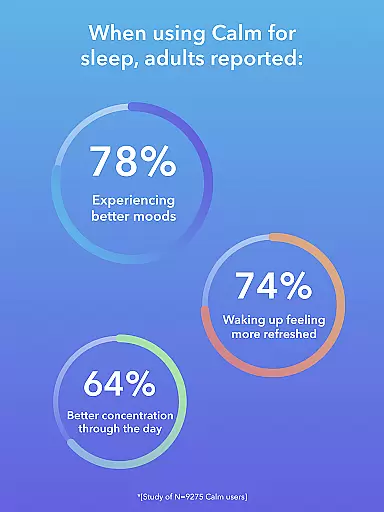
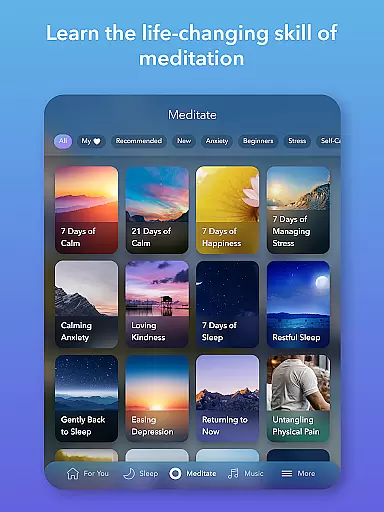
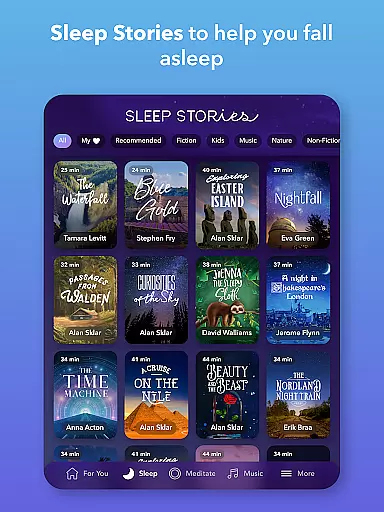
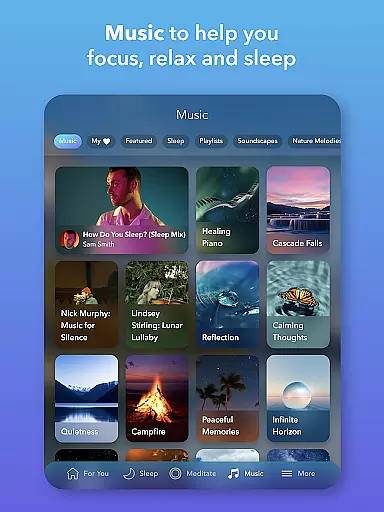
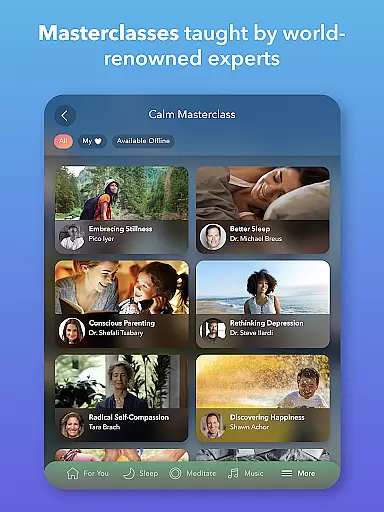
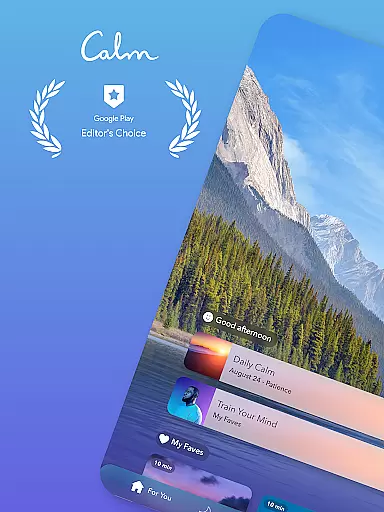
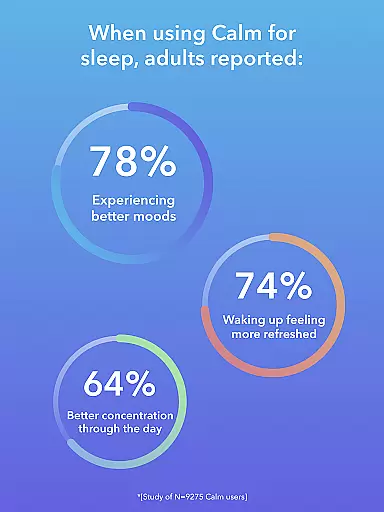
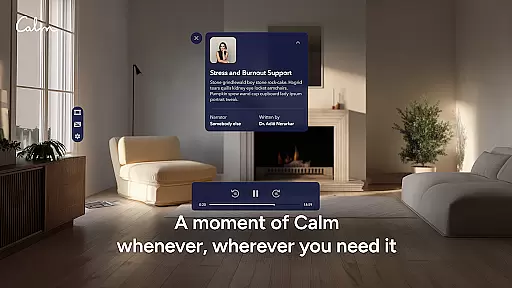
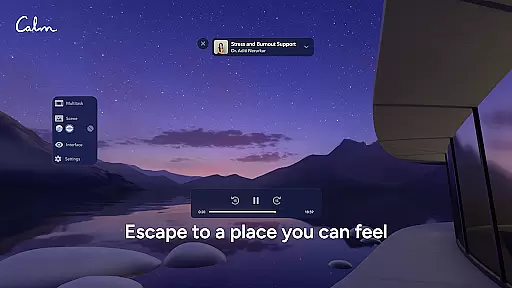
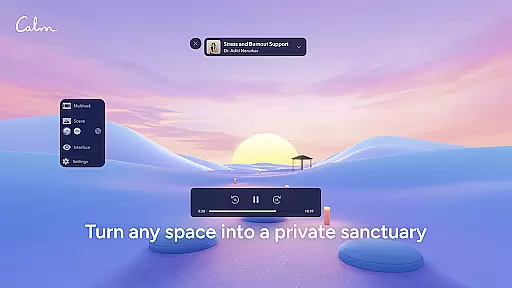
Calm is the leading application for sleep improvement, meditation, and relaxation, designed to help users manage stress, stabilize moods, enhance sleep quality, and refocus attention. The app offers an extensive suite of features including guided meditations, Sleep Stories, soundscapes, breathwork exercises, and stretching routines. Whether you're new to meditation or an experienced practitioner, Calm provides tools that cater to all levels, promoting self-care and mental well-being.
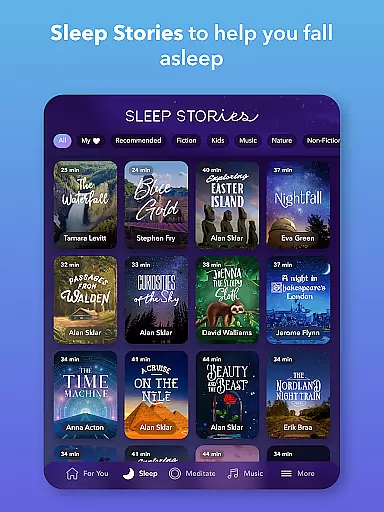
One of the standout features of Calm is its Sleep Stories—bedtime narratives crafted to help both adults and children drift into a peaceful slumber. These stories are narrated by renowned voices such as Cillian Murphy and Rosé, making bedtime a more enjoyable experience. Additionally, the app includes specialized content aimed at reducing anxiety, fostering mindfulness, and encouraging daily relaxation practices. With these comprehensive resources, Calm supports users in achieving better mental health and overall happiness.
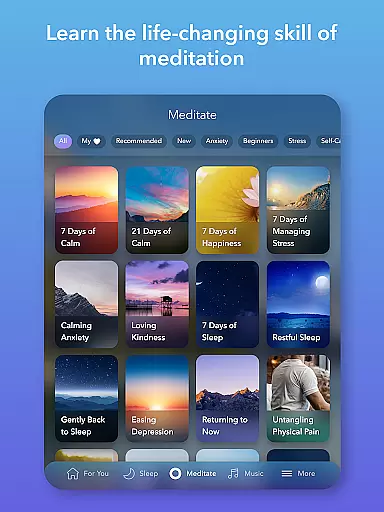
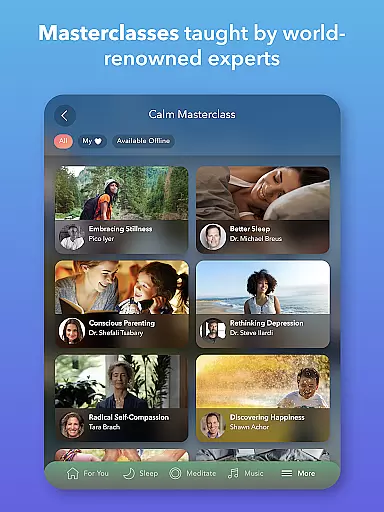
Calm boasts a rich array of features tailored to enhance mental wellness and relaxation. Central to its offerings are the guided meditations and mindfulness sessions, which cover various topics like deep sleep, anxiety reduction, focus enhancement, and habit-breaking strategies. These sessions are led by seasoned experts, ensuring users receive professional guidance regardless of their experience level.
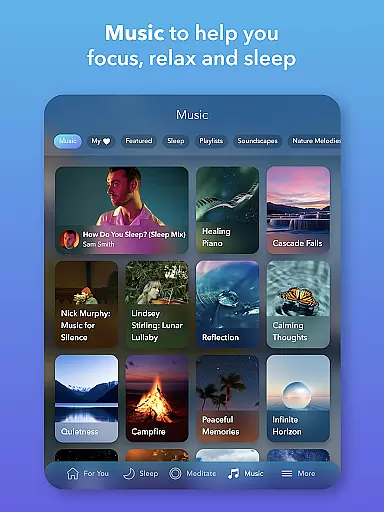
In addition to meditation, Calm provides an impressive selection of Sleep Stories, relaxing music, and soundscapes. These audio experiences are specifically designed to combat insomnia and promote restful sleep. Users can choose from over 100 exclusive Sleep Stories, each narrated by celebrated personalities. Furthermore, the app regularly updates its library with new musical tracks from top artists, enhancing the user's auditory journey towards tranquility. This combination of diverse content ensures that users have multiple avenues to explore for achieving mental clarity and emotional balance.
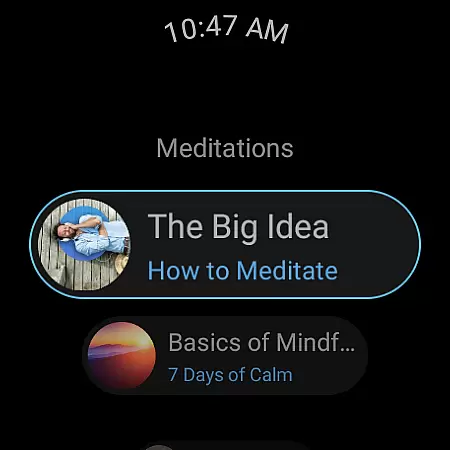
Companion app integration is essential for users who want a seamless experience between their mobile devices and wearable technology. Calm offers an exceptional level of connectivity with its Wear OS app, ensuring that your meditation and mindfulness practices are not confined to your phone.
The Calm Wear OS app provides quick access to breathing exercises through dedicated tiles, allowing you to start a session with just a tap on your smartwatch. This immediate access ensures that whether you're at work, home, or on the go, calming your mind is always within reach.
Additionally, complications on the watch face help track meditation streaks and mindful minutes, keeping you informed and motivated throughout the day. These features create a cohesive ecosystem where data flows effortlessly between devices, enhancing user engagement and promoting consistent mindfulness practice.
By integrating deeply with Wear OS, Calm delivers a unified experience that empowers users to maintain their mental well-being without interruption, making it easier than ever to incorporate mindfulness into daily life.
Device compatibility is crucial when selecting apps for wearable technology. Calm's support for Wear OS ensures that users can enjoy its comprehensive suite of relaxation tools directly from their smartwatches. This compatibility extends the appu2019s functionality beyond smartphones, providing greater flexibility in how and when you engage with its features.
Calm has been optimized to work seamlessly across various Wear OS devices, ensuring that no matter which model you own, you'll have access to high-quality meditations, sleep stories, and soundscapes. The app takes full advantage of the wearable platform, delivering tailored experiences designed specifically for smaller screens and on-the-go usage.
Moreover, the integration includes specialized functionalities such as quick-start breathing exercises and complications that display your progress. Such features enhance usability by offering instant access to key functions without needing to pull out your phone.
With robust Wear OS/device compatibility, Calm guarantees that every user can benefit from its extensive library of mindfulness resources, regardless of their chosen device. This commitment to broad accessibility underscores Calm's dedication to improving mental health care for everyone.
User-friendly interface
Extensive library of content
High-quality narration
Daily motivational programs
Customizable soundscapes
Premium subscription required
Limited free content
Occasional app glitches
High cost for full access
Internet connection needed

Christmas Theme Watch Face for Wear Os
 5.00
5.00
an Analog Watch Face for winter season with freeze winter background for Wear OS
4.5
Wear Os Watch Face - Animated Snow - Sesonal for Christmas & Winter
4.3
Easy Voice Recorder is your everyday companion to record important moments.
4.70
The #1 source of faces for your smartwatch!
4.00
Bold weather Digital watchface with forecast & optional animated background
4.40
The most customizable hybrid watch face. For Wear OS 5.0, API 34+ and later
4.70
A digital watch face that celebrates Christmas.
4.00
Start and succeed with PAP
4.10
Digital, flexibly customizable watch face. For Wear OS 5.0, API 34+ and later.
5.00
Be an elegant and classy secret agent, with this carefully detailed watch face
4.70
Ideal for surviving in the wasteland left after nuclear fallout
4.50
A white realistic classic analog watch face with many customization options.
4.40
The ultimate destination for kids ages 3-8 to explore the Marvel Universe!
4.30
Elegant animated Christmas tree with multiple customization options
4.20
Watch face for Wear OS.
4.20
Let's celebrate Thanksgiving - Wear Os watch face
4.20
Contemporary digital watch face with five complications
4.4
Stunning modern digital watch face with 7 complications and strong contrast
4.5


User Reviews