
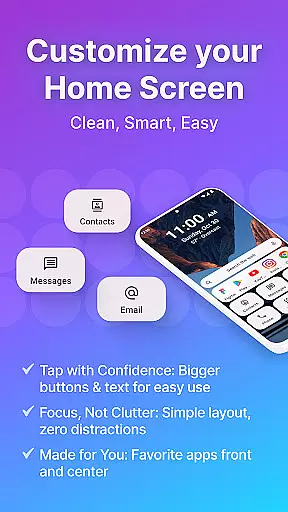
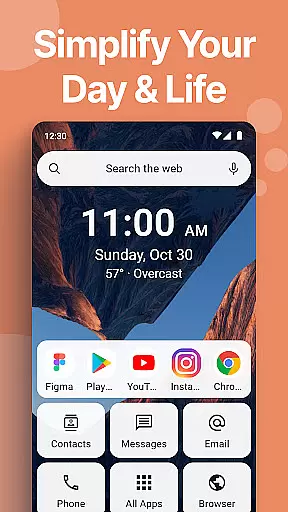
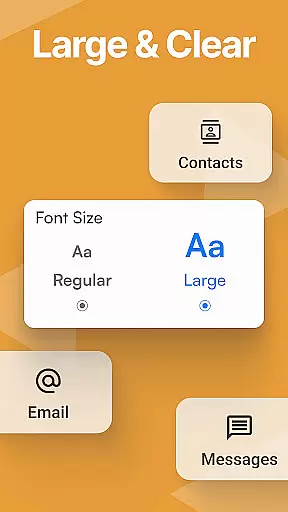
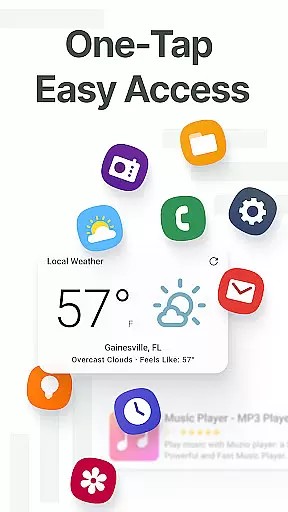
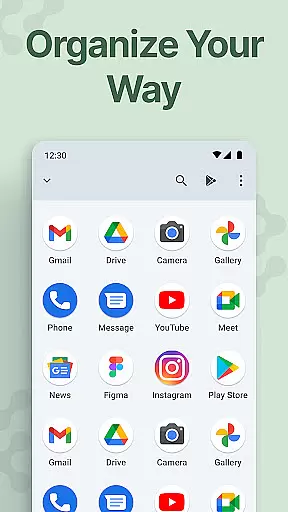
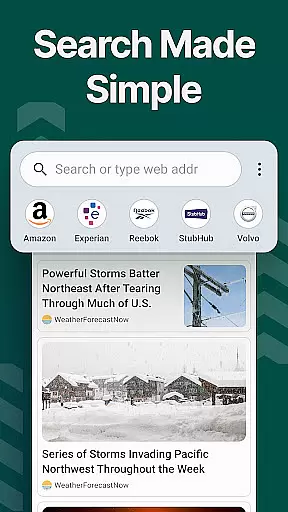
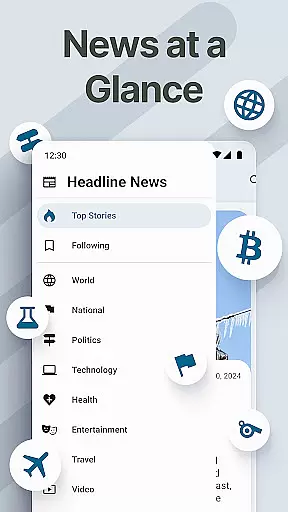
Easy Homescreen is a personalized home launcher for Android that simplifies your phone experience. With its clean UI, oversized buttons, and smart personalization features, it transforms cluttered screens into organized spaces. The app offers accessibility-first design with large fonts and buttons, built-in essentials like weather apps, and customizable themes and fonts to match your style.
This launcher stands out through its adaptive interface that displays only frequently used tools, reducing digital noise. It includes helpful widgets, a custom keyboard with larger keys, and app hiding features for a minimalist experience. Whether you're tech-savvy or seeking simplicity, Easy Homescreen adapts to your needs, making your phone feel less like a device and more like home.
Easy Homescreen offers an array of innovative features designed to enhance user experience. Its standout capability is the advanced personalization options, allowing users to customize fonts, themes, and app icons to reflect their personal style. The app provides various themes ranging from playful to professional, ensuring your phone feels truly yours.
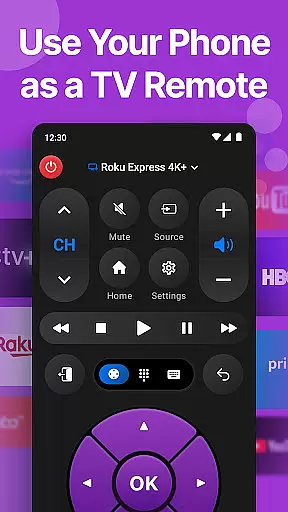
The launcher also includes practical tools such as widget support, lockscreen widgets, and a universal remote feature. These tools keep essential information visible without being intrusive. Additionally, the optional easy keyboard feature offers larger keys for better accessibility. By focusing on user comfort and control, Easy Homescreen creates a calming and productive environment tailored to individual preferences.
Customization is at the heart of Easy Homescreen, offering users a wide array of options to tailor their smartphone experience. With features ranging from custom fonts and themes to personalized app icons, this launcher allows for an unprecedented level of personal expression. Whether you prefer a bold, playful look or a more professional appearance, Easy Homescreen adapts seamlessly to match your style.
The application's customization extends beyond mere aesthetics. It includes practical elements such as widget support, app hiding, and even a built-in universal remote and weather app. These features ensure that your home screen is not only visually appealing but also functional and tailored to your daily needs. The ability to organize apps and shortcuts with a minimalist approach further enhances usability.
Easy Homescreen stands out by providing oversized buttons and clear text, making navigation intuitive and effortless. This accessibility-first design ensures that users of all ages and technical backgrounds can enjoy a personalized yet straightforward smartphone interface. By focusing on user-centric design, Easy Homescreen transforms any Android device into a calming, productive space.
Ultimately, the vast customization options available in Easy Homescreen empower users to create a phone layout that feels truly their own. From displaying only the most frequently used tools to integrating essential utilities, it offers a personalized experience that reduces digital noise and stress. This makes every interaction with your device a joyful and intuitive experience.
Theme compatibility is a crucial aspect of Easy Homescreen, ensuring that users can fully express their personal style through cohesive visual designs. The launcher supports a diverse range of themes, allowing for seamless integration of colors, icons, and overall aesthetics across your device. This compatibility ensures that every element on your home screen aligns perfectly with your chosen theme, creating a harmonious and visually pleasing environment.
Beyond basic theming, Easy Homescreen provides advanced customization options such as font changes and icon adjustments. These features enable users to fine-tune their interface to match their unique preferences precisely. Whether you're aiming for a sleek modern look or something more vibrant and fun, the extensive theme compatibility guarantees that all visual components will work together smoothly.
This attention to detail extends to functional aspects as well. Themes are not just about appearances; they also enhance usability by organizing content logically and intuitively. Users can easily navigate through cleanly arranged apps and widgets without feeling overwhelmed by clutter or inconsistency. This thoughtful design approach helps maintain focus and productivity while using the device.
In summary, Easy Homescreenu2019s robust theme compatibility ensures that users have complete control over both form and function. By offering a comprehensive suite of customization tools, it allows individuals to craft a personalized yet efficient digital space. This results in an engaging and comfortable user experience that reflects each person's distinct tastes and requirements.
User-friendly interface
Customizable themes
Accessibility features
Smart personalization
Minimalist design
Limited iOS support
Advanced features locked
Occasional bugs
Ads in free version
Learning curve

A light in the dark, a unique style and an andless cutomization!
 4.30
4.30
Glass style colourful icons with a One UI look and feel
4.60
Wear Os Watch Face - Seasonal - Animated Snow Effect - 9 Animals
4.20
Prank your friends with realistic broken screen and cracked HD effects!
4.5
Custom edge gestures for volume control, brightness, apps, and shortcuts.
4.2
Handcrafted pixel art icons, widgets & wallpapers
4.60
300+ widgets inspired by Material You and Material 3 expressive design.
4.60
Amazing letter fonts in your messages and social statuses
4.70
Fast SMS & group chat - use GIFs and emojis from your home screen launcher.
4.50
Make your phone look simple & luxury, like iDevice
4.60
Bring adorable pets to life on your screen. Playful, interactive and full of fun
4.60
Embrace the Night. Unleash the power of darkness with Raven Dark Icon Pack
4.60
Icons made of colorful linear lines
4.60
Ninja Turtles Cowabunga SE watch face for Wear OS
4.50
3D, live, and moving wallpapers & themes in 4K and HD for your device.
4.50
Try creating your own keyboard with "Keyboard theme for android" app now!
4.50
Unleash Your Creativity and Connect with Loved Ones with Lockscreen Drawing!
4.20
More than 3000+ themes and 9000+ wallpapers for everybody!
4.10
Ultimate widget creator. Design custom widgets for a truly unique home screen!
3.90


User Reviews