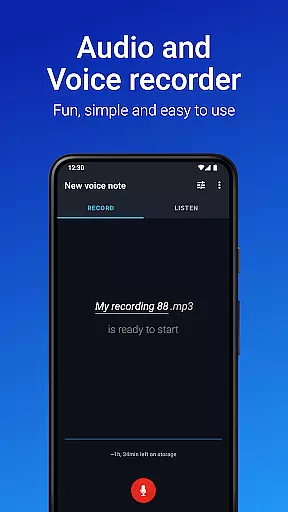
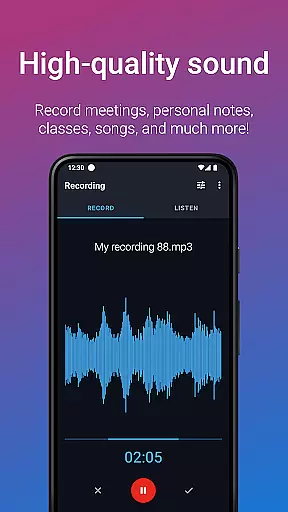
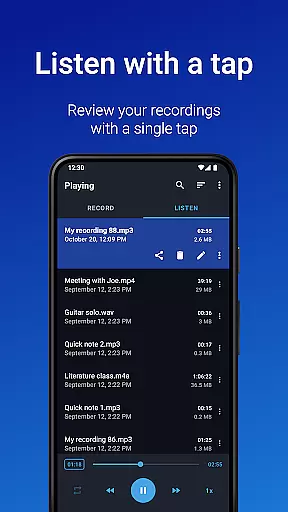
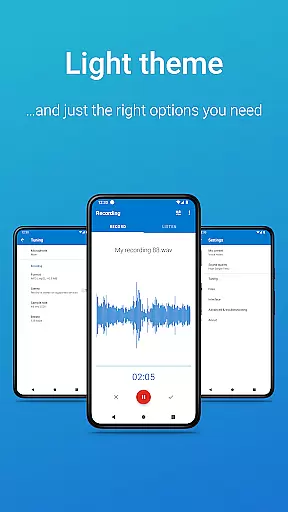
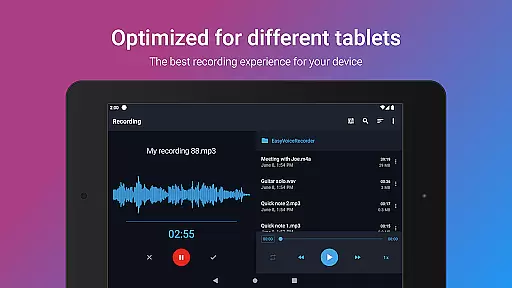
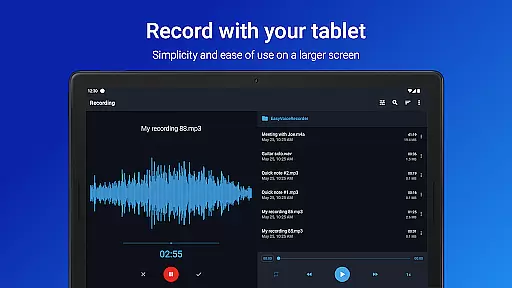
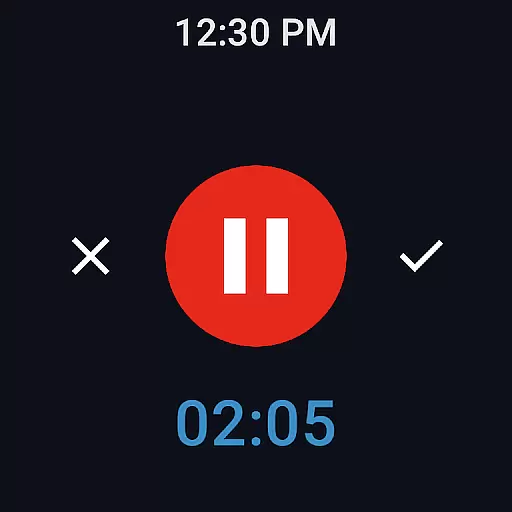
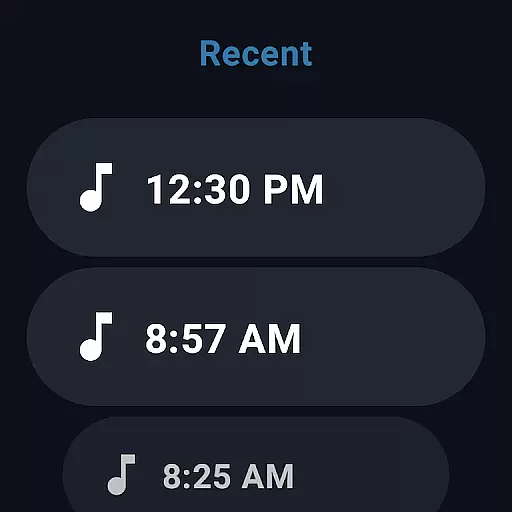
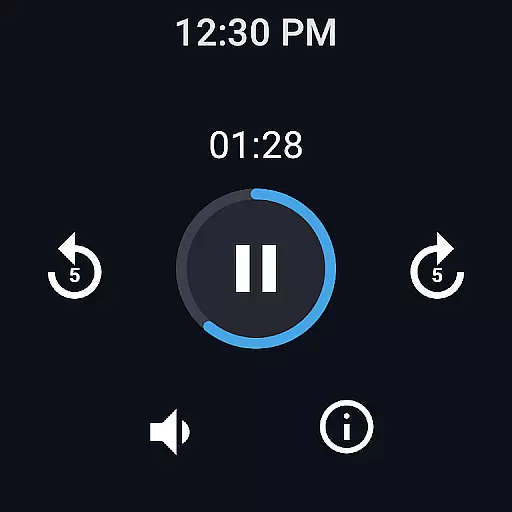
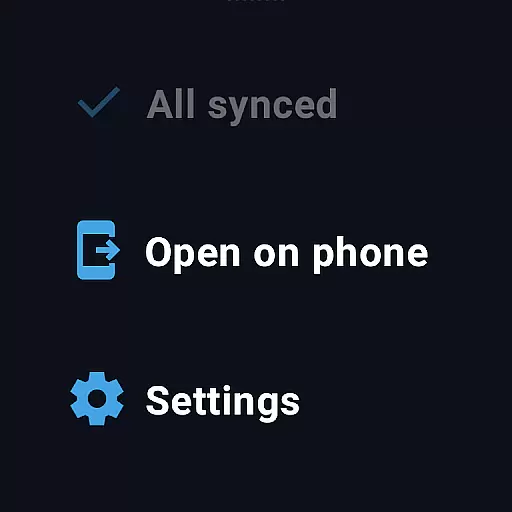
Easy Voice Recorder Pro is a versatile audio recording application designed for Android devices, including smartwatches. This app allows users to capture high-quality audio without time limits or ads, making it ideal for students, professionals, and creatives alike. With its intuitive interface, users can effortlessly record classes, meetings, music rehearsals, and more.
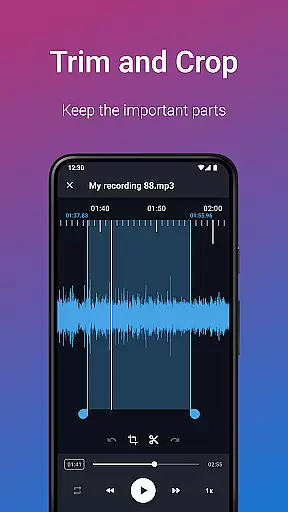
The app stands out with its exclusive Pro features such as automatic cloud uploads to Google Drive or Dropbox, support for multiple formats like MP3 and FLAC, and the ability to use Bluetooth microphones. Its powerful editing tools enable users to trim recordings and organize them into folders. Additionally, Easy Voice Recorder Pro offers flexible playback options, allowing users to speed up or slow down audio to suit their needs.
Whether you're commuting, attending lectures, or brainstorming musical ideas, this app ensures your recordings are clear and accessible. The inclusion of Wear OS support further enhances its utility by enabling voice notes directly from your smartwatch. Overall, Easy Voice Recorder Pro provides a reliable and adaptable solution for all your audio recording needs.
Easy Voice Recorder Pro boasts an impressive array of features that cater to diverse recording requirements. One standout feature is its support for various high-quality audio formats, including PCM, MP4, AMR, MP3, FLAC, and AAC. This versatility ensures that users can choose the best format based on their storage and quality preferences. Additionally, the app supports stereo recording and custom bitrates, providing even more control over the final output.
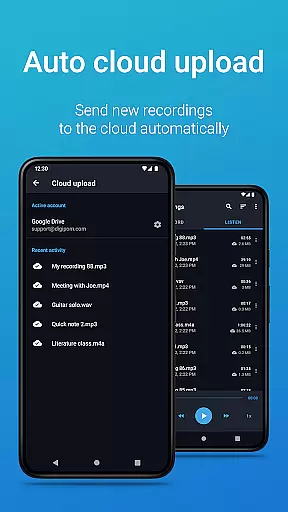
Another notable aspect is the app's seamless integration with cloud services. Users can automatically upload new recordings to Google Drive or Dropbox, ensuring their files are always backed up and accessible across devices. The inclusion of Bluetooth microphone support expands the range of compatible hardware, while the Edit mode allows users to trim unwanted sections and enhance their recordings. Furthermore, the app's organizational tools, such as folder management and the notifications bar control, streamline the user experience.
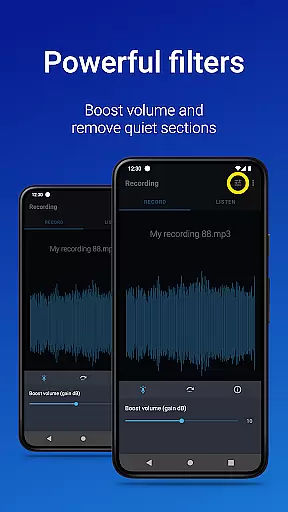
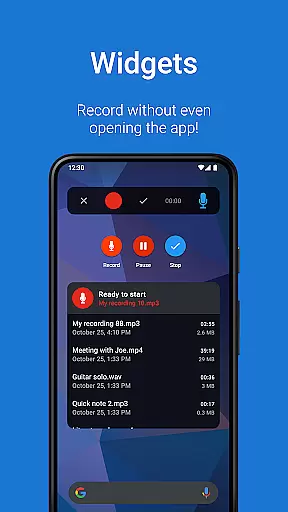
For those who value convenience, Easy Voice Recorder Pro offers widgets and shortcuts for quick access to recording functions. It also includes bonus features like volume boost, skip silence, and import file capabilities. These comprehensive functionalities make the app a top choice for anyone seeking a robust and flexible audio recording solution.
Easy Voice Recorder Pro offers seamless companion app integration, ensuring that your recordings can be effortlessly managed across multiple devices. This feature is particularly beneficial for users who rely on smartwatches and other Android Wear devices to capture voice notes while on the move.
The app allows you to start, stop, and manage recordings directly from your wearable device, providing unmatched convenience. With the ability to control the recorder from anywhere using the notifications bar, users can easily interact with the app without needing to take out their phone.
Furthermore, Easy Voice Recorder Pro supports automatic cloud uploads, which means your recordings can be automatically sent to services like Google Drive or Dropbox. This ensures that all your important audio files are securely stored and accessible from any of your devices, enhancing productivity and reliability.
Compatibility with Wear OS and a wide range of devices is one of the standout features of Easy Voice Recorder Pro. Whether you're using a smartphone, tablet, or smartwatch, this app provides a consistent and reliable recording experience tailored to each device's capabilities.
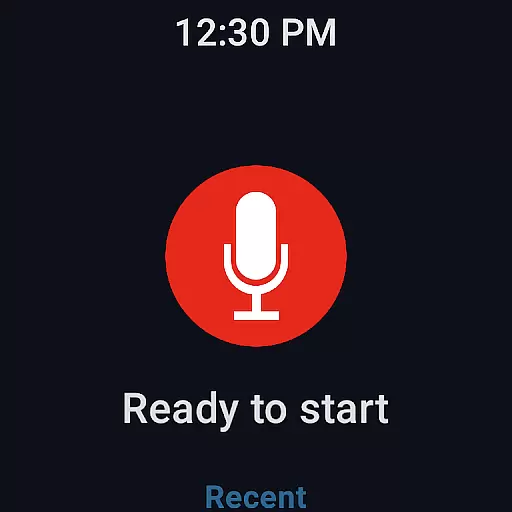
For smartwatch users, the app includes a watch tile that lets you quickly start a new recording with just a tap. This makes it incredibly convenient to capture thoughts or important information without needing to reach for your phone, streamlining the recording process.
In addition to supporting various devices, Easy Voice Recorder Pro also offers exclusive Pro features such as recording in stereo and custom bitrates, which enhance the quality and flexibility of your recordings. These features ensure that no matter what device you're using, you'll have access to powerful tools that adapt to your specific needs.
User-friendly interface
High-quality audio formats
Cloud upload functionality
Bluetooth microphone support
Powerful editing tools
No call recording capability
Premium version required
Limited free features
Occasional bugs reported
Requires external storage permission

MyNISSAN® lets you remotely control your car from your phone.*
 4.50
4.50
Let's celebrate Thanksgiving - Wear Os watch face
4.20
Stylish digital watch face for Wear OS devices with customizable features
4.2
Digital watch face. For Wear OS devices.
4.40
Connect to your Bluelink equipped Hyundai vehicle from your smartphone.
4.50
Reliable phone calls with spam protection, caller ID and more helpful features
4.40
Bold weather Digital watchface with forecast & optional animated background
4.40
Control your Samsung Smart TVs, appliances, and SmartThings-compatible devices
4.60
Toyota app currently supports 2010 or newer vehicles (2018 or newer for Hawaii).
4.50
Diet tracker for weight loss - track calories, food and macros. Simple and easy!
4.70
Monitor health with the stress test and pulse checker in the heart rate app.
4.60
Locate your family members by GPS phone location tracker everywhere and anytime
4.30
Elegant animated Christmas tree with multiple customization options
4.20
Embrace the festive spirit with our Christmas Countdown watchface for Wear OS
4.10
Connect, create, and collaborate with Gmail, part of Google Workspace.
4.10
The #1 source of faces for your smartwatch!
4.00
Animated Watch Face and Customizable with 24 Backgrounds. Perfect for Christmas!
3.90
Watch the sharpness of the sky on your wrist..
3.70
Minimalistic design modern digital watch face.
4.5


User Reviews