
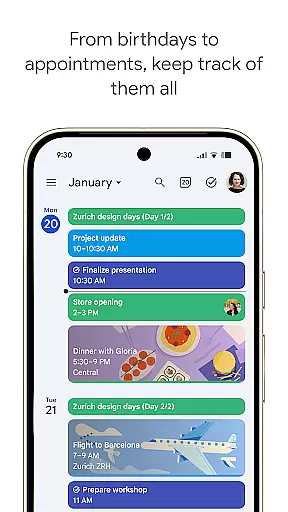
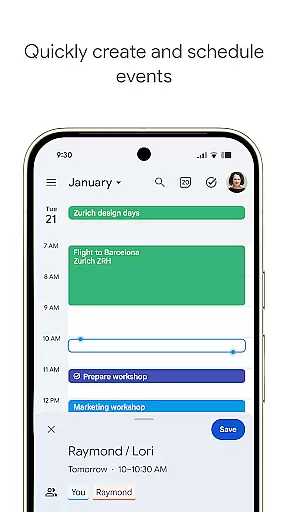
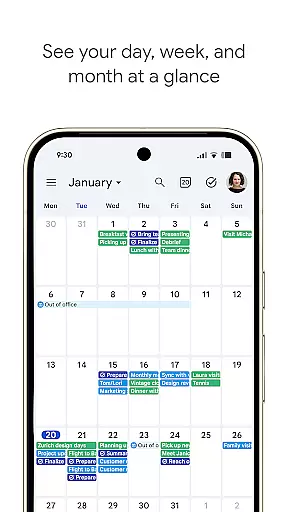
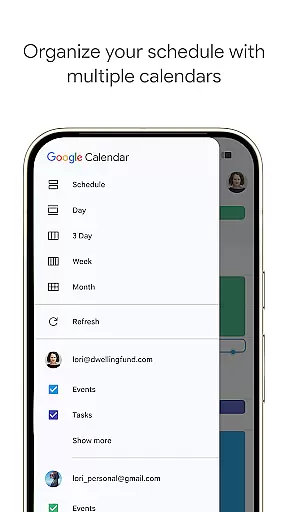
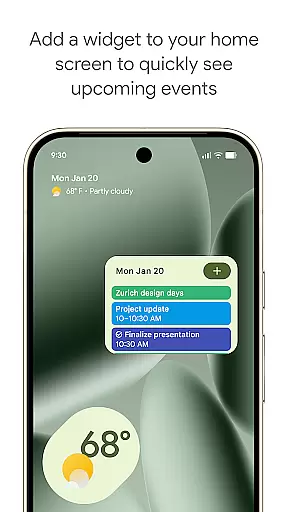
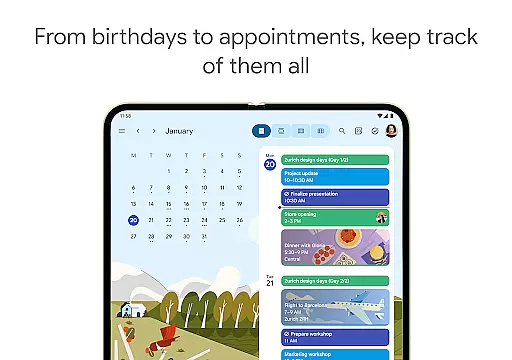
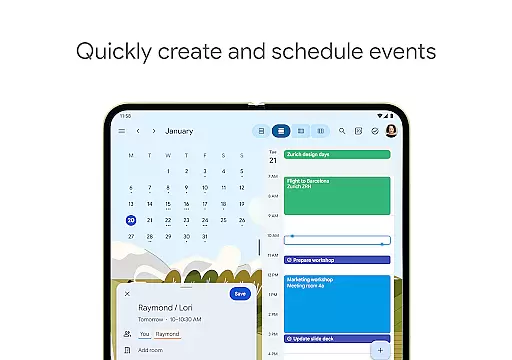
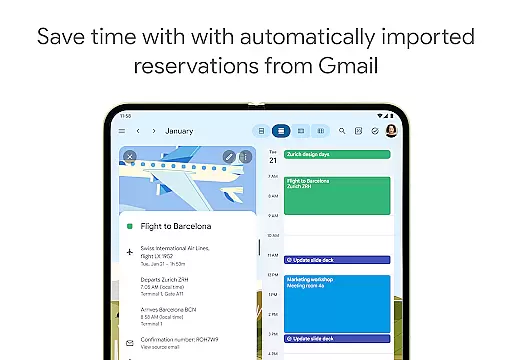
Google Calendar is the official calendar app designed for Android phones, tablets, and Wear OS devices, helping users stay organized and make the most of their day. The app offers easy event creation, supports multiple calendars, and provides customizable views to suit various preferences. With features like widgets, tasks, and seamless integration with Gmail, it automatically adds events such as flights, hotel bookings, and restaurant reservations directly to your calendar.
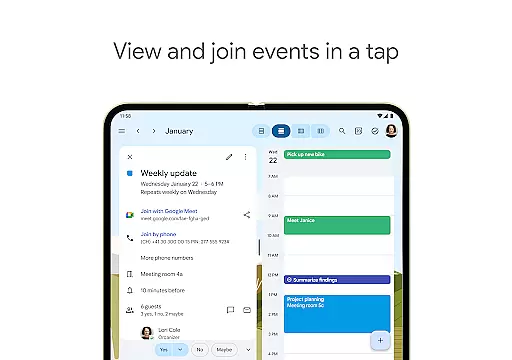
One standout feature is its cross-device compatibility, allowing users to transition effortlessly between their phone, tablet, or computer while staying logged into the same Google account. Shared calendars enable collaboration with family, friends, or colleagues, who can view, add, or modify events. Additionally, Google Calendar integrates with Google Workspace, making it a powerful tool for hybrid work environments by including video calls via Google Meet, professional booking pages, and document attachments within calendar events.
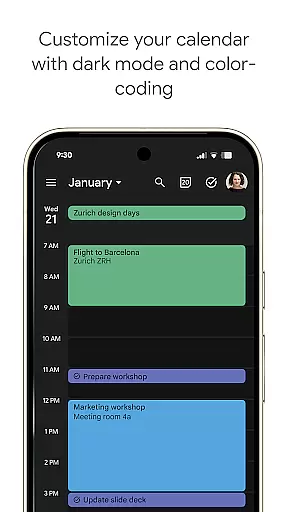
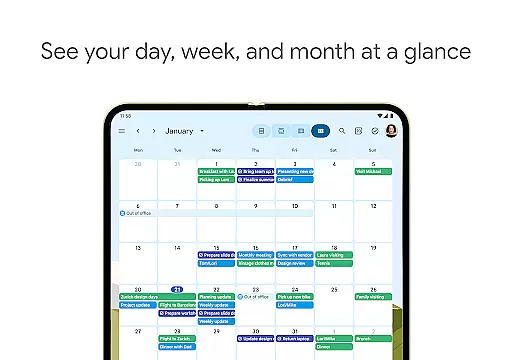
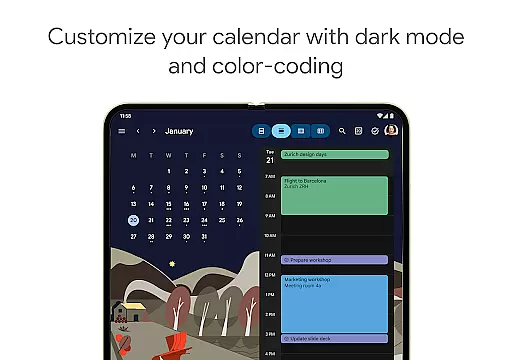
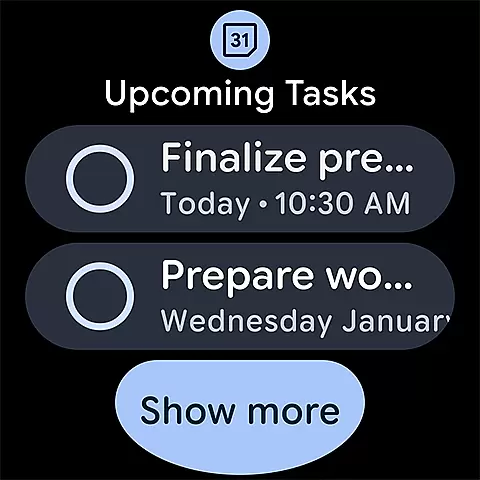
Google Calendar boasts an array of robust features that enhance productivity and streamline scheduling. Users can switch between month, week, and day views quickly, manage tasks alongside events, and personalize their experience with light or dark mode options and color-coded events. The app also supports full-screen task lists, ensuring users can organize their to-dos efficiently.
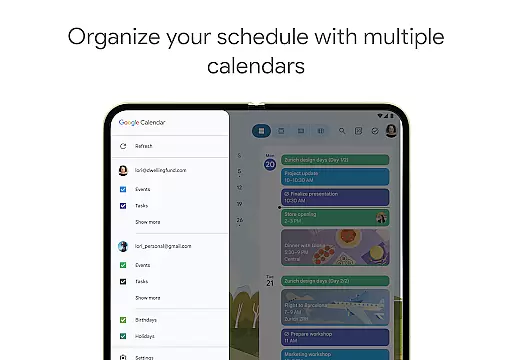
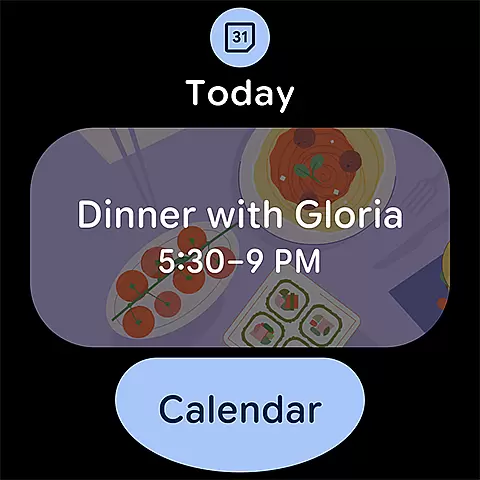
For professionals, Google Calendar offers advanced functionalities through Google Workspace. These include checking teammate availability, layering multiple calendars in one view, and adding working locations to facilitate meeting planning. Security is prioritized with enterprise-level privacy and data protection measures, giving businesses peace of mind when managing sensitive information. Furthermore, Wear OS support ensures users can track events on the go using tiles and complications, maintaining productivity even outside the office.
Companion app integration is essential for users who want a seamless experience across multiple devices. Google Calendar excels in this area by ensuring that your events, tasks, and settings are synchronized effortlessly between your Android phone, tablet, and Wear OS device. This synchronization allows you to start planning on one device and continue on another without missing any details.
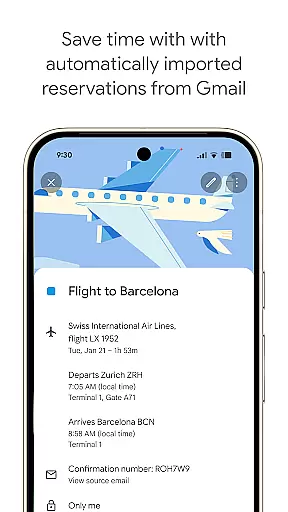
The app automatically updates your calendar with events from Gmail, such as flight, hotel, and restaurant reservations, ensuring all your important dates are captured. Whether you're at home using your tablet or on the go with your Wear OS device, Google Calendar keeps you organized and up-to-date. The ability to view and manage Google Calendar events alongside other calendars, including Exchange, provides a comprehensive overview of your schedule.
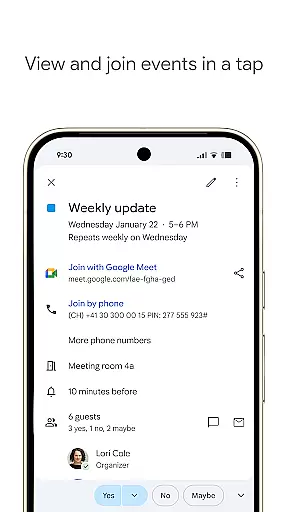
Google Calendar also supports hybrid work environments by integrating Google Meet video calls into calendar events. This feature ensures that you can collaborate effectively with colleagues, regardless of location. With companion app integration, Google Calendar offers a unified experience that enhances productivity and keeps you connected across all your devices.
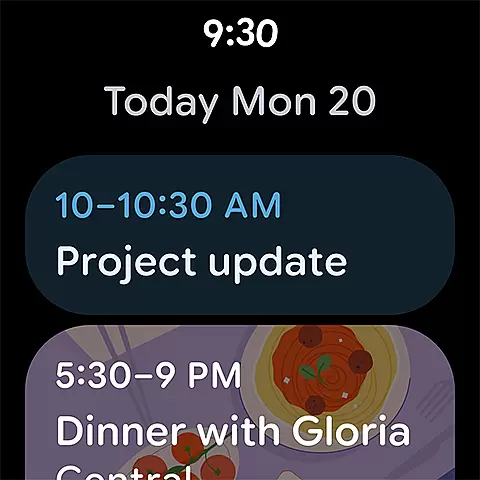
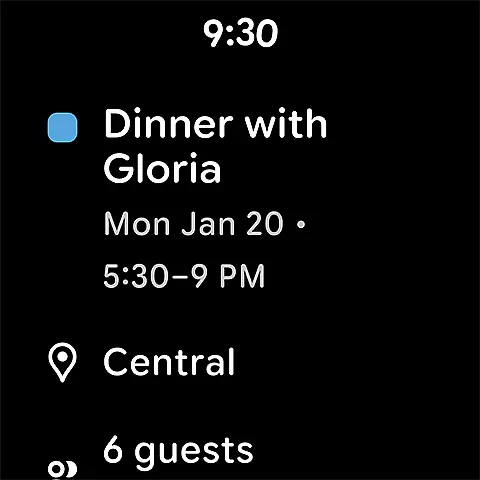
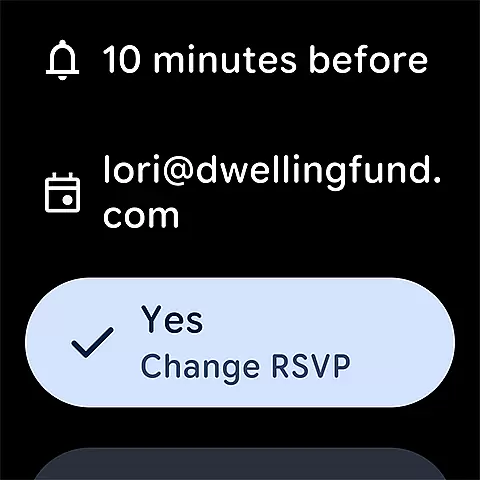
For users invested in the Wear OS ecosystem, Google Calendar offers exceptional compatibility and functionality. The app is optimized for Wear OS devices, providing quick access to your events and tasks directly from your wrist. This ensures that you stay informed and organized, even when you're away from your phone or tablet.
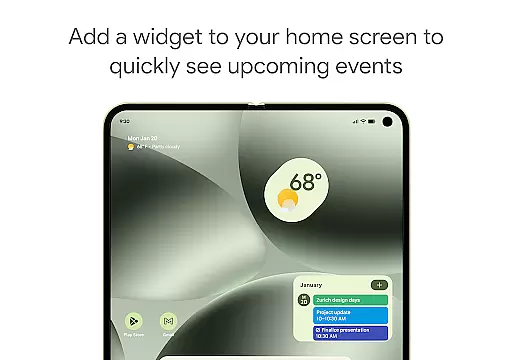
Google Calendar on Wear OS supports tiles and complications, allowing you to customize your watch face with the information that matters most to you. Whether it's an upcoming meeting or a task deadline, you can easily keep track of your schedule without needing to pull out your phone. The app's intuitive design makes navigation simple, so you can quickly switch between different views and manage your time effectively.
In addition to its core features, Google Calendar benefits from Google's enterprise-level security, ensuring your data remains safe and private. This commitment to security means you can trust Google Calendar to handle your sensitive information with care. By combining robust functionality with top-notch security, Google Calendar delivers a reliable and user-friendly experience for Wear OS users.
User-friendly interface
Seamless cross-device sync
Robust task management
Advanced collaboration tools
Enterprise-grade security
Limited offline functionality
Occasional sync delays
Basic free version
Complex settings for new users
Dependent on Google ecosystem

Christmas Theme Watch Face for Wear Os
 5.00
5.00
Embrace the holiday spirit with this magical animated watch face!
4.40
Wear Os Watch Face - Animated Snow - Sesonal for Christmas & Winter
4.5
MyNISSAN® lets you remotely control your car from your phone.*
4.50
Elegant animated Christmas tree with multiple customization options
4.20
Be an elegant and classy secret agent, with this carefully detailed watch face
4.70
Period, ovulation & pregnancy tracker. Fertility insights & menstrual calendar.
4.90
Animated video-game inspired “secret agent” simulation, right on your wrist!
4.20
Track your active life in one place and share the journey with friends.
4.40
Real-time weather radar with temperatures, warnings, hurricanes, and widgets
4.80
Hybrid watch face for Wear OS with customizable complications by Matteo Dini MD
4.70
Walking app for weight loss: walk & step tracker, pedometer, indoor treadmill
4.60
Highly customizable hybrid watch face for Wear OS, perfect for everyday use.
4.60
To-Do List: daily schedule planner, task organizer, to do reminder app, calendar
4.60
Beautiful artistic animated digital watch face, with a customizable layout!
4.40
Find EV charging stations
4.30
Daily Weather forecast with 15 weather images for Day & Night plus Big Bold time
4.10
an Analog Watch Face for winter season with freeze winter background for Wear OS
4.0
Precision analog watch face with 7 complications and style options
4.4


User Reviews