
Google Sheets is a powerful productivity application that allows users to create, edit, and collaborate on spreadsheets directly from their Android devices. The app offers a comprehensive set of features including real-time collaboration, offline access, and automatic saving. With its intuitive interface, users can easily format cells, enter data, create charts, and use formulas.
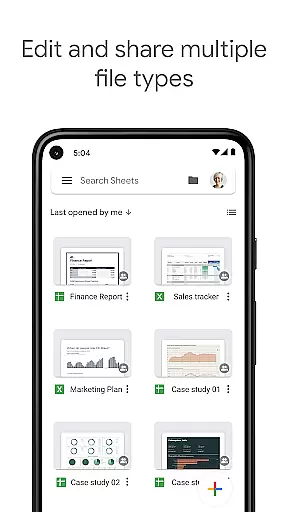
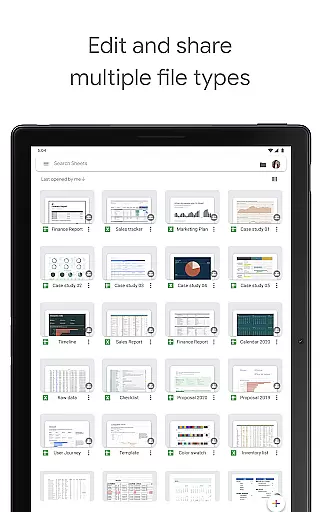
The application stands out with smart suggestions that provide quick insights and formatting options. It also supports seamless integration with Excel files, making it versatile for both personal and professional use. Whether you're managing team projects or analyzing business data, Google Sheets provides the tools needed to work efficiently across devices.
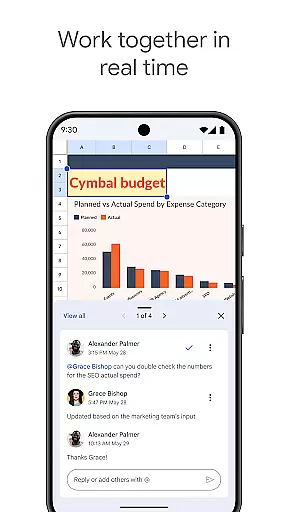
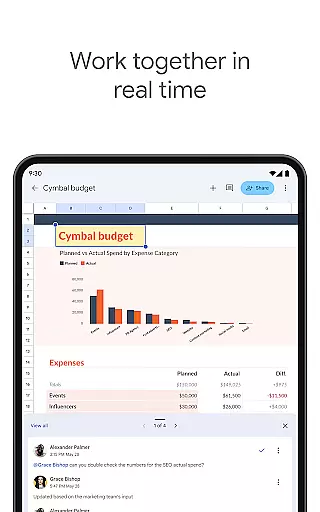
Google Sheets boasts an impressive array of features designed to enhance productivity. The app allows multiple users to work on the same spreadsheet simultaneously, with changes reflected in real time. Its robust functionality includes advanced formatting options, formula support, and chart creation tools.
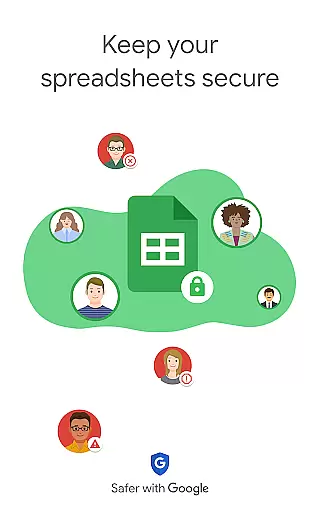
For Google Workspace subscribers, additional premium features are available. These include AI-powered insights, enterprise-grade security controls, and the ability to build custom solutions. The app also offers cross-compatibility with Excel, ensuring smooth transitions between different platforms. With offline access and automatic saving, users can work confidently knowing their data is secure and up-to-date.
Google Sheets revolutionizes core task management by providing a versatile platform for organizing, tracking, and completing tasks efficiently. With its intuitive interface, users can create detailed spreadsheets that serve as task lists, project trackers, or workflow managers.
The application allows for real-time updates and collaboration, ensuring that every team member is on the same page. Users can format cells to highlight priority tasks, apply formulas to automate progress tracking, and utilize smart suggestions to gain quick insights into their task completion rates.
One of the standout benefits is the automatic saving feature, which ensures no data is lost. This reliability empowers users to focus on their tasks without worrying about manual saves or version control, thus streamlining productivity and enhancing overall task management effectiveness.
Cross-device synchronization is a cornerstone of Google Sheets, offering unparalleled reliability for users who need consistent access to their spreadsheets across multiple devices. Whether switching from a phone to a tablet or a computer, users can seamlessly continue their work without missing a beat.
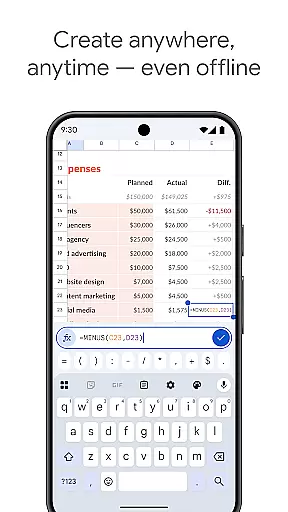
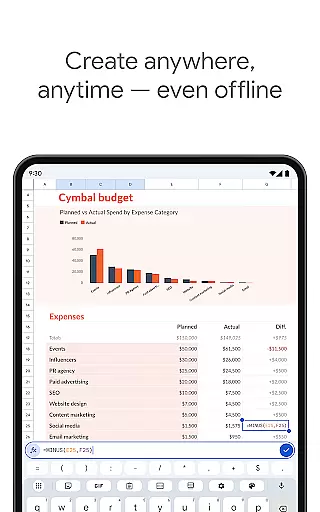
This synchronization is powered by Google's robust cloud infrastructure, ensuring that every change made is instantly reflected across all devices. The system also supports offline editing, allowing users to make changes even without an internet connection, which are then synced once connectivity is restored.
For professionals and teams, this reliable synchronization means enhanced flexibility and productivity. It eliminates the frustration of version conflicts and ensures that everyone accesses the most up-to-date information, thereby fostering a more efficient and cohesive working environment.
User-friendly interface
Real-time collaboration
Automatic saving feature
Offline access capability
Seamless Excel integration
Limited advanced features
Requires internet for full functionality
Occasional syncing issues
Basic chart customization options
Ads in free version

Planet Free VPN - The best Fast Unlimited and Secure VPN Without Logs
 4.50
4.50
The upgraded version of Name Wheel with AI and the power to add your own wheels.
4.1
Mind Map and brainstorm, note taking and idea collection
4.80
Device's storage information in a simple and clear graphical form (infographics)
4.10
We're working to become the best machining app on the market! www.cncdirt.com
4.80
All in One PDF Reader: Manage, Read and Edit your Documents
4.20
The ultimate file manager for rooted devices. The original and still the best.
4.00
Scan paperwork into PDF/JPG, generate your own e-signature and send fax or email
4.70
AI Chatbot and AI writing assistant powered by ChatGPT.
4.60
Native client for Forgejo and Gitea
5.00
Use powerful, industry-leading AI tools to generate visual charts from any data
4.80
Understand anything with a personalized AI research assistant
4.80
Translate text/voice/photos in 150+ languages. Offline & fast translator app.
4.50
A Pixel Art watchface inspired by other iconic 90s designs for Wear OS devices!
4.40
This small app MUST BE INSTALLED after purchase, else license won't work
4.40
Enjoy classic gameplay with customizable features and retro-style graphics.
4.30
Pwnagotchi companion app
4.20
Easily read and manage all your PDF files
4.10
Customizable calendar widget for seamless event sync, planning & scheduling.
4.00


User Reviews