Google Translate is a versatile translation tool that supports text translation between 108 languages. The app offers multiple translation methods including tap-to-translate, offline mode, and instant camera translation, making it an essential companion for international travel or cross-language communication.
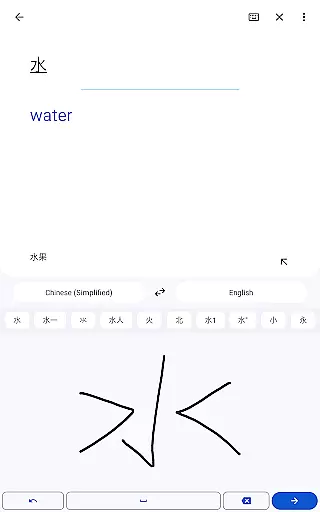
The application stands out with its robust set of features such as photo translations, real-time conversation mode, handwriting recognition, and phrasebook functionality. These capabilities ensure users can communicate effectively in various scenarios, from casual conversations to professional settings.
Whether you're traveling abroad, conducting business with international clients, or learning a new language, Google Translate provides accurate translations and user-friendly features that help bridge language barriers efficiently.
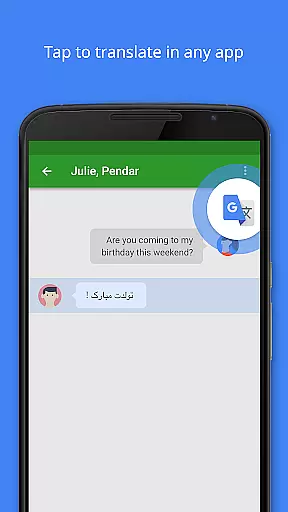
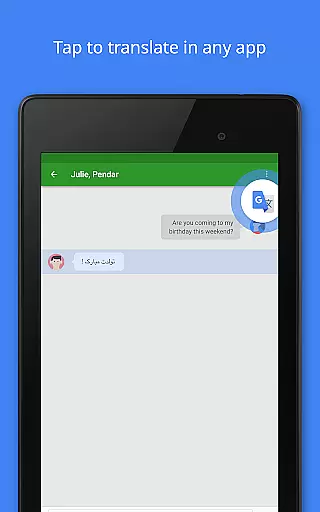
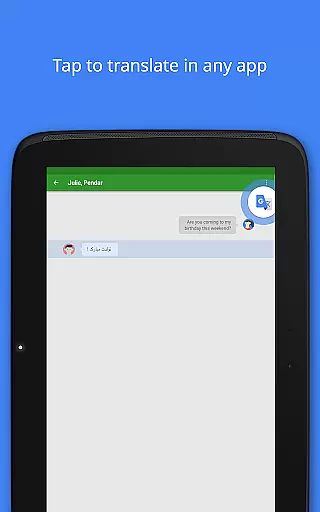
Google Translate's feature set is designed to provide maximum flexibility in translation. The app supports text input in 108 languages and includes innovative tools like Tap to Translate, which allows users to translate text copied from any app without leaving the current screen.
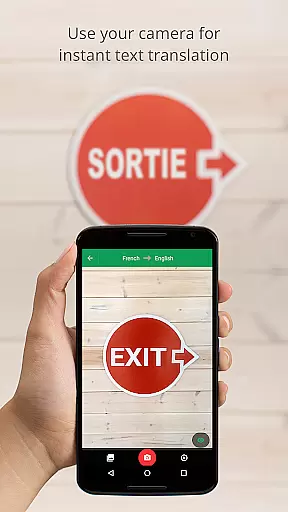
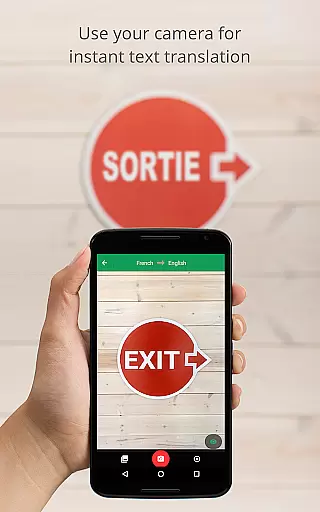
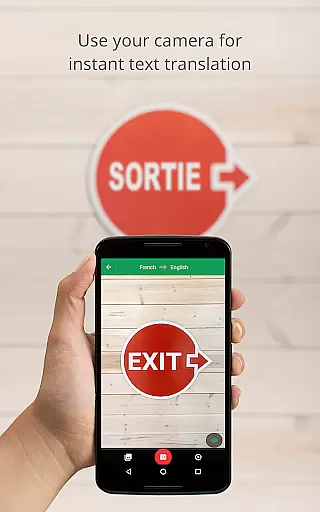
For situations without internet access, the offline mode supports 59 languages through downloadable language packs. The instant camera translation function supports 94 languages, enabling users to translate signs, menus, and documents in real time simply by pointing their camera.
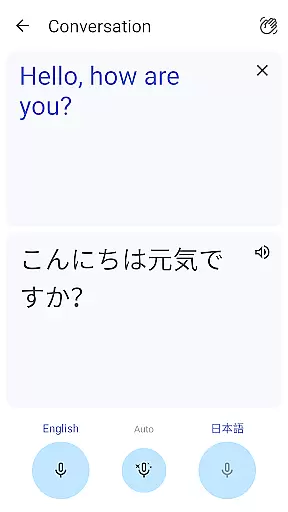
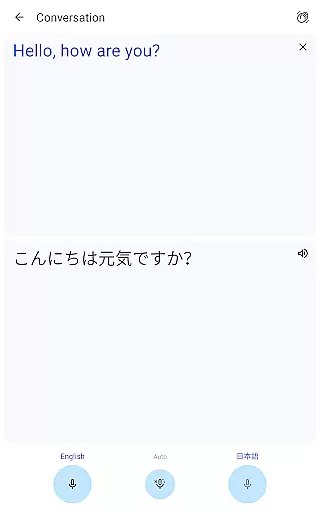
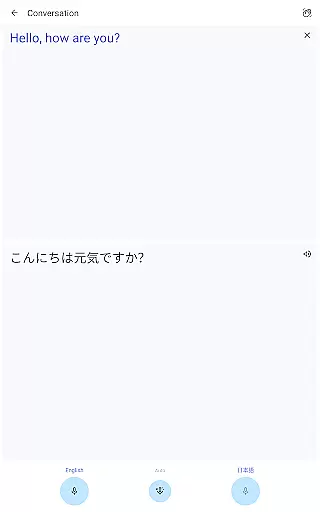
Additional notable features include bilingual conversation mode for real-time dialogue translation, a phrasebook for saving frequently used translations, and a transcription tool that provides continuous translation of spoken language in near real-time.
Google Translate's core functionality lies in its ability to deliver accurate translations across 108 languages. The app employs advanced machine learning algorithms that continuously improve translation quality based on user interactions and feedback.
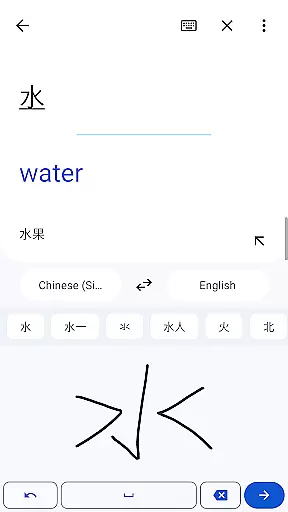
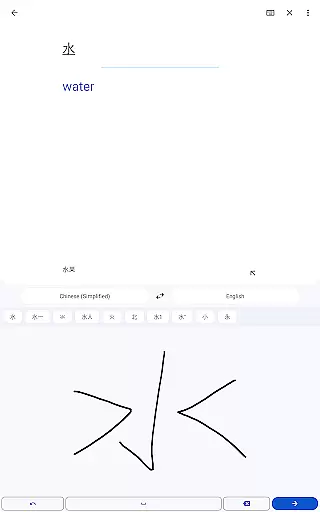
The application supports multiple input methods including text, voice, camera, and handwriting. Each mode is optimized for precision - from the instant camera translation that detects text in real-time to the speech translation feature that processes spoken language with remarkable accuracy.
Users benefit from both online and offline translation capabilities. While connected translations leverage Google's powerful cloud infrastructure for optimal results, the offline mode provides reliable service even without internet connectivity across 59 languages.
This comprehensive approach to translation ensures users can communicate effectively regardless of their location or network availability, making it an indispensable tool for international travelers, business professionals, and language learners worldwide.
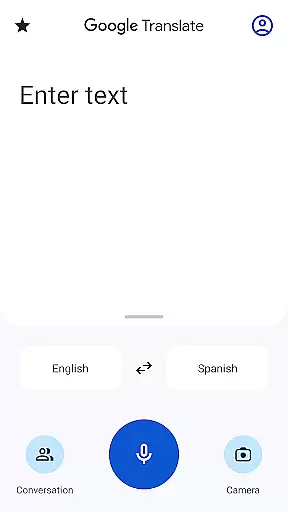
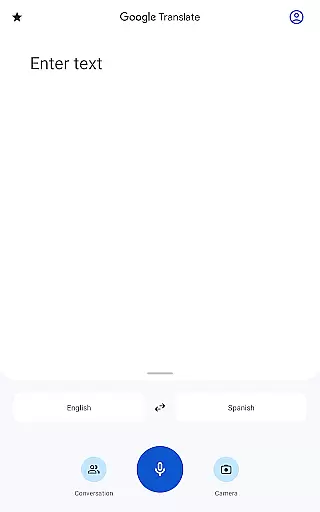
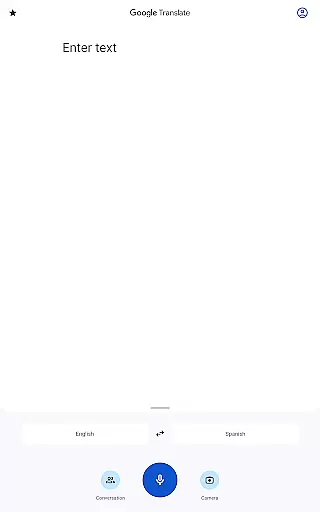
The interface of Google Translate has been meticulously designed for intuitive use. The home screen presents a clean layout with prominent placement of the text input area and quick access to favorite translations through the phrasebook feature.
Navigation between different translation modes is seamless, with clearly labeled icons for text, voice, camera, and handwriting inputs. The tap-to-translate functionality integrates smoothly with other applications, allowing users to translate copied text without switching apps.
Additional features like conversation mode and transcription are presented through simple, recognizable symbols that make multilingual communication accessible even to first-time users. The consistent design language across all functions reduces the learning curve significantly.
This thoughtful design approach ensures that users of all technical skill levels can utilize the app's full capabilities without extensive training or experience, enhancing overall accessibility and user satisfaction.
Wide language support
Offline functionality
Instant camera translation
Real-time conversation mode
User-friendly interface
Limited offline languages
Occasional inaccurate translations
Requires storage space
Premium features limited
Dependent on internet for best results

 4.50
4.50
PDF Reader - Document Viewer: Read, Manage & Organize Your Documents
3.10
Bedrock Together: Join any bedrock server on Xbox/PS
4.80
The one-and-only remote control for PC, Mac, and Linux
4.70
WiFi Signal Strength Meter help you detect WiFi Signal Strength in real time.
4.80
Planner and Tracker for Stardew Valley
4.60
Powerful collection of electronics tools and reference.A must for any enthusiast
4.90
Play your X-Box games remotely in 1080p with any controller and zero latency
4.60
Enhance your Beats
3.70
Remote Play with FSR upscaling, low latency & full controller support
4.80
Screen Mirroring for Roku Sticks, Roku TCL TV and Roku Hisense TV
4.50
Making emulation easy for everyone!
4.30
App that Recover your pictures, videos or files after you delete them.
4.20
Effortlessly run ADB commands directly on your device without a PC.
4.20
Detect hidden spy camera with advanced scanning {{ Premium version }}
4.00
Create your own custom widget with endless possibilities
3.90
A powerful, easy-to-use flight computer on your phone or tablet!
3.80
This app unlocks the Pro features of the Central for DayZ app
3.60
Clean the junk files on your device
3.40


User Reviews