
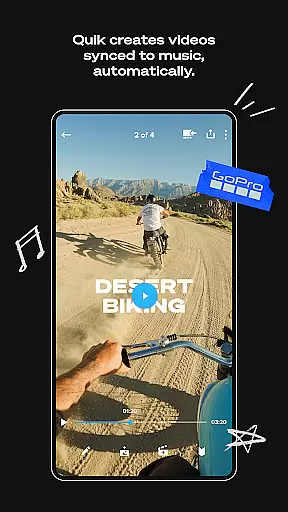
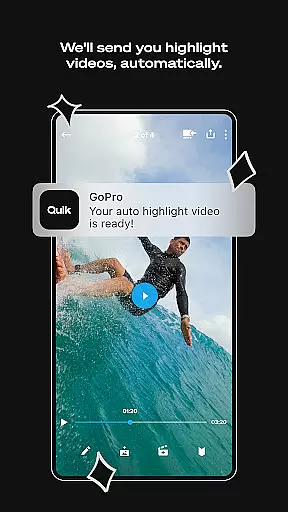
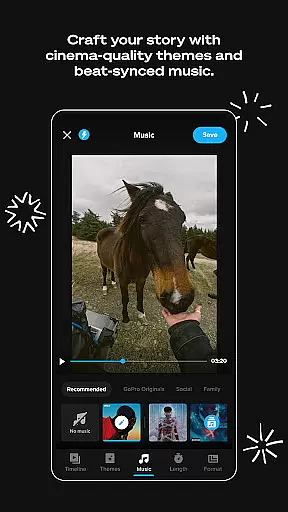
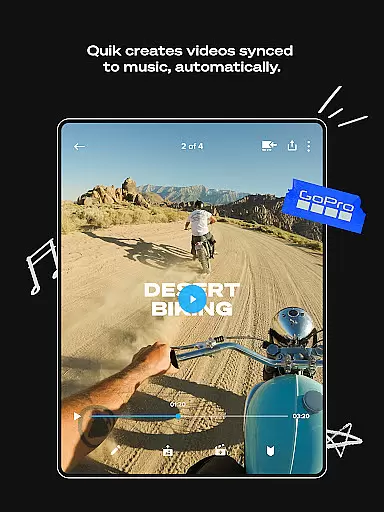
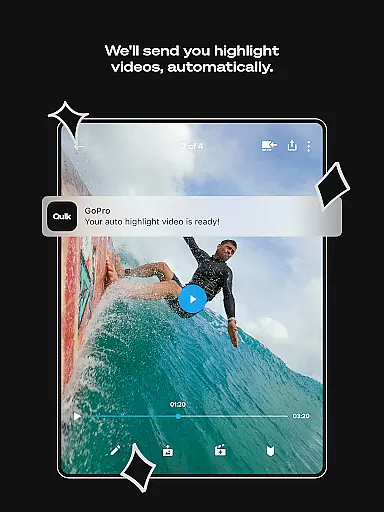
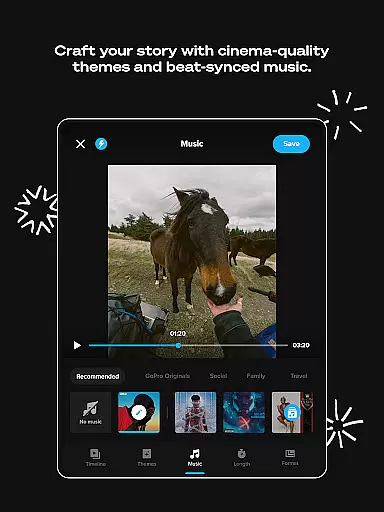
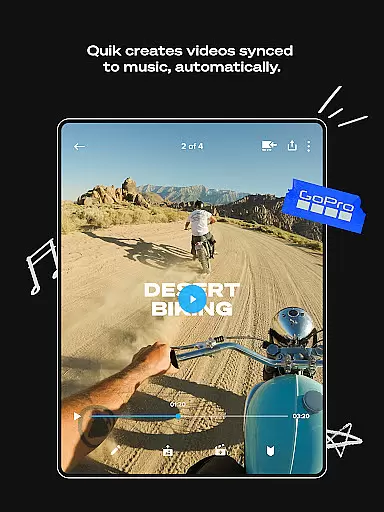
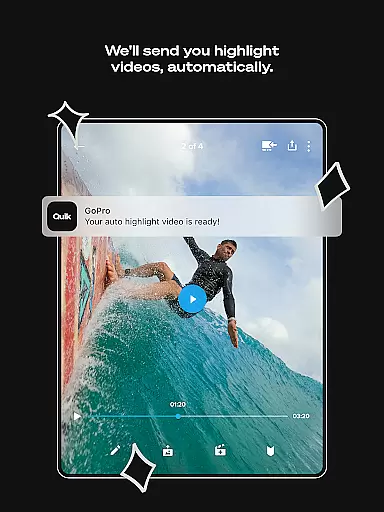
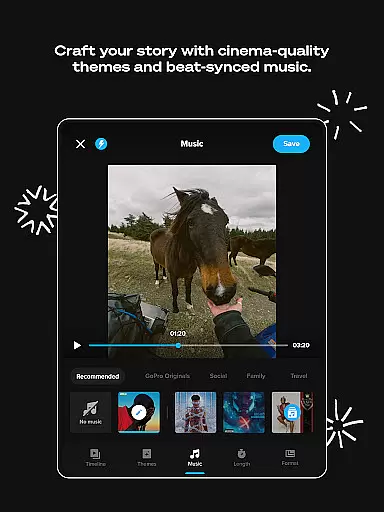
GoPro Quik is a powerful video editing application designed to simplify the editing process while delivering professional-quality results. The app's standout feature is its automatic highlight video creation, which intelligently selects your best shots, adds music-synced transitions, and generates ready-to-share videos with minimal effort. Beyond editing, GoPro Quik offers unlimited cloud storage for GoPro footage at 100% quality, along with cross-device sync capabilities, ensuring seamless access to your media library from anywhere.
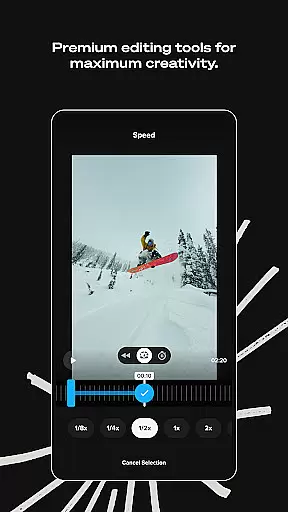
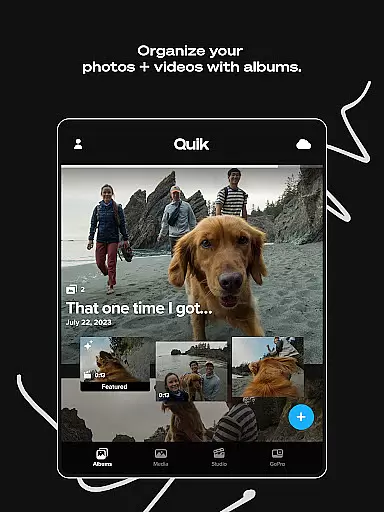
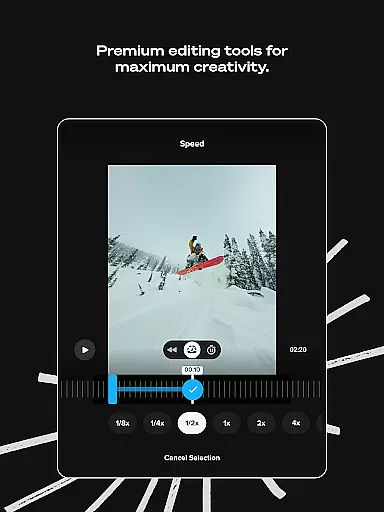
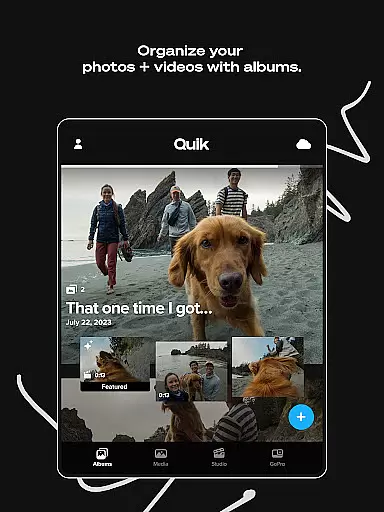
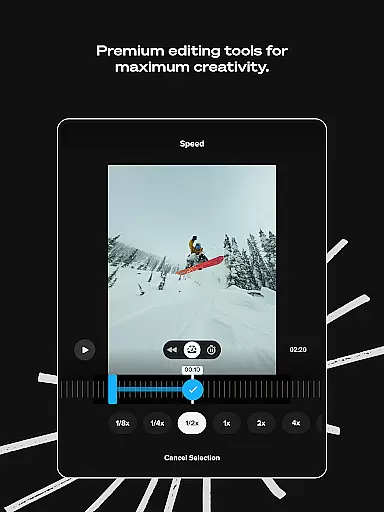
In addition to its automated tools, the app provides a robust suite of premium editing features. Users can experiment with color adjustments, trim clips, add custom text overlays, and apply specialized filters optimized for specific environments like snow and water. For GoPro camera owners, the app enhances workflow efficiency with automatic camera detection, media previews, and content management tools. Whether you're an amateur videographer or a seasoned content creator, GoPro Quik empowers you to transform raw footage into polished stories effortlessly.
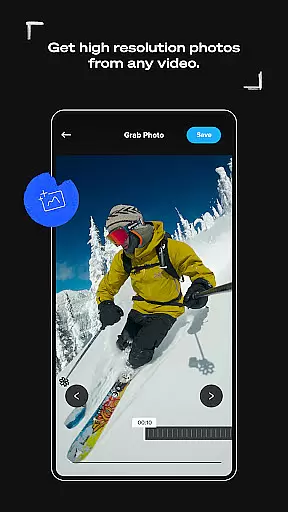
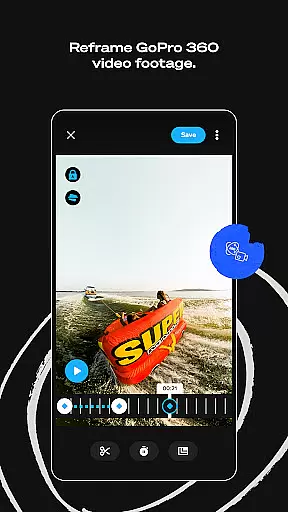
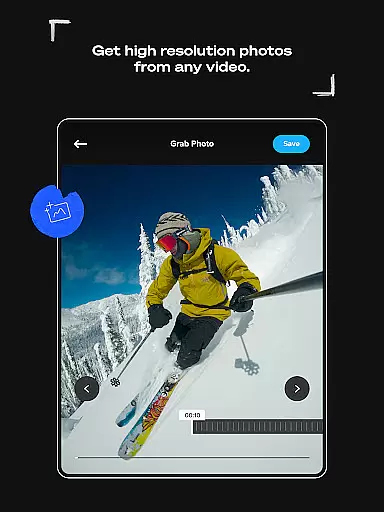
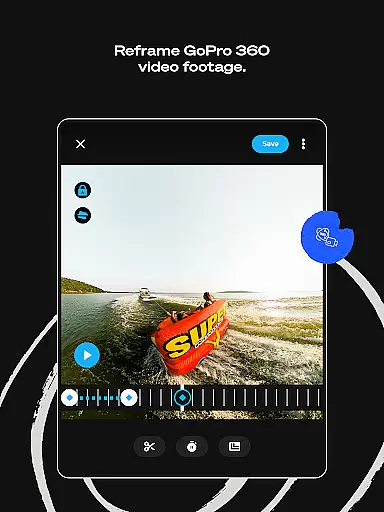
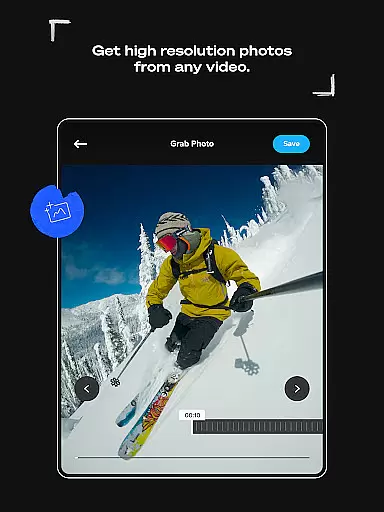
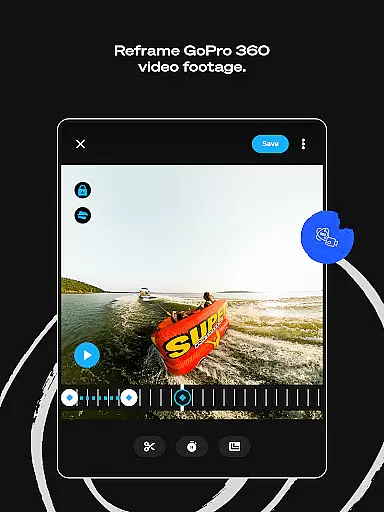
GoPro Quik stands out with its comprehensive set of innovative features tailored for both casual users and professionals. One of its core functionalities is Automatic Edits, where the app analyzes your footage to create dynamic videos complete with beat-synced transitions and cinematic effects. This feature eliminates the complexity of manual editing, making it accessible even to beginners. Additionally, the app supports advanced tools such as Reframe, which allows users to extract traditional videos or high-resolution photos from 360-degree footage by selecting keyframes, offering unparalleled creative flexibility.
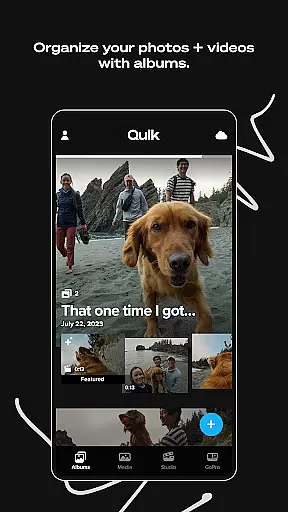
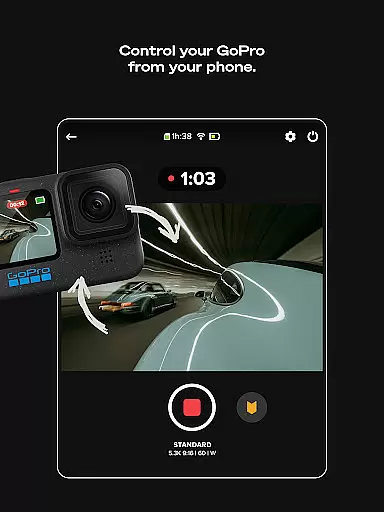
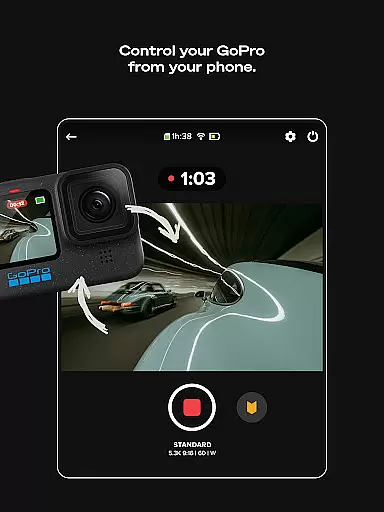
Another significant advantage is the app's cloud integration. With a Premium or Premium+ subscription, users gain unlimited storage for GoPro footage and up to 500GB for other devices, all stored at full quality. The Auto Upload feature ensures that every piece of media is securely backed up and synchronized across multiple devices, enabling hassle-free editing on-the-go. Furthermore, GoPro camera owners benefit from exclusive utilities like Auto Detection, SD card management, and intuitive content organization, streamlining the entire post-production process. These features collectively make GoPro Quik a versatile tool for capturing, editing, and sharing life's moments.
GoPro Quik supports a wide range of video formats, ensuring that users can work with footage from various sources without compatibility issues. The app's ability to handle files from GoPro cameras as well as other devices makes it versatile for content creators.
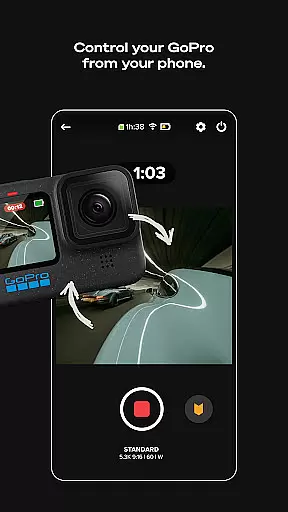
The application automatically detects and imports media from connected GoPro cameras via USB, streamlining the editing process. This seamless integration allows users to focus on editing rather than troubleshooting format problems.
With its unlimited cloud storage feature, users can store and access their videos in original quality. This ensures that no matter the source or format, all media is preserved in its best possible state for future edits or shares.
Additionally, the app provides tools like Frame Grab and Reframe which allow manipulation of video content into high-resolution photos or traditional video formats. These features expand the creative possibilities while maintaining format flexibility.
Quik leverages AI technology to simplify and enhance the video editing process. Its Automatic Highlight feature intelligently identifies the most compelling moments in your footage, creating engaging videos synced to music beats.
The AI doesn't stop at just selecting clips; it also applies smooth transitions and cinematic effects based on chosen themes. This automation saves time while delivering professional-looking results even for novice editors.
Advanced AI functions extend to Beat Sync, where the software precisely aligns visual elements with audio tracks. This creates dynamic, rhythm-based edits that would be difficult to achieve manually.
While these powerful AI tools are part of the Premium subscription, they represent a significant advancement in mobile video editing capabilities, making sophisticated editing techniques accessible to everyday users.
User-friendly interface
Automatic video editing
Unlimited cloud storage
Premium editing tools
Cross-device synchronization
Paid subscription required
Limited free features
File type restrictions
Internet connection needed
Device compatibility issues

The smartest M3U IPTV Player your playlists have ever seen.
 4.4
4.4
IPTV-Smarters Player Pro M3U - Watch Live Stream TV Channels with Chromecast
4.00
Cast to Chromecast, Xbox, Fire Stick, Roku, DLNA, Smart TV & No Feature Limited!
4.50
Search & download videos from net with all video downloader, auto-detect & safe.
4.60
KineMaster, Your Ultimate Video Editor!
4.40
GENRAL PRO - General Pro is the best video player that fully supports all formats.
4.70
Fast & Private Video Downloader App. Save all videos easily from the Internet.
4.40
Web Browser for LG TV to stream webvideos, online movies and livestreams in HD
4.20
A Simple app to download Video & Music from the Internet.
4.70
Tik & Story Saver-Download ALL social media videos, photos & reels no watermark.
4.80
?100% FREE! Download & save videos? safely in this app. All formats supported.
4.60
Watch IPTV on your Android device
4.60
HD video maker with no watermark, no ads & vlog maker with music, PIP, text
4.50
Photo and Music Video Creator into Stunning Videos—Effortlessly
4.40
This app was created to edit the metadata of music files.
4.20
Fast private browser with secure, seamless access & supported video downloads!
4.00
Explore the largest library of free GIFs, Stickers & Memes - or create your own!
3.90
Livestream, news, & gaming content. Watch, chat, and upload. Join Rumble today!
3.80
AirMirror is Receiver for Screen Mirroring and Casting from Apple Devices.
3.60


User Reviews