
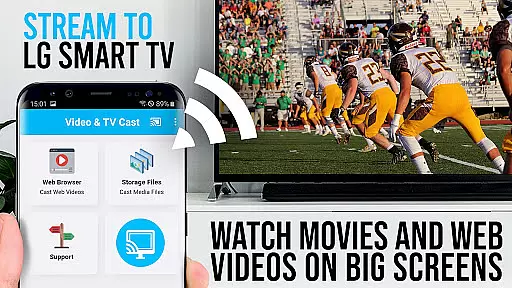
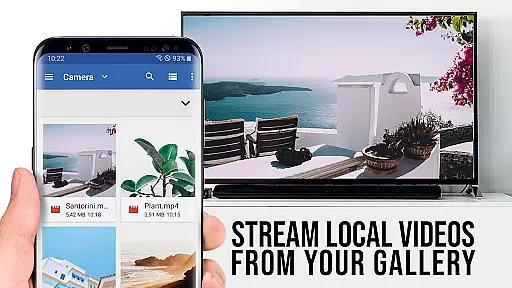
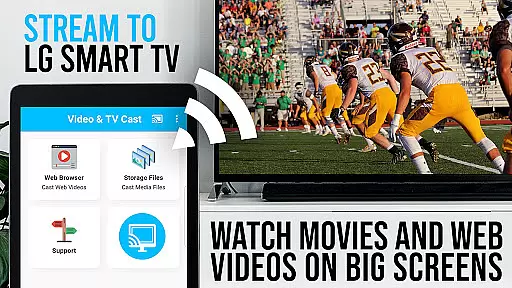
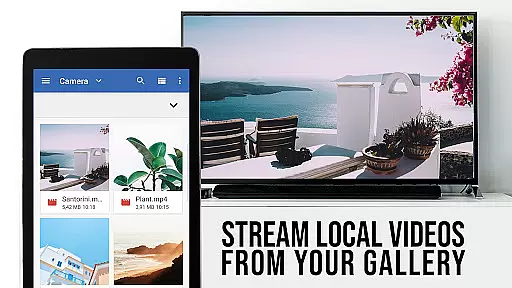
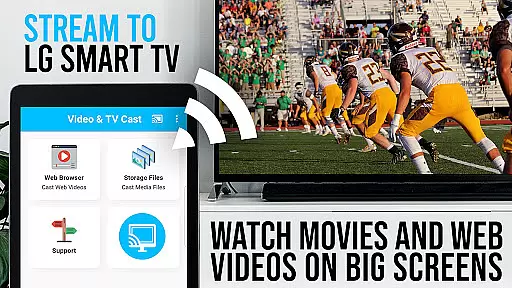
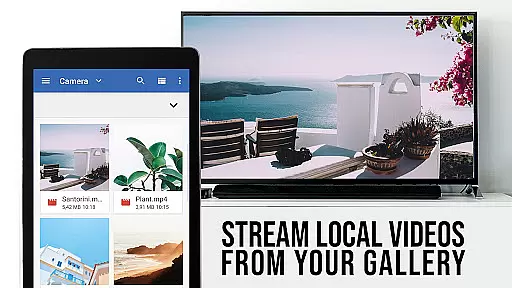
TV Cast Pro for LG webOS is a premier application designed to enhance your LG Smart TV experience. This app allows users to stream web-videos, online-movies, livestreams, and live-tv shows directly on their LG TVs without the need for an additional streaming box. Compatible with both webOS and Netcast LG Smart TVs, it offers a seamless way to enjoy content on the biggest screen in your home. The PRO edition includes all premium features unlocked, providing users with an ad-free experience and advanced functionalities such as remote playbar control and desktop mode.
One of the standout features of TV Cast Pro is its ability to cast videos in Full HD, even from Android devices with lower screen resolutions. It supports various video formats including mp4 and m3u8, ensuring high-quality playback. Additionally, the app facilitates multitasking by allowing users to close the app or use their phone for other activities while casting continues uninterrupted. With less strain on Wi-Fi usage compared to traditional screen mirroring solutions like Miracast, this app ensures a smoother streaming experience.
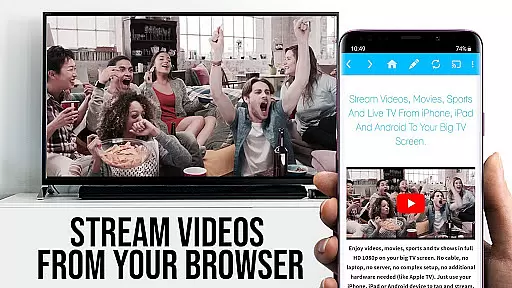
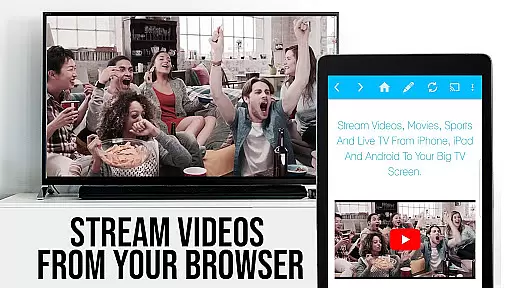
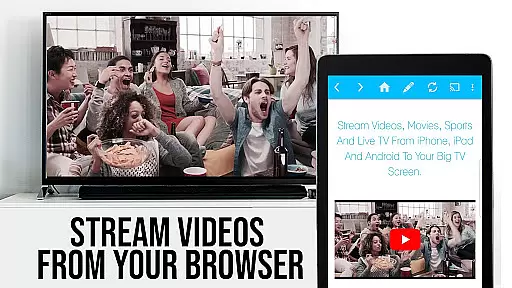
The practical applications of TV Cast Pro extend to personal entertainment and beyond. Whether you're looking to enjoy your favorite online movies or follow live sports events, this app provides a user-friendly interface to browse the web and stream content effortlessly. By simply navigating to your preferred website and tapping on the embedded video, users can send content to their LG TV with ease. This functionality transforms how users interact with their smart TVs, offering a more integrated and versatile viewing experience that caters to diverse preferences and needs.
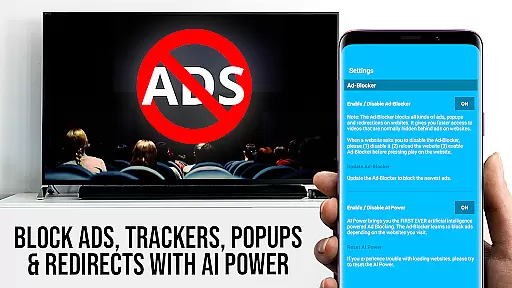
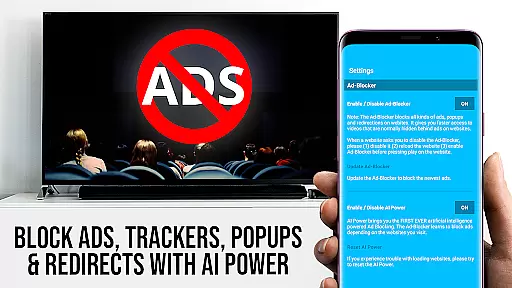
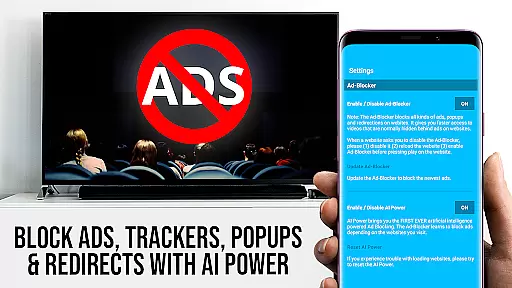
TV Cast Pro for LG webOS boasts a range of sophisticated features tailored to elevate the streaming experience. Among its most notable capabilities is the Remote Playbar, which allows users to exercise advanced video control while browsing. This includes options for video scrubbing, forward, rewind, play, pause, and stop functions, giving users comprehensive command over their viewing experience. Furthermore, the inclusion of an Ad-Blocker ensures an uninterrupted viewing session by blocking ads and popups on most websites visited through the app.
Another significant feature is the ability to manage bookmarks efficiently. Users can add and organize numerous bookmarks either via the bookmarks menu or directly within the browser interface. This simplifies navigation and quick access to frequently visited sites. Additionally, the Desktop Mode option enables users to change the browser's user-agent, effectively cloaking their Android device as a desktop PC. This feature loads desktop versions of websites instead of mobile ones, enhancing compatibility and usability.
Customization is at the heart of TV Cast Pro's design philosophy. After purchasing the app, users gain the ability to set a personal homepage in the settings, tailoring the start-up experience to individual preferences. These features collectively contribute to a highly personalized and efficient streaming solution that addresses common pain points associated with traditional screen mirroring technologies. By focusing on user-centric innovations, TV Cast Pro distinguishes itself as a versatile tool for modern digital consumption habits.
TV Cast Pro for LG webOS stands out with its versatile video format compatibility, ensuring users can stream a wide range of content without limitations. The app supports popular formats such as mp4 and m3u8, allowing seamless streaming of web-videos, online-movies, livestreams, and live-tv shows directly to LG Smart TVs.
The ability to handle various video formats in full HD makes this app a powerful tool for enhancing the viewing experience on the big screen. Whether it's catching up on the latest episodes or enjoying a movie night, users can expect high-quality playback that takes full advantage of their TV's capabilities.
Moreover, the app simplifies the process of casting by automatically detecting videos embedded in web pages. With just a single tap, users can send discovered videos to their LG TV, making it easy to enjoy content from favorite websites without worrying about format restrictions.
While TV Cast Pro for LG webOS does not focus on traditional AI-powered editing features found in video editing software, it offers advanced functionalities that enhance the streaming experience. One notable feature is the Remote Playbar, which provides users with comprehensive control over their streamed content.
This virtual playbar allows for intuitive video scrubbing, enabling viewers to fast forward, rewind, play, pause, and stop their content effortlessly while browsing. Such controls mimic the convenience of AI-driven editing tools by offering precise manipulation of playback, tailored to user preferences.
In addition to playback controls, the app includes an Ad-Blocker that removes ads and popups from most visited websites, creating a cleaner viewing environment akin to automated editing processes. These features collectively ensure uninterrupted entertainment, elevating the overall user engagement with digital content.
Full HD casting
Ad-free experience
Remote playbar
Desktop mode
Bookmark management
No DRM support
Limited third-party apps
QR code dependency
Premium cost
Device-specific

Your media, on your terms.
 4.10
4.10
Play ALL formats in 4K & HD. Video downloader, MP3 player, Chromecast & more.
4.80
Support 1000+ Video Format, Subtitle Download, mp3 & Background Play, Cast On TV
4.60
AirMirror is Receiver for Screen Mirroring and Casting from Apple Devices.
3.60
Turn your phone into a wireless camera!
4.20
Add date and time watermark to photos and videos
4.50
A Simple app to download Video & Music from the Internet.
4.70
Viddo: Generate Action Figure, AI Anime, AI kiss, AI hug Video from image & text
4.40
Photo editor & video maker with music and slideshows.
4.10
Watch a large amount of high-definition short drama content
4.60
HD video maker with no watermark, no ads & vlog maker with music, PIP, text
4.50
Photo and Music Video Creator into Stunning Videos—Effortlessly
4.40
Download website videos fast&privacy
4.40
KMPlayer Plus (Divx Codec) officially support Divx codec.
4.30
IPTV-Smarters Player Pro M3U - Watch Live Stream TV Channels with Chromecast
4.00
Live TV, anywhere in your home
3.80
Save photos and videos from social apps in one tap.
3.60
Browser for Sony TV to stream web videos, online movies and live tv
3.20
Play and download HD videos from all sources — fast, simple, and all-in-one.
4.4


User Reviews