
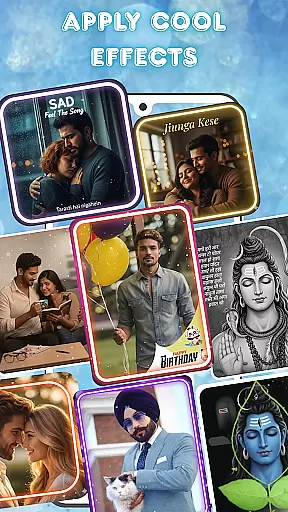
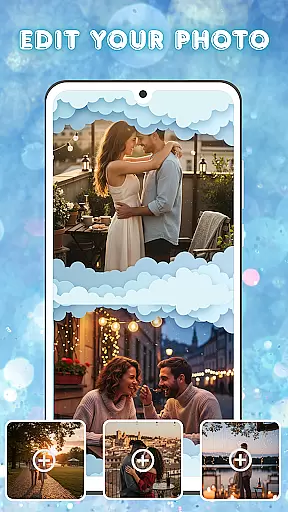
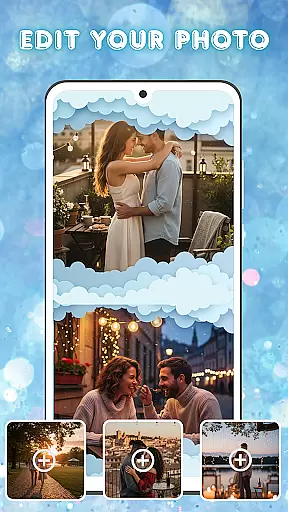
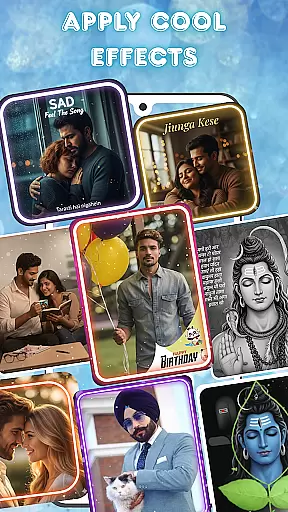
Photo and Music Video Creator is a versatile video editing tool designed to transform your photos into engaging video stories. With its user-friendly interface, the app allows users to create professional-quality slideshows and social media-ready videos effortlessly.
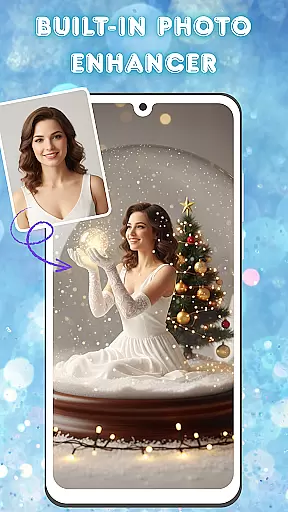
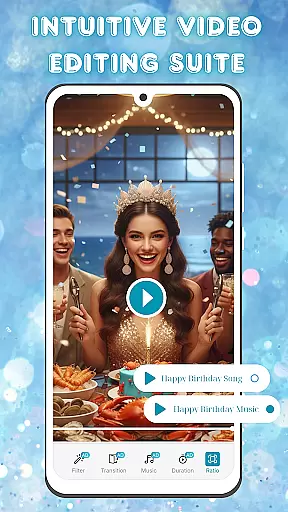
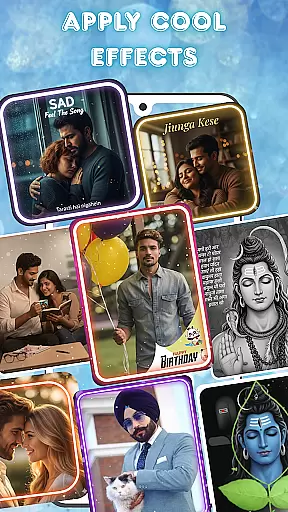
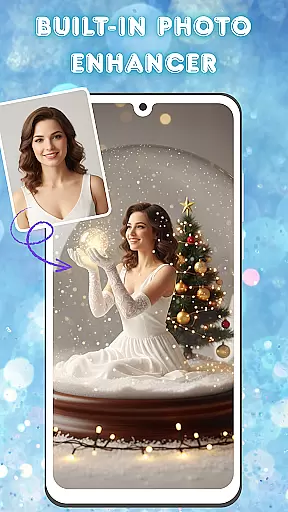
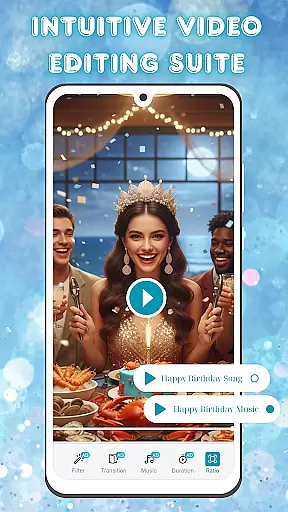
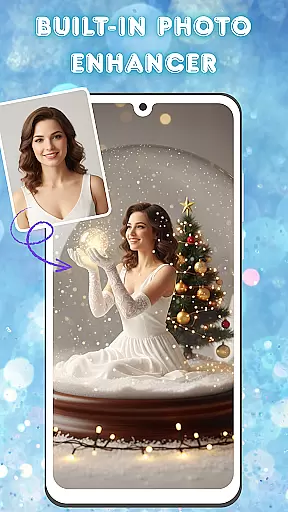
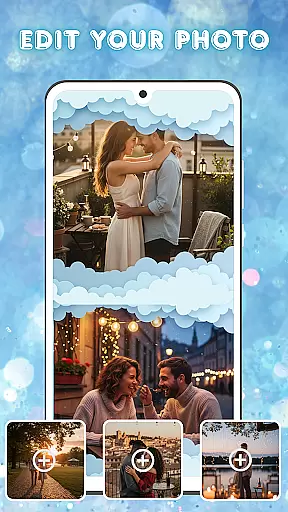
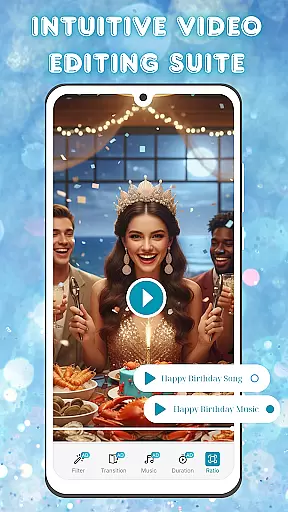
The app offers advanced photo enhancement features such as brightness, contrast, and saturation adjustments, ensuring every image looks its best before being turned into a video. Its intuitive video editing suite provides smooth transitions, stylish filters, and customizable background music options, enabling users to craft polished visual narratives.
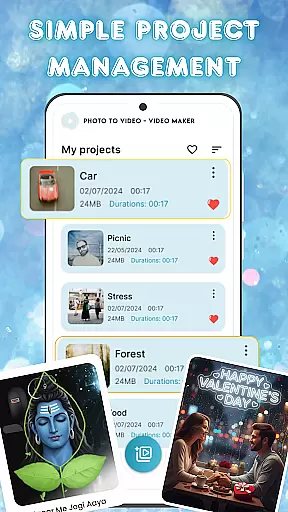
Ideal for both casual creators and professionals, Photo and Music Video Creator helps you organize projects seamlessly while delivering high-quality results. Whether you're preserving cherished memories or creating content for social platforms, this app ensures your videos stand out with minimal effort.
Photo and Music Video Creator stands out with its comprehensive set of creative tools tailored for effortless video production. The app's easy photo-to-video conversion feature lets users turn their favorite images into dynamic videos within minutes, making it perfect for quick social media posts or heartfelt presentations.
Equipped with a built-in photo enhancer, the app allows detailed image adjustments including brightness, contrast, and saturation tuning. This ensures that every photo used in your video is flawless and visually appealing. Additionally, the intuitive video editing suite offers smooth transitions, trendy filters, and customizable soundtracks, empowering users to produce professional-grade content without prior editing experience.
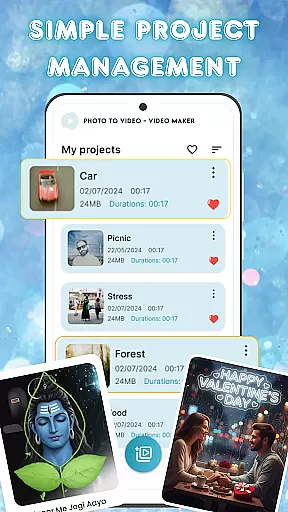
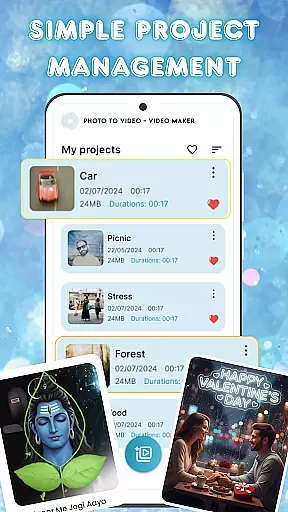
For those managing multiple projects, the app includes simple project management capabilities, allowing seamless organization and access to all your creations from one centralized location. These features collectively make Photo and Music Video Creator an indispensable tool for anyone looking to bring their memories to life through captivating videos.
One of the standout features of Photo and Music Video Creator is its extensive video format compatibility. This ensures that users can work with a wide variety of file types without worrying about conversion issues.
The app supports popular formats such as MP4, AVI, MOV, and more, making it versatile for both casual creators and professionals. Whether you're pulling footage from different devices or exporting videos for various platforms, this flexibility is crucial.
By offering broad format support, the app eliminates the need for separate conversion software, streamlining the editing process. Users can focus on their creative vision without technical limitations holding them back.
This compatibility also extends to importing and exporting projects, allowing seamless collaboration and sharing across different systems and devices.
Photo and Music Video Creator incorporates cutting-edge AI-powered editing features that revolutionize how users enhance their videos. These intelligent tools automate complex tasks, saving time while delivering professional-quality results.
For instance, the app includes AI-driven filters that analyze video content and apply optimal adjustments for lighting, color balance, and sharpness. It also offers smart transitions that adapt to scene changes, creating smoother visual flow between clips.
Another impressive feature is the AI music synchronization tool, which automatically aligns video cuts with beat markers in your soundtrack. This creates dynamic, rhythmic edits that would typically require hours of manual work.
These AI capabilities make advanced editing techniques accessible to users of all skill levels, democratizing professional-grade video production while maintaining creative control.
User-friendly interface
Advanced photo editing
Smooth video transitions
Customizable soundtracks
Efficient project management
Limited free features
Occasional ads
Premium subscription cost
Learning curve for beginners
Export resolution limits

Video Player - Unlimited features, 30 days money back guarantee.
 4.60
4.60
Save photos and videos from social apps in one tap.
3.60
Watch full episodes of your favorite Cartoon Network and Cartoonito shows!
3.50
Tik & Story Saver-Download ALL social media videos, photos & reels no watermark.
4.80
Search & download videos from net with all video downloader, auto-detect & safe.
4.60
An easy-to-use and all-round screen recorder with audio
4.80
Video Downloader, Multiple Resolution Options, Video Player
4.50
Browser for Sony TV to stream web videos, online movies and live tv
3.20
Browser for Samsung TV to stream webvideos, online movies and livestreams in HD
4.10
Play ALL formats in 4K & HD. Video downloader, MP3 player, Chromecast & more.
4.80
Snaptubè Video Downloader app allows to download videos and music in Snaptube. .
4.60
IPTV Loader, loads your own Playlist. DOES NOT CONTAIN ANY LIST OR CHANNELS
4.60
HD video maker with no watermark, no ads & vlog maker with music, PIP, text
4.50
VLC for Android is the best open source video and music player, fast and easy!
4.10
Connect 2 UVC devices for recording and broadcast video/audio stream
3.90
Live TV, anywhere in your home
3.80
The essential companion to your Blue Iris PC software
2.50
Video player with powerful streaming playback and various convenient features.
2.10
The smartest M3U IPTV Player your playlists have ever seen.
4.0


User Reviews