
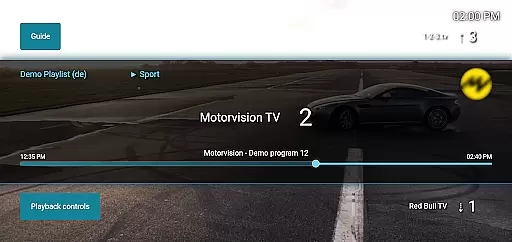
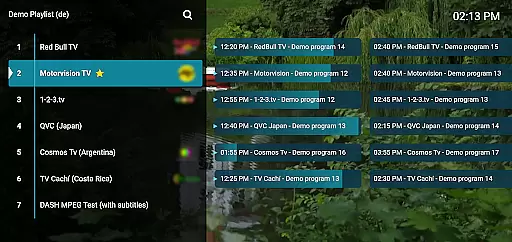
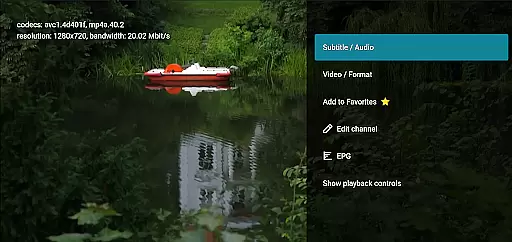
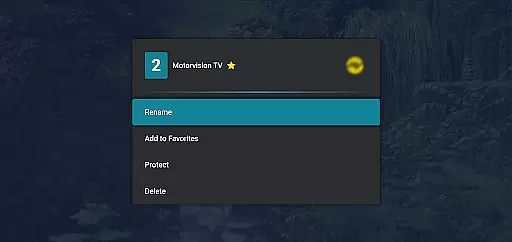
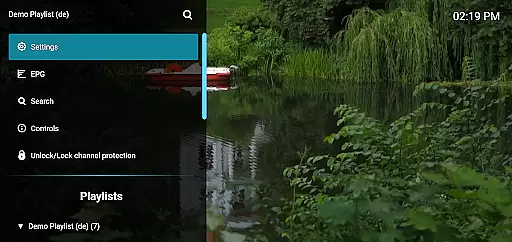
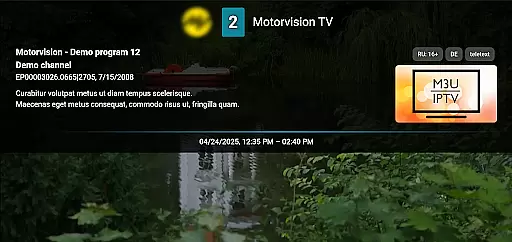
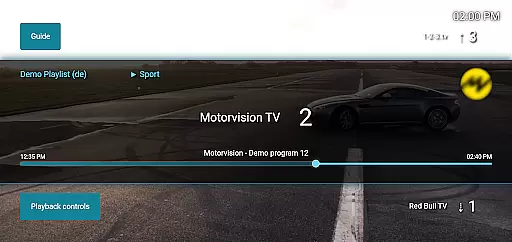
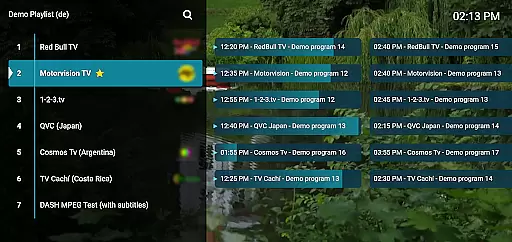
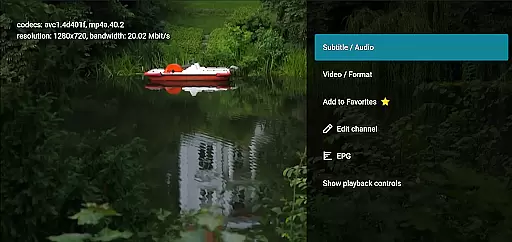
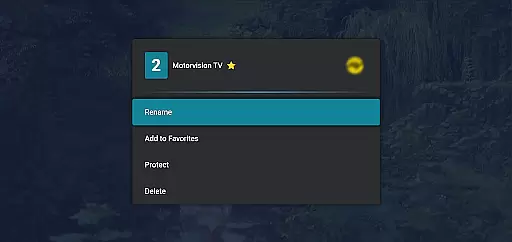
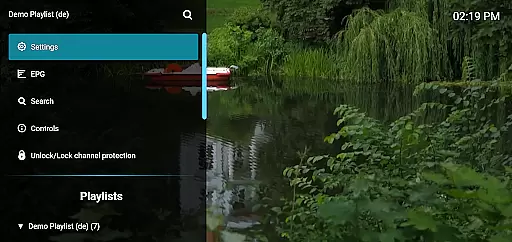
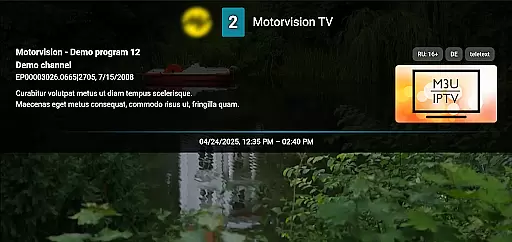
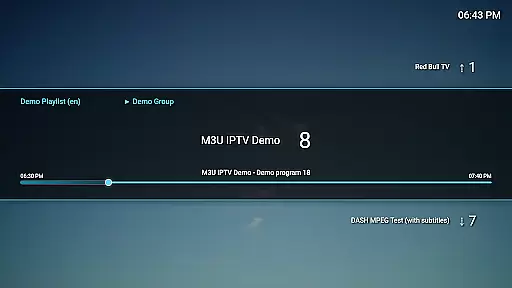
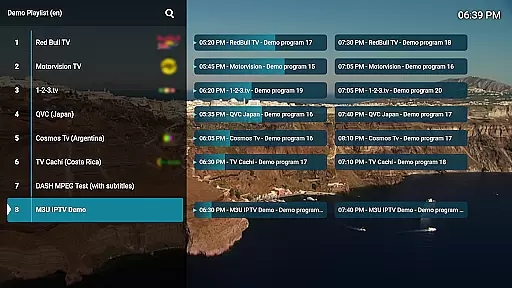
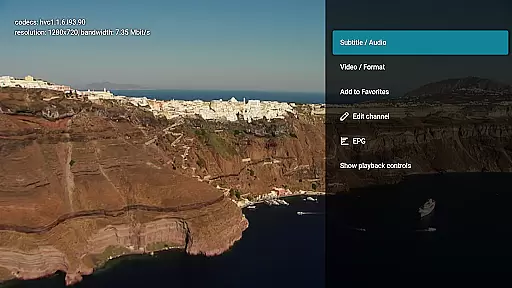
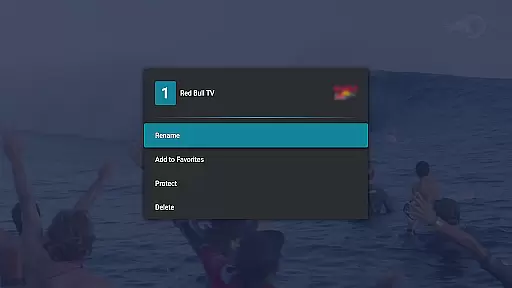
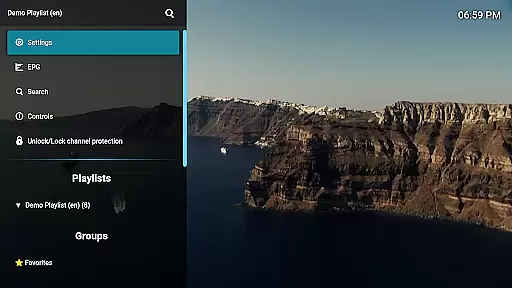
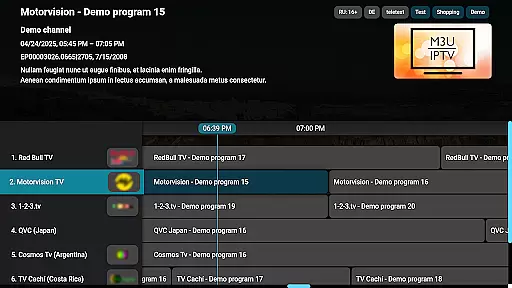
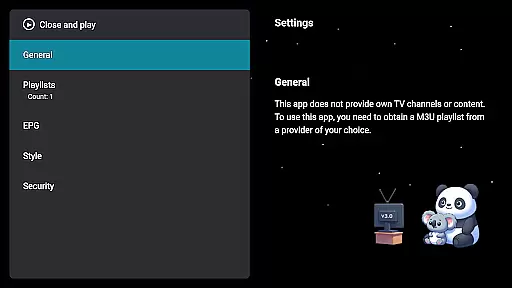
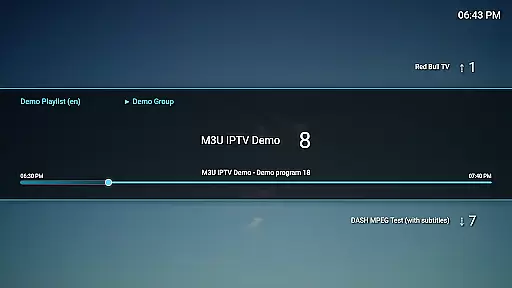
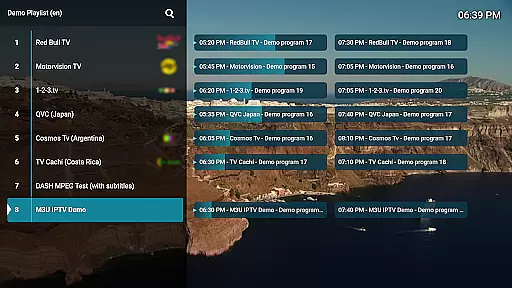
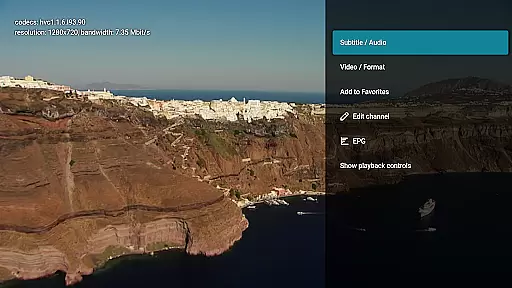
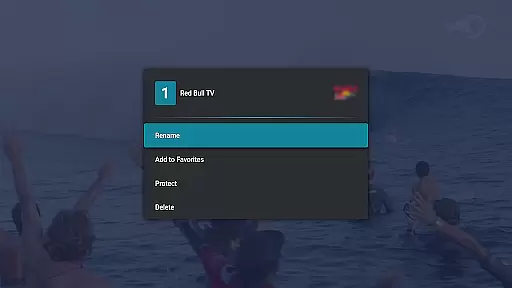
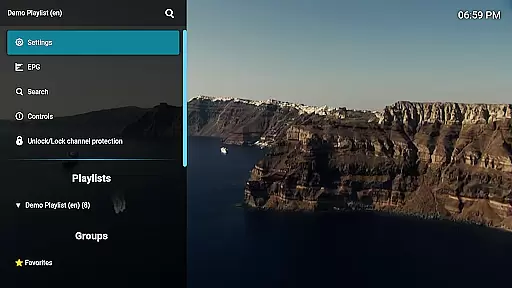
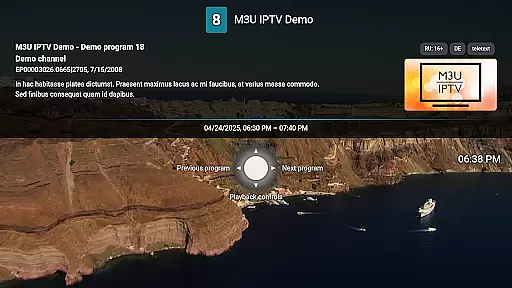
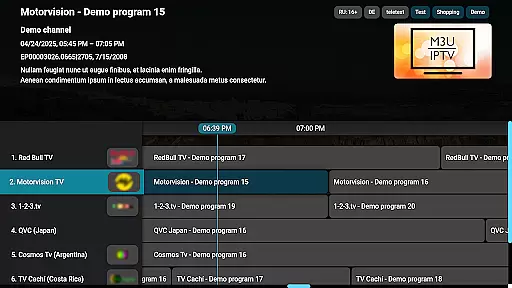
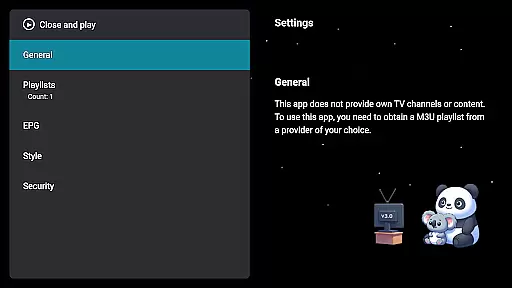
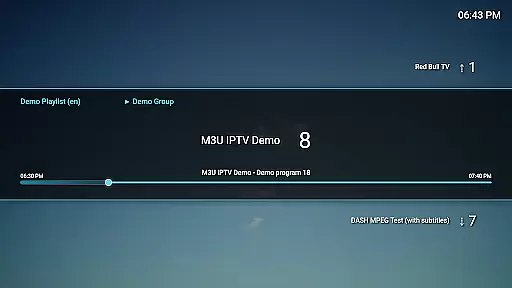
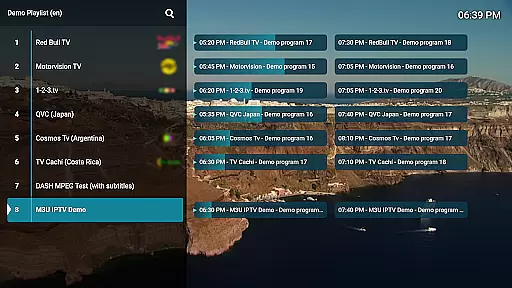
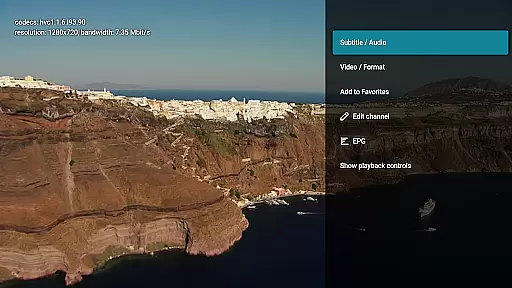
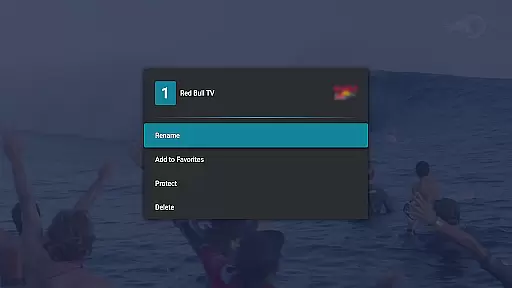
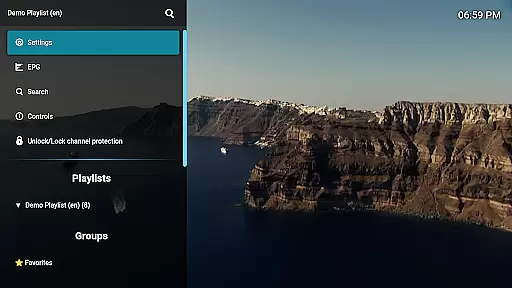
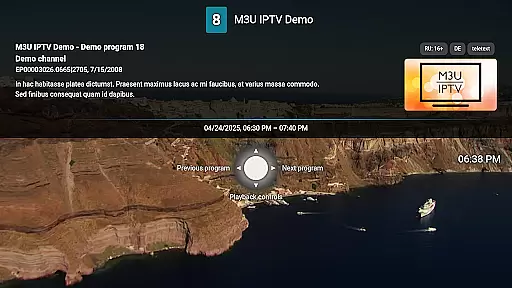
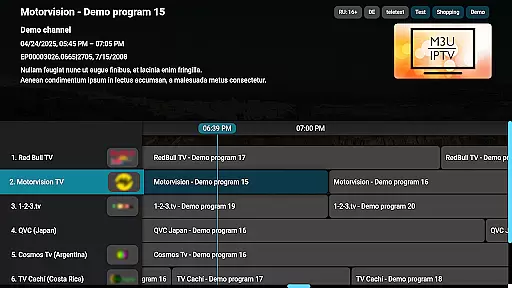
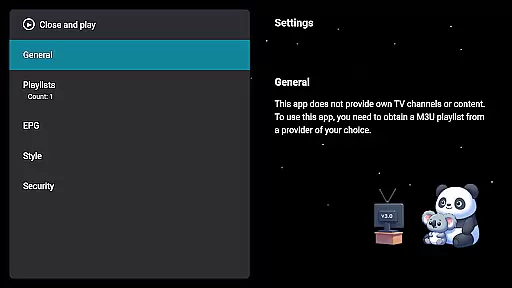
M3U IPTV Premium is a top-tier IPTV player designed for users seeking an ad-free, customizable streaming experience. It builds on the features of its free version by offering advanced tools and enhanced performance.
With support for M3U playlists, EPG integration, and advanced playback controls, this app provides a seamless interface for managing personal IPTV content. Its channel editor, catch-up functionality, and PIN protection make it ideal for power users who demand control and organization in their viewing experience.
Perfect for IPTV enthusiasts, M3U IPTV Premium ensures uninterrupted streaming and full personalization, making it the ultimate choice for those looking to elevate their IPTV experience.
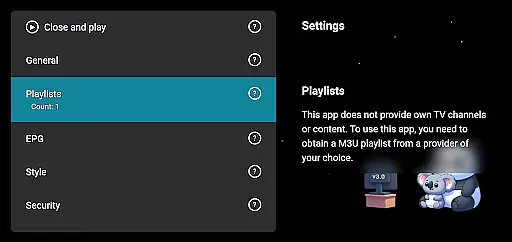
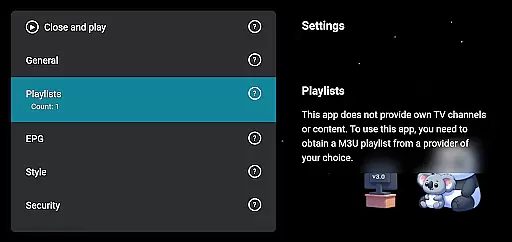
M3U IPTV Premium stands out with its comprehensive feature set tailored for advanced IPTV users. The app supports unlimited M3U playlists, enabling users to organize and switch between multiple streams effortlessly.
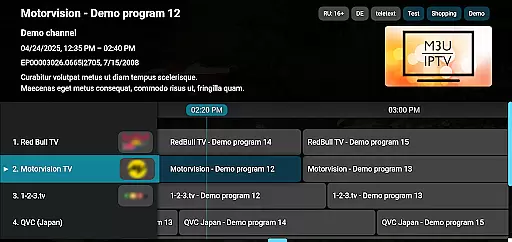
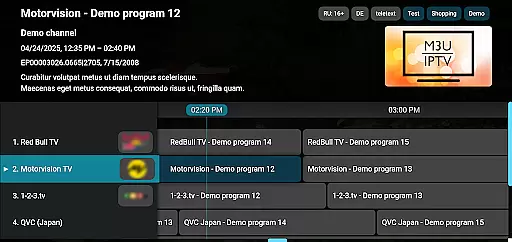
Its EPG integration allows users to view full TV schedules, while customizable UI options let them personalize the appearance to match their preferences. Advanced playback controls, including pause, rewind, and fast-forward, provide complete command over streaming sessions.
Additional highlights include catch-up functionality for missed content, a channel editor for organizing streams, and PIN-based channel protection for privacy. These features collectively deliver a premium, user-focused IPTV solution.
Video format compatibility is a crucial feature for any video player, ensuring that users can enjoy content in various formats without technical hindrances. M3U IPTV Premium excels in this area by supporting an extensive range of video formats commonly used in IPTV streaming.
The application's advanced decoding capabilities allow it to handle both standard and high-definition streams effortlessly. This ensures that whether you're watching live TV or on-demand content, the playback remains smooth and buffer-free.
For users, this means unparalleled flexibility. You can stream content from different sources without worrying about format support. The app takes care of all the technical details behind the scenes, providing a seamless viewing experience across devices.
Moreover, M3U IPTV Premium's commitment to compatibility extends to its support for M3U playlists and EPG integration. This comprehensive approach guarantees that no matter how diverse your IPTV content is, the app will deliver it with precision and reliability.
While primarily an IPTV player, M3U IPTV Premium incorporates AI-powered editing features that enhance the overall user experience. These intelligent tools work behind the scenes to optimize stream quality and provide advanced customization options.
The app's AI algorithms automatically adjust bitrate and resolution based on your network conditions, ensuring optimal video quality at all times. This smart adaptation prevents buffering issues and maintains consistent playback, even during peak usage hours.
Additionally, the Channel Editor feature benefits from AI assistance, making channel management more intuitive. Users can easily organize their content with smart suggestions for channel grouping and categorization.
These AI-powered capabilities demonstrate M3U IPTV Premium's dedication to providing not just basic playback functionality, but a sophisticated toolset that empowers users to create their perfect IPTV environment while maintaining professional-grade performance standards.
Ad-free experience
Unlimited playlists
Customizable UI
Advanced playback
Channel protection
No included content
Requires technical setup
Premium cost
Complex for beginners
Limited beginner support

You can play SWF format file!
 2.50
2.50
VLC Remote lets you control your VLC Media Player on Mac, PC or Linux.
4.60
Capture images & record videos for USB Camera, Webcam, Microscopes, Endoscopes
3.80
Video player with powerful streaming playback and various convenient features.
2.10
KMPlayer Plus (Divx Codec) officially support Divx codec.
4.30
AirMirror Receiver - Screen mirroring/cast web videos to Android TV by AirPlay.
4.40
Download videos and play them offline
4.70
Manage your IPTV live channels and VOD playlists (no playlist included)
3.80
Create, Publish & Maximize
4.70
A Simple app to download Video & Music from the Internet.
4.70
?100% FREE! Download & save videos? safely in this app. All formats supported.
4.60
Search & download videos from net with all video downloader, auto-detect & safe.
4.60
Auto video maker with music & exclusive filters. Video editing made simple.
4.50
Fast video downloader & private browser. Save HD clips to watch offline.
4.40
Powerful video player with advanced hardware acceleration and subtitle supports
4.20
Video player with 4K & 1080P support, popup play, background play and subtitle.
4.20
Stream Web Videos to Chromecast, Samsung, LG, Sony, Roku, Fire TV, DLNA + more
4.00
Explore the largest library of free GIFs, Stickers & Memes - or create your own!
3.90
Mix with Virtual DJ directly from your phone or tablet !
3.10


User Reviews