

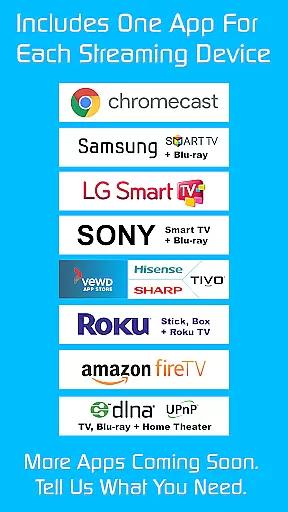
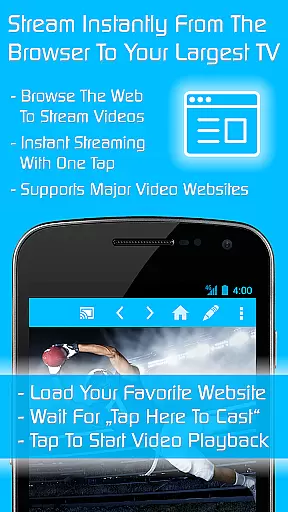

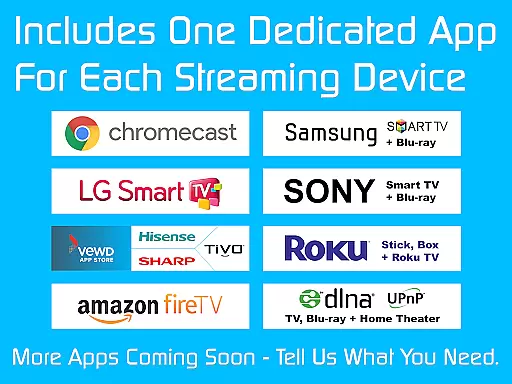
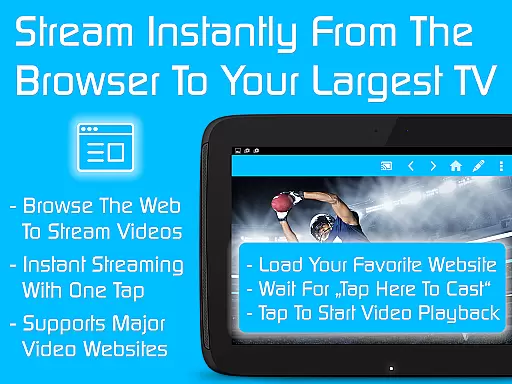

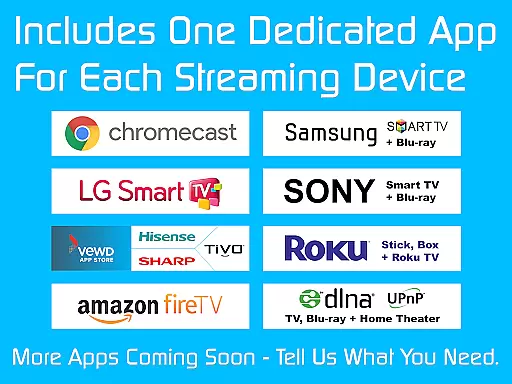
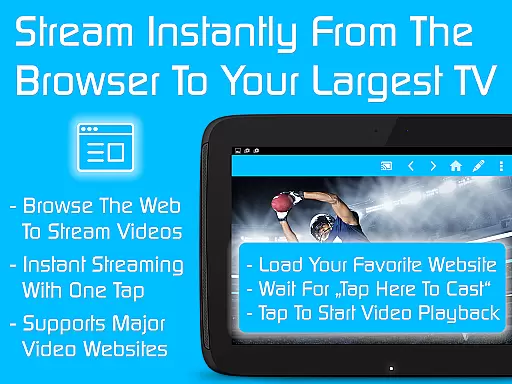
TV Cast is a versatile streaming browser app that allows users to stream and watch web videos, online movies, livestreams, and live TV shows on a wide range of devices. Compatible with Chromecast, Samsung TV, LG TV, Sony TV, Hisense TV, Sharp TV, TiVo, Roku, Fire TV, DLNA, and Google Cast or Android TV-powered devices, it offers an all-in-one solution for media streaming needs.
This Ultimate app serves as a LICENSE KEY, unlocking premium features in all FREE Video & TV Cast app editions on your Android device. By downloading the Ultimate app and any chosen app editions, users can enjoy ad-free streaming, advanced playback controls, personalized homepage settings, desktop mode, unlimited bookmarks, and more.
Whether you're looking to enhance your streaming experience at home or share content on a larger screen, TV Cast provides a seamless and feature-rich platform to meet diverse entertainment preferences.
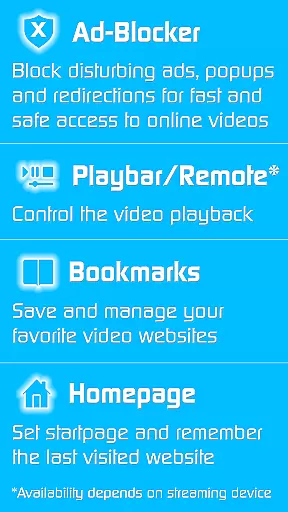
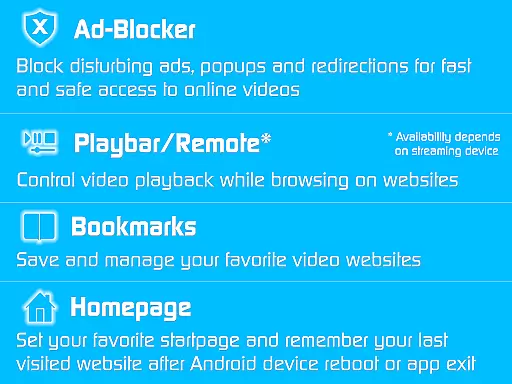
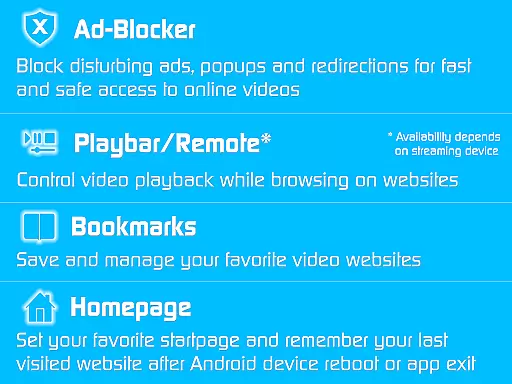
TV Cast stands out with its comprehensive set of features designed to elevate the streaming experience. One notable feature is the Ad-Blocker for websites, which effectively blocks all advertisements, popups, and redirections caused by visited sites, ensuring uninterrupted viewing pleasure.
Additionally, the Playbar/Remote functionality enables fast forward, rewind, and video scrubbing while browsing, depending on the capability of the streaming device. Users can also customize their experience by changing the homepage, setting a personal homepage, and enabling the option to remember the last visited website.
Other key features include Desktop Mode, which cloaks the device as a desktop PC to help detect video links on some websites, unlimited bookmarks for saving and managing favorite sites and videos, and the absence of sponsoring advertisements, providing a cleaner and more enjoyable interface.
Video format compatibility is a crucial feature for any video player or editor, ensuring that users can access and stream content across various devices without technical hindrances. TV Cast excels in this area by supporting an extensive range of formats, making it versatile for streaming web videos, online movies, livestreams, and live TV shows to multiple devices like Chromecast, Samsung TV, LG TV, Sony TV, Hisense TV, Sharp TV, TiVo, Roku, Fire TV, DLNA, and Google Cast-powered devices.
The app's broad device support stems from its ability to handle different video codecs and container formats. This ensures that whether you're streaming from popular websites or local media files, the content plays seamlessly without the need for additional conversion or plugins. Users benefit from not having to worry about format incompatibility, which enhances the overall viewing experience.
TV Cast's compatibility extends beyond just TVs to include media centers and gaming consoles, offering a comprehensive solution for all your streaming needs. The app's versatility means that regardless of the source or destination device, users can expect smooth playback and high-quality video output. This adaptability makes TV Cast a go-to choice for anyone looking to enjoy their favorite content on the big screen.
AI-powered editing features are transforming how users interact with video content, providing tools that enhance both the creative process and the final output. TV Cast incorporates advanced AI capabilities that automate and refine tasks typically associated with video editing, such as cropping, color correction, and audio adjustments. These intelligent features ensure that even novice users can achieve professional-looking results with minimal effort.
One standout feature is the app's ad-blocker, which uses AI to detect and remove advertisements, popups, and redirections from websites. This creates a cleaner, uninterrupted viewing experience. Additionally, the playbar/remote functionality leverages AI to enable fast forward, rewind, and video scrubbing while browsing, depending on the capability of the streaming device. Such innovations streamline navigation and improve user engagement.
TV Cast also offers personalized settings like homepage customization, desktop mode, and unlimited bookmarks, all enhanced by AI algorithms that learn user preferences over time. By intelligently adapting to individual usage patterns, the app delivers a tailored experience that prioritizes convenience and efficiency. These AI-driven enhancements make TV Cast not only a powerful streaming tool but also a sophisticated video editor at your fingertips.
User-friendly interface
Wide device compatibility
Ad-free streaming experience
Advanced playback controls
Customizable homepage settings
Premium features require separate app downloads
Limited troubleshooting support
Premium reverts upon uninstalling Ultimate app
Device-specific feature limitations
Refund policy restricted to 24 hours

Video Trimmer, Video to MP3 Converter. Extract music from video, Easy & Fast.
 4.80
4.80
Search & download videos from net with all video downloader, auto-detect & safe.
4.60
KineMaster, Your Ultimate Video Editor!
4.40
Full HD Video mp3 Player, MP4 player play 1080p, File manager, Video Downloader
4.40
All format media Player, no need video converter any more!
4.00
LumaFusion: The Ultimate Storytelling Experience for Video Editing
4.10
Browser + Remote for Roku to stream webvideos, online movies and livestreams
4.60
Livestream, news, & gaming content. Watch, chat, and upload. Join Rumble today!
3.80
Make videos you’re proud to share with Edits, a video editor for creators.
4.70
Flud is a simple and beautiful BitTorrent client for Android.
4.80
HD Video player all format, HD Videos, Cast & Subtitle. No annoying ads.
4.60
Fast & Private HD Video Downloader with Built-in Proxy Browser and Video Player.
4.50
Photo and Music Video Creator into Stunning Videos—Effortlessly
4.40
Browser for Fire TV to stream webvideos, online movies, livestreams in HD
4.40
Movie maker & video editing app with AI effects and green screen
4.30
This app was created to edit the metadata of music files.
4.20
Explore the largest library of free GIFs, Stickers & Memes - or create your own!
3.90
Watch full episodes of your favorite Cartoon Network and Cartoonito shows!
3.50
IPTV Player - Watch live TV from m3m & m3u8 playlist, stream IPTV on mobile
3.30


User Reviews