
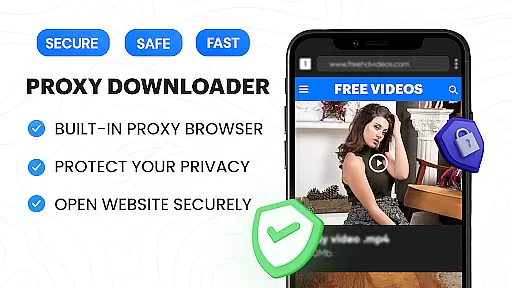

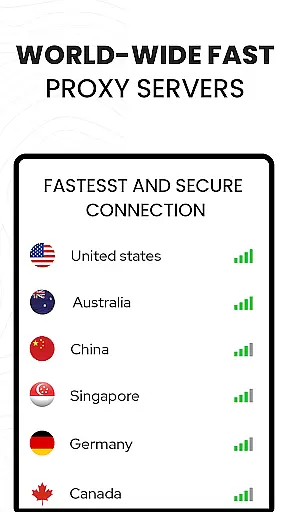





Video Downloader Proxy Browser is a comprehensive video management app that combines a secure proxy browser with a fast HD video downloader and an advanced download manager. Designed for Android users, this app allows you to browse the web safely, even on public WiFi, while enjoying unlimited access to your favorite content. The built-in proxy ensures privacy protection, while the powerful video downloader lets you save online videos with one tap.
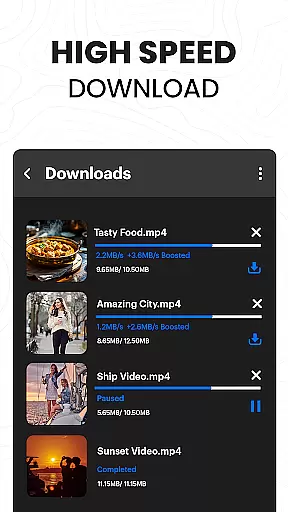
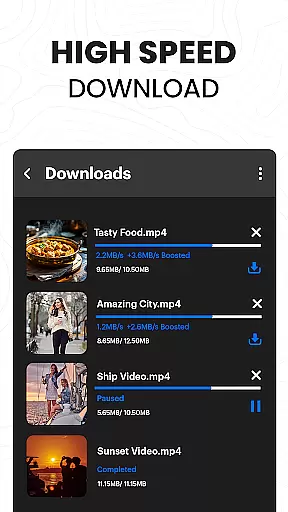
The app also features an ultra HD video player that supports 4K playback and multiple video formats. With smart auto-detect functionality, it can identify videos across popular websites and social media platforms, making it easy to download reels, stories, and clips. Its download manager supports simultaneous downloads, background mode, and resume options, ensuring up to 4X faster download speeds without compromising quality.
This app is ideal for users who want a secure browsing experience combined with efficient video downloading capabilities. Whether you're looking to watch videos offline or manage large media files, Video Downloader Proxy Browser provides a reliable solution for all your video-related needs.
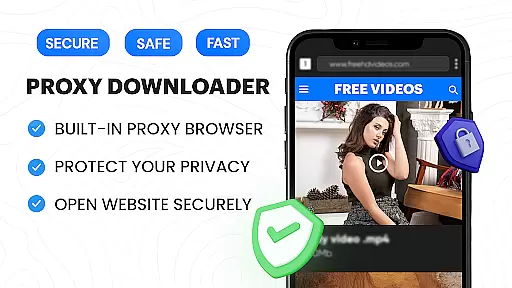
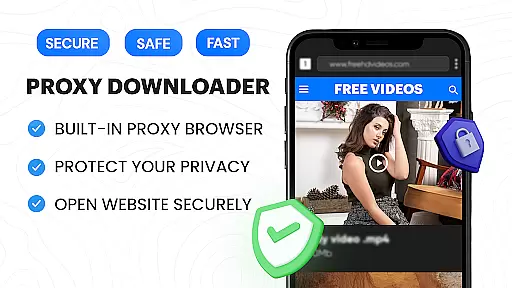
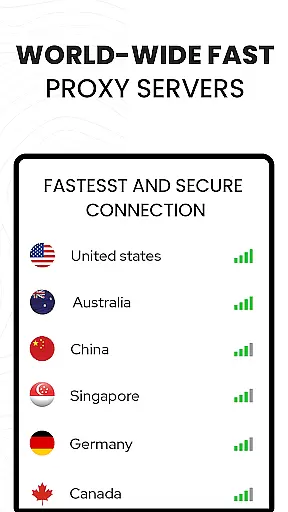
Video Downloader Proxy Browser offers a wide range of features designed to enhance both browsing and video downloading experiences. One standout feature is its built-in proxy browser, which not only blocks ads and trackers but also keeps your data safe through strong protection protocols. This makes browsing faster, safer, and more data-efficient, especially when connected to public Wi-Fi networks.
The app's video downloader is equipped with smart auto-detect technology, allowing users to download videos from various websites and social media platforms effortlessly. It supports one-click HD downloads and includes an advanced download manager that handles multiple simultaneous downloads, background tasks, and interrupted resumes. Additionally, the ultra HD video player supports 4K resolution and multiple formats, providing smooth playback for downloaded content.
Other notable features include a password-protected folder for saved files, free unlimited proxy usage, and compatibility with numerous websites. These functionalities ensure that users can enjoy a seamless experience when downloading and managing videos, making Video Downloader Proxy Browser a versatile tool for all video enthusiasts.
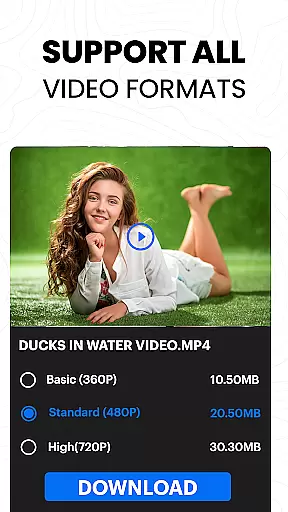
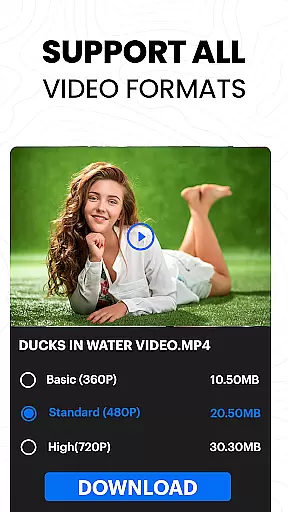
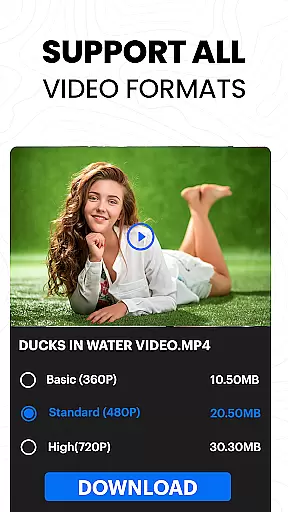
Video format compatibility is a crucial feature for any video player and editor, ensuring that users can enjoy content across various formats without technical barriers. The Video Downloader Proxy Browser supports an extensive range of video formats, including but not limited to MP4, AVI, MKV, and MOV. This versatility allows users to play videos from different sources seamlessly.
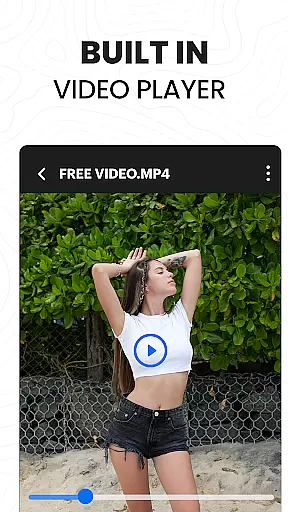
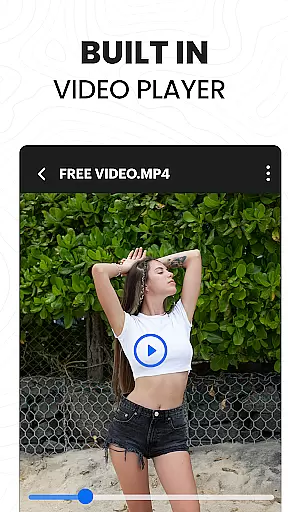
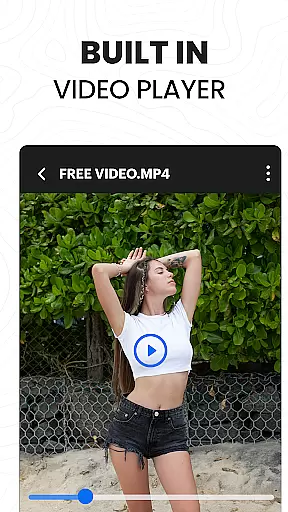
The app's built-in ultra HD video player elevates the viewing experience by supporting high-resolution formats up to 4K. Whether you're watching downloaded videos or streaming online content, the video player ensures smooth playback with impressive clarity and vibrant colors. This makes it ideal for users who demand premium visual quality.
Moreover, the downloader tool within the app simplifies the process of acquiring videos in multiple formats. With one-click HD video download functionality, users can save videos in their original quality. The smart auto-detect feature identifies video links and presents optimal download options, preserving the intended format and resolution.
For those dealing with diverse multimedia needs, this comprehensive compatibility ensures that your workflow remains uninterrupted. From casual viewers to professional editors, the Video Downloader Proxy Browser caters to all requirements, making it a versatile choice for managing varied video content efficiently.
AI-powered editing features represent the cutting-edge advancement in video players and editors, providing users with intelligent tools to enhance their video projects effortlessly. The Video Downloader Proxy Browser incorporates advanced AI capabilities that streamline the editing process, allowing even beginners to achieve professional-grade results.
One standout feature is the automatic video enhancement tool, which utilizes AI algorithms to optimize brightness, contrast, and color balance. This ensures that every video maintains optimal visual quality without requiring manual adjustments. Additionally, the app offers smart trimming and cutting functions, enabling users to remove unwanted segments quickly and precisely.
The AI-driven proxy browser further enhances user experience by blocking ads and trackers during video streaming sessions. This not only speeds up browsing but also reduces data usage while maintaining privacy protection. Users can focus on their creative tasks without interruptions from intrusive advertisements.
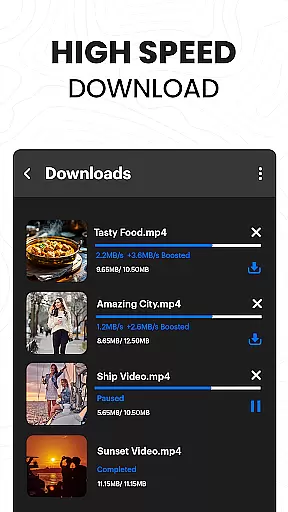
Furthermore, the app includes a powerful download manager enhanced by AI technology. It supports simultaneous downloads, background operation, and resume options for interrupted tasks. These intelligent features ensure efficient management of large video files, providing a seamless experience whether downloading or editing content. Overall, these innovations make the Video Downloader Proxy Browser an indispensable tool for modern video enthusiasts.
Fast download speeds
Secure proxy browsing
User-friendly interface
Supports 4K video playback
Blocks ads and trackers
No YouTube support
Limited platform compatibility
Requires stable internet
Privacy concerns on shared devices
Potential legal restrictions

The smartest M3U IPTV Player your playlists have ever seen.
 4.2
4.2
Fast, private downloading, video saving, social media
4.50
Movie maker & video editing app with AI effects and green screen
4.30
IPTV Loader, loads your own Playlist. DOES NOT CONTAIN ANY LIST OR CHANNELS
4.60
Browser for Samsung TV to stream webvideos, online movies and livestreams in HD
4.10
LumaFusion: The Ultimate Storytelling Experience for Video Editing
4.10
Fast private browser with secure, seamless access & supported video downloads!
4.00
Video&Drama Player All Format is a HD video player, music player
3.00
Create, Publish & Maximize
4.70
Video Trimmer, Video to MP3 Converter. Extract music from video, Easy & Fast.
4.80
Play ALL formats in 4K & HD. Video downloader, MP3 player, Chromecast & more.
4.80
An easy-to-use and all-round screen recorder with audio
4.80
A Quick and Pro Video Editor
4.70
Download videos and play them offline
4.70
Cast movies, tv shows and live streams to Chromecast, Roku, DLNA, Fire TV & more
4.60
AI Video Editor:AI Music, Text to Video,Text to Speech,Auto Caption,Video Effect
4.00
HD video & music player - All format support with floating & PIP mode!
3.80
Live TV, anywhere in your home
3.80
Play and download HD videos from all sources — fast, simple, and all-in-one.
4.4


User Reviews