
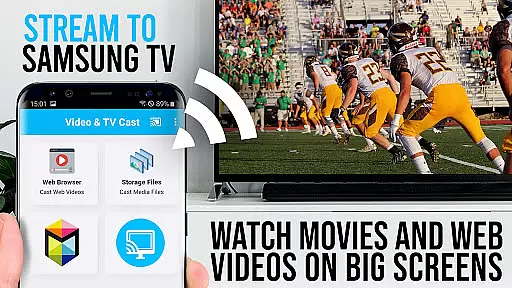
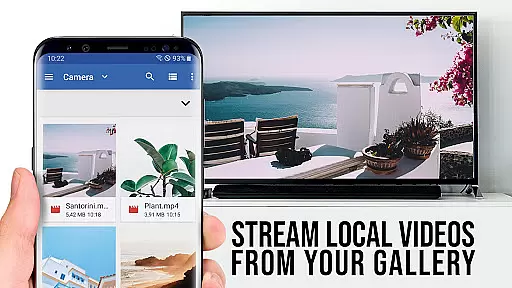
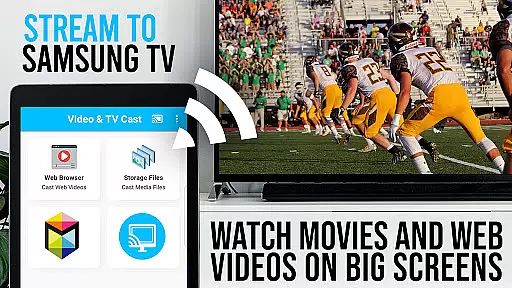
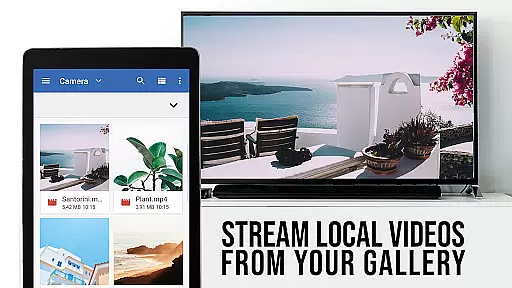
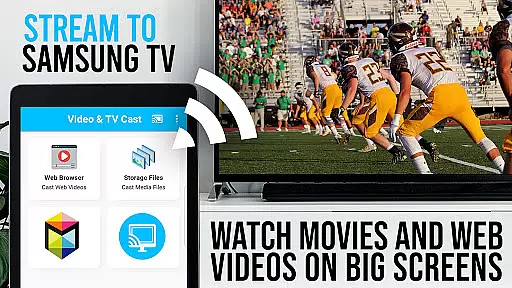
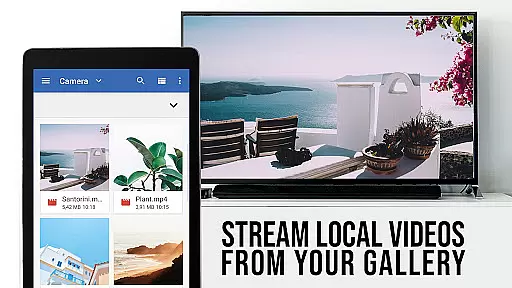
TV Cast Pro for Samsung TV is a premier application that transforms your Samsung Smart TV or Blu-ray Player into a versatile streaming device. This app allows you to stream web videos, online movies, live streams, and TV shows directly on your largest screen without the need for an additional streaming box. Supporting formats like Mp4, m3u8, HLS livestreams, and video over https, it ensures Full HD quality viewing. Compatible with all Samsung Smart TV models from 2010 (C series) to 2017 (new M/MU/Q series) and Blu-ray Players with Smart Hub or VEWD, this PRO edition comes with all premium features unlocked.
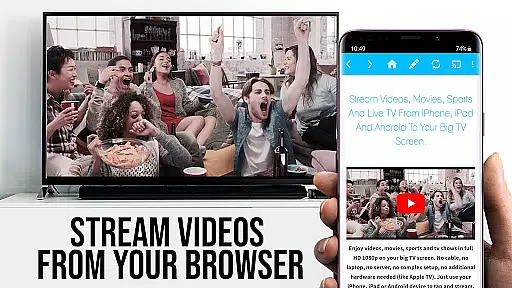
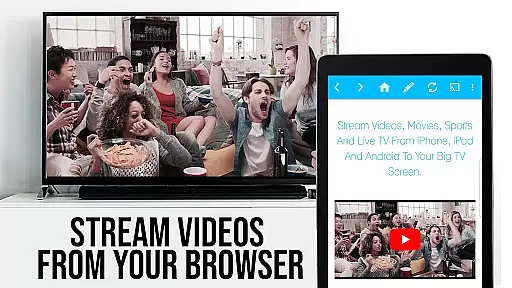
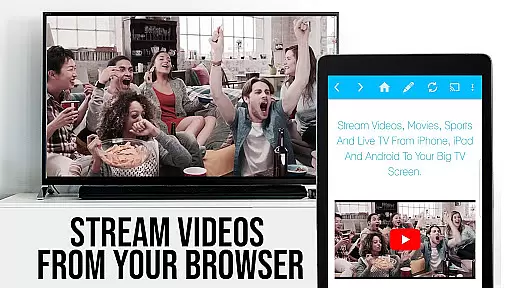
The app facilitates effortless browsing and casting of any video content to your Samsung TV. By simply navigating to your preferred website and tapping on the embedded video, you can cast it instantly to your TV. The PRO version offers advanced functionalities such as Remote Playbar for enhanced video control, Ad-Blocker to eliminate ads, Bookmarks for easy access to favorite sites, Desktop Mode to load desktop versions of websites, and customizable Homepage settings.
Whether you're looking to enjoy entertainment or need a reliable solution for presentations, TV Cast Pro for Samsung TV provides a seamless experience by integrating your mobile browsing with the convenience of a large screen display.
TV Cast Pro for Samsung TV boasts an array of sophisticated features designed to enhance your streaming experience. One standout feature is the ability to browse through the web and cast any discovered video with a single tap, making it incredibly user-friendly. The app supports a wide range of video formats including Mp4, m3u8, HLS livestreams, and even videos served over https, ensuring compatibility with most online content.
This PRO edition includes exclusive features such as the Remote Playbar, which allows users to scrub, forward, rewind, play, pause, and stop videos directly from their Android device while browsing. Additionally, the built-in Ad-Blocker removes ads and popups from most websites, providing an uninterrupted viewing experience. Users also benefit from the ability to manage bookmarks efficiently, switch to Desktop Mode for accessing full desktop websites, and customize their homepage for personalized browsing.
These features collectively ensure that TV Cast Pro for Samsung TV not only meets but exceeds the expectations of users seeking high-quality, flexible streaming options on their Samsung TVs and Blu-ray Players.
TV Cast Pro for Samsung TV stands out with its extensive video format compatibility, ensuring users can enjoy a wide range of content without limitations. The app supports popular formats such as Mp4, m3u8, and HLS livestreams, making it versatile for various streaming needs.
One of the key strengths is its ability to handle videos over HTTPS, providing secure streaming options that are increasingly important in today's digital landscape. This feature guarantees that users can access content from websites that prioritize secure connections without any hitches.
The app's Full HD support ensures that users experience top-notch video quality on their Samsung Smart TVs and Blu-ray Players. Whether you're watching web videos or online movies, the clarity and detail offered by Full HD compatibility enhance the viewing experience significantly.
By eliminating the need for an additional streaming box, TV Cast Pro simplifies the streaming process while maintaining broad format support. This convenience factor, combined with its technical capabilities, positions the app as a comprehensive solution for enjoying diverse video content on Samsung devices.
While TV Cast Pro for Samsung TV focuses primarily on streaming capabilities, it incorporates AI-powered features that enhance user interaction and content management. Although not a traditional video editor, the app's intelligent systems contribute to a more efficient streaming experience.
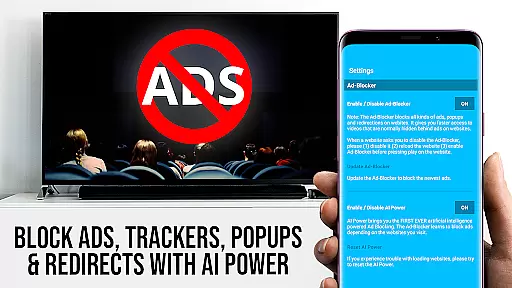
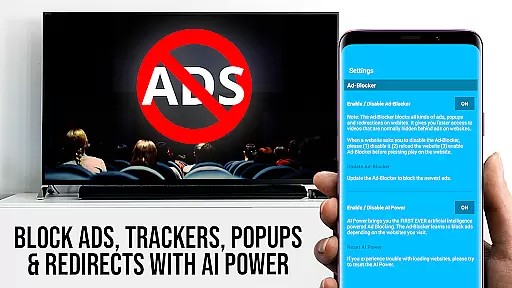
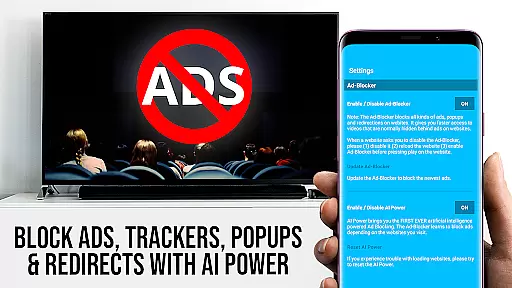
The app's Ad-Blocker feature uses advanced algorithms to detect and block ads on most websites, creating a cleaner viewing environment. This AI-driven functionality works seamlessly in the background, allowing users to focus on their desired content without interruptions from unwanted advertisements.
Another notable AI-powered aspect is the automatic video detection system. The app intelligently scans web pages for playable video content, streamlining the casting process. This smart detection saves users time and effort when searching for castable media on various websites.
The Remote Playbar represents another innovative feature that utilizes intelligent control systems. While not strictly an editing tool, it provides advanced video control functions including scrubbing, forward, rewind, play, pause, and stop - all working through AI-enhanced responsiveness across Samsung Smart TV models.
Wide format support
No ads in PRO
Remote Playbar
Desktop Mode
Customizable homepage
No Flash support
Limited to Samsung
DRM restrictions
Requires companion app
Connectivity issues

Search & download videos from net with all video downloader, auto-detect & safe.
 4.60
4.60
KineMaster, Your Ultimate Video Editor!
4.40
Video player with powerful streaming playback and various convenient features.
2.10
Seamlessly connect and control your smart devices, anytime, anywhere with ease.
4.60
Mix with Virtual DJ directly from your phone or tablet !
3.10
Flud is a simple and beautiful BitTorrent client for Android.
4.80
VLC for Android is the best open source video and music player, fast and easy!
4.10
convenient, safe and fast at Video Downloader & Player
4.60
Capture the moment and Cut
3.40
Video Trimmer, Video to MP3 Converter. Extract music from video, Easy & Fast.
4.80
Watch IPTV on your Android device
4.60
Photo and Music Video Creator into Stunning Videos—Effortlessly
4.40
Full HD Video mp3 Player, MP4 player play 1080p, File manager, Video Downloader
4.40
Download website videos fast&privacy
4.40
Your media, on your terms.
4.10
HD video & music player - All format support with floating & PIP mode!
3.80
All in one multi protocols stream receiver for AirPlay, Cast and DLNA.
3.60
This app is an emulator of some specific IPTV boxes
3.50
Client application for NextPVR software
3.00


User Reviews