
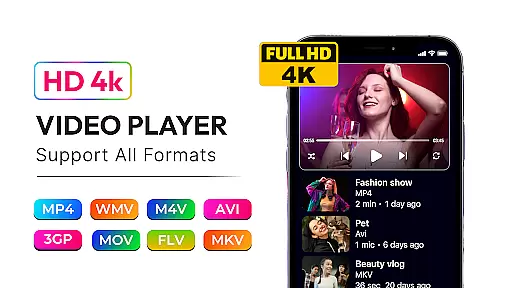
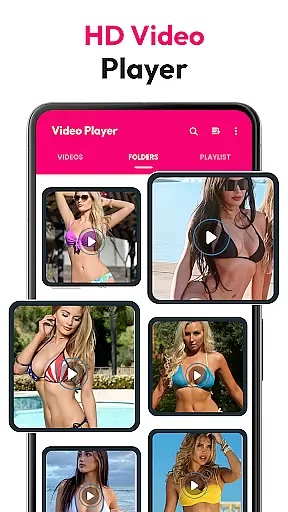
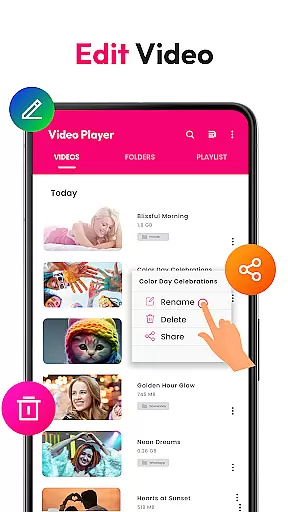
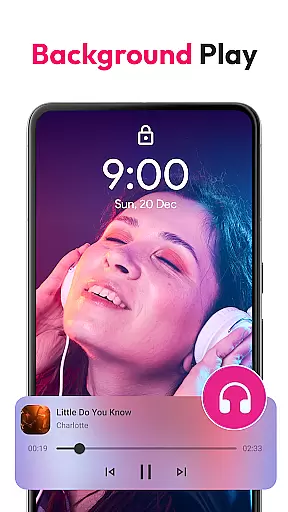
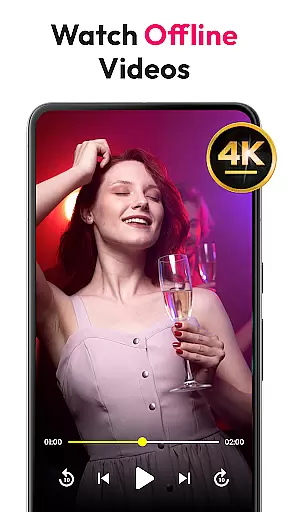
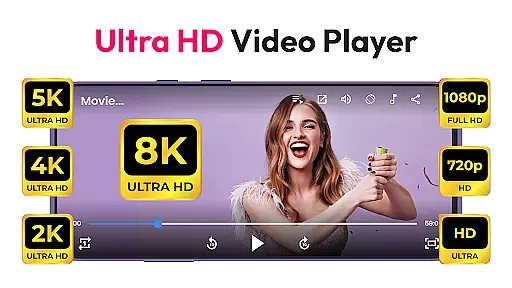
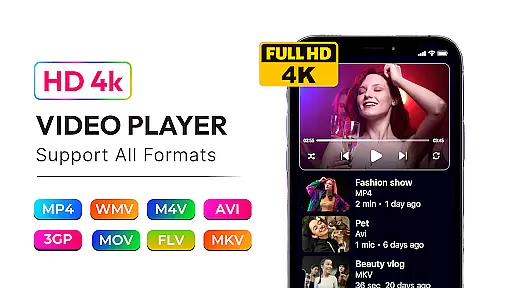
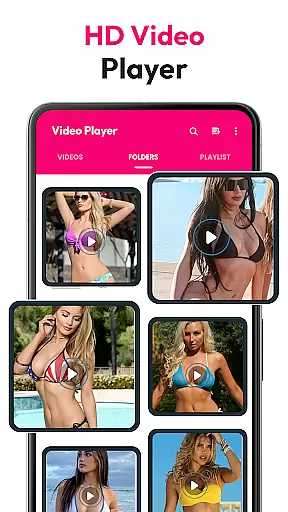
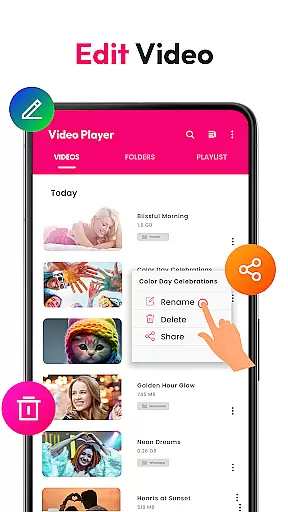
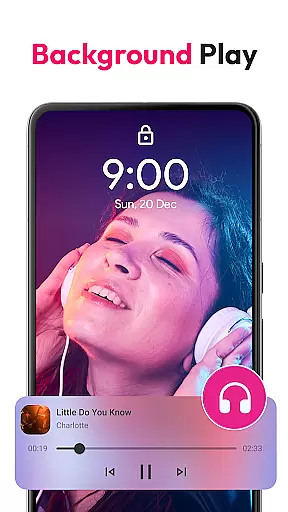
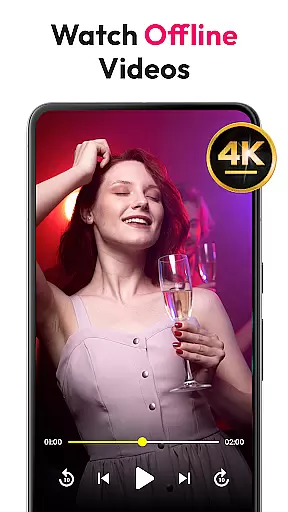
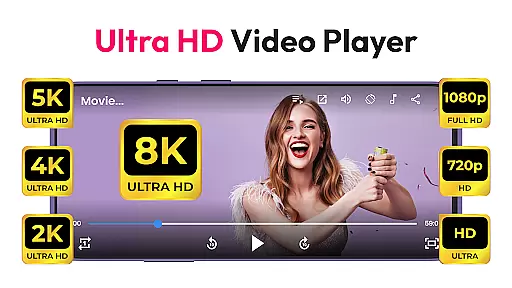
HD Video & Music Player is a versatile media player for Android that supports all video and audio formats. Whether you're watching 4K, Ultra HD, or Full HD videos, this app delivers smooth playback with advanced controls. It also functions as an mp4 player, mp3 player, and offline video player, making it the ultimate tool for managing your media files.
This app offers a built-in file manager, playlist creation, and floating player mode (Picture-in-Picture). With features like auto-rotate, screen aspect ratio adjustment, and lock screen support, it ensures a seamless experience. Ideal for multitasking, workouts, or enjoying high-quality entertainment, this app caters to all your media needs on Android devices.
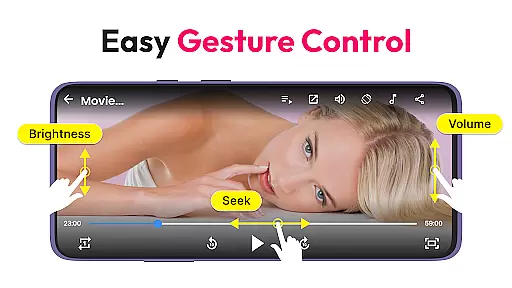
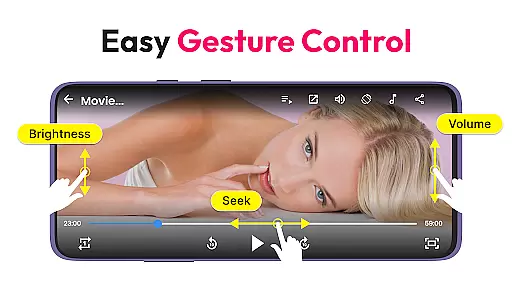
HD Video & Music Player stands out with its comprehensive feature set tailored for both video and music enthusiasts. The app supports all major video formats including MP4, AVI, MKV, and more, while ensuring smooth playback of 4K, Ultra HD, and Full HD content. Advanced functionalities like Picture-in-Picture mode, gesture controls for volume and brightness, and auto-scanning of video files enhance user convenience.
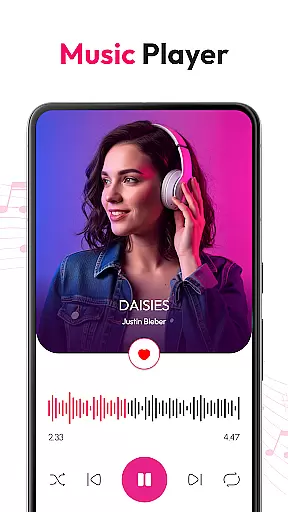
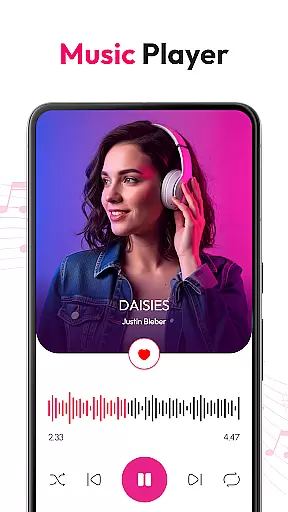
As a music player, it supports formats like MP3, WAV, FLAC, and AAC, offering a powerful equalizer with bass boost and 3D sound effects. Users can browse songs by album, artist, or genre, create custom playlists, and enjoy playback controls from the lock screen. With full offline functionality, elegant design, and rich features, this app provides an all-in-one solution for media playback on Android devices.
Video format compatibility is a critical feature for any media player, ensuring that users can enjoy their favorite content without worrying about file type restrictions. HD Video & Music Player excels in this area by supporting an extensive range of video formats including MP4, AVI, MKV, 3GP, FLV, MOV, WMV, and TS. This versatility allows users to play virtually any video file they encounter, whether it's a high-definition movie or a simple clip shared by friends.
The application's advanced decoding technology ensures smooth playback of videos in various resolutions, from standard definition to 4K Ultra HD. Users can watch their content in stunning clarity without the need for additional codecs or conversion tools. The inclusion of floating player and Picture-in-Picture (PIP) modes further enhances the viewing experience, enabling multitasking while enjoying videos.
With automatic scanning of internal storage and SD cards, the app simplifies media management by organizing all compatible files in one place. This feature saves time and effort, allowing users to focus on their entertainment rather than file navigation. Whether you're using an Android phone or tablet, HD Video & Music Player provides a seamless solution for all your video playback needs.
While primarily known for its robust playback capabilities, HD Video & Music Player also incorporates AI-powered editing features that elevate it beyond a simple media player. These intelligent tools utilize machine learning algorithms to enhance both video and audio content automatically. For instance, the app can optimize visual settings based on the content being played, adjusting brightness, contrast, and color saturation for an improved viewing experience.
In terms of audio enhancement, the built-in equalizer offers advanced sound processing options such as bass boost, 3D sound effects, and reverb adjustments. These features allow users to customize their listening experience according to personal preferences or specific audio requirements. Additionally, AI-driven noise reduction helps eliminate background interference during music playback, resulting in clearer sound quality.
The integration of gesture controls for volume, brightness, and seek functions demonstrates another layer of smart functionality. By analyzing user behavior patterns, the app adapts to individual preferences over time, creating a more intuitive interface. These AI-powered enhancements not only improve basic playback but also provide users with professional-grade editing capabilities within a consumer-friendly application.
User-friendly interface
Supports all formats
Advanced equalizer
Offline playback
PIP mode
Occasional bugs
Ads in free version
Large app size
Limited customization
High system requirements

HD Video player all format, HD Videos, Cast & Subtitle. No annoying ads.
 4.60
4.60
Powerful, professional, versatile teleprompter. Developed by an active film crew
4.00
Powerful HD video player with support for all formats & subtitles.
4.4
All format media Player, no need video converter any more!
4.00
Download videos easily & play them all in one smart, powerful video manager.
3.40
Play and download HD videos from all sources — fast, simple, and all-in-one.
4.2
AI Video Editor:AI Music, Text to Video,Text to Speech,Auto Caption,Video Effect
4.00
Download Hub, easy and private way to download and enjoy your videos offline
4.80
Viddo: Generate Action Figure, AI Anime, AI kiss, AI hug Video from image & text
4.40
Tik & Story Saver-Download ALL social media videos, photos & reels no watermark.
4.80
Download videos and play them offline
4.70
Snaptubè Video Downloader app allows to download videos and music in Snaptube. .
4.60
Search & download videos from net with all video downloader, auto-detect & safe.
4.60
Cast to Chromecast, Xbox, Fire Stick, Roku, DLNA, Smart TV & No Feature Limited!
4.50
Video player with 4K & 1080P support, popup play, background play and subtitle.
4.20
VLC for Android is the best open source video and music player, fast and easy!
4.10
Online Videos Player
3.90
Cast to Smart TV, Fire TV. Cast video, photo - Fast & Stable!
3.90
A full editing room to accompany your Insta360 cameras and handheld gimbals.
3.30


User Reviews