
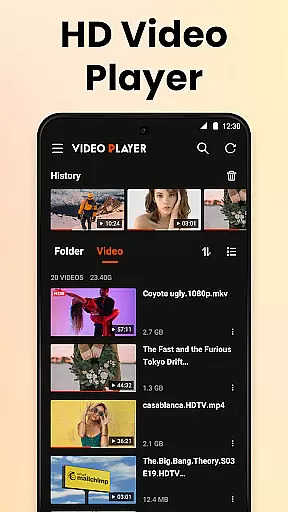

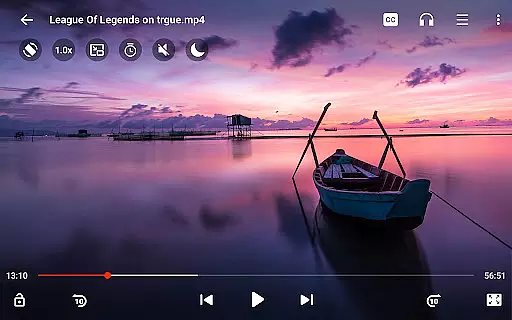
Video Player All Format HD is a versatile video player designed for Android devices, offering support for all major video formats including MKV, MP4, AVI, and more. With its compact size and rich feature set, this app provides an exceptional video playback experience in resolutions up to 4K and 1080p.
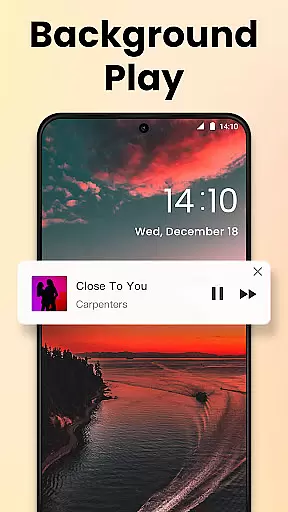
The application stands out with its user-friendly interface and advanced functionalities such as popup play, background playback, and speed control. These features make it possible to multitask while watching videos or optimize the viewing experience based on individual preferences. Whether you're commuting, working, or relaxing at home, Video Player All Format HD ensures smooth and high-quality playback tailored to your needs.
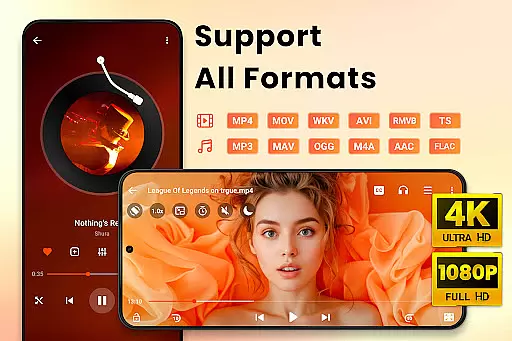
One of the standout aspects of Video Player All Format HD is its comprehensive format compatibility, supporting everything from common formats like MP4 to less frequently used ones such as RMVB. This versatility eliminates the need for multiple apps, streamlining your media consumption process.
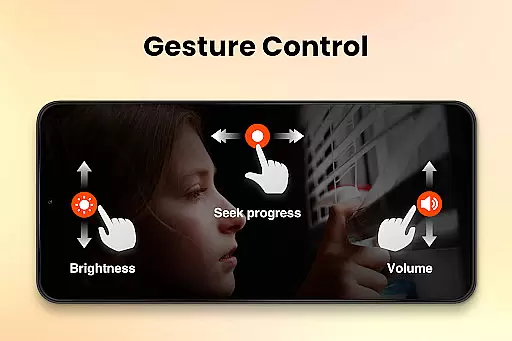
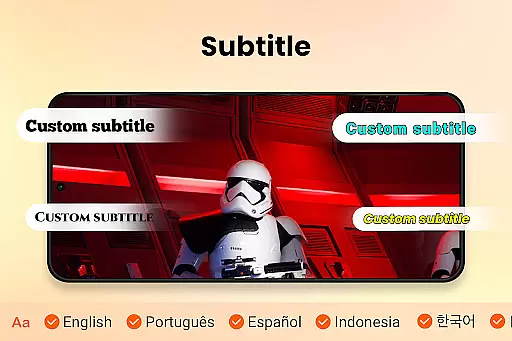
In addition to format support, the app includes practical tools like gesture controls, a five-band equalizer, and subtitle management. The ability to adjust playback speed from 0.5x to 2x makes it ideal for educational content or tutorials, while features like night mode and quick mute enhance comfort during extended viewing sessions. These thoughtful additions demonstrate the app's commitment to delivering both functionality and convenience.
Video Player All Format HD stands out for its exceptional video format compatibility, ensuring users can play virtually any video file they encounter. The app supports an extensive range of formats including MKV, MP4, M4V, AVI, MOV, 3GP, FLV, WMV, RMVB, and TS.
This comprehensive support means that users no longer need to worry about converting files or encountering playback issues due to unsupported formats. Whether it's high-definition 4K or standard 1080p videos, the player guarantees a smooth and high-quality viewing experience across all supported formats.
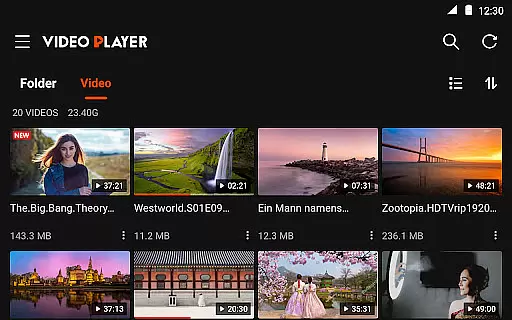
The ability to auto-detect video files and folders on both internal storage and SD cards further enhances accessibility. This feature simplifies media management, allowing users to easily locate and play their videos without hassle.
By offering such wide-ranging format compatibility, Video Player All Format HD ensures that users have the freedom to enjoy their video content in any format, anytime, and anywhere without limitations.
While primarily a video player, Video Player All Format HD also incorporates AI-powered editing features that add versatility to the user's media experience. These features include advanced functionalities like speed control, which allows users to adjust playback from 0.5x to 2x, catering to various viewing preferences and needs.
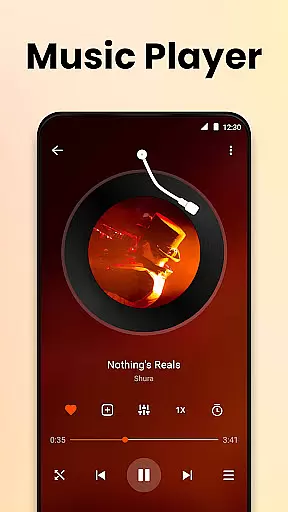
The inclusion of a five-band equalizer with bass boost demonstrates the app's commitment to delivering superior audio quality alongside video playback. Users can fine-tune audio settings to match their listening environment or personal taste, enhancing overall media enjoyment.
Additionally, the app offers practical tools such as a sleep timer and night mode, which utilize smart technology to improve usability. Night mode reduces screen brightness for comfortable late-night viewing, while the sleep timer automatically stops playback after a set period, conserving battery life and preventing unnecessary data usage.
These AI-driven enhancements not only elevate the basic video playback experience but also provide users with sophisticated tools to customize and optimize their media consumption according to individual preferences and contexts.
User-friendly interface
Wide format compatibility
Advanced playback options
Lightweight design
Intuitive gesture controls
Limited iOS availability
No cloud integration
Basic editing tools
Occasional ads in free version
Few customization themes

Fast, private downloading, video saving, social media
 4.50
4.50
Save photos and videos from social apps in one tap.
3.60
KineMaster, Your Ultimate Video Editor!
4.40
Full HD Video mp3 Player, MP4 player play 1080p, File manager, Video Downloader
4.40
Live TV, anywhere in your home
3.80
AirMirror Receiver - Screen mirroring/cast web videos to Android TV by AirPlay.
4.40
Download videos and play them offline
4.70
Mix with Virtual DJ directly from your phone or tablet !
3.10
All in one multi protocols stream receiver for AirPlay, Cast and DLNA.
3.60
Find, download, and play torrents with the official BitTorrent® Pro app
4.70
Screen recorder with audio to take live videos & Screenshot in high quality!
4.70
HD Video player all format, HD Videos, Cast & Subtitle. No annoying ads.
4.60
Download website videos fast&privacy
4.40
This app was created to edit the metadata of music files.
4.20
Your media, on your terms.
4.10
Powerful, professional, versatile teleprompter. Developed by an active film crew
4.00
All format media Player, no need video converter any more!
4.00
Connect EasyCap or UVC devices for recording and broadcast video/audio stream
3.60
Watch full episodes of your favorite Cartoon Network and Cartoonito shows!
3.50


User Reviews