
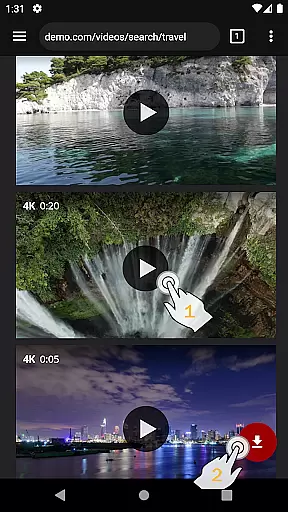
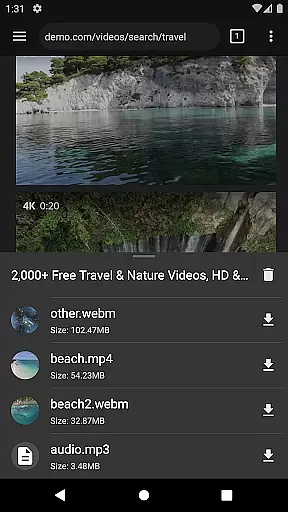
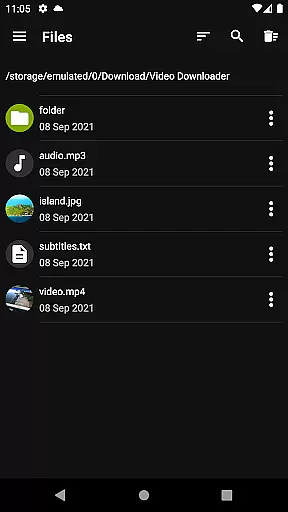

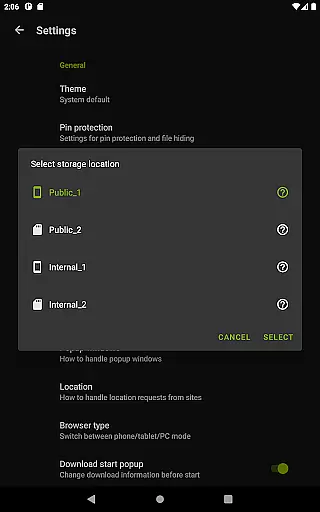
Video Downloader Pro is a premium video downloading application designed for users who need advanced functionality and an ad-free experience. The app allows users to download both static videos and live streams, making it versatile for various content consumption needs. With features like multi-connection download acceleration, multiple SD card support, and private browsing, it offers a comprehensive toolset for managing and viewing video content offline.
One of the standout benefits of Video Downloader Pro is its lifetime license model. Users pay once and can use the app indefinitely across multiple devices linked to the same Google account. This version also includes priority customer support and a 48-hour money-back guarantee, ensuring user satisfaction. Whether you're downloading videos for personal use or managing large files, this app provides a reliable solution with additional perks that enhance the overall user experience.
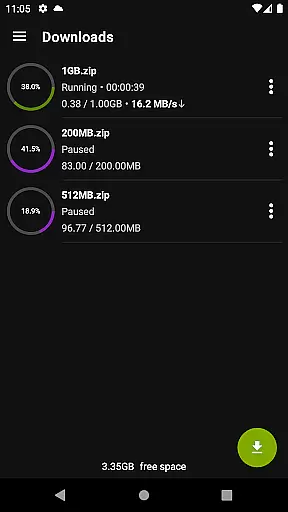
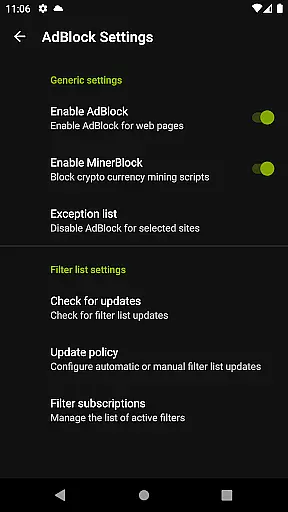
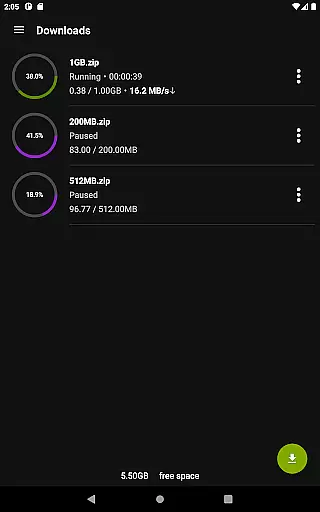
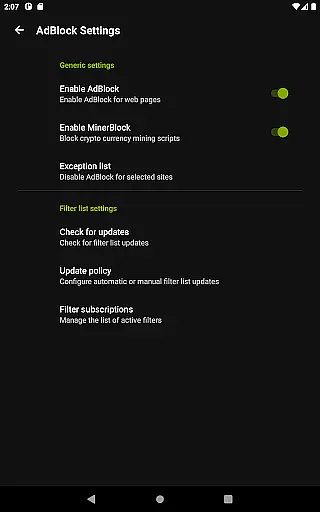
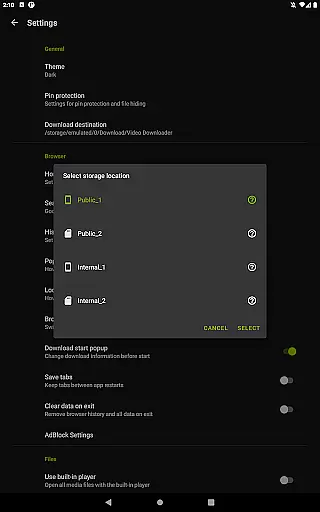
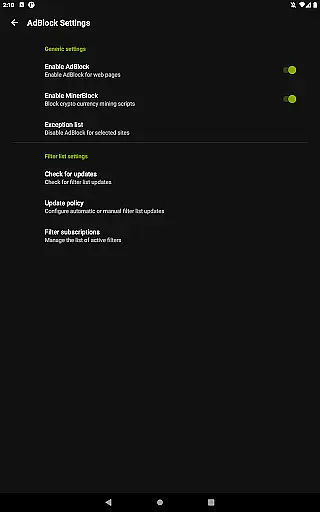
Video Downloader Pro stands out with its robust feature set tailored for power users. The app supports downloading live video streams, a capability not commonly found in standard downloaders. Its multi-connection download manager significantly accelerates download speeds, while the fully featured AdBlocker ensures uninterrupted browsing by allowing custom filter lists.
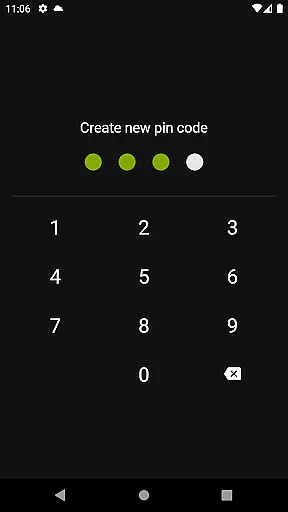
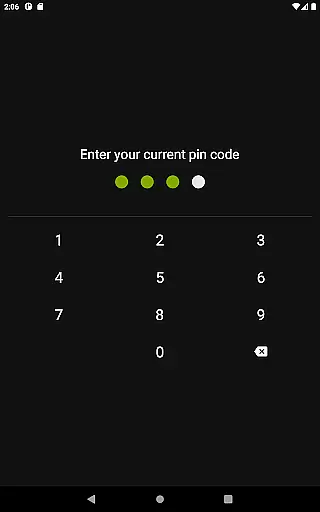
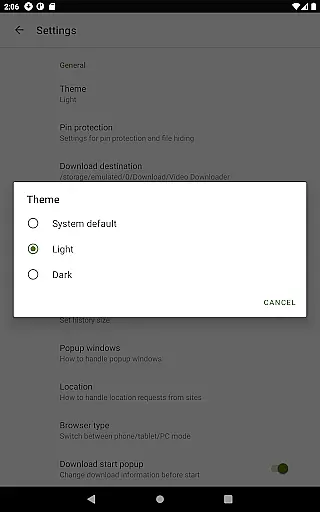
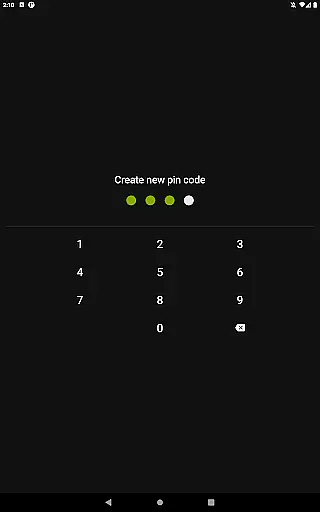
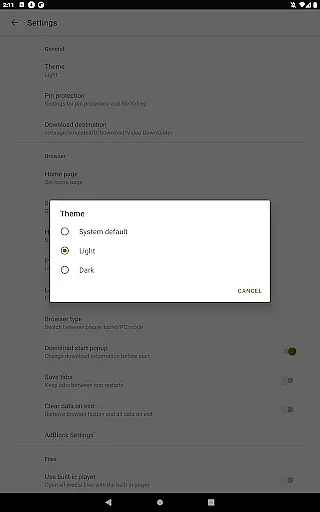
Additional functionalities include a private web browser with incognito mode and PIN protection, catering to users concerned about privacy. The app also supports file downloads over 4GB, background downloads, and simultaneous downloads of multiple files. These features collectively ensure that users can manage their downloads efficiently, even when dealing with large files or slower connections. With options like bookmark import/export and failed download resumption, Video Downloader Pro delivers a seamless and flexible user experience.
Video Downloader Pro offers extensive video format compatibility, ensuring users can download and play videos in various formats without any hassle. This feature is crucial for a seamless user experience as it allows flexibility in downloading from different sources.
The application supports popular formats such as MP4, AVI, and MKV, among others. Regardless of the source website, users can be confident that the downloader will handle the file appropriately. This eliminates the need for additional conversion software and streamlines the entire downloading process.
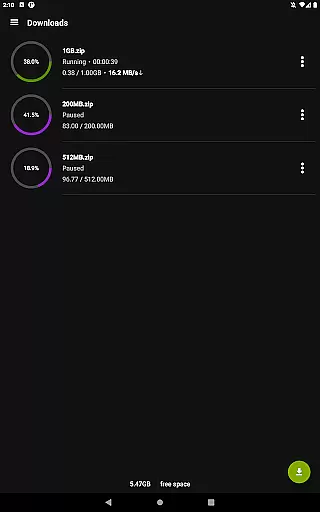
Moreover, the built-in multi-connection download manager enhances the download speed significantly. By splitting the video file into smaller parts and downloading them simultaneously, users can save time and bandwidth. This becomes particularly beneficial when dealing with large files over 4GB.
For those who require specific formats for professional editing or playback on certain devices, Video Downloader Pro ensures that all downloaded content remains accessible and usable. The inclusion of an AdBlocker and private browsing features further enriches the user's ability to download content securely and without interruptions.
While Video Downloader Pro focuses primarily on downloading capabilities, its AI-powered editing features provide an added layer of functionality that enhances user engagement. These features are designed to offer intuitive tools that simplify video management and customization.
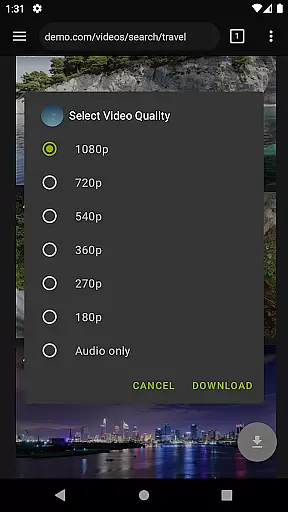
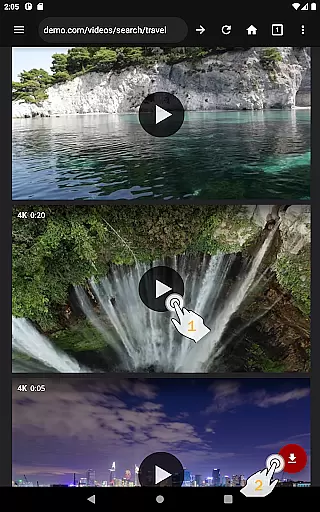
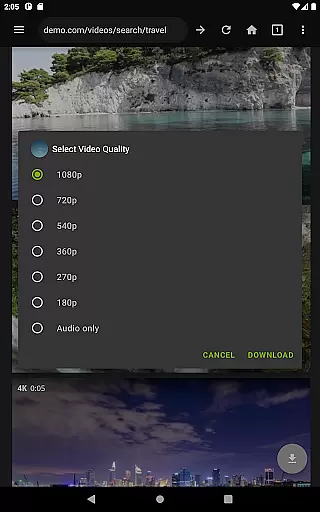
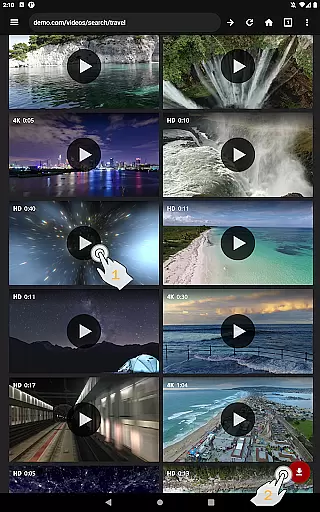
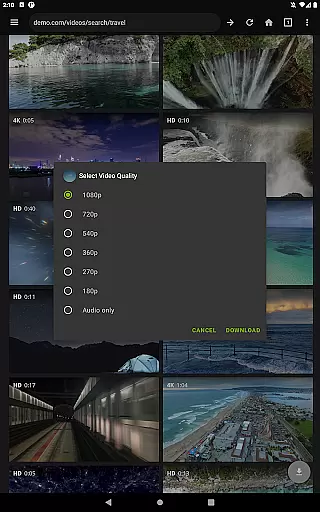
One standout feature is the automatic detection of video quality settings during the download process. Users can select their preferred resolution directly from the video player interface before initiating the download. This ensures that the final output meets the user's expectations in terms of clarity and detail.
In addition to quality selection, the application includes basic editing functions like trimming and merging clips. These tools allow users to create concise video segments or compile multiple downloads into a single file effortlessly. Such capabilities make it easier for users to organize and share their content.
Furthermore, the priority support system ensures that any queries related to these features receive prompt attention. Whether it's troubleshooting an issue or seeking advice on optimizing edits, users can rely on efficient assistance. This comprehensive approach not only improves usability but also fosters a more engaging and productive environment for managing video content.
Ads removed
Live stream support
Lifetime license
Priority support
Money-back guarantee
Paid app
Requires permission
Complex setup
No free trial
Limited refunds

Online Videos Player
 3.90
3.90
Watch full episodes of your favorite Cartoon Network and Cartoonito shows!
3.50
Play ALL formats in 4K & HD. Video downloader, MP3 player, Chromecast & more.
4.80
Stream high quality video from your camera over NDI protocol
4.4
Movie maker & video editing app with AI effects and green screen
4.30
Mix with Virtual DJ directly from your phone or tablet !
3.10
Browser for Samsung TV to stream webvideos, online movies and livestreams in HD
4.10
Download Hub, easy and private way to download and enjoy your videos offline
4.80
Video&Drama Player All Format is a HD video player, music player
3.00
#1 Torrent App on Android ** No Ads Ever + Battery Saver **
4.80
High-Quality USB Camera Viewer & HDMI Display
4.70
All in one HD video downloader & player for multiple formats with full privacy
4.70
Cast Videos from Web Browser, IPTV to Roku, Chromecast, DLNA, Smart TV +more
4.60
Fast & easy HD video downloader for all formats, support 4K playback & download.
4.60
Fast & Private HD Video Downloader with Built-in Proxy Browser and Video Player.
4.50
Fast & Private Video Downloader App. Save all videos easily from the Internet.
4.40
1)AirPlay/DLNA Mirroring/Streaming, up to 4 connections; 2)Samba/NAS/DMS Player.
4.00
AI Video Editor:AI Music, Text to Video,Text to Speech,Auto Caption,Video Effect
4.00
Connect 2 UVC devices for recording and broadcast video/audio stream
3.90


User Reviews