
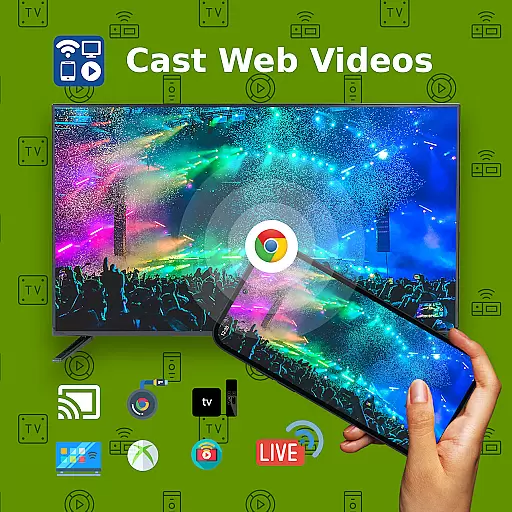
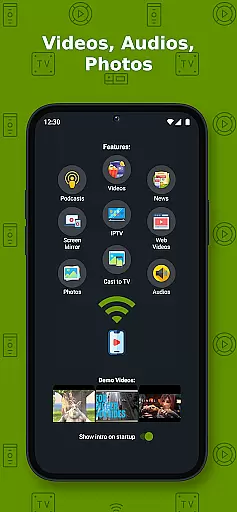
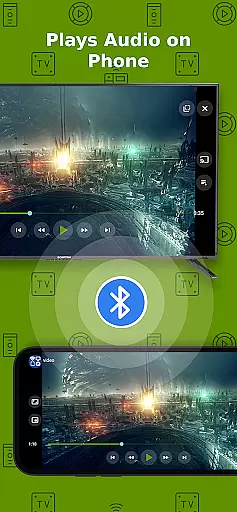
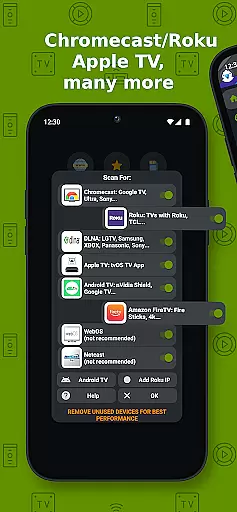
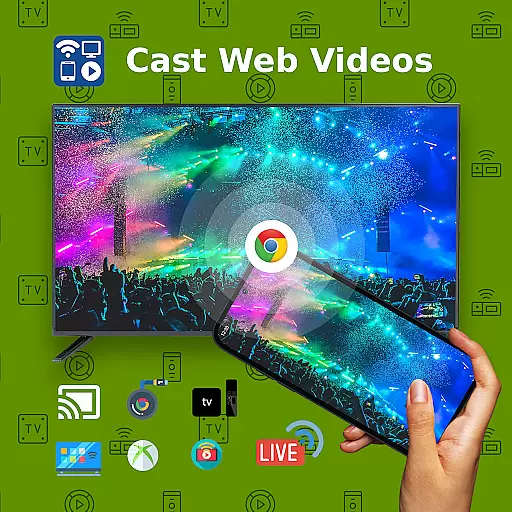
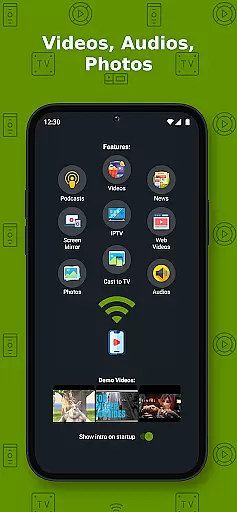
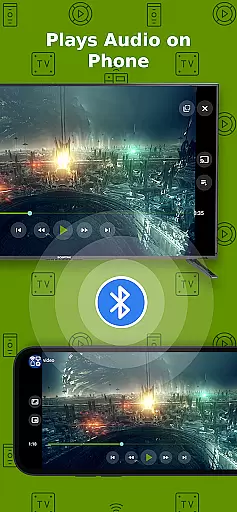
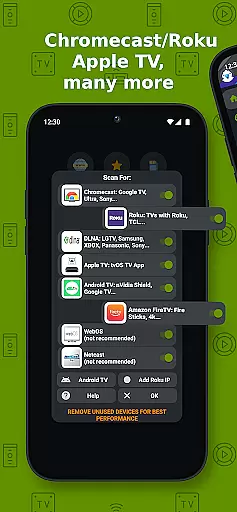
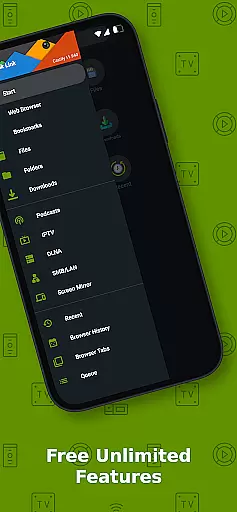
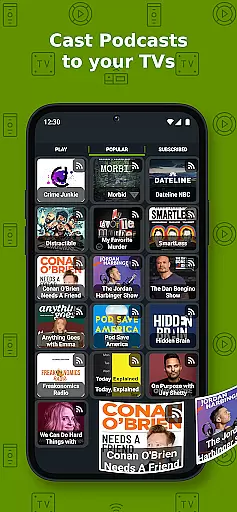
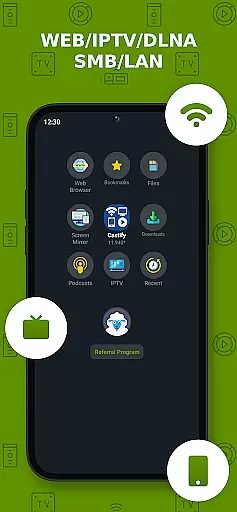
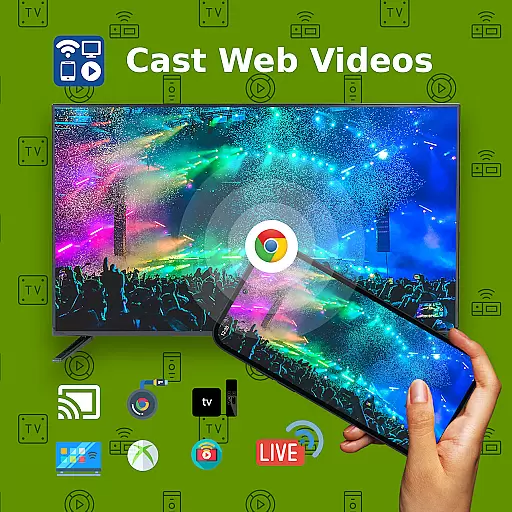
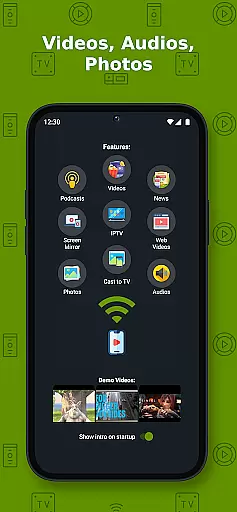
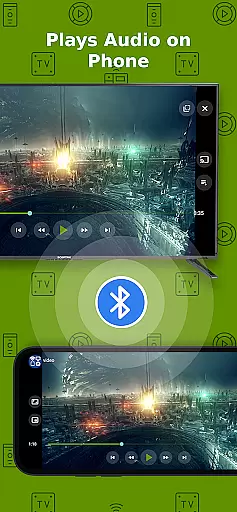
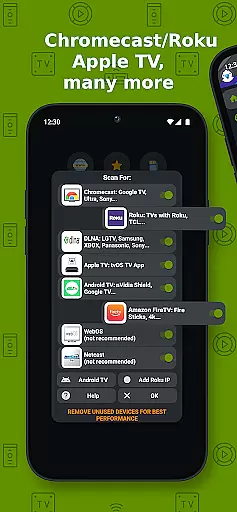
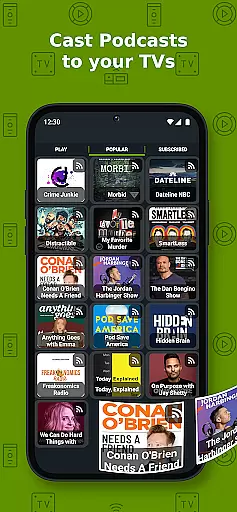
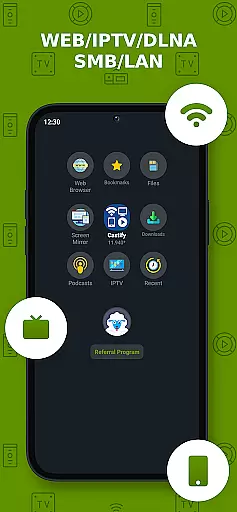
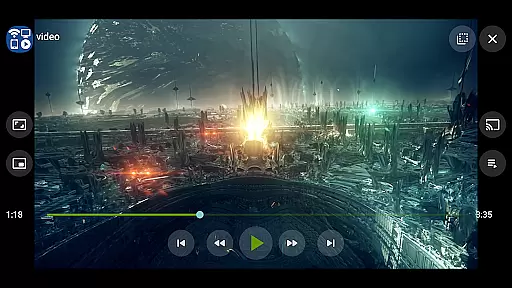
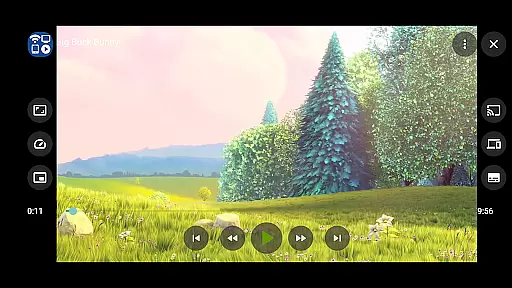
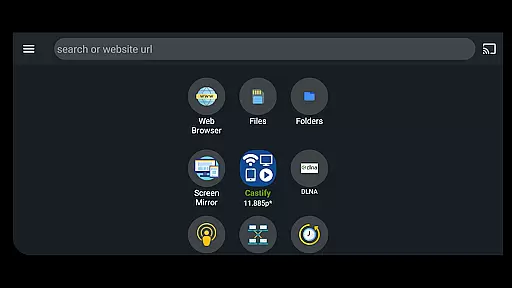
Cast to TV+ Chromecast Roku TV is a versatile streaming application that allows users to cast videos, music, photos, and other media content from their mobile devices to various streaming devices. The app supports popular platforms such as Chromecast, Roku, Fire TV, DLNA receivers, Xbox consoles, and smart TVs from brands like LG, TCL, Phillips, Sony Bravia, Samsung, Sharp, and Panasonic.
In addition to casting capabilities, the app offers advanced features like AI Subtitle Generation and Translation, Universal Remote Controls for multiple devices, Screen Mirroring, IPTV support, and Picture in Picture (PiP) functionality. These features make it an ideal solution for users who want to enjoy seamless multimedia experiences on their TVs or other compatible devices.
The app works best with Roku and Google Chromecast, providing optimal performance and feature compatibility. Whether you're streaming local files from your phone or casting web videos found online, this application ensures smooth playback and user-friendly controls. It also supports various formats including MP4, MKV, MP3, JPG, PNG, HTML5 video, HLS Live Streaming, and IPTV m3u playlists.
One of the standout features of Cast to TV+ Chromecast Roku TV is its extensive device compatibility. The app supports a wide range of streaming devices including Chromecast 1, 2, and Ultra HD 4K, Roku Premiere, Express, Streaming Stick, Fire TV, Fire Stick, DLNA receivers, Xbox One, Xbox 360, and many smart TVs with built-in DLNA support. This versatility ensures that users can connect to almost any modern entertainment system.
Beyond basic casting, the app includes innovative tools like AI Subtitle Generation and Translation, which enhance accessibility and convenience. Users can generate subtitles for any video or translate existing SRT subtitles into different languages. Additionally, the Universal Remote Control feature allows users to manage multiple devices such as Roku, Android TV, Samsung, and LGTV from a single interface.
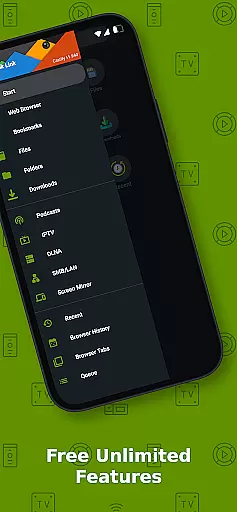
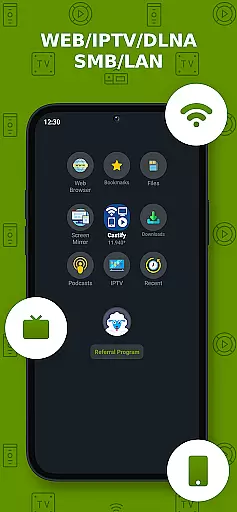
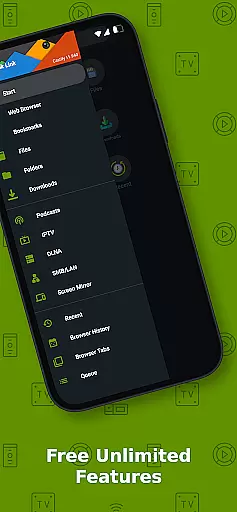
Other notable features include Screen Mirroring for newer Android devices, IPTV support for m3u playlists, Website Bookmarks for easy access to favorite sites, and Picture in Picture (PiP) mode for multitasking. These functionalities not only improve usability but also provide a richer and more flexible streaming experience compared to similar applications on the market.
Video format compatibility is a crucial feature for any video player, ensuring that users can enjoy content in various formats without technical hindrances. Cast to TV+ Chromecast Roku TV supports an extensive range of formats including MP4, MKV, MP3, JPG, PNG, HTML5 video, HLS Live Streaming, and IPTV m3u files or URLs. This wide compatibility ensures that whether you're streaming movies, music, or photos, the app facilitates seamless playback on your device.
The application's ability to handle 4K and HD videos where available elevates the viewing experience, catering to users who demand high-quality visuals. By supporting both local files and online streams, it offers flexibility in how and where you access your content. Whether casting from phone storage or an IPTV provider, this app ensures your media is played back in its intended quality.
However, it's important to note that while Cast to TV+ embraces a broad spectrum of formats, some proprietary video and movie formats might not be supported due to restrictions imposed by their respective sources. The app does not modify video sources but sends them directly to your streaming receivers, preserving the integrity and originality of the content being casted.
AI-powered editing features represent a significant advancement in video player capabilities, enhancing user interaction with multimedia content. Cast to TV+ Chromecast Roku TV incorporates AI-driven functionalities such as AI Subtitle Generate and AI Subtitle Translation. These tools allow users to create subtitles for any given video and translate SRT subtitles into different languages, making content more accessible to a global audience.
This innovative approach not only simplifies the process of adding and translating subtitles but also enriches the viewer's understanding and enjoyment of diverse content. By leveraging artificial intelligence, the app provides a personalized and inclusive experience, accommodating viewers with hearing impairments or those who prefer content in their native language.
Moreover, these AI-powered features complement other advanced options like Picture in Picture (PiP), remote controls for various smart TVs, and screen mirroring. Together, they form a comprehensive suite of tools designed to maximize convenience and enhance the overall entertainment experience. With Cast to TV+, users are equipped with cutting-edge technology that transforms how they interact with digital media.
User-friendly interface
Wide device compatibility
Advanced subtitle options
Universal remote control
Supports multiple formats
Limited AirPlay support
Some format restrictions
Occasional connectivity issues
No proprietary video casting
Pro version removes ads

Video Trimmer, Video to MP3 Converter. Extract music from video, Easy & Fast.
 4.80
4.80
Watch a large amount of high-definition short drama content
4.60
HD video maker with no watermark, no ads & vlog maker with music, PIP, text
4.50
KMPlayer Plus (Divx Codec) officially support Divx codec.
4.30
Movie maker & video editing app with AI effects and green screen
4.30
Add date and time watermark to photos and videos
4.50
#1 Torrent App on Android ** No Ads Ever + Battery Saver **
4.80
Fast & Private HD Video Downloader with Built-in Proxy Browser and Video Player.
4.50
Video player with 4K & 1080P support, popup play, background play and subtitle.
4.20
Play ALL formats in 4K & HD. Video downloader, MP3 player, Chromecast & more.
4.80
Pro video editor app for Instagram, edit video with song, AI, effect & slowmo.
4.80
A Simple app to download Video & Music from the Internet.
4.70
Screen recorder with audio to take live videos & Screenshot in high quality!
4.70
Fast & easy HD video downloader for all formats, support 4K playback & download.
4.60
Full HD Video mp3 Player, MP4 player play 1080p, File manager, Video Downloader
4.40
Fast & Private Video Downloader App. Save all videos easily from the Internet.
4.40
Turn your phone into a wireless camera!
4.20
Video player with powerful streaming playback and various convenient features.
2.10
Play and download HD videos from all sources — fast, simple, and all-in-one.
4.5


User Reviews