
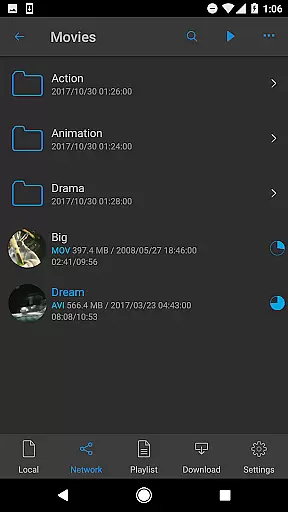
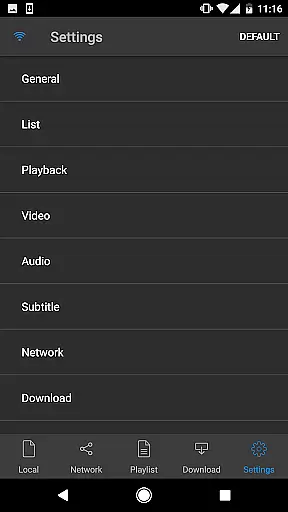
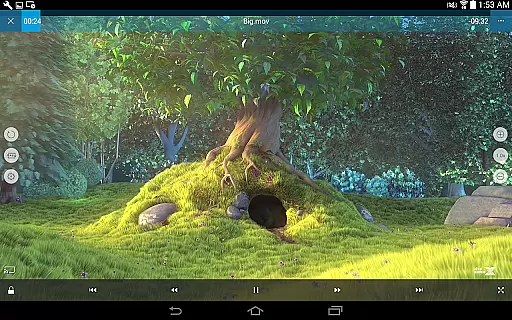
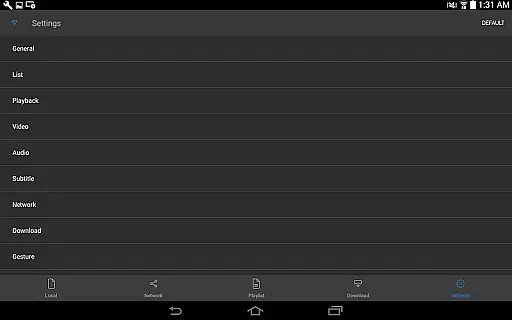
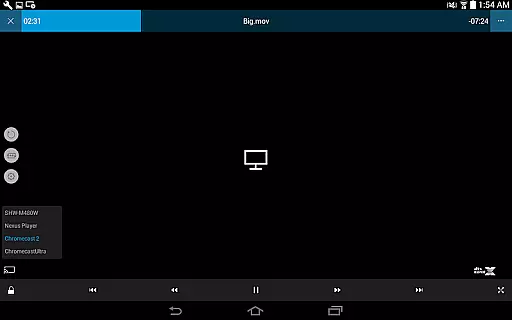
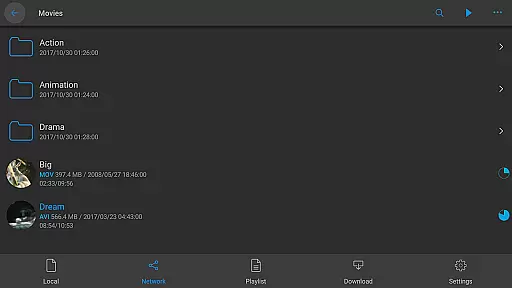
nPlayer is a versatile video player designed for seamless playback of various media formats without the need for prior conversion. Supporting an extensive range of video, audio, and subtitle files, it ensures users can enjoy their content on mobile devices with ease.
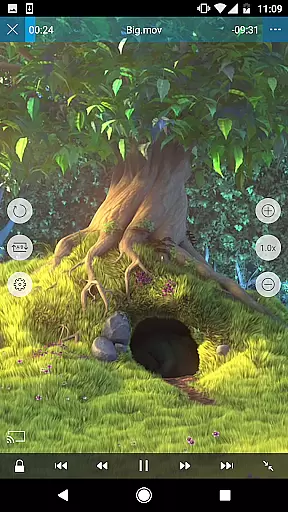
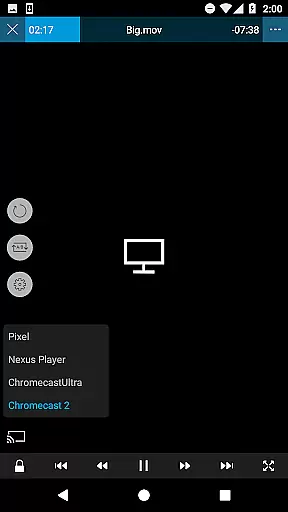
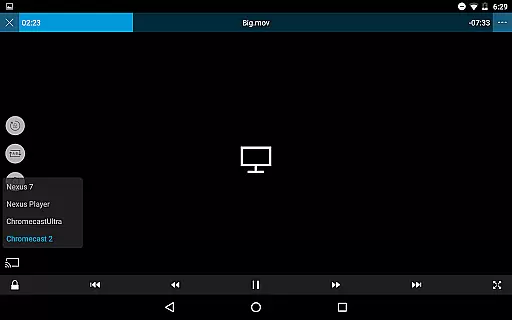
With intuitive touch controls, users can effortlessly adjust playback settings, manage subtitles, and control volume and brightness. nPlayer also offers advanced features like pop-up play, casting to Smart TVs, and HDMI output, making it suitable for both casual viewing and professional use.
nPlayer stands out with its comprehensive codec support, eliminating the need for file conversion. It handles numerous video formats including MP4, AVI, and MKV, while supporting audio codecs like DTS HD and multi-track audio.
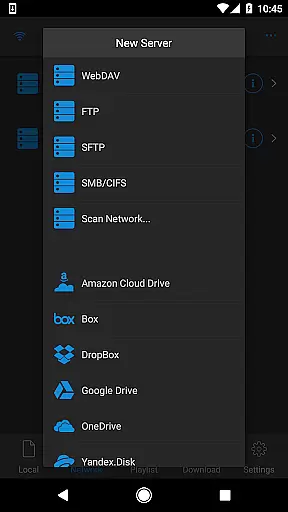
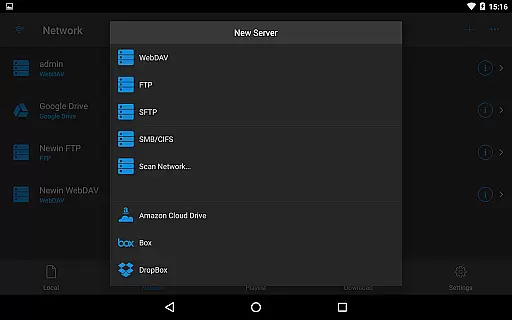
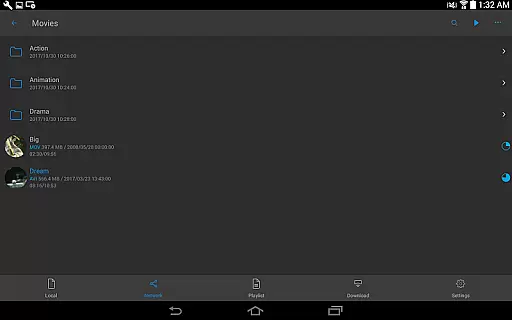
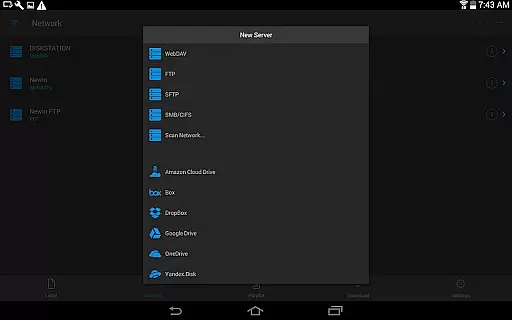
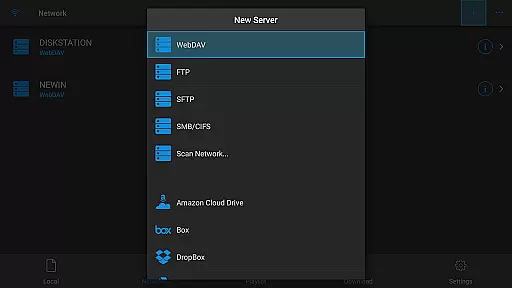
The player excels in usability with adjustable subtitles, embedded and external subtitle support, and SAMI/SSA tag compatibility. Cloud integration with services like Google Drive and Dropbox, along with network protocols such as WebDAV and FTP, ensures easy access to media libraries from anywhere.
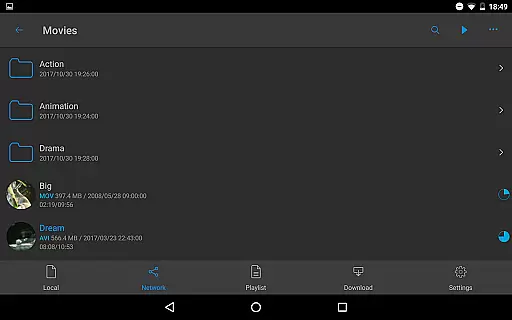
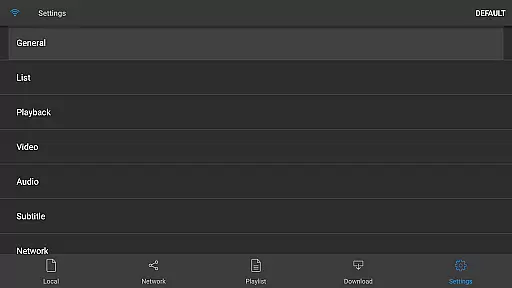
Additional features include playlist management, image file support, and audio boost functionality, providing a complete multimedia experience tailored to user preferences.
One of the standout features of nPlayer is its extensive video format compatibility, eliminating the need for users to convert files to MP4 for mobile playback.
This Video Player & Editor supports an impressive range of formats including MP4, MOV, MKV, AVI, WMV, and many more, ensuring that users can play almost any video file type directly on their device without additional conversion efforts.
The benefit to users is significant time savings and convenience, as they can enjoy a seamless playback experience across various codecs.
This level of compatibility underscores nPlayer's dedication to providing a versatile and user-friendly media player that adapts to the diverse needs of its audience.
While nPlayer focuses primarily on video playback, it also offers AI-powered editing features that enhance the viewing experience through innovative technology.
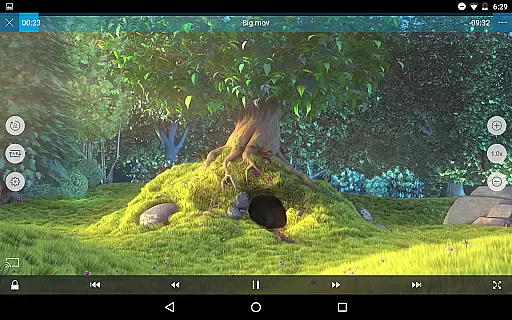
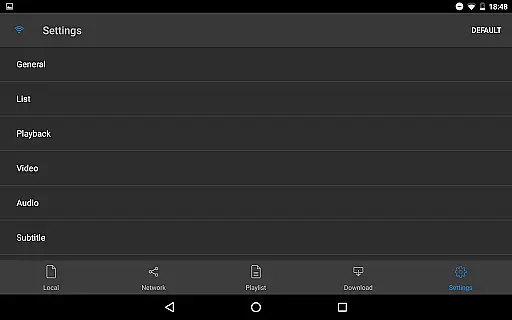
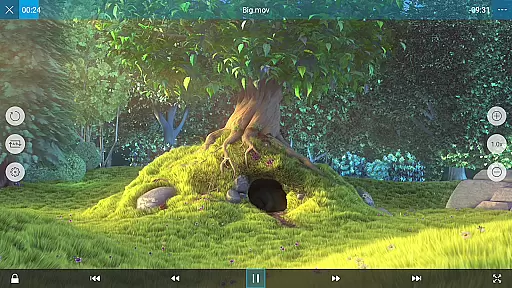
Users can adjust playback positions with a simple touch, move between subtitles, modify subtitle font sizes and locations, and control volume and brightness effortlessly.
These smart editing capabilities provide viewers with unprecedented control over their media consumption, allowing for a personalized and comfortable viewing session.
By integrating these advanced yet intuitive editing tools, nPlayer demonstrates its commitment to delivering a sophisticated, user-centric media player that goes beyond basic playback functionality.
User-friendly interface
Wide format support
Advanced subtitle options
Cloud service integration
HDMI and casting support
Premium version required
Occasional bugs
High system requirements
Limited free features
No built-in converter

Auto video maker with music & exclusive filters. Video editing made simple.
 4.50
4.50
Stream high quality video from your camera over NDI protocol
4.3
VLC Remote lets you control your VLC Media Player on Mac, PC or Linux.
4.60
Live TV, anywhere in your home
3.80
AirMirror is Receiver for Screen Mirroring and Casting from Apple Devices.
3.60
Turn your phone into a wireless camera!
4.20
Add date and time watermark to photos and videos
4.50
A Simple app to download Video & Music from the Internet.
4.70
Powerful video player with advanced hardware acceleration and subtitle supports
4.20
Download Hub, easy and private way to download and enjoy your videos offline
4.80
Flud is a simple and beautiful BitTorrent client for Android.
4.80
Create photo video with music & template. AI video maker for stunning slideshow.
4.60
Seamlessly connect and control your smart devices, anytime, anywhere with ease.
4.60
Watch IPTV on your Android device
4.60
Fast & Private HD Video Downloader with Built-in Proxy Browser and Video Player.
4.50
AirMirror Receiver - Screen mirroring/cast web videos to Android TV by AirPlay.
4.40
VLC for Android is the best open source video and music player, fast and easy!
4.10
Explore the largest library of free GIFs, Stickers & Memes - or create your own!
3.90
All in one multi protocols stream receiver for AirPlay, Cast and DLNA.
3.60


User Reviews