

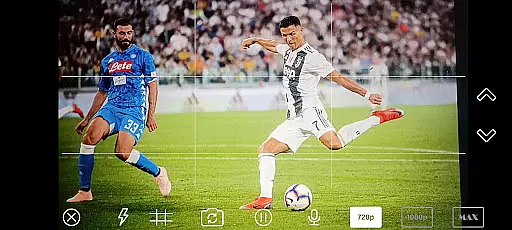
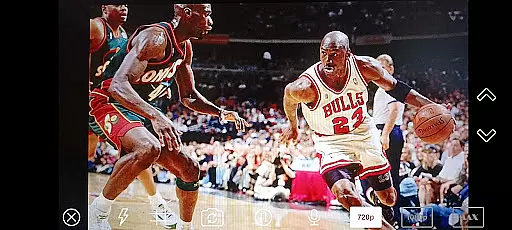
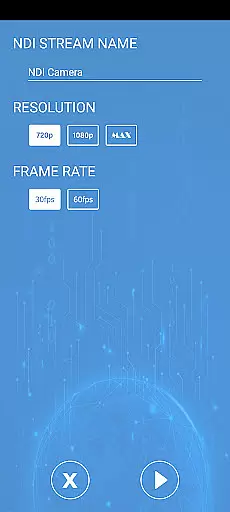
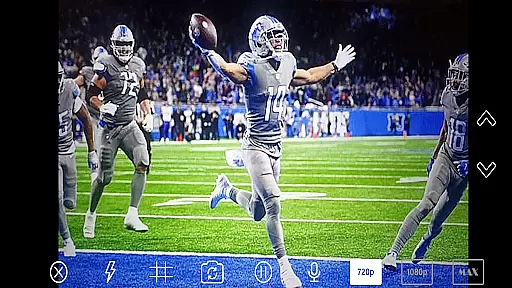
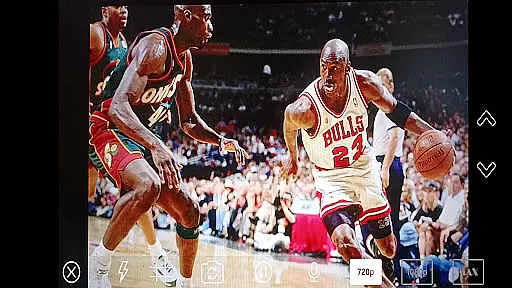
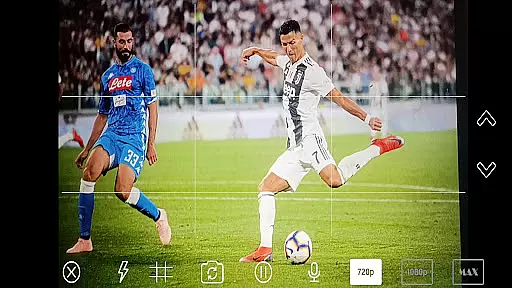
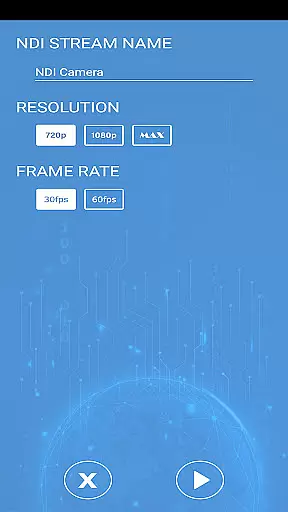
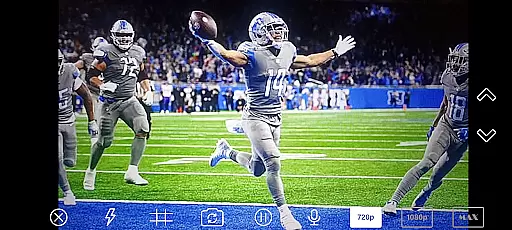
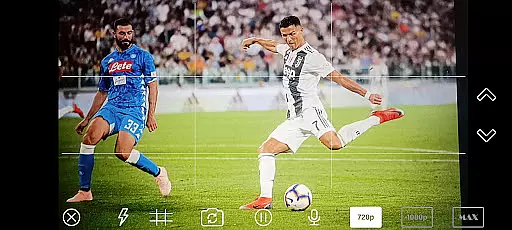
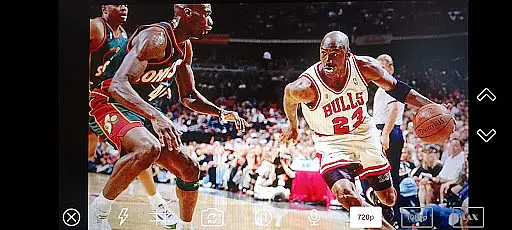
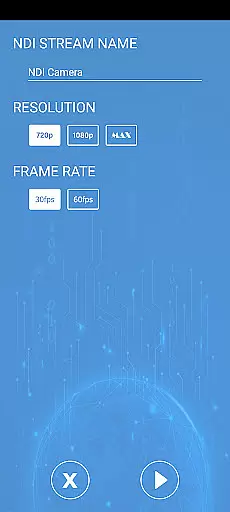
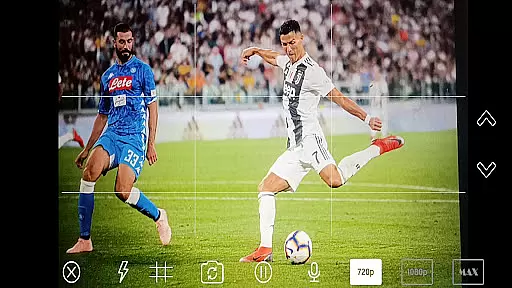
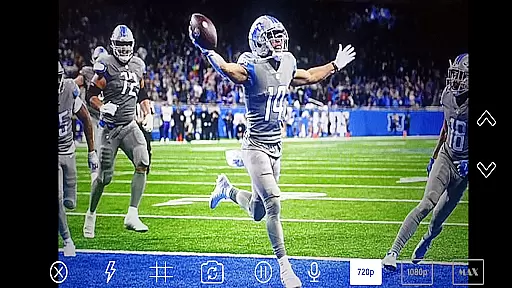
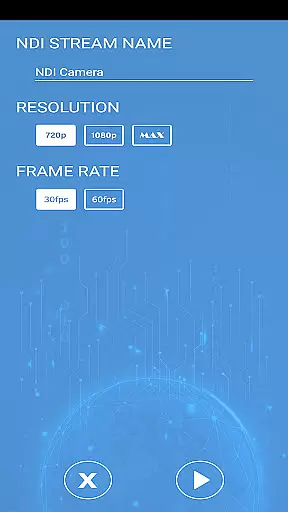
NDI Camera PRO is a powerful video streaming application designed for professional broadcasting needs. The app allows users to send high-quality NDI video streams directly from their device's camera over the NDI protocol. This makes it an ideal tool for live video production, especially when integrated with broadcasting software like OBS Studio.
The application supports NDI®, a low-latency IP video protocol developed specifically for professional live video production. With compatibility across a wide range of transmission systems from various manufacturers, NDI Camera PRO ensures seamless integration into existing workflows, providing both reliability and flexibility in video streaming operations.
NDI Camera PRO offers several advanced features tailored for professional use. One of its standout capabilities is the ability to stream video with minimal latency, thanks to the NDI protocol. This ensures that video feeds are transmitted in near real-time, which is crucial for live broadcasts.
In addition to low-latency streaming, the app provides extensive compatibility with a variety of transmission systems. This means that users can easily integrate NDI Camera PRO into their current setups without worrying about compatibility issues. Whether you're working with hardware from different manufacturers or using various software solutions, this app ensures smooth and reliable performance.
NDI Camera PRO excels in video format compatibility, ensuring seamless integration with a wide range of broadcasting applications. The app supports the NDI protocol, which is renowned for its ability to handle high-quality video streams with low latency.
This compatibility allows users to send video streams from their camera directly to professional software like OBS Studio. Whether you're streaming live events or producing video content, the app ensures that your video feed is transmitted smoothly and efficiently.
The extensive support for various transmission systems means that users can connect with numerous devices and platforms without worrying about format issues. This flexibility makes NDI Camera PRO an ideal choice for professional video production environments.
While NDI Camera PRO focuses primarily on video streaming, it also incorporates AI-powered features that enhance the overall video production process. These intelligent tools assist users in optimizing their video streams for different platforms and use cases.
The app's AI capabilities help in adjusting video settings dynamically, ensuring optimal quality regardless of network conditions. This feature is particularly useful when streaming in challenging environments where bandwidth may fluctuate.
Additionally, the AI-powered enhancements contribute to more efficient workflows by automating certain aspects of video optimization. This allows content creators to focus on their core tasks while the app handles technical adjustments in the background.
User-friendly interface
High-quality video streaming
Wide compatibility
Low-latency transmission
Professional-grade features
Requires NDI knowledge
Premium pricing
Limited free features
Advanced settings may overwhelm beginners
Dependent on network stability

A full editing room to accompany your Insta360 cameras and handheld gimbals.
 3.30
3.30
HD video & music player - All format support with floating & PIP mode!
3.80
Cast Videos from Web Browser, IPTV to Roku, Chromecast, DLNA, Smart TV +more
4.60
?100% FREE! Download & save videos? safely in this app. All formats supported.
4.60
Full HD Video mp3 Player, MP4 player play 1080p, File manager, Video Downloader
4.40
KMPlayer Plus (Divx Codec) officially support Divx codec.
4.30
LumaFusion: The Ultimate Storytelling Experience for Video Editing
4.10
Web Browser for LG TV to stream webvideos, online movies and livestreams in HD
4.20
Powerful video player with advanced hardware acceleration and subtitle supports
4.20
Tik & Story Saver-Download ALL social media videos, photos & reels no watermark.
4.80
Video Player - Unlimited features, 30 days money back guarantee.
4.60
IPTV Loader, loads your own Playlist. DOES NOT CONTAIN ANY LIST OR CHANNELS
4.60
HD video maker with no watermark, no ads & vlog maker with music, PIP, text
4.50
Add date and time watermark to photos and videos
4.50
Fast & Private Video Downloader App. Save all videos easily from the Internet.
4.40
Manage your IPTV live channels and VOD playlists (no playlist included)
3.80
AirMirror is Receiver for Screen Mirroring and Casting from Apple Devices.
3.60
All in one multi protocols stream receiver for AirPlay, Cast and DLNA.
3.60
IPTV Player - Watch live TV from m3m & m3u8 playlist, stream IPTV on mobile
3.30


User Reviews