
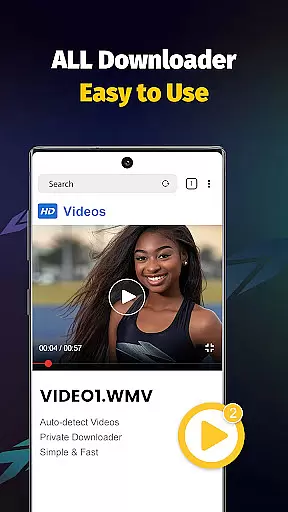
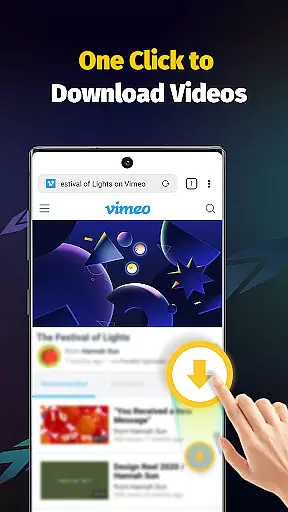
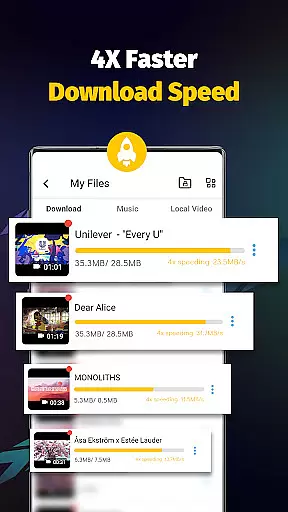
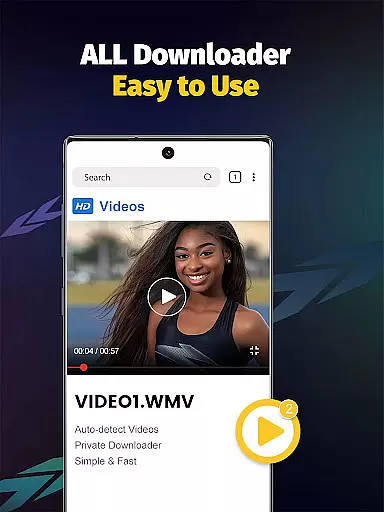
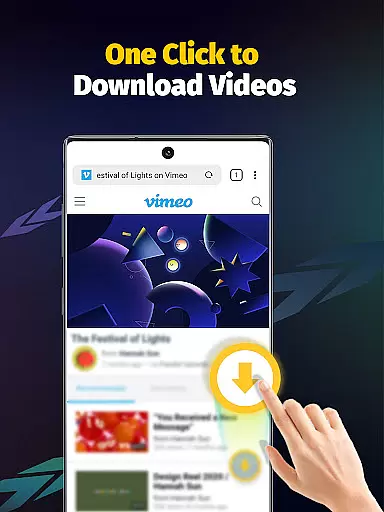
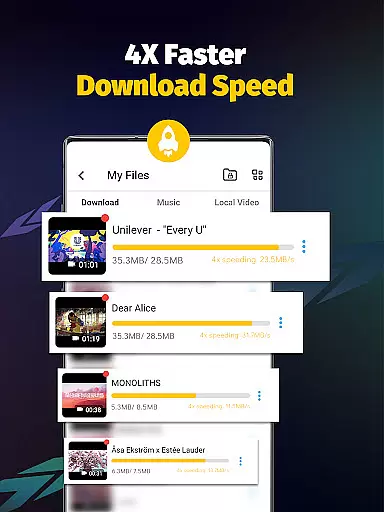
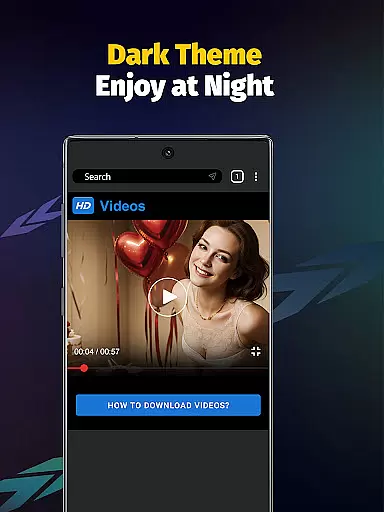
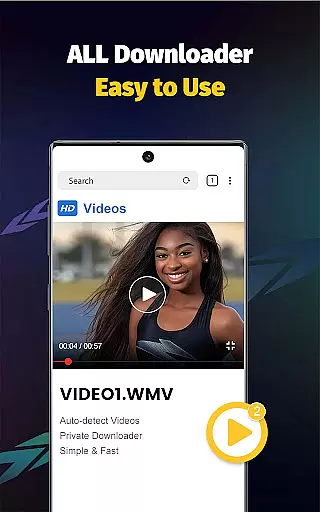
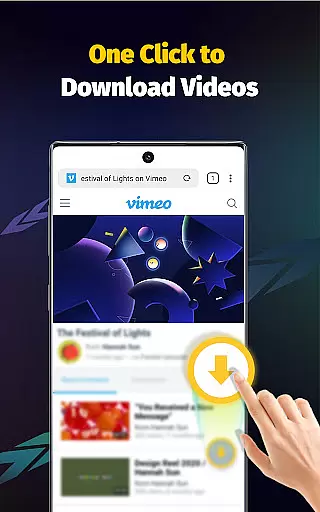
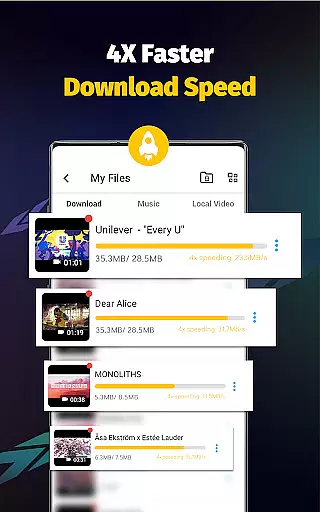
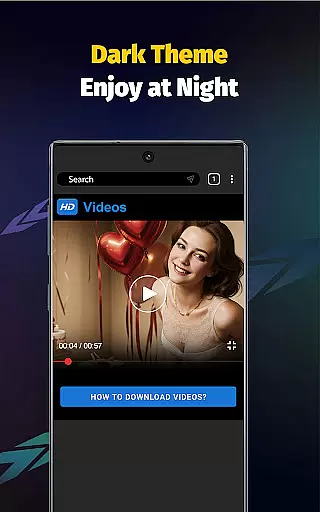
Video Downloader - Save Videos is a versatile and efficient tool designed for users who need to download, save, and manage video content across multiple platforms. This app stands out with its ability to support fast downloads at 4x the average speed, making it ideal for acquiring high-definition videos from social media networks. With an intuitive built-in browser, users can seamlessly search for content and download it directly within the app.
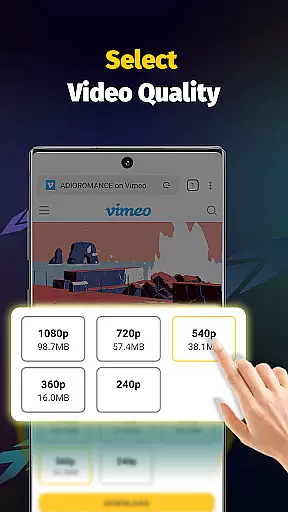
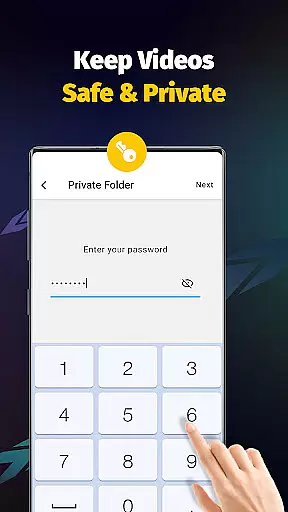
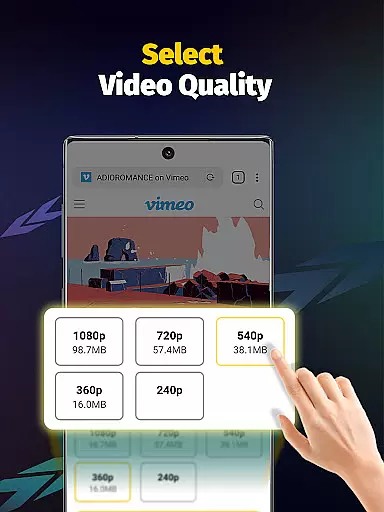
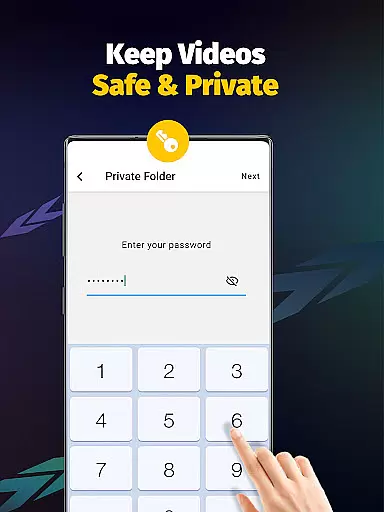
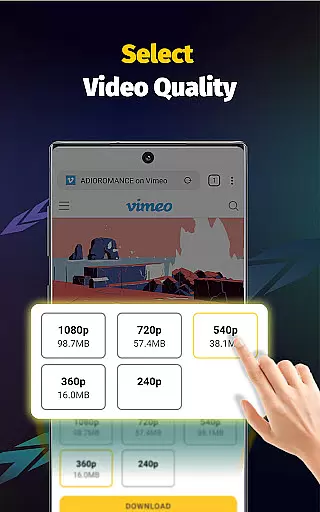
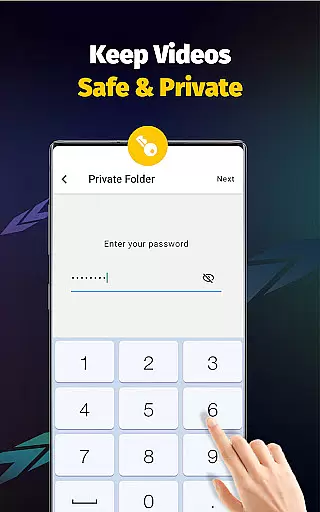
The application also offers advanced features such as multi-threading downloads, resolution selection, and automatic file detection, ensuring that users can customize their downloading experience. Additionally, Video Downloader provides a secure environment by allowing password-protected private folders, giving peace of mind to those concerned about privacy. Whether you're looking to save videos for offline viewing or collect inspiring content, this app delivers both functionality and security in one package.
Video Downloader - Save Videos boasts a comprehensive set of features that cater to diverse user needs. One of its standout capabilities is the support for simultaneous downloads of multiple files, which significantly reduces waiting time. The app's multi-threading technology accelerates the downloading process by several times, while still maintaining the quality of the video. It supports a wide array of file formats including MP4, AVI, MOV, and more, ensuring compatibility with various devices.
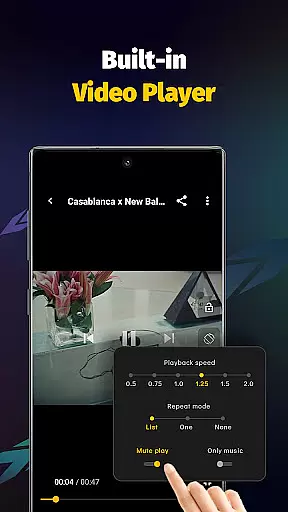
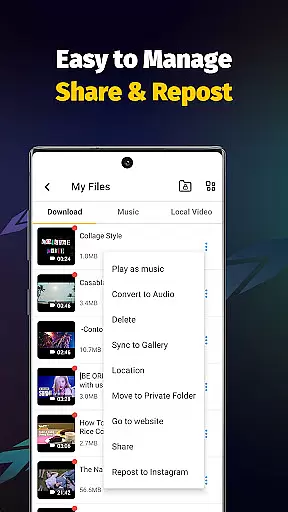
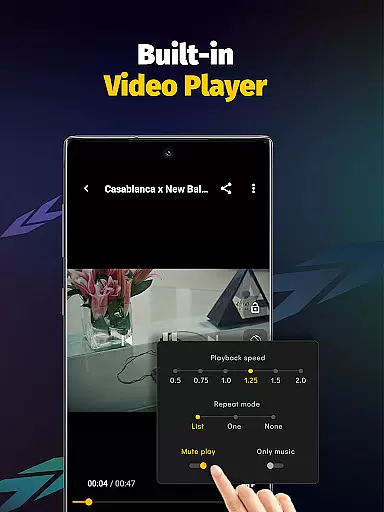
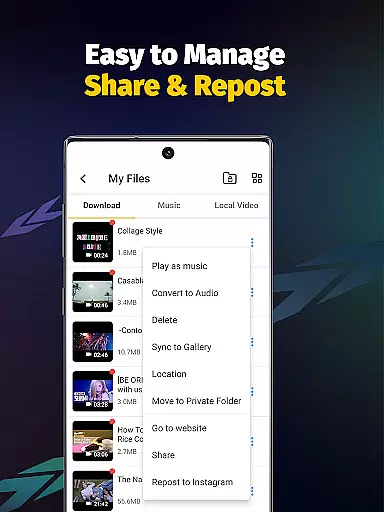
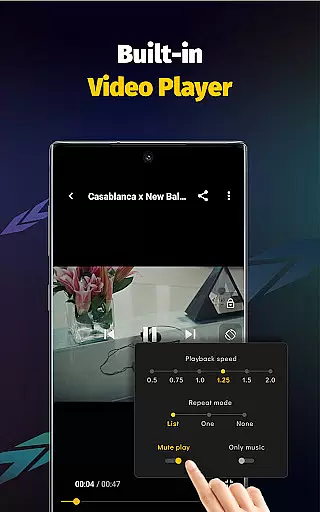
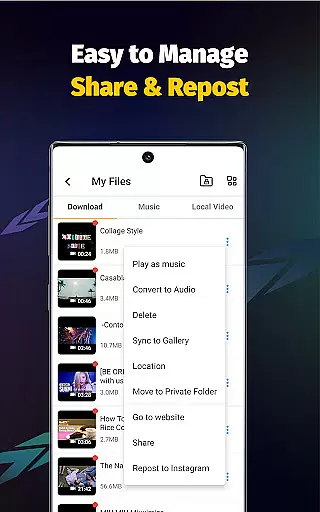
Another remarkable feature is the built-in media player, which allows users to enjoy their downloaded content without needing additional software. The app also includes options for adjusting playback speed and extracting audio from videos, adding versatility to how users interact with their media. Furthermore, the clean and user-friendly interface makes navigation effortless, even for beginners. With automatic video detection and easy sharing functionalities, Video Downloader - Save Videos ensures a smooth and enjoyable experience for managing multimedia content.
Video Downloader - Save Videos stands out for its exceptional video format compatibility, ensuring users can download and enjoy media in various formats without limitations. This all-encompassing video downloader supports an extensive range of file types including MP4, M4A, M4V, AVI, WMV, MOV, JPG, JPEG, and PNG, among others.
The app's robust compatibility ensures that no matter the source platform or file type, users can effortlessly save their desired content directly to their device. Whether it's high-definition videos, music files, or eye-catching images, this versatile downloader handles them all with ease.
By offering such comprehensive format support, Video Downloader empowers users to collect and store diverse multimedia content without worrying about format restrictions. This flexibility makes it an ideal choice for anyone looking to preserve valuable online content for offline enjoyment.
Beyond just downloading capabilities, Video Downloader - Save Videos incorporates AI-powered editing features that elevate the user experience to new heights. The app includes a built-in player with advanced functionalities like adjustable playback speed and video mode settings, allowing for customized viewing preferences.
One of the standout AI features is the ability to extract audio from downloaded videos with a single tap, transforming your favorite clips into music tracks or podcast-like content. This intelligent processing capability streamlines what would otherwise be a complex editing process into a simple, user-friendly operation.
These smart editing tools, combined with the app's fast download speeds and secure storage options, create a comprehensive media management solution. Users can not only download but also modify and enhance their saved content, making Video Downloader an indispensable tool for modern digital content consumption and creation.
User-friendly interface
Fast download speeds
Multi-threading support
Secure private folders
Wide format compatibility
No YouTube support
Limited to permitted content
Requires platform login
Privacy policy concerns
Resolution depends on source

Save photos and videos from social apps in one tap.
 3.60
3.60
1)AirPlay/DLNA Mirroring/Streaming, up to 4 connections; 2)Samba/NAS/DMS Player.
4.00
Pro video editor app for Instagram, edit video with song, AI, effect & slowmo.
4.80
IPTV Player - Watch live TV from m3m & m3u8 playlist, stream IPTV on mobile
3.30
Add date and time watermark to photos and videos
4.50
Manage your IPTV live channels and VOD playlists (no playlist included)
3.80
A Simple app to download Video & Music from the Internet.
4.70
Powerful video player with advanced hardware acceleration and subtitle supports
4.20
Create, Publish & Maximize
4.70
A Quick and Pro Video Editor
4.70
Find, download, and play torrents with the official BitTorrent® Pro app
4.70
Support 1000+ Video Format, Subtitle Download, mp3 & Background Play, Cast On TV
4.60
HD video maker with no watermark, no ads & vlog maker with music, PIP, text
4.50
KineMaster, Your Ultimate Video Editor!
4.40
Create & edit videos with AI
4.30
Stream Web Videos to Chromecast, Samsung, LG, Sony, Roku, Fire TV, DLNA + more
4.00
The smartest M3U IPTV Player your playlists have ever seen.
4.0
Powerful HD video player with support for all formats & subtitles.
4.0
Play and download HD videos from all sources — fast, simple, and all-in-one.
4.3


User Reviews