
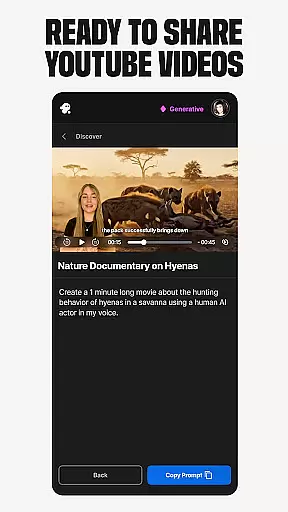
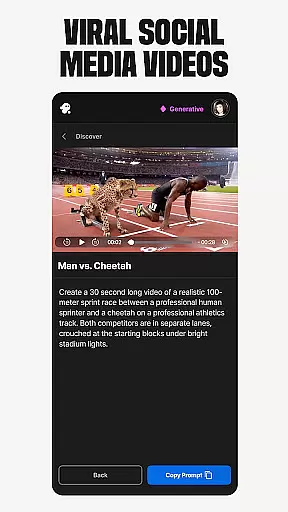
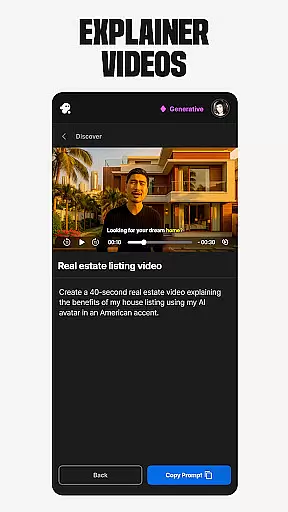
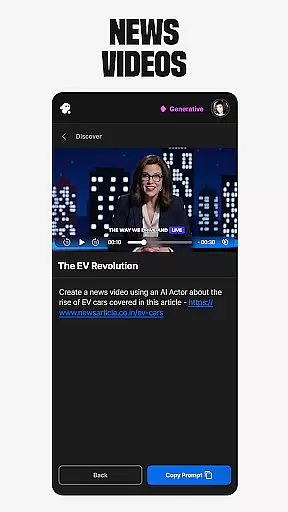
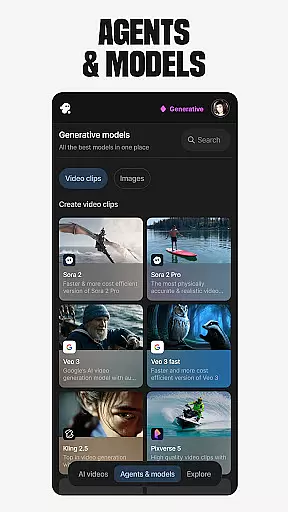
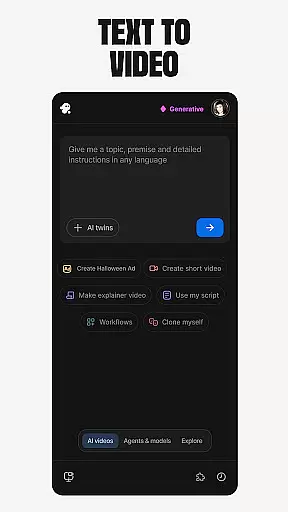
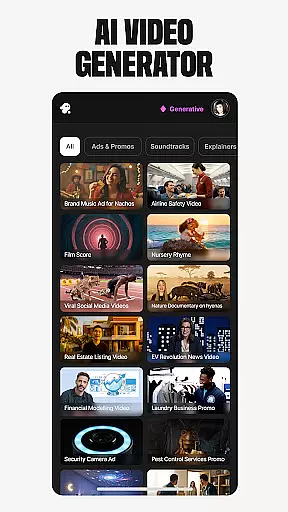
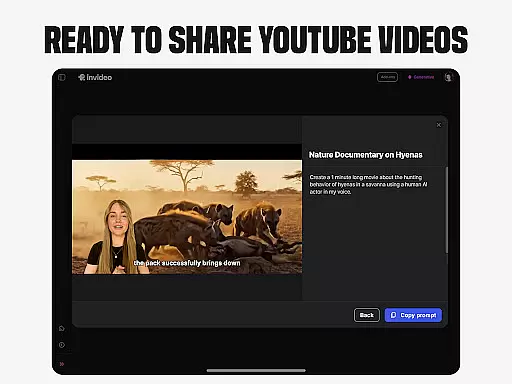
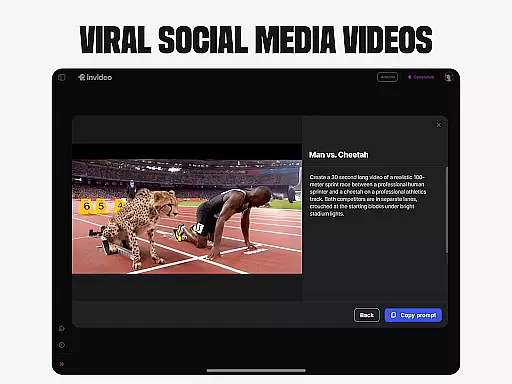
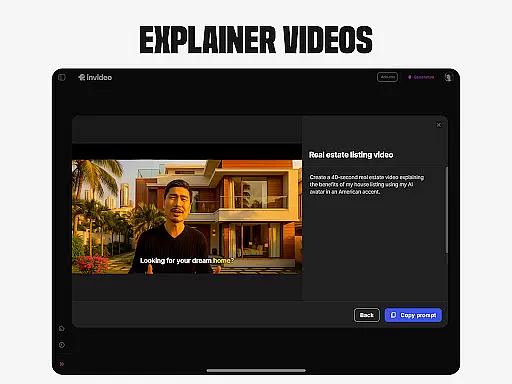
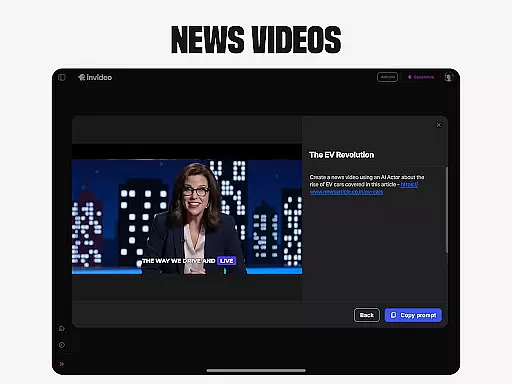
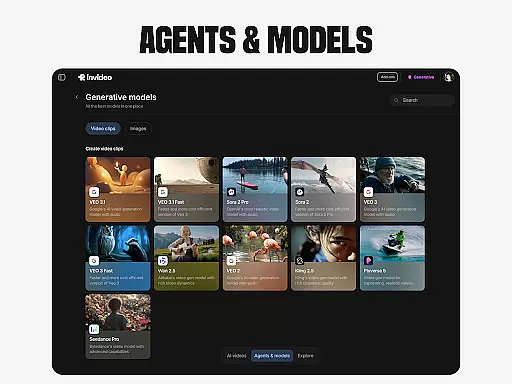
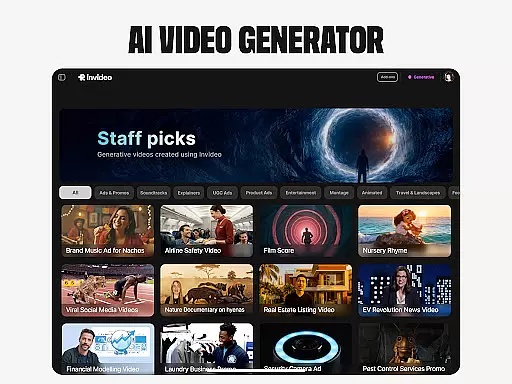
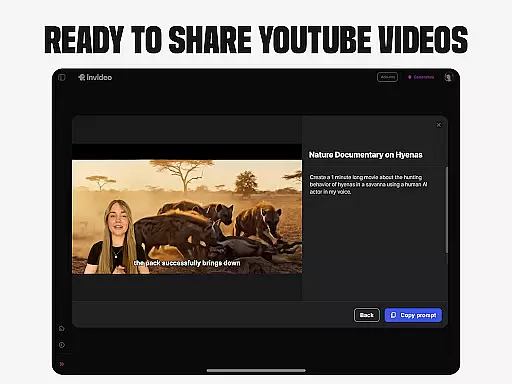
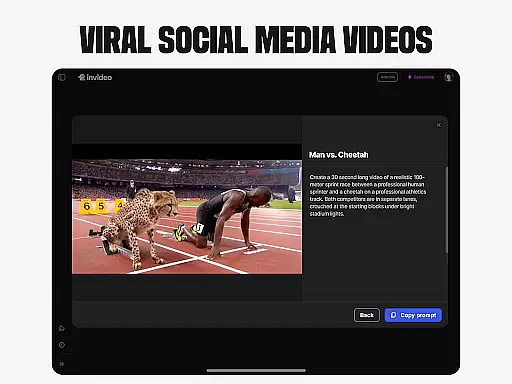
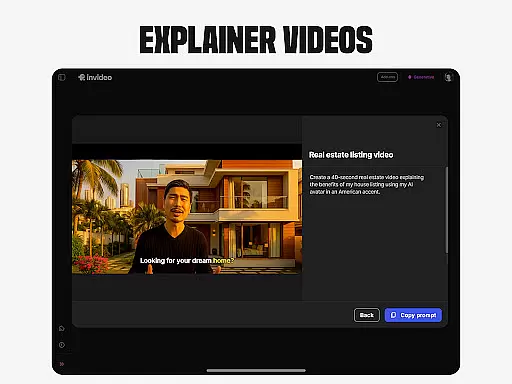
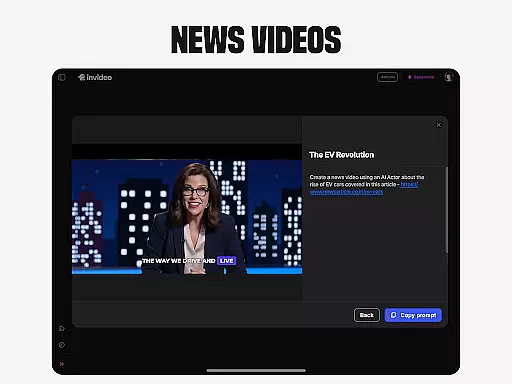
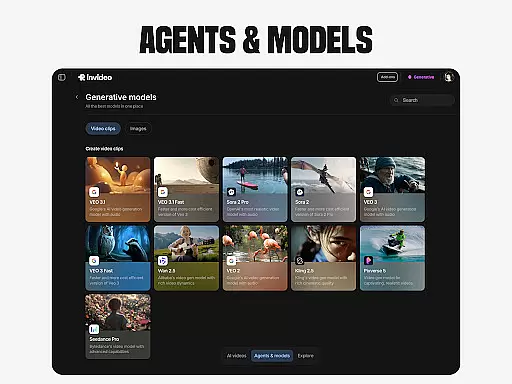
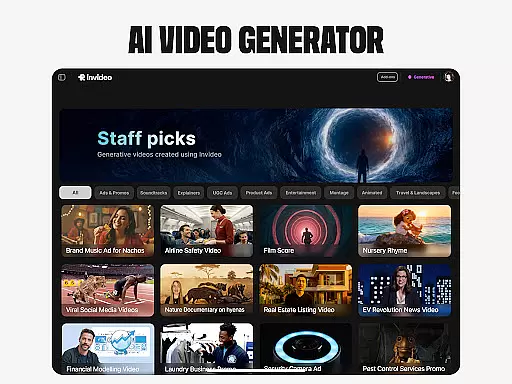
Invideo AI revolutionizes video creation by offering a user-friendly platform that requires no prior skills. This app is designed for both beginners and professionals, enabling them to craft high-quality AI videos effortlessly. With capabilities spanning from explainers and promos to full-length films, Invideo AI supports over 50 languages, ensuring global accessibility.
One standout feature is the AI Avatars, allowing users to create personalized training and onboarding videos using their digital twin. The AI voice cloning and text-to-video functionalities further enhance customization options. Whether it's for marketing or educational purposes, Invideo AI provides tools that streamline content creation, making it faster and more efficient.
The app also caters to e-commerce businesses through virtual product try-ons, letting customers visualize products in use without the need for physical models. This not only saves time but also enhances the shopping experience, driving sales and customer satisfaction.
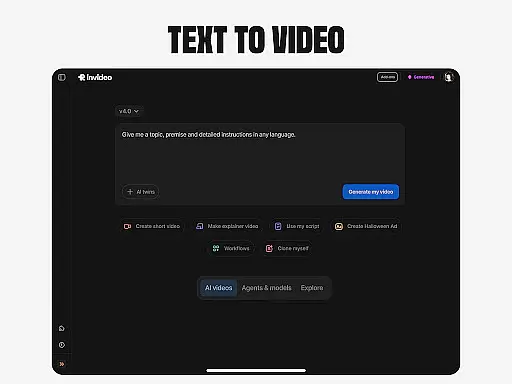
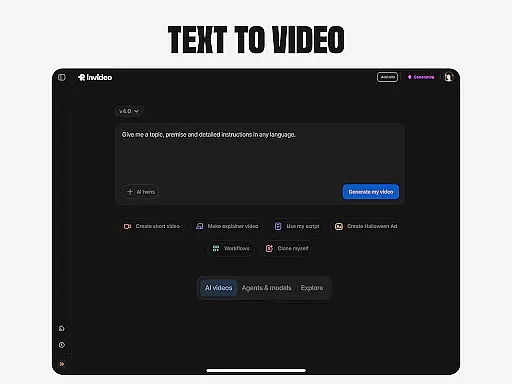
Invideo AI boasts an array of powerful features tailored to simplify and enhance video production. Users can generate explainer videos, promotional clips, advertisements, and even full-length movies with ease. The AI Text-to-video tool converts written scripts into engaging visual content, complete with captions, voiceovers, music, and effects.
Another remarkable feature is the AI Avatars, which allow creators to produce professional-grade training materials featuring their digital likeness. Additionally, the AI voice cloning technology enables the generation of faceless videos, perfect for YouTube and educational channels. The AI Image to video function transforms static images into dynamic presentations.
For marketers, the UGC videos with AI feature facilitates the creation of ultra-realistic testimonial clips and spokesperson videos using diverse human avatars. Meanwhile, the Virtual product try-ons empower e-commerce platforms to showcase items in action via AI-generated models. These comprehensive tools collectively ensure a versatile and seamless video editing experience.
In the realm of video creation and editing, the compatibility with various video formats stands as a pivotal feature. Invideo AI shines in this aspect by supporting over 50 languages and enabling the creation of full-length videos complete with scripts, generative media, captions, voiceovers, music, and effects.
This extensive format support ensures that creators are not limited by the type of media they can work with, thus expanding their creative possibilities. Whether it's converting prompts into full scenes or visualizing scripts with AI capabilities, the platform accommodates diverse needs.
Users benefit from this wide-ranging compatibility as it allows them to focus on storytelling and content creation without worrying about technical limitations. The ability to seamlessly integrate different elements such as AI avatars, cloned voices, and translated content into videos enhances the production value.
Ultimately, invideo AI's robust video format compatibility empowers both novices and professionals to produce high-quality AI videos efficiently, making it an indispensable tool for anyone looking to create engaging multimedia content across language barriers.
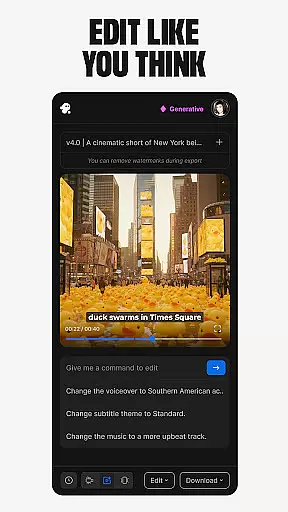
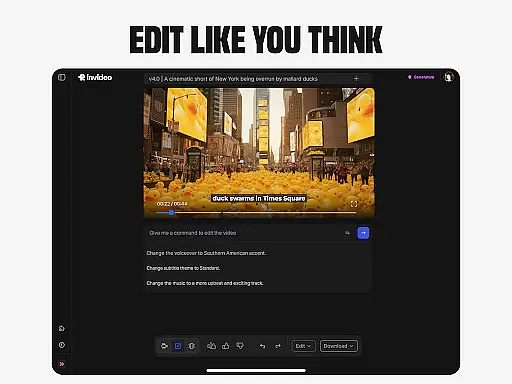
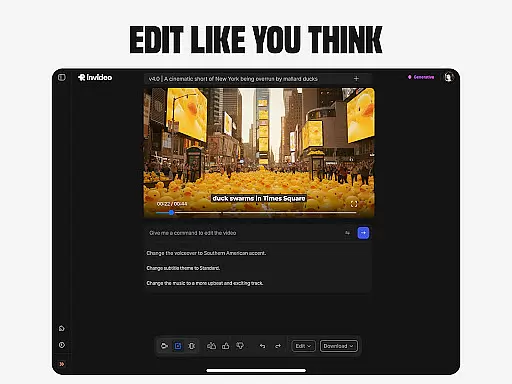
The advent of AI-powered editing features has revolutionized the way we approach video post-production. Invideo AI incorporates these advancements by allowing users to change scenes, edit music, refine tone, and swap voiceovers through simple text commands, bypassing the steep learning curve associated with traditional timeline-based editing software.
This innovative approach streamlines the editing process, enabling creators to make precise adjustments without needing extensive technical expertise. For instance, virtual product try-ons and ultra-realistic testimonial videos can be fine-tuned effortlessly, ensuring that the final output aligns perfectly with the creatoru2019s vision.
By leveraging AI, invideo AI provides an intuitive interface where complex edits become accessible even to first-time creators. This democratization of video editing not only saves time but also maintains professional standards, which is crucial for platforms like YouTube and educational channels.
In essence, invideo AI's cutting-edge AI-powered editing tools offer a competitive edge, allowing users to craft polished and compelling narratives while focusing on their core message rather than getting bogged down by intricate editing details.
User-friendly interface
Extensive language support
Versatile video creation
Advanced AI features
Efficient content generation
Limited free version
Subscription costs
Internet dependency
Learning curve for advanced features
Occasional glitches

Video Downloader is an utility that can save videos and music from web sites
 4.20
4.20
Full HD Video mp3 Player, MP4 player play 1080p, File manager, Video Downloader
4.40
Live TV, anywhere in your home
3.80
High-Quality USB Camera Viewer & HDMI Display
4.70
AirMirror Receiver - Screen mirroring/cast web videos to Android TV by AirPlay.
4.40
Pro video editor app for Instagram, edit video with song, AI, effect & slowmo.
4.80
AI Video Editor:AI Music, Text to Video,Text to Speech,Auto Caption,Video Effect
4.00
Connect EasyCap or UVC devices for recording and broadcast video/audio stream
3.60
Screen recorder with audio to take live videos & Screenshot in high quality!
4.70
Tik & Story Saver-Download ALL social media videos, photos & reels no watermark.
4.80
A Simple app to download Video & Music from the Internet.
4.70
Snaptubè Video Downloader app allows to download videos and music in Snaptube. .
4.60
Search & download videos from net with all video downloader, auto-detect & safe.
4.60
Seamlessly connect and control your smart devices, anytime, anywhere with ease.
4.60
Movie maker & video editing app with AI effects and green screen
4.30
IPTV-Smarters Player Pro M3U - Watch Live Stream TV Channels with Chromecast
4.00
Download videos easily & play them all in one smart, powerful video manager.
3.40
Mix with Virtual DJ directly from your phone or tablet !
3.10
The essential companion to your Blue Iris PC software
2.50


User Reviews