
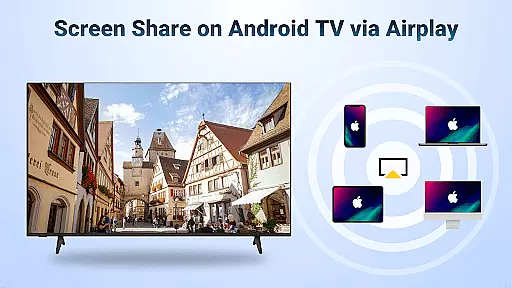
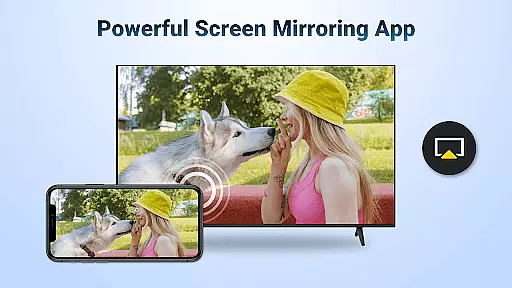
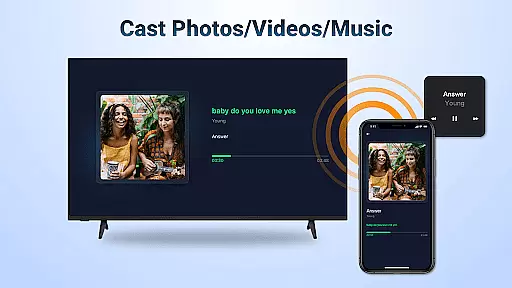
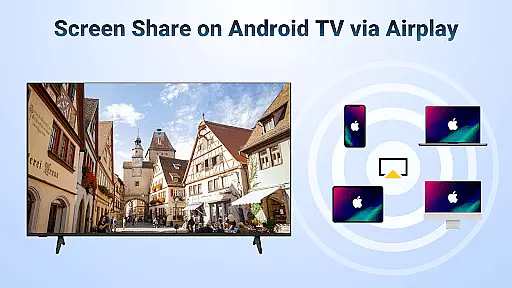

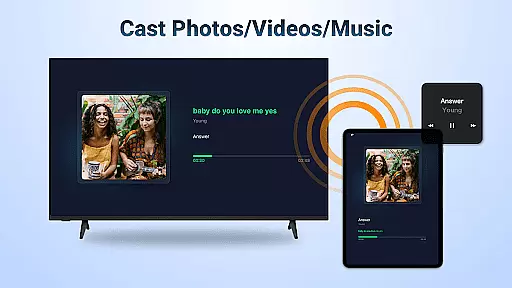
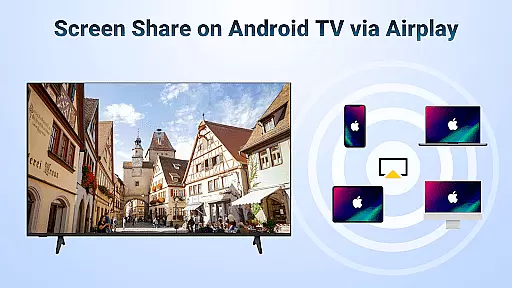

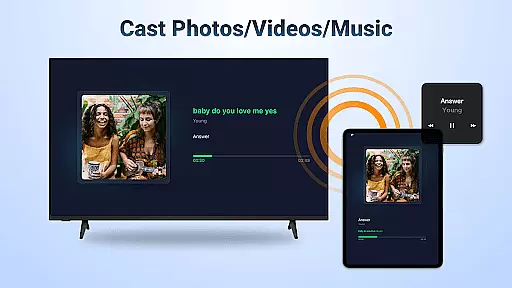
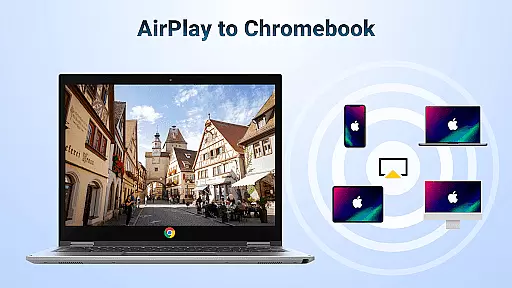
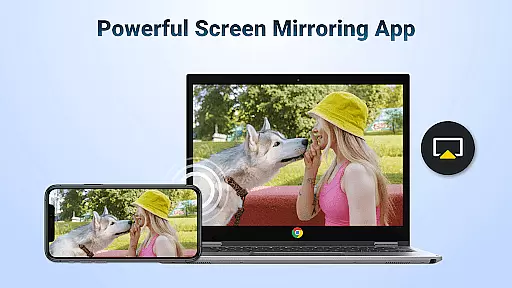
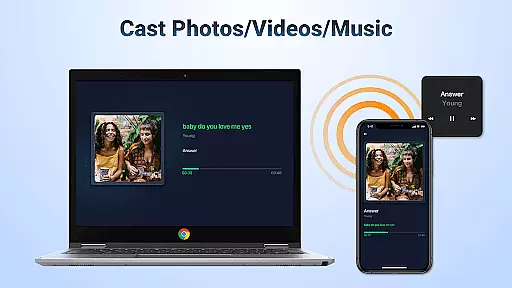
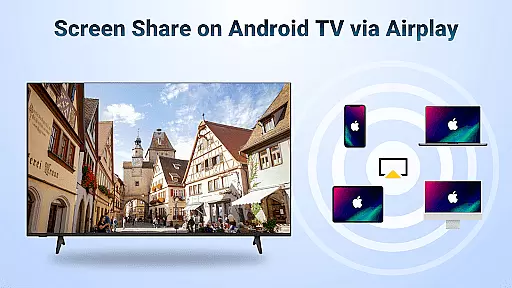
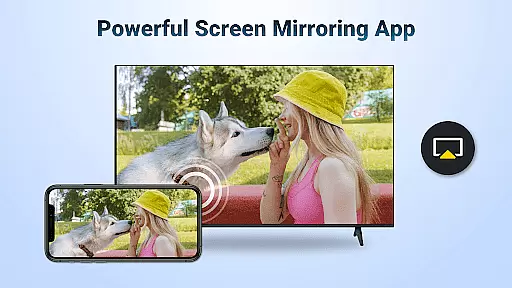
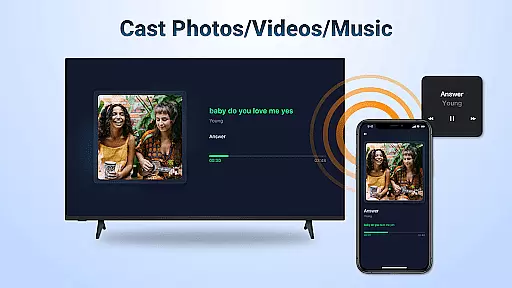
AirMirror is a powerful wireless streaming receiver application that enables seamless screen mirroring and casting from iOS devices to Android TV. With its advanced AirPlay technology, users can effortlessly share photos, videos, music, and even live screen activity over the same WiFi network.
This app is particularly useful for educational presentations, business meetings, gaming sessions, and family entertainment. It eliminates the need for additional converters or frequent device switching, offering a smooth experience with great sound and video quality.
The application's ability to mirror content directly to a big screen makes it ideal for group viewing scenarios, fitness sessions, and collaborative work environments, enhancing both productivity and enjoyment.
AirMirror offers an impressive range of features designed to enhance multimedia sharing. The app supports AirPlay-enabled devices, allowing users to stream audio, video, and photos directly from iTunes, iOS devices, and other compatible sources.
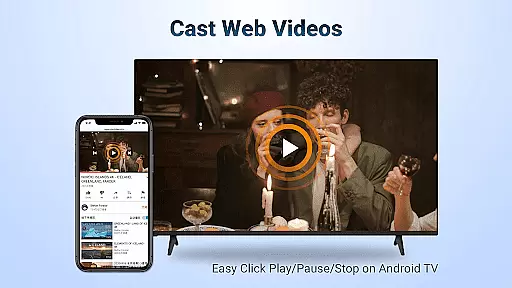
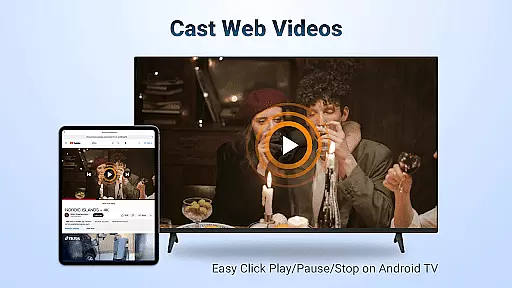
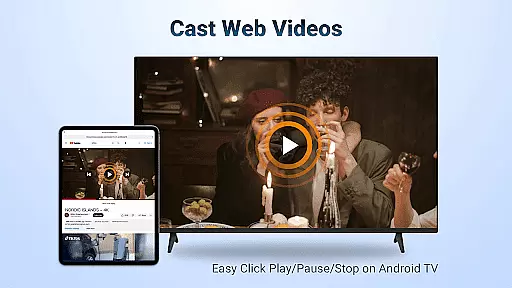
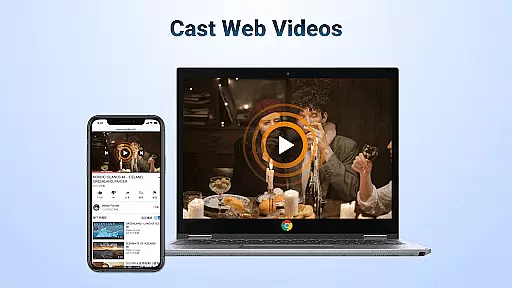
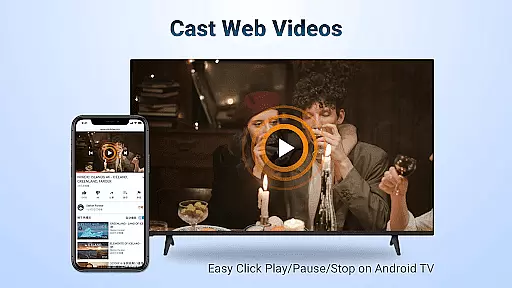
One standout feature is its ability to cast web videos smoothly and quickly, while maintaining excellent streaming quality. Users can control playback functions like Play, Pause, and Stop directly on the receiving end, providing convenient operation during presentations or entertainment sessions.
The application also supports both landscape and portrait orientations, ensuring optimal viewing in any scenario. Its simple connectivity process and stable mirroring capabilities make it a reliable solution for various professional and personal use cases.
Video format compatibility is a crucial feature for any video player and editor, ensuring that users can access and play their desired content without restrictions. AirMirror: TV Cast via AirPlay supports a wide range of video formats, allowing seamless streaming from devices enabled with Airplay such as iTunes, iOS devices, and more.
This application facilitates the casting of web videos via Airplay, providing a smooth and super-fast experience. Whether you're looking to stream personal media or online content where DRM allows, AirMirror handles it efficiently. The ability to click Play, Pause, or Stop directly on the receiving end adds another layer of convenience.
Users benefit greatly from this extensive compatibility. They can enjoy high-quality video playback without worrying about format support issues. This makes sharing educational materials during teaching sessions or presenting business proposals in meetings much easier. Moreover, switching between landscape and portrait modes enhances user engagement by catering to different viewing preferences.
AI-powered editing features represent the cutting edge of video player and editor technology, offering smart tools that enhance productivity and creativity. While AirMirror: TV Cast via AirPlay focuses primarily on screen mirroring and casting capabilities, its intelligent connectivity ensures stable mirroring and screen casting experiences akin to advanced editing functionalities.
The app simplifies complex processes through intuitive design. For instance, users can effortlessly mirror screens from iOS devices to Android TVs over WiFi. This ease of use extends to presentations at business meetings, multiplayer gaming sessions, photo sharing, fitness video streaming, music playback, and movie nightsu2014all activities enhanced by reliable AI-driven connections.
By leveraging these sophisticated yet straightforward features, users gain significant advantages. Content creators, educators, and professionals alike appreciate the stability and simplicity offered by AirMirror. It eliminates frequent device switching and additional converter costs, making multimedia interactions more enjoyable and efficient. Thus, even without traditional editing tools, AirMirror provides essential support for dynamic digital experiences.
User-friendly interface
Stable connection
High-quality streaming
Wide device compatibility
Seamless AirPlay integration
No DRM content support
WiFi dependency
Occasional connectivity issues
Limited to AirPlay devices
Requires restarts for troubleshooting

The smartest M3U IPTV Player your playlists have ever seen.
 4.5
4.5
Save photos and videos from social apps in one tap.
3.60
Explore the largest library of free GIFs, Stickers & Memes - or create your own!
3.90
Cast to Smart TV, Fire TV. Cast video, photo - Fast & Stable!
3.90
Browser for Sony TV to stream web videos, online movies and live tv
3.20
Find, download, and play torrents with the official BitTorrent® Pro app
4.70
Browser for Fire TV to stream webvideos, online movies, livestreams in HD
4.40
Cast movies, tv shows and live streams to Chromecast, Roku, DLNA, Fire TV & more
4.60
VLC for Android is the best open source video and music player, fast and easy!
4.10
AI Video Editor with Music, Filter, Slideshow, Effect, Merge & Trim Video.
4.80
Play ALL formats in 4K & HD. Video downloader, MP3 player, Chromecast & more.
4.80
A Quick and Pro Video Editor
4.70
Screen recorder with audio to take live videos & Screenshot in high quality!
4.70
Search & download videos from net with all video downloader, auto-detect & safe.
4.60
Fast & easy HD video downloader for all formats, support 4K playback & download.
4.60
HD video maker with no watermark, no ads & vlog maker with music, PIP, text
4.50
KineMaster, Your Ultimate Video Editor!
4.40
Movie maker & video editing app with AI effects and green screen
4.30
Turn your phone into a wireless camera!
4.20


User Reviews