
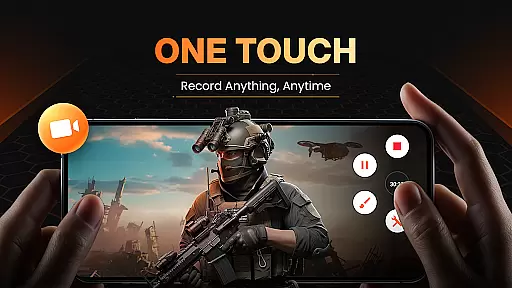
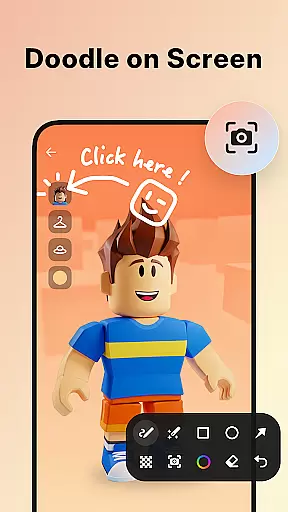
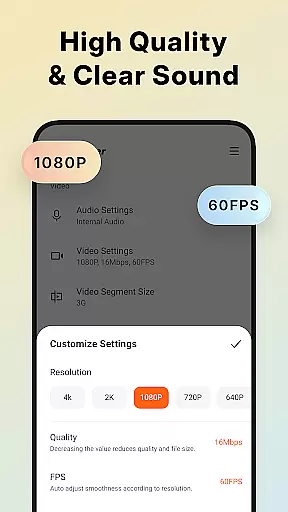
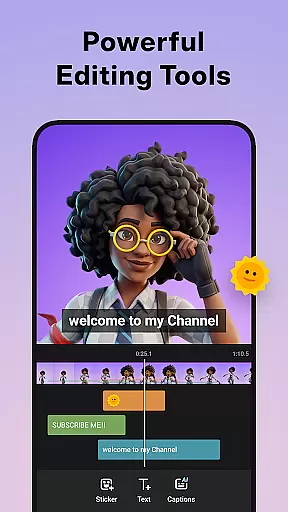
XRecorder is a versatile screen recording application designed for Android users who need to capture high-quality video content without limitations. The app offers professional-grade features including Full HD 1080p recording at 60FPS, internal audio recording, and advanced video editing tools.
Key functionalities include the ability to record gameplay, create video tutorials, and capture live game shows with ease. The built-in editor allows users to trim, crop, add music, and apply stylish filters to their recordings. With no watermarks, time limits, or root requirements, XRecorder provides an optimal solution for both casual and professional content creators.
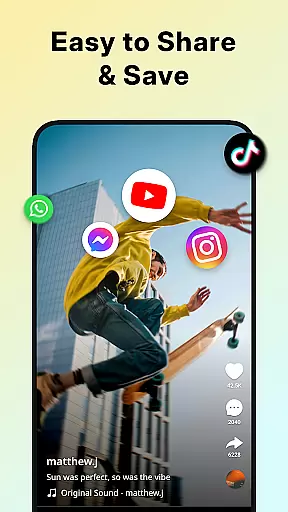
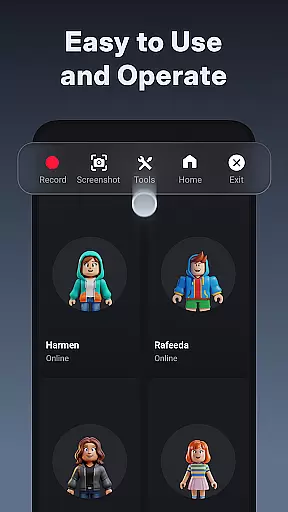
This application is particularly useful for gamers, educators, and social media influencers who require clear and smooth video captures. Its intuitive interface and customizable floating controls make it easy to use while offering advanced options like facecam overlay and multi-platform optimization.
XRecorder stands out with its comprehensive feature set tailored for various recording needs. The app supports up to 120 FPS recording, ensuring ultra-smooth video capture even during fast-paced action scenes. Users can customize resolution settings from 240p to 1080p and adjust bitrate up to 12Mbps for optimal quality.
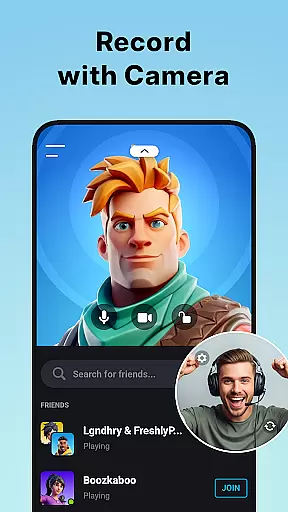
Advanced tools include a facecam feature that lets users overlay their webcam feed on recordings, perfect for reaction videos or tutorials. The built-in video editor provides precise trimming, cropping, and speed control capabilities. Additionally, users can add music tracks, apply visual filters, and insert text overlays to enhance their content.
Unique to XRecorder is its flexible customization options, including adjustable floating controls, countdown timers, and alternative storage locations. These features, combined with its ability to record internal audio (on Android 10+), make it an indispensable tool for creating professional-quality video content across different platforms.
Video format compatibility is a crucial feature for any video player and editor, ensuring that users can work with a wide range of video files without conversion hassles. Screen Recorder - XRecorder supports an impressive array of formats, from 240p to 1080p resolutions, accommodating bitrates up to 12Mbps and frame rates of 60FPS. This flexibility allows creators to import, edit, and export videos tailored to various platforms and devices.
The application's ability to handle such diverse formats means users are not limited by the source of their content. Whether it's gameplay footage, video calls, or downloaded media, XRecorder ensures smooth playback and editing. The inclusion of Full HD support empowers users to produce high-quality content that meets modern standards.
Moreover, the customizable settings within XRecorder give users control over the output quality of their recordings. By adjusting resolution, bitrate, and frame rate, content creators can optimize file sizes while maintaining satisfactory visual fidelity. This functionality is particularly beneficial for those looking to balance quality with storage constraints or streaming requirements.
AI-powered editing features represent the cutting edge of video editing technology, automating complex tasks and enhancing creativity. Screen Recorder - XRecorder incorporates these intelligent tools to streamline the editing process. With AI assistance, users can trim, cut, and split videos with precision, ensuring their final product tells the intended story effectively.
Beyond basic edits, XRecorder offers advanced functionalities like speed adjustments and stylish filters. Users can accelerate or decelerate video pacing to create dramatic effects or maintain viewer interest. The application's selection of vintage, lomo, and other artistic filters adds a professional touch to amateur creations, broadening creative possibilities.
Additionally, the integration of facecam recording with AI optimization allows for seamless overlay of user reactions onto main video content. This feature is invaluable for game streamers and tutorial makers who wish to engage audiences with personal commentary. Overall, XRecorder's AI-driven tools democratize sophisticated video production techniques, making them accessible to all users regardless of skill level.
High-quality recording
No watermark limitation
Advanced editing tools
Customizable settings
User-friendly interface
Android 10+ required
Storage intensive
Feature overload
Learning curve
Occasional bugs

Auto video maker with music & exclusive filters. Video editing made simple.
 4.50
4.50
Connect 2 UVC devices for recording and broadcast video/audio stream
3.90
Create & edit videos with AI
4.30
Play ALL formats in 4K & HD. Video downloader, MP3 player, Chromecast & more.
4.80
Stream Web Videos to Chromecast, Samsung, LG, Sony, Roku, Fire TV, DLNA + more
4.00
Turn your phone into a wireless camera!
4.20
Flud is a simple and beautiful BitTorrent client for Android.
4.80
Browser for Fire TV to stream webvideos, online movies, livestreams in HD
4.40
VLC for Android is the best open source video and music player, fast and easy!
4.10
Photo and Music Video Creator into Stunning Videos—Effortlessly
4.40
Video player, file manager for all formats, 4K/HD media player supports subtitle
4.30
KMPlayer Plus (Divx Codec) officially support Divx codec.
4.30
Movie maker & video editing app with AI effects and green screen
4.30
Powerful video player with advanced hardware acceleration and subtitle supports
4.20
Your media, on your terms.
4.10
IPTV-Smarters Player Pro M3U - Watch Live Stream TV Channels with Chromecast
4.00
Download videos easily & play them all in one smart, powerful video manager.
3.40
Video player with powerful streaming playback and various convenient features.
2.10
The smartest M3U IPTV Player your playlists have ever seen.
4.2


User Reviews