
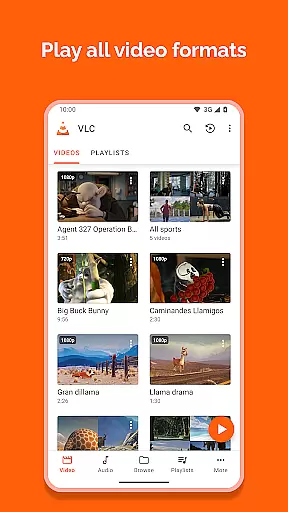
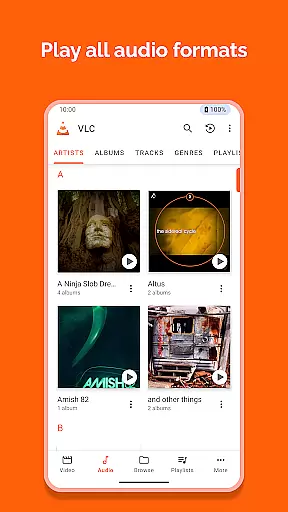
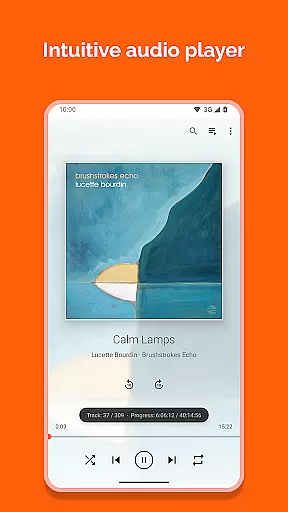
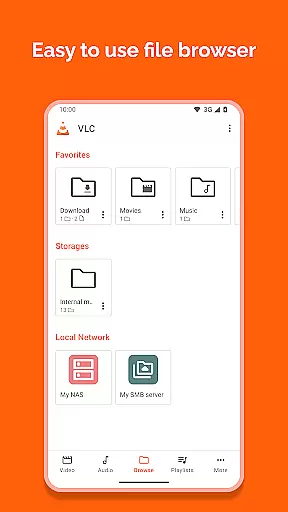
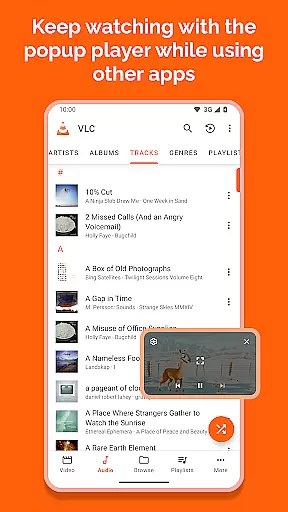
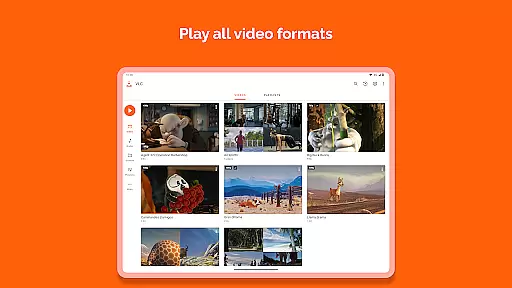
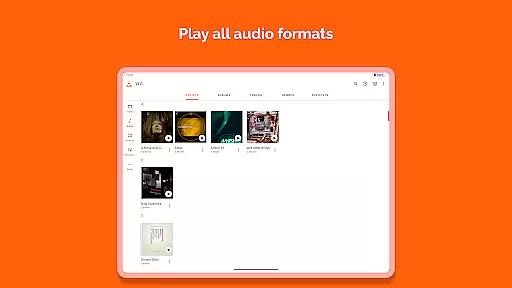
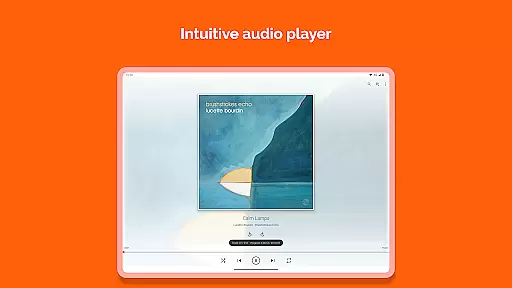
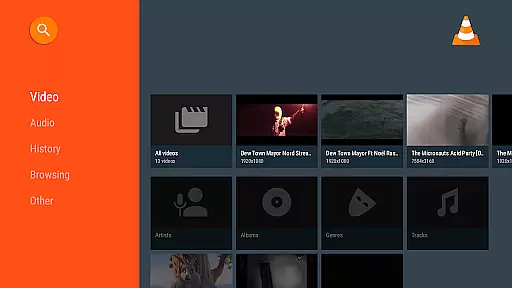
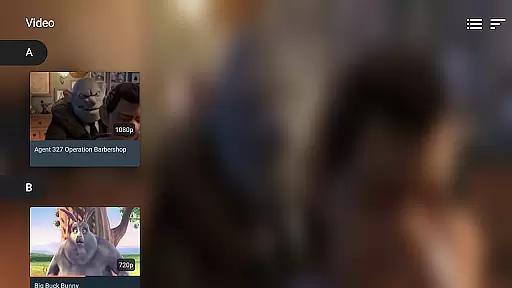

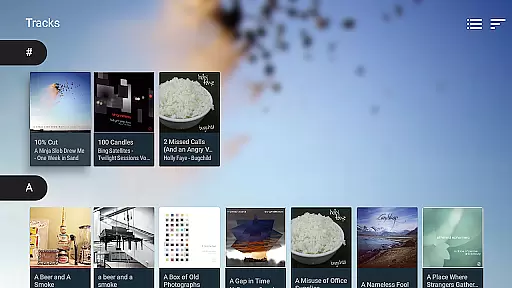
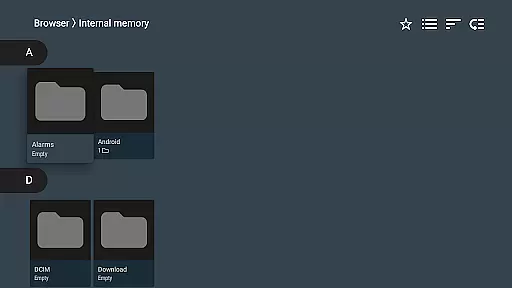
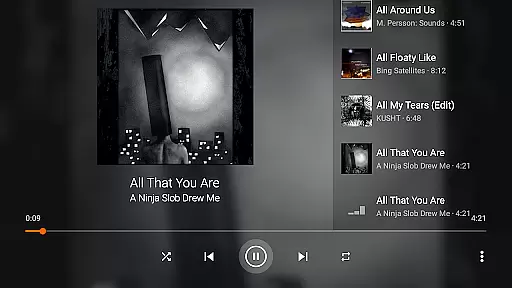
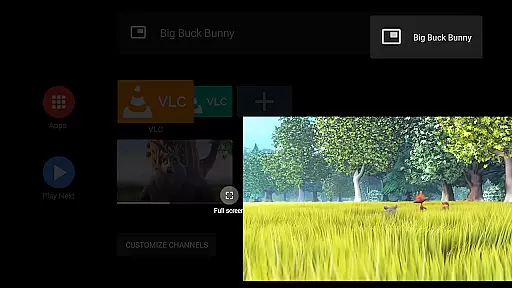
VLC for Android is a versatile, free, and open-source media player that supports an extensive range of video and audio formats. It mirrors the capabilities of its desktop counterpart, allowing users to play files from local storage, network streams, and even DVD ISOs.
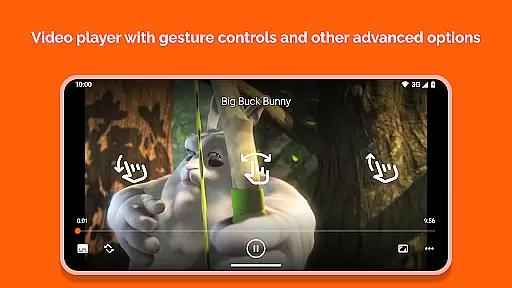
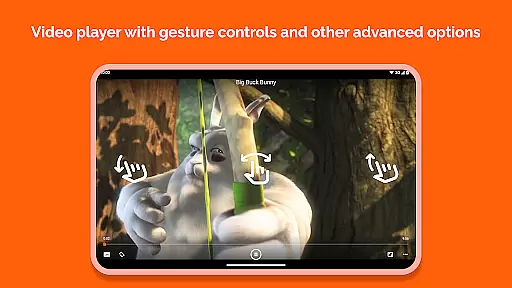
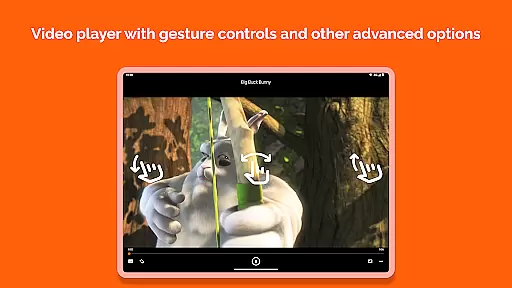
Designed with user convenience in mind, this app features advanced playback options, including auto-rotation, aspect-ratio adjustments, and gesture controls for volume and brightness. Its comprehensive media library and support for multi-track audio/subtitles make it ideal for both casual viewers and audiophiles alike.
Whether you're commuting or relaxing at home, VLC for Android ensures uninterrupted multimedia enjoyment without ads or in-app purchases, making it a reliable choice for all your media needs.
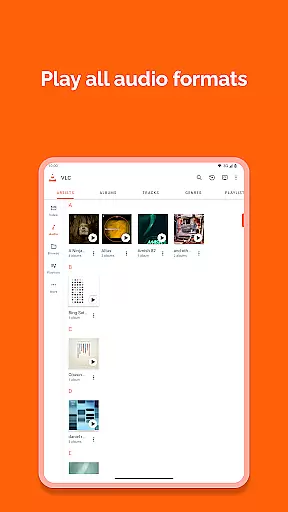
VLC for Android stands out with its ability to handle virtually any multimedia file format without requiring additional codecs. This includes popular formats like MKV, MP4, AVI, and more niche ones such as FLAC and M2TS.
The app's robust feature set extends to network streaming, supporting adaptive streaming protocols and disk sharing. Users can also benefit from integrated subtitle support, Teletext, and Closed Captions, enhancing accessibility and viewing experience.
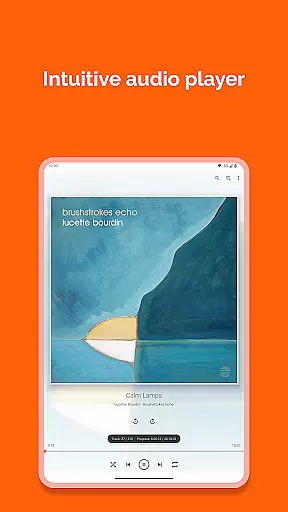
Additional functionalities include a customizable media library, audio headset controls, cover art display, and a widget for seamless audio management. These thoughtful additions ensure VLC remains a top-tier media player across various use cases.
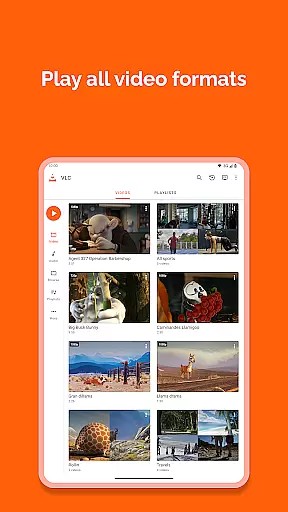
VLC for Android stands out as a versatile video player due to its extensive video format compatibility. This feature ensures that users can play almost any video file type without the need for additional codecs or conversions.
The application supports a wide array of formats including but not limited to MKV, MP4, AVI, MOV, Ogg, FLAC, TS, M2TS, and AAC. This comprehensive support is akin to its desktop counterpart, making it an all-in-one solution for video playback needs on Android devices.
With VLC for Android, users benefit from seamless playback of both local files and network streams, including adaptive streaming and DVD ISOs. The ability to handle network shares and disk drives further enhances its utility, providing flexibility in accessing media content from various sources.
While VLC for Android primarily focuses on media playback, it incorporates some intelligent features that enhance user experience akin to AI-powered editing tools. These features simplify media management and playback adjustments intuitively.
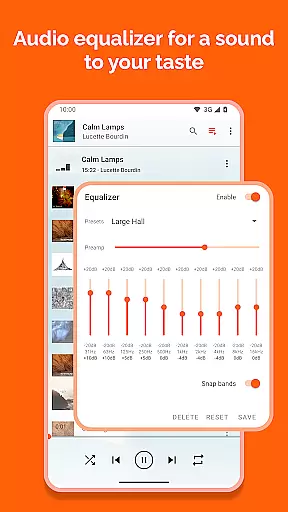
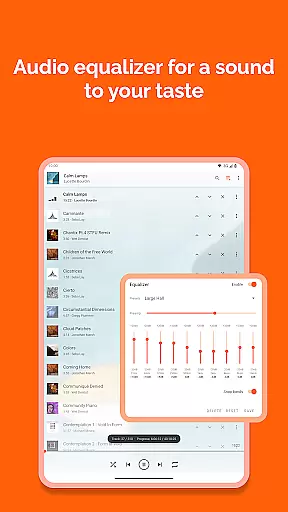
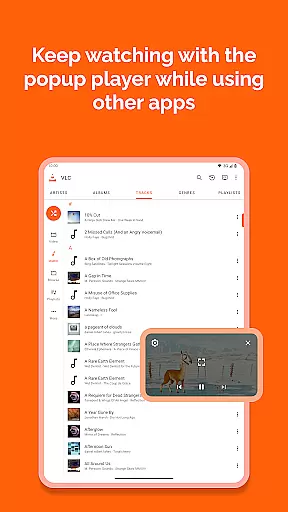
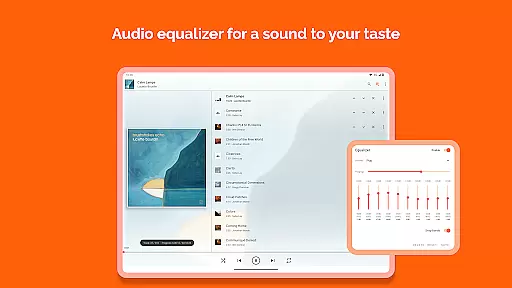
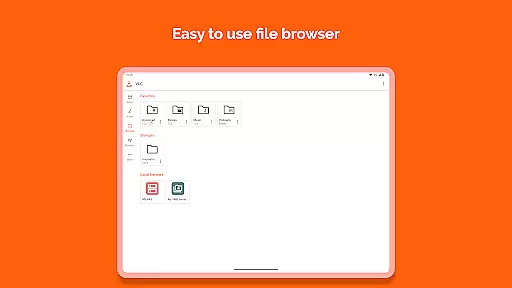
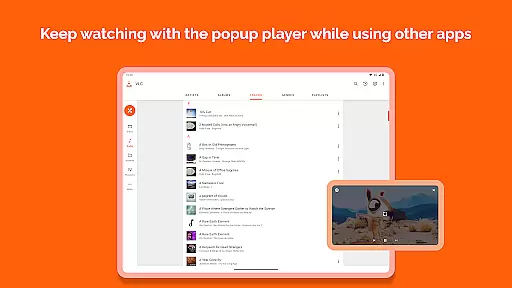
The integrated media library offers a structured way to organize and browse audio and video files. Users can apply filters, equalizer settings, and manage subtitles with ease, which adds a layer of personalization and control over their viewing and listening experience.
Additionally, VLC includes advanced playback controls such as multi-track audio support, auto-rotation, aspect-ratio adjustments, and gesture-based commands for volume, brightness, and seeking. These functionalities collectively contribute to a smarter, more responsive media consumption environment.
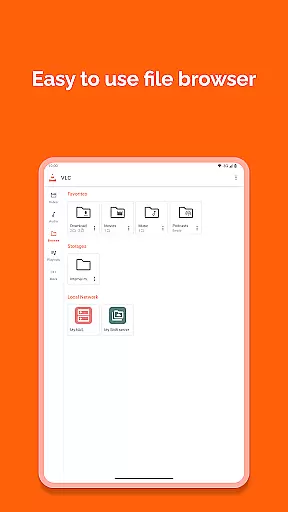
User-friendly interface
Wide format compatibility
No ads or in-app purchases
Regular updates by developers
Comprehensive media library
Occasional bugs reported
Advanced settings may overwhelm beginners
Limited aesthetic customization
Requires multiple permissions
Interface not always intuitive

Your media, on your terms.
 4.10
4.10
Video Downloader is an utility that can save videos and music from web sites
4.20
Watch a large amount of high-definition short drama content
4.60
Create & edit videos with AI
4.30
Seamlessly connect and control your smart devices, anytime, anywhere with ease.
4.60
Make your own Animations, Video and Photo Edits, Visual Effects, and more!
4.00
Download videos and play them offline
4.70
AI Video Editor with Music, Filter, Slideshow, Effect, Merge & Trim Video.
4.80
Capture the moment and Cut
3.40
#1 Torrent App on Android ** No Ads Ever + Battery Saver **
4.80
Find, download, and play torrents with the official BitTorrent® Pro app
4.70
Screen recorder with audio to take live videos & Screenshot in high quality!
4.70
Fast & easy HD video downloader for all formats, support 4K playback & download.
4.60
Browser for Fire TV to stream webvideos, online movies, livestreams in HD
4.40
AirMirror is Receiver for Screen Mirroring and Casting from Apple Devices.
3.60
All in one multi protocols stream receiver for AirPlay, Cast and DLNA.
3.60
Browser for Sony TV to stream web videos, online movies and live tv
3.20
You can play SWF format file!
2.50
The smartest M3U IPTV Player your playlists have ever seen.
4.3


User Reviews