


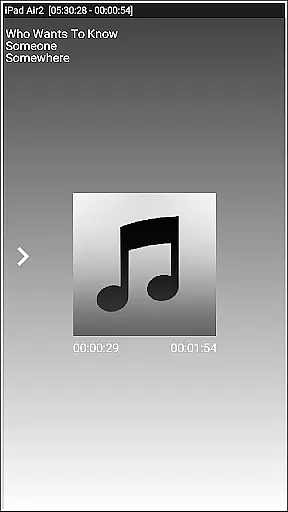
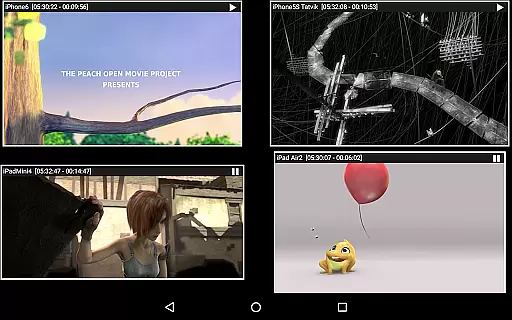


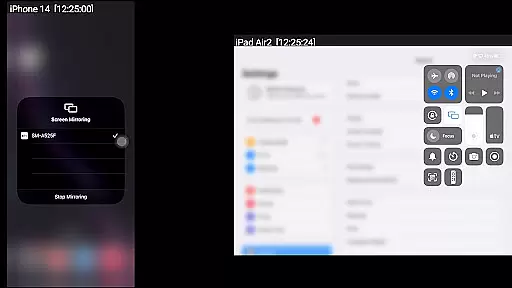
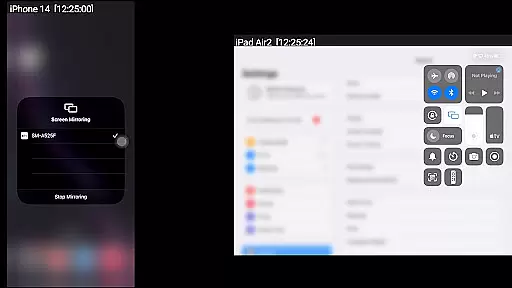
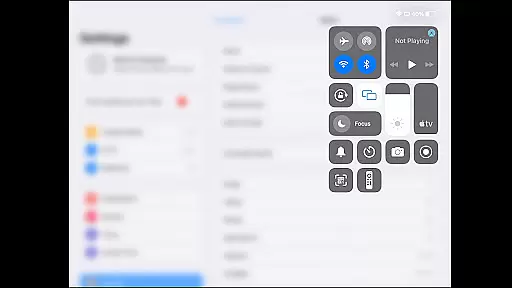
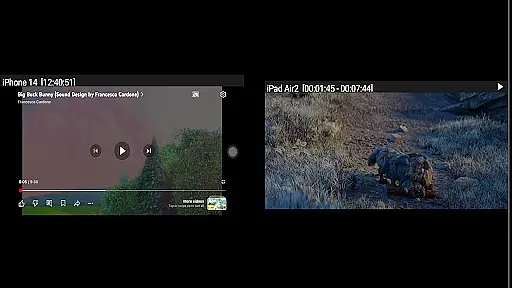
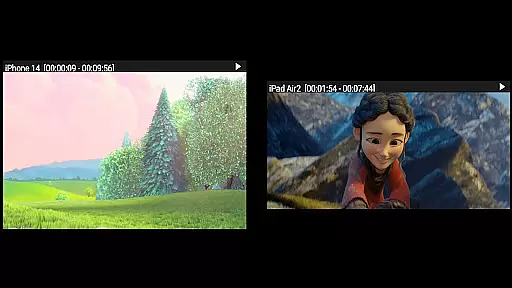

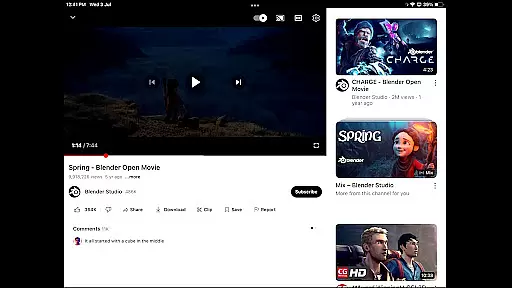
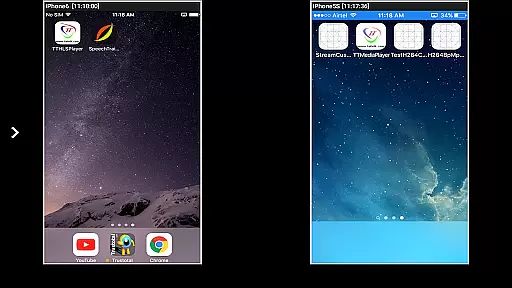

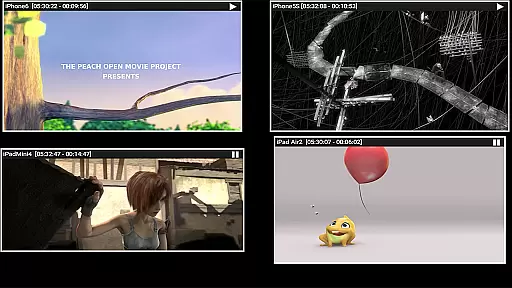
AirMirror is a specialized receiver application designed for Android devices, enabling seamless screen mirroring and casting from Apple devices such as iPhones, iPads, MacBooks, and iMacs. This app allows users to mirror screens, play back media content, and even share YouTube links over the local network. With support for iOS versions 9 to 15, AirMirror facilitates simultaneous connections from up to four Apple devices.
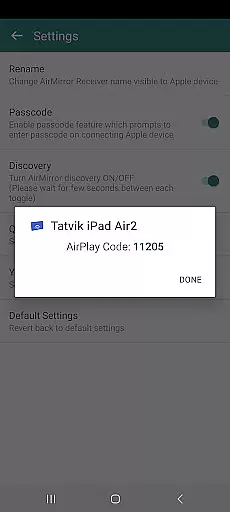
One of its standout features is the ability to resize and move the mirroring window within the app view, providing flexibility during presentations or entertainment sessions. The passcode feature ensures secure sharing by restricting unauthorized access. Whether you're conducting business meetings, sharing family photos, or collaborating with colleagues, AirMirror offers a versatile solution for displaying Apple device content on an Android screen.
AirMirror boasts an array of advanced features tailored for efficient screen sharing and media playback. It supports mirroring from multiple Apple devices simultaneously, making it ideal for collaborative environments where several users need to present their content. The app also enables the playback of audio, video, and photos stored on Apple devices, enhancing multimedia sharing experiences.
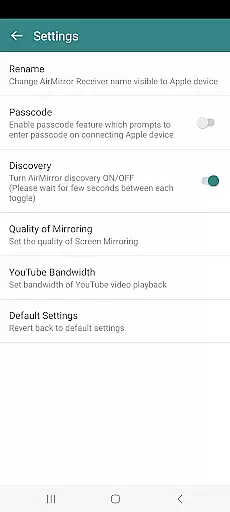
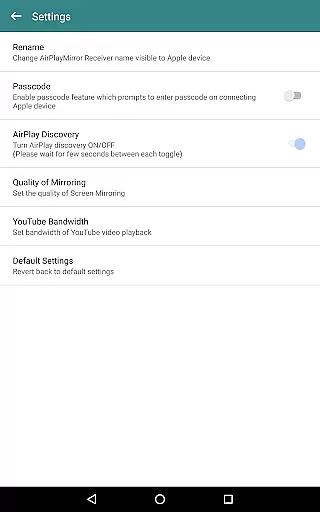
Additional functionalities include slideshow capabilities for images and videos, Bluetooth Low Energy based advertising for cross-subnet mirroring, and the option to share game screens in real-time. Users can customize settings such as renaming the receiver, toggling discovery on/off, adjusting mirroring quality, and managing YouTube bandwidth. These features collectively ensure a smooth and adaptable user experience, catering to both personal and professional needs.
Video format compatibility is a crucial feature for any video player or editor, ensuring that users can access and work with a wide range of video files without encountering playback issues. AirMirror supports screen mirroring and casting from Apple devices to Android, including the playback of various media content such as audio, video, and photos stored on the Apple device.
The application facilitates the mirroring of screens from Apple devices running iOS versions 9 to 15, allowing users to share their multimedia experiences over a local network. This includes the ability to play back YouTube content from an Apple device directly to the AirMirror receiver, enhancing cross-platform interaction.
However, it's important to note that while AirMirror offers extensive support for non-protected content, it does not work with DRM-protected material such as Netflix or paid iTunes videos. Despite this limitation, the app provides a versatile environment for sharing and enjoying digital media across different devices.
By supporting multiple formats and providing tools to manage the quality of mirroring, AirMirror ensures that users have a seamless experience when sharing their screens and content with family, friends, or colleagues, making it a valuable tool for both personal and professional settings.
AI-powered editing features represent the cutting edge of video player and editor technology, offering smart tools that enhance the user's ability to manipulate and improve their video content efficiently. While AirMirror focuses primarily on screen mirroring and casting capabilities, its intelligent features provide a form of automated management that benefits the overall user experience.
AirMirror incorporates advanced functionalities like resizing and moving the mirroring/casting window within the app view, which allows users to customize their viewing area according to their preferences or needs. Additionally, the app enables users to share game screens in real-time while playing games on their Apple devices, showcasing an interactive use case powered by smart detection systems.
Although AirMirror may not offer traditional AI-driven video editing tools such as object recognition or automatic scene detection, its ability to handle simultaneous connections from up to four Apple devices indicates a level of sophisticated processing that simplifies complex tasks for the user.
These smart features ensure that users can enjoy a high-quality, uninterrupted mirroring experience, whether they're presenting to colleagues or sharing moments with loved ones, demonstrating the practical application of AI technologies in enhancing connectivity and collaboration across different platforms.
User-friendly interface
Multi-device support
Secure passcode feature
Flexible window resizing
Cross-subnet compatibility
No DRM content support
Limited live TV capability
Network dependency
Occasional connectivity issues
Device compatibility restrictions

Auto video maker with music & exclusive filters. Video editing made simple.
 4.50
4.50
Create & edit videos with AI
4.30
Fast video downloader & private browser. Save HD clips to watch offline.
4.40
Full HD Video mp3 Player, MP4 player play 1080p, File manager, Video Downloader
4.40
KMPlayer Plus (Divx Codec) officially support Divx codec.
4.30
Video Downloader, Multiple Resolution Options, Video Player
4.50
Make your own Animations, Video and Photo Edits, Visual Effects, and more!
4.00
Video&Drama Player All Format is a HD video player, music player
3.00
Manage your YouTube channel on the go
4.40
Screen recorder with audio to take live videos & Screenshot in high quality!
4.70
Search & download videos from net with all video downloader, auto-detect & safe.
4.60
Cast to Chromecast, Xbox, Fire Stick, Roku, DLNA, Smart TV & No Feature Limited!
4.50
Your media, on your terms.
4.10
Browser for Samsung TV to stream webvideos, online movies and livestreams in HD
4.10
LumaFusion: The Ultimate Storytelling Experience for Video Editing
4.10
All format media Player, no need video converter any more!
4.00
AI Video Editor:AI Music, Text to Video,Text to Speech,Auto Caption,Video Effect
4.00
Connect 2 UVC devices for recording and broadcast video/audio stream
3.90
The essential companion to your Blue Iris PC software
2.50


User Reviews