
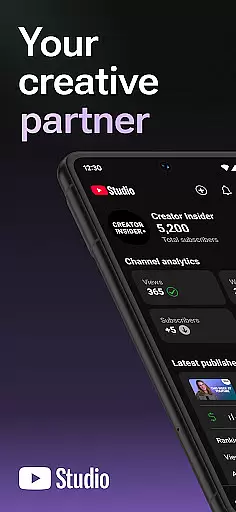
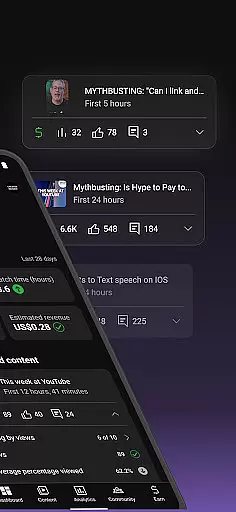
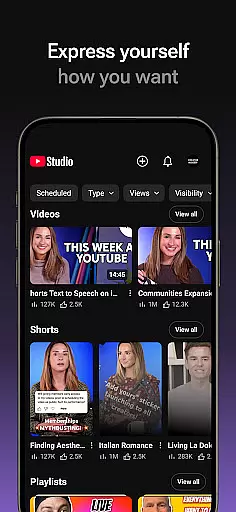
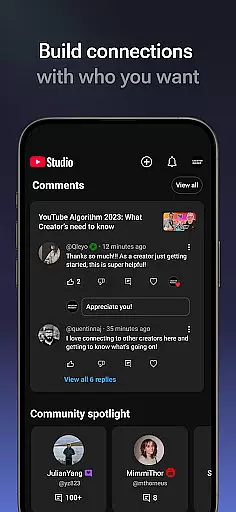
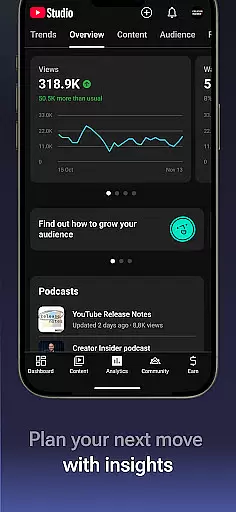
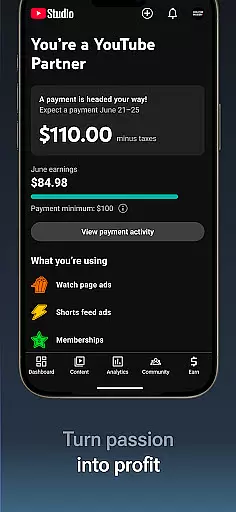

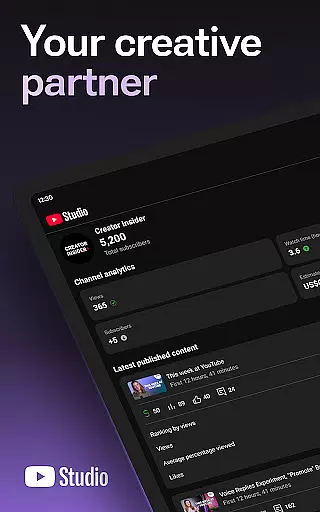
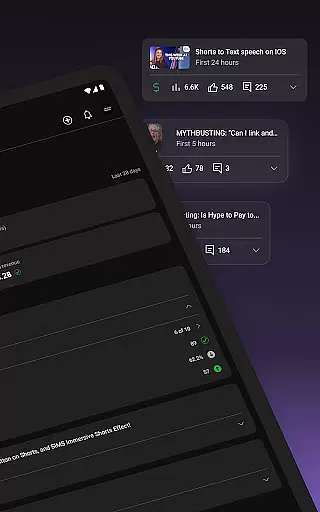
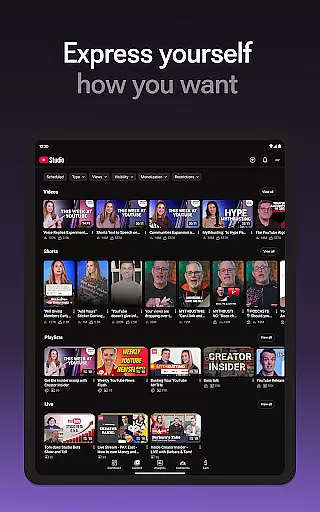

YouTube Studio is the official mobile app designed for content creators to manage their YouTube channels effectively. The application provides a comprehensive suite of tools that empower creators to monitor channel performance, engage with their audience, and customize content settings directly from their mobile devices. With features like the Channel Dashboard, detailed Analytics, and comment management, it serves as an all-in-one solution for YouTubers looking to optimize their channel's growth and community engagement.
The app allows users to make real-time updates to their channel's appearance and individual video settings, ensuring their content strategy remains agile. Whether you're tracking viewer demographics or adjusting video details, YouTube Studio ensures you have the necessary insights and controls at your fingertips. This makes it an essential tool for creators who want to maintain a strong connection with their audience while expanding their YouTube business.
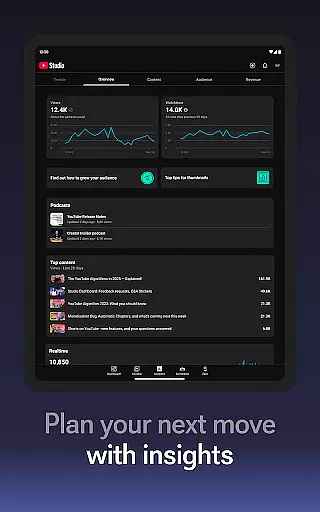
YouTube Studio stands out with its robust feature set tailored specifically for YouTube creators. The Channel Dashboard provides a quick snapshot of key performance metrics, giving users immediate visibility into how their content is performing. Detailed Analytics go a step further by breaking down data across different content types, enabling creators to understand what works best for their audience.
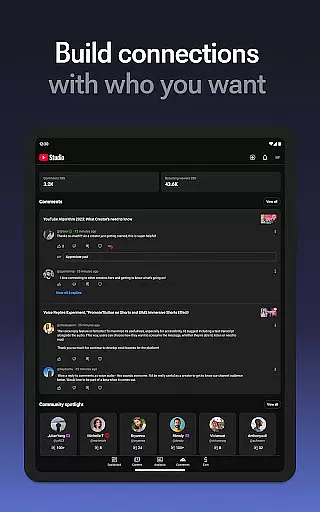
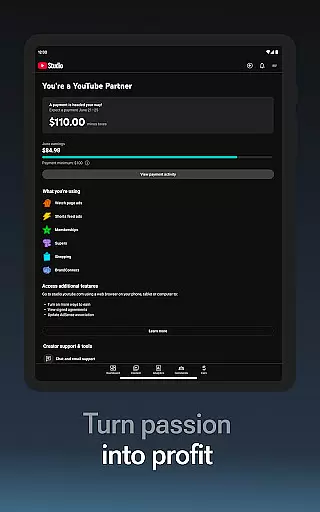
Another notable feature is the advanced comment management system. It allows sorting and filtering of comments, helping creators prioritize important conversations within their community. Additionally, the app offers monetization tools through the YouTube Partner Program, which lets eligible creators start earning from their content. These capabilities, combined with the ability to update video information on-the-go, make YouTube Studio a powerful companion for modern content creators.
Video format compatibility is a crucial feature for any video editing or player application, ensuring that users can work with a wide range of video types. YouTube Studio supports an extensive array of formats, allowing creators to upload and manage content without worrying about conversion issues.
The app's robust compatibility includes popular formats like MP4, AVI, MOV, and more, enabling seamless integration with various devices and platforms. This flexibility ensures that creators can focus on producing high-quality content rather than technical limitations.
By supporting multiple formats, YouTube Studio enhances the user experience by simplifying the content management process. Creators can easily update video information, manage shorts, and livestreams across different formats, streamlining their workflow.
This comprehensive format support not only saves time but also expands creative possibilities, empowering users to experiment with diverse content styles while maintaining professional standards.
AI-powered editing features revolutionize the way creators enhance their videos by automating complex tasks and providing intelligent suggestions. YouTube Studio incorporates advanced AI tools that help users optimize their content efficiently and effectively.
These features include automatic caption generation, smart thumbnails, and performance analytics powered by machine learning algorithms. Such tools enable creators to improve accessibility, engage viewers better, and understand audience preferences through data-driven insights.
By leveraging AI technology, YouTube Studio significantly reduces manual editing efforts, allowing creators to focus more on storytelling and content creation. The intuitive interface makes these sophisticated tools accessible even to beginners, democratizing high-quality video production.
Ultimately, AI-powered editing features in YouTube Studio empower creators to produce polished, professional-grade videos that resonate with their audience, driving higher engagement and growth for their channels.
User-friendly interface
Comprehensive analytics
Real-time updates
Monetization options
Advanced comment management
Limited customization
Occasional bugs
Requires constant updates
No offline mode
Complex navigation

Kodi media center, a free and open source cross-platform entertainment hub
 3.60
3.60
Powerful, professional, versatile teleprompter. Developed by an active film crew
4.00
AirMirror is Receiver for Screen Mirroring and Casting from Apple Devices.
3.60
Cast to Smart TV, Fire TV. Cast video, photo - Fast & Stable!
3.90
Add date and time watermark to photos and videos
4.50
Browser for Sony TV to stream web videos, online movies and live tv
3.20
The essential companion to your Blue Iris PC software
2.50
Livestream, news, & gaming content. Watch, chat, and upload. Join Rumble today!
3.80
Download Hub, easy and private way to download and enjoy your videos offline
4.80
Search & download videos from net with all video downloader, auto-detect & safe.
4.60
Browser + Remote for Roku to stream webvideos, online movies and livestreams
4.60
Fast, private downloading, video saving, social media
4.50
HD video maker with no watermark, no ads & vlog maker with music, PIP, text
4.50
AirMirror Receiver - Screen mirroring/cast web videos to Android TV by AirPlay.
4.40
Create & edit videos with AI
4.30
KMPlayer Plus (Divx Codec) officially support Divx codec.
4.30
Browser for Samsung TV to stream webvideos, online movies and livestreams in HD
4.10
A full editing room to accompany your Insta360 cameras and handheld gimbals.
3.30
Video player with powerful streaming playback and various convenient features.
2.10


User Reviews