
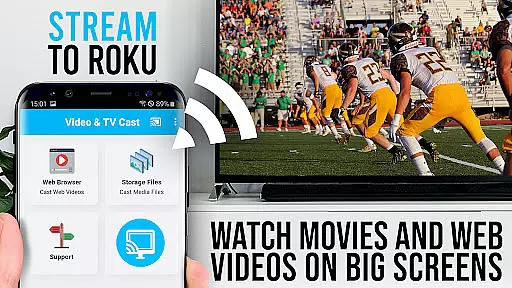
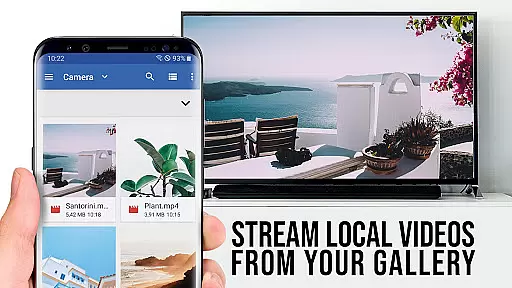
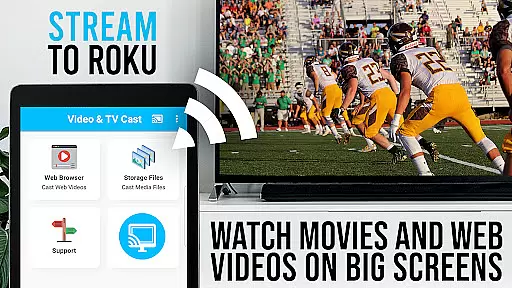
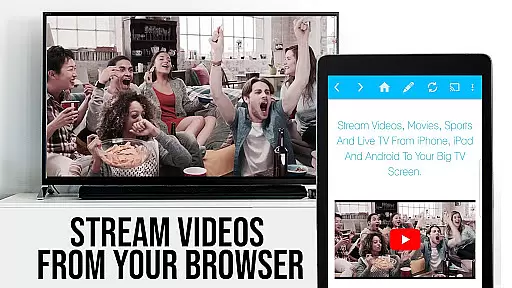
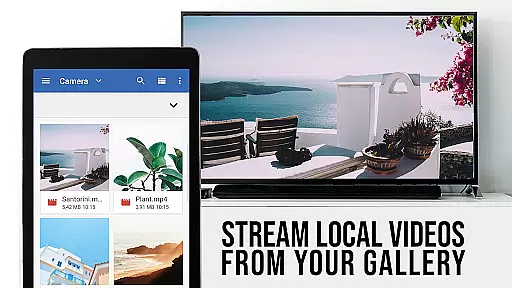
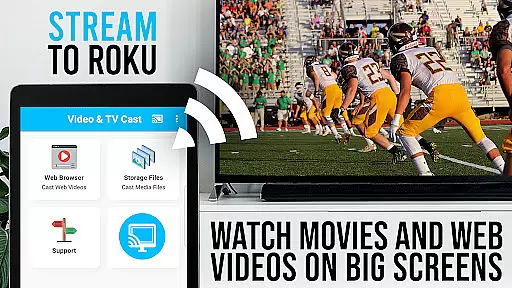
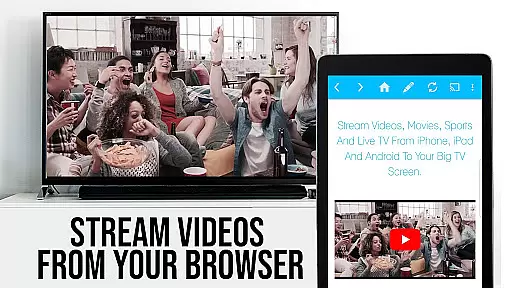
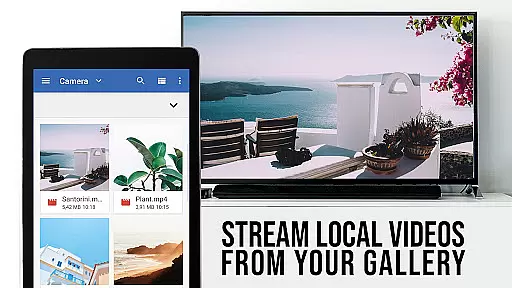
TV Cast Pro for Roku is a premier application designed to enhance your streaming experience by enabling you to cast web videos, online movies, livestreams, and live TV shows directly to your Roku device. This app supports various video formats including mp4, m3u8, hls livestreams, and Full HD content over https, ensuring high-quality playback on the big screen.
In addition to its casting capabilities, TV Cast Pro for Roku comes with an integrated Roku Remote, allowing users to control their Roku devices seamlessly. The app also features premium functionalities such as ad-blocking, bookmarks, desktop mode, and customizable homepage settings, all of which contribute to a personalized and uninterrupted viewing experience.
This app is ideal for users who wish to enjoy a wide range of online content on their Roku-connected TVs without the limitations of DRM-protected videos. By upgrading your Roku Stick, Roku Box, or Roku TV with TV Cast Pro, you can transform your living room into a versatile entertainment hub.
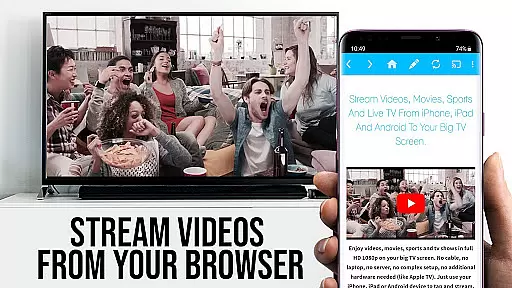
TV Cast Pro for Roku stands out with its comprehensive feature set tailored for seamless media streaming. One of its key features is the ability to browse the web and cast any video with a single tap, making it incredibly user-friendly. The app intelligently detects video links on websites and allows immediate casting to your Roku device, thus simplifying the streaming process.
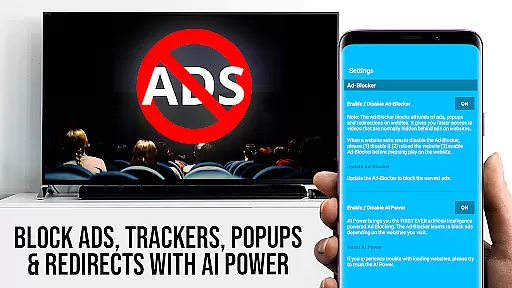
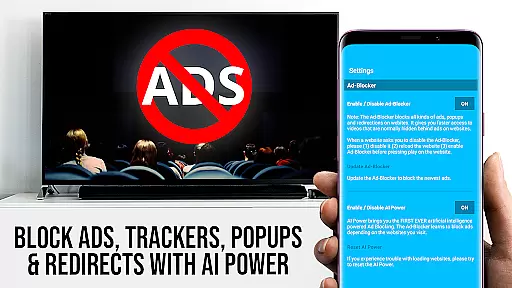
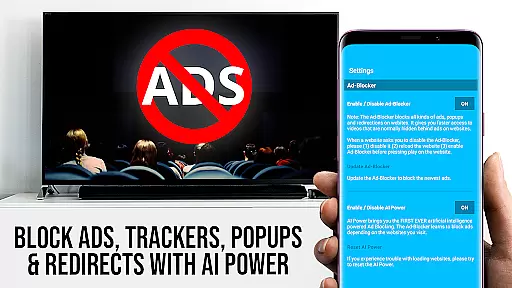
The integrated Roku Remote is another highlight, offering users full control over their Roku devices directly from the app. With PRO features unlocked, users can enjoy advanced controls like forwarding, rewinding, pausing, and switching between Roku channels. Additionally, the Ad-Blocker ensures an ad-free browsing experience by blocking ads and popups on most websites, enhancing user satisfaction.
Further enriching the user experience are features like Bookmarks, Desktop Mode, and Homepage Customization. These allow users to save favorite sites, access desktop versions of websites, and set a personal homepage, respectively. Such features collectively ensure that TV Cast Pro for Roku not only meets but exceeds user expectations in terms of functionality and customization.
TV Cast Pro for Roku stands out with its extensive video format compatibility, ensuring users can stream a wide variety of content without technical hindrances. The app supports popular formats such as Mp4, m3u8, and HLS livestreams, making it versatile for different types of media.
This compatibility is crucial for users who want to enjoy web videos, online movies, livestreams, and live-TV shows directly on their Roku devices. By supporting video over https and Full HD, the app guarantees high-quality streaming that takes full advantage of your TV's capabilities.
The ability to enter or paste full video URLs directly into the browser address bar simplifies the process of playing mp4, m3u8, or other video files on Roku. This straightforward approach ensures that users can quickly access their desired content without complicated setups.
Overall, the app's comprehensive video format support makes it an essential tool for anyone looking to enhance their streaming experience on a Roku device, providing both convenience and quality in one package.
While TV Cast Pro for Roku focuses primarily on streaming, it also incorporates AI-powered features that enhance user interaction and streamline the casting process. Although not a traditional video editor, the app leverages intelligent algorithms to detect video links embedded within websites, automatically presenting them for casting.
This feature significantly improves the efficiency of browsing and streaming, as users can send discovered videos to their Roku with a single tap. The integrated detection system works seamlessly to identify compatible content, ensuring a smooth transition from discovery to playback on the big screen.
Additionally, the app includes an Ad-Blocker that uses AI to block ads and popups on most visited websites. This not only enhances the viewing experience by reducing interruptions but also optimizes website loading times, contributing to a more enjoyable browsing session.
These smart functionalities demonstrate how AI can be effectively utilized beyond conventional editing tools, offering users an intelligent assistant that simplifies their streaming activities while maintaining focus on delivering premium entertainment experiences.
User-friendly interface
Wide format compatibility
Integrated Roku remote
Ad-free browsing
Customizable settings
No DRM video support
Limited Roku models
Requires stable Wi-Fi
Premium version costly
Occasional connectivity issues

Video Player - Unlimited features, 30 days money back guarantee.
 4.60
4.60
A Quick and Pro Video Editor
4.70
Watch full episodes of your favorite Cartoon Network and Cartoonito shows!
3.50
All format media Player, no need video converter any more!
4.00
AirMirror is Receiver for Screen Mirroring and Casting from Apple Devices.
3.60
Download videos easily & play them all in one smart, powerful video manager.
3.40
Web Browser for LG TV to stream webvideos, online movies and livestreams in HD
4.20
Fast & Private HD Video Downloader with Built-in Proxy Browser and Video Player.
4.50
Video&Drama Player All Format is a HD video player, music player
3.00
High-Quality USB Camera Viewer & HDMI Display
4.70
Browser for Fire TV to stream webvideos, online movies, livestreams in HD
4.40
This app was created to edit the metadata of music files.
4.20
Video player with 4K & 1080P support, popup play, background play and subtitle.
4.20
Make your own Animations, Video and Photo Edits, Visual Effects, and more!
4.00
Cast to Smart TV, Fire TV. Cast video, photo - Fast & Stable!
3.90
Manage your IPTV live channels and VOD playlists (no playlist included)
3.80
This app is an emulator of some specific IPTV boxes
3.50
IPTV Player - Watch live TV from m3m & m3u8 playlist, stream IPTV on mobile
3.30
Browser for Sony TV to stream web videos, online movies and live tv
3.20


User Reviews