
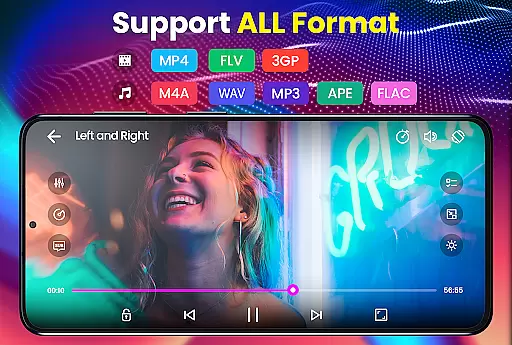
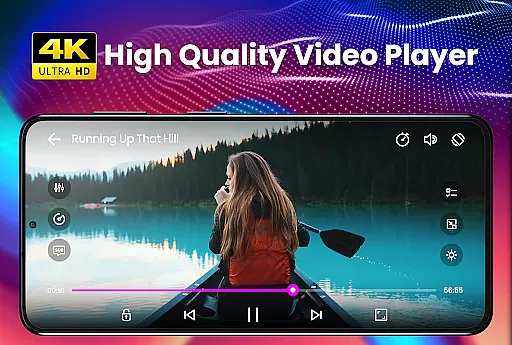
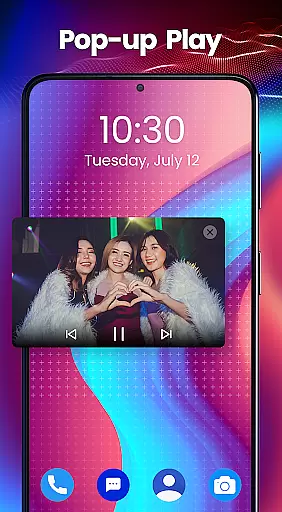
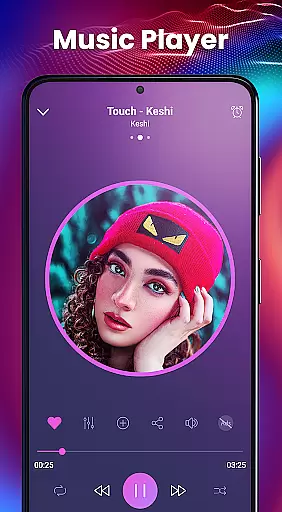
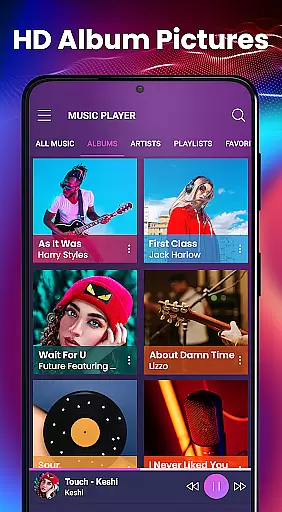
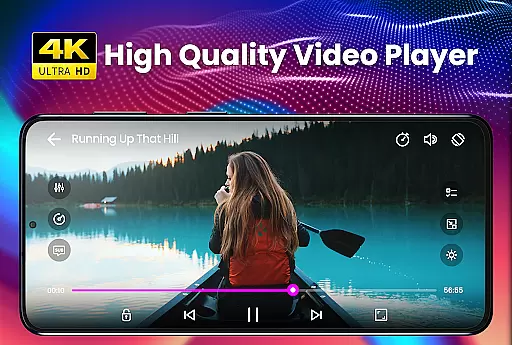
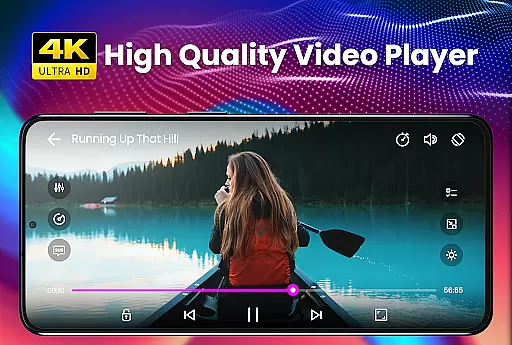
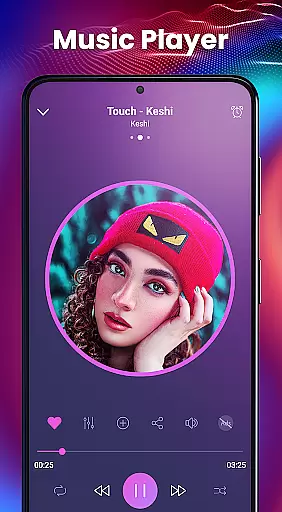
Video Player - PRO Version is a premium video playback application that offers unlimited features and dedicated support. This powerful player boasts advanced hardware acceleration and comprehensive subtitle support, making it an ideal choice for users who demand high-quality playback of all video formats, including HD and 4K content.
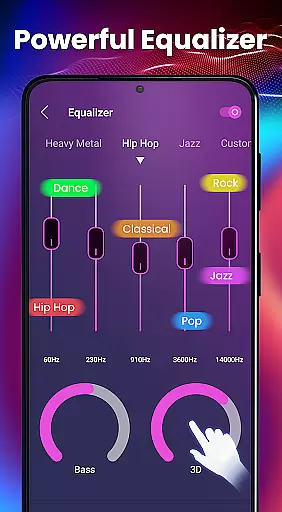
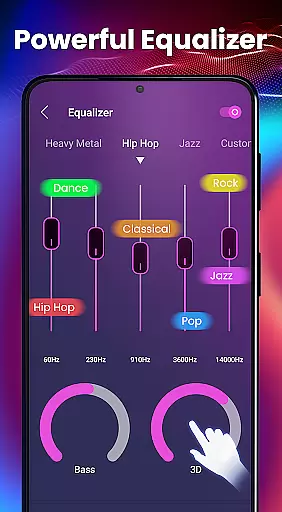
The app stands out with its user-friendly interface, quick start times, and smooth playback capabilities. It supports an extensive range of video and audio formats, ensuring compatibility with virtually any media file. Additionally, the inclusion of a built-in equalizer with bass boost and 3D reverb effects enhances the audio experience, providing users with studio-quality sound.
Whether you're watching movies at home or listening to music on the go, Video Player - PRO Version delivers a seamless multimedia experience across all devices.
One of the standout features of Video Player - PRO Version is its robust hardware acceleration, which ensures smooth playback even for ultra-high-definition videos. The new HW+ decoder allows this feature to be applied to a wider variety of video files, enhancing performance without compromising quality.
Subtitle support is another key aspect, allowing users to load .srt files directly from their device. This makes it perfect for enjoying foreign films or TV shows with accurate translations. The Kids Lock feature provides peace of mind by preventing children from accessing other apps while they watch videos.
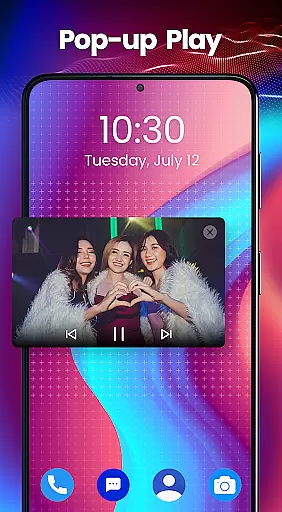
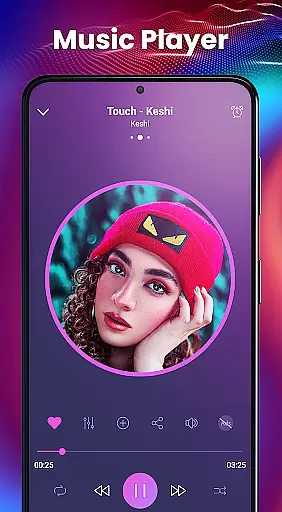
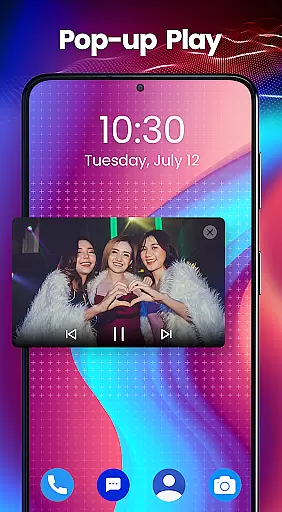
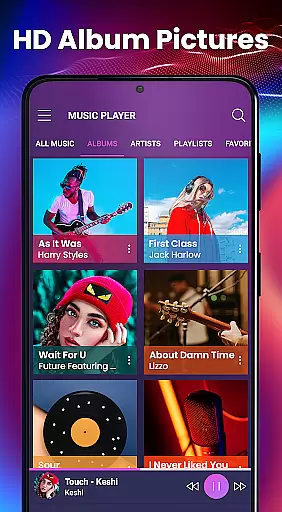
Additional functionalities include a built-in 5-band equalizer, background play capability, and a sleek music player widget. With support for multiple audio and video formats, as well as various subtitle types, this app caters to diverse user needs, whether for personal entertainment or professional use.
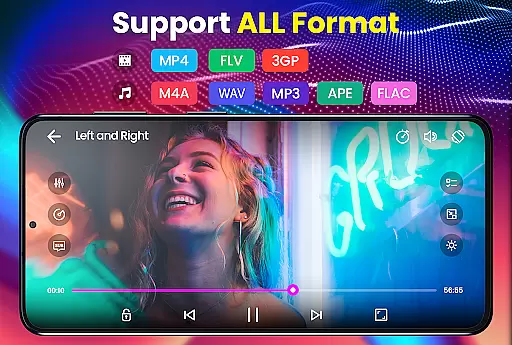
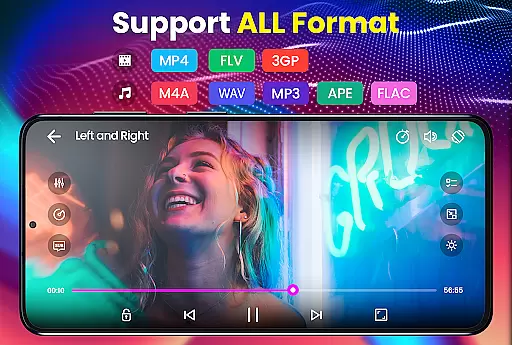
Video Player - PRO Version stands out with its extensive video format compatibility, ensuring users can play virtually any file type without conversion. The app supports an impressive range of formats including but not limited to AVI, MP4, MOV, and even high-definition options like 4K video files.
This versatility is powered by advanced hardware acceleration through the new HW+ decoder. This feature not only broadens the spectrum of playable videos but also enhances playback smoothness and quality, making it an ideal choice for users with diverse video collections.
Whether you're watching standard definition or ultra-high-definition content, this player guarantees a seamless experience. By supporting niche formats such as RMVB, FLAC, and MKV, it caters to both casual viewers and audiovisual enthusiasts who demand the best in class performance.
Beyond basic playback, Video Player - PRO Version incorporates AI-powered editing features that elevate the user's control over their media. While primarily a player, its built-in equalizer offers sophisticated audio adjustments, allowing users to customize sound output with 5-band equalization, bass boost, and 3D reverb effects.
The inclusion of automatic subtitle synchronization demonstrates the app's intelligent design. It supports numerous subtitle formats like SubRip (.srt), WebVTT (.vtt), and SubStation Alpha (.ssa/.ass), enabling precise timing alignment between audio and text tracks.
These smart functionalities extend to practical applications such as Kids Lock mode, which intelligently restricts device access while children watch videos. Such innovative implementations showcase how artificial intelligence enhances both convenience and safety within a premium video player application.
Unlimited premium features
Advanced hardware acceleration
Comprehensive subtitle support
User-friendly interface
High-quality audio enhancements
Paid version only
No free trial available
Occasional bugs reported
Limited customization options
Requires frequent updates

IPTV-Smarters Player Pro M3U - Watch Live Stream TV Channels with Chromecast
 4.00
4.00
Support 1000+ Video Format, Subtitle Download, mp3 & Background Play, Cast On TV
4.60
Explore the largest library of free GIFs, Stickers & Memes - or create your own!
3.90
Fast & easy HD video downloader for all formats, support 4K playback & download.
4.60
Movie maker & video editing app with AI effects and green screen
4.30
Cast to Smart TV, Fire TV. Cast video, photo - Fast & Stable!
3.90
Browser + Remote for Roku to stream webvideos, online movies and livestreams
4.60
Screen recorder with audio to take live videos & Screenshot in high quality!
4.70
Manage your YouTube channel on the go
4.40
Download Hub, easy and private way to download and enjoy your videos offline
4.80
A Quick and Pro Video Editor
4.70
High-Quality USB Camera Viewer & HDMI Display
4.70
All in one HD video downloader & player for multiple formats with full privacy
4.70
Download videos and play them offline
4.70
HD video maker with no watermark, no ads & vlog maker with music, PIP, text
4.50
Create & edit videos with AI
4.30
Browser for Samsung TV to stream webvideos, online movies and livestreams in HD
4.10
Stream Web Videos to Chromecast, Samsung, LG, Sony, Roku, Fire TV, DLNA + more
4.00
IPTV Player - Watch live TV from m3m & m3u8 playlist, stream IPTV on mobile
3.30


User Reviews