
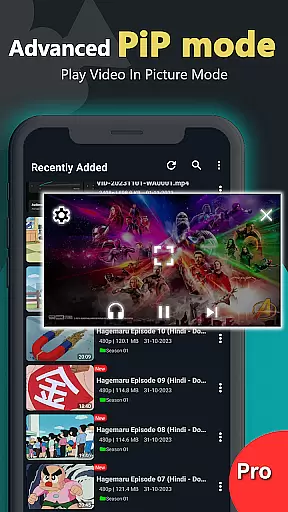
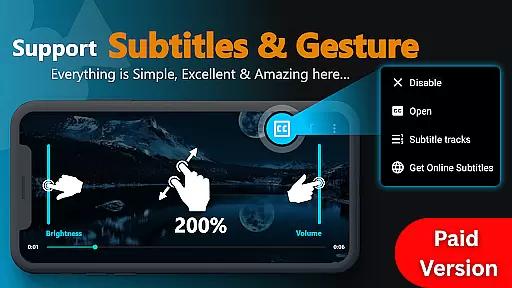
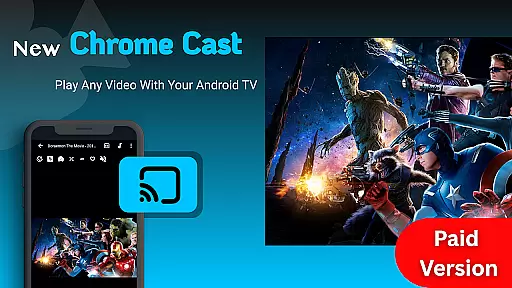
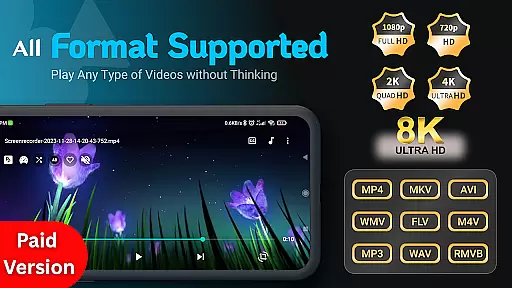
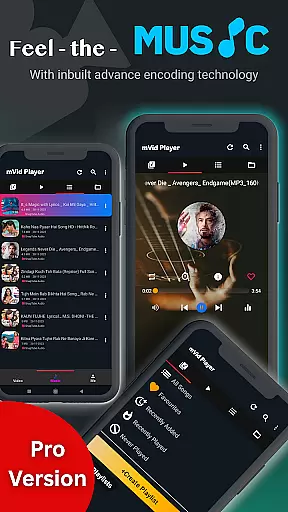
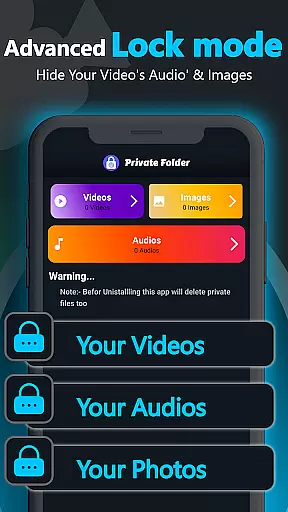
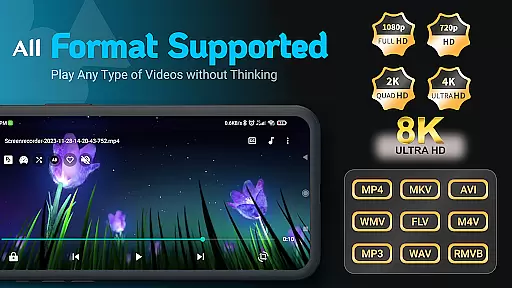
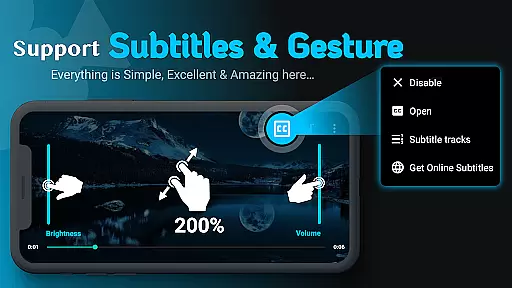
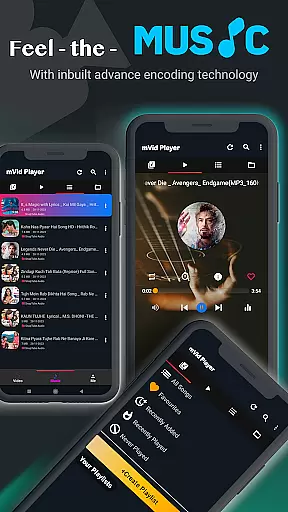
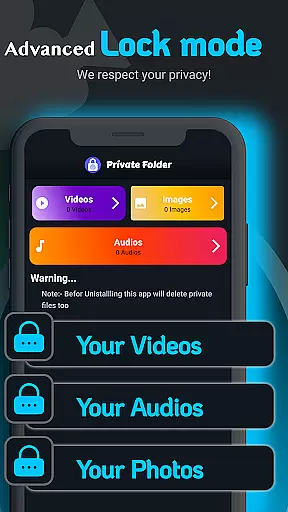
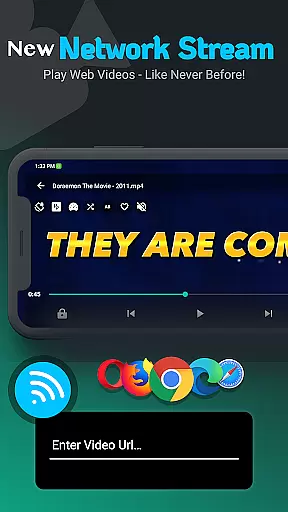
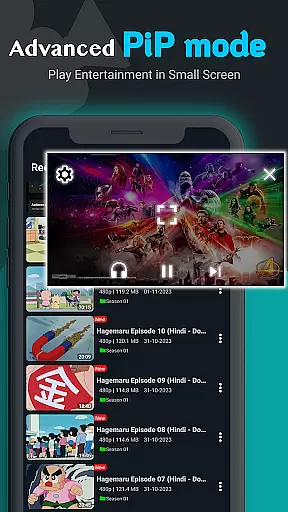
Zea Player Pro is a premium video player designed for Android devices, offering an ad-free experience with support for all video and audio formats. It stands out with its ability to handle high-resolution content, including 4K and 8K videos, while providing advanced features like subtitle support, dual audio tracks, and private folder functionality.
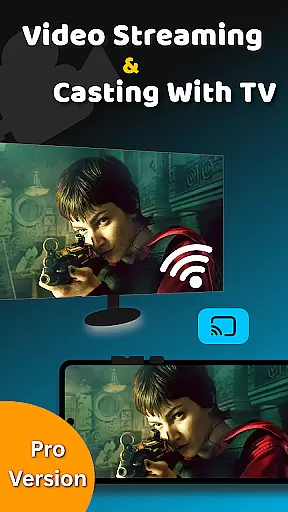
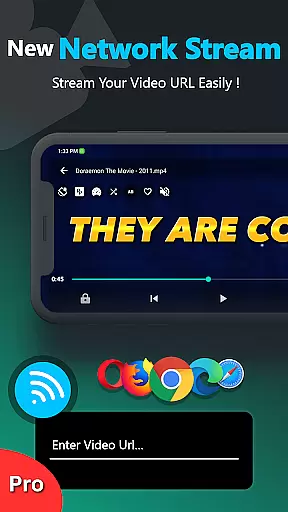
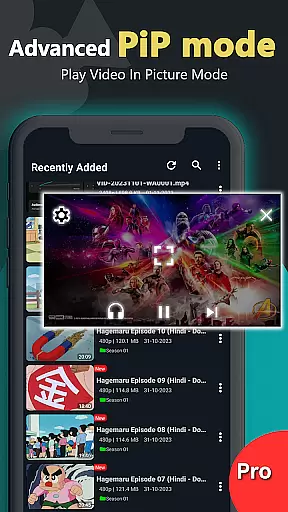
The application allows users to enjoy seamless playback of local files or stream content via URLs. With additional capabilities such as volume boosting, background playback, and casting to Android TV, Zea Player Pro caters to movie enthusiasts and audiophiles alike. Its intuitive interface ensures easy control over playback settings, making it suitable for both casual viewers and professionals.
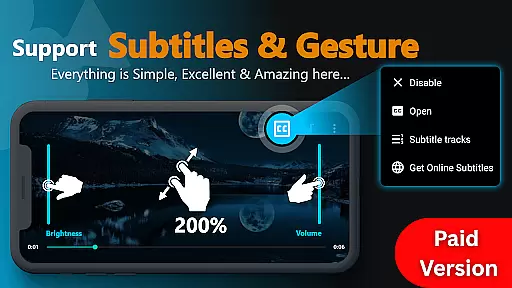
Zea Player Pro boasts an extensive feature set tailored for media enthusiasts. The app supports all major video and audio formats, including MKV, MP4, AVI, and FLAC, ensuring compatibility across diverse file types. Advanced functionalities like zooming, brightness adjustment, and dual subtitles enhance the viewing experience significantly.
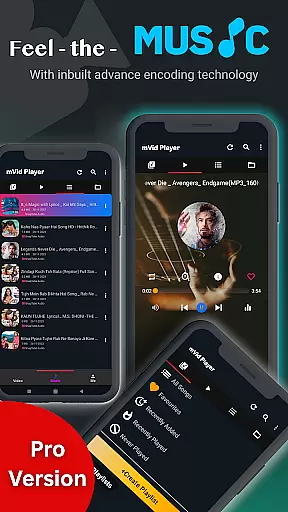
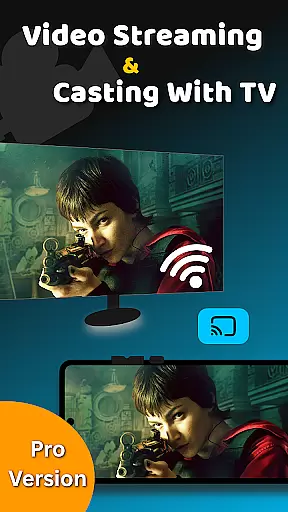
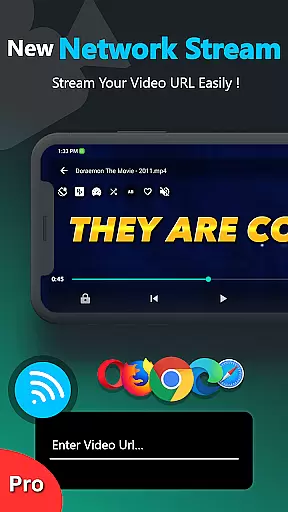
One of the standout features is its private folder system, which lets users password-protect sensitive media files. Additionally, Zea Player Pro enables streaming from URLs, background music playback, and casting to Android TV. These innovations make it a versatile tool for personal entertainment and professional use, delivering high-quality performance without interruptions.
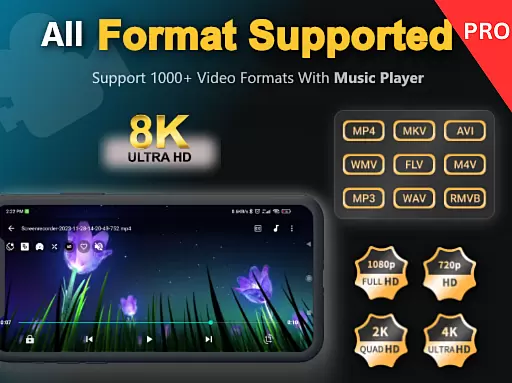
Video Player Pro Version stands out with its exceptional video format compatibility, ensuring users can enjoy a seamless playback experience across all major file types. The application supports an extensive range of formats including MKV, MP4, AVI, MOV, and even ultra HD 4K and 8K videos.
This comprehensive compatibility eliminates the need for format conversion, saving users valuable time and preserving video quality. Whether you're watching high-resolution movies or streaming content via URL, the player ensures smooth, uninterrupted playback.
The app's ability to handle various formats extends to audio files as well, supporting MP3 and other popular music file types. This versatility makes it an ideal choice for both movie enthusiasts and audio lovers who require reliable performance across different media types.
By supporting such a wide array of formats, Video Player Pro Version establishes itself as a universal solution for media playback needs, catering to both casual viewers and professionals who work with diverse video content.
While primarily a video player, Video Player Pro Version incorporates AI-powered features that enhance the viewing experience through intelligent processing. The application utilizes advanced algorithms to optimize video playback, automatically adjusting settings for the best possible picture quality.
The AI capabilities extend to subtitle management, where the app intelligently synchronizes and displays subtitles, even allowing users to download appropriate subtitle files when available. This smart feature ensures accurate timing and proper display of subtitles across different devices.
Additionally, the player's AI-driven enhancement tools improve audio quality during playback. These features include automatic volume leveling and a built-in volume booster, creating a more immersive viewing experience without requiring manual adjustments.
Although not a traditional video editor, these AI-powered capabilities demonstrate how intelligent processing can significantly elevate basic video playback functionality, setting a new standard for what users should expect from their media player applications.
Ad-free playback
Supports 4K & 8K
Private folder feature
Wide format compatibility
Subtitle downloads
Paid application
No free version
Advanced settings may overwhelm beginners
Limited customer support options
Device-specific functionality

?100% FREE! Download & save videos? safely in this app. All formats supported.
 4.60
4.60
Movie maker & video editing app with AI effects and green screen
4.30
Make your own Animations, Video and Photo Edits, Visual Effects, and more!
4.00
Manage your IPTV live channels and VOD playlists (no playlist included)
3.80
The essential companion to your Blue Iris PC software
2.50
A Simple app to download Video & Music from the Internet.
4.70
AI Video Editor with Music, Filter, Slideshow, Effect, Merge & Trim Video.
4.80
Fast & Private HD Video Downloader with Built-in Proxy Browser and Video Player.
4.50
Capture the moment and Cut
3.40
Video Player - Unlimited features, 30 days money back guarantee.
4.60
Create photo video with music & template. AI video maker for stunning slideshow.
4.60
This app was created to edit the metadata of music files.
4.20
Turn your phone into a wireless camera!
4.20
Cast to Smart TV, Fire TV. Cast video, photo - Fast & Stable!
3.90
Livestream, news, & gaming content. Watch, chat, and upload. Join Rumble today!
3.80
A full editing room to accompany your Insta360 cameras and handheld gimbals.
3.30
Video player with powerful streaming playback and various convenient features.
2.10
Stream high quality video from your camera over NDI protocol
4.3
Play and download HD videos from all sources — fast, simple, and all-in-one.
4.2


User Reviews