
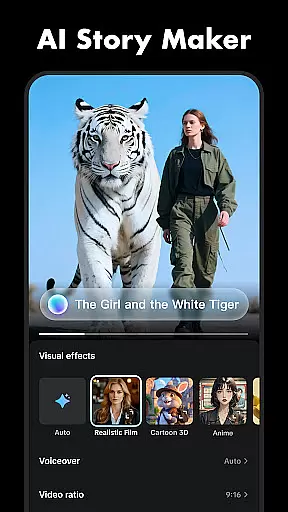
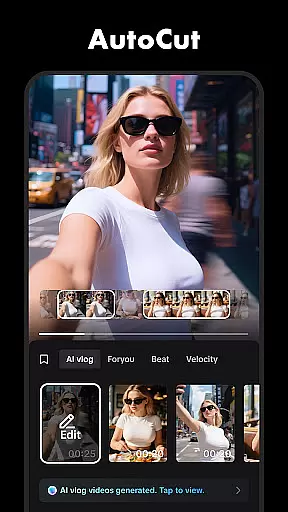
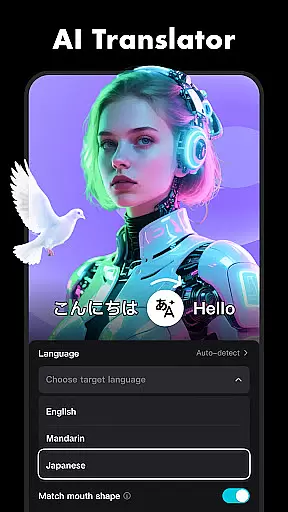

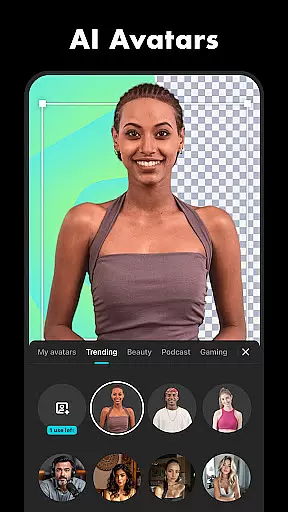


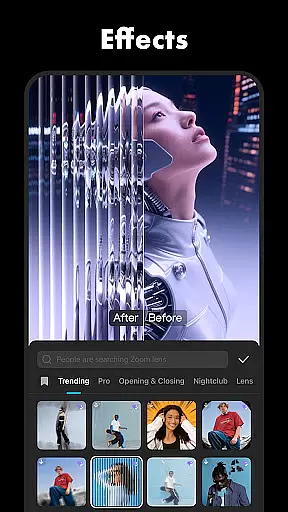
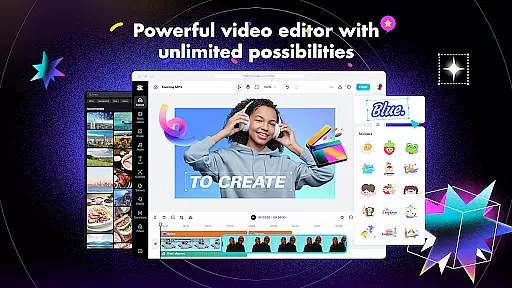
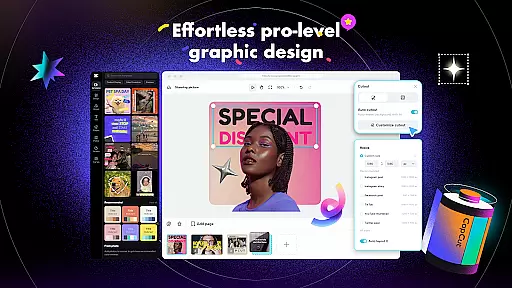
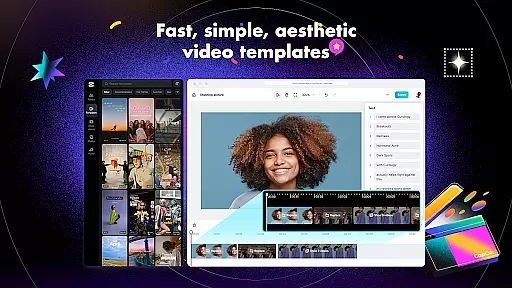
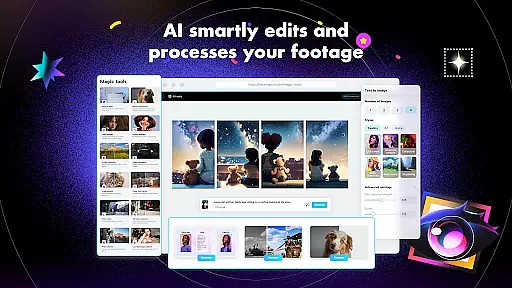
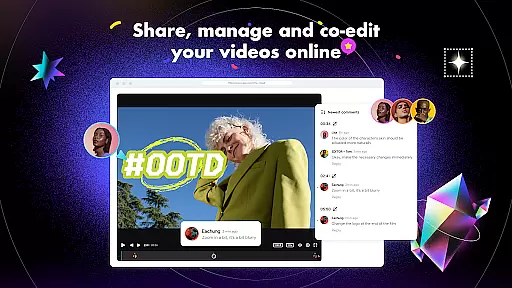
CapCut is a comprehensive video editing application that offers both basic and advanced editing tools, making it suitable for both beginners and experienced content creators. The app provides essential features such as trimming, splitting, and merging clips, along with more sophisticated options like keyframe animation, chroma key, and stabilization. These functionalities enable users to produce professional-quality videos with smooth slow-motion effects and captivating transitions.
In addition to its robust editing capabilities, CapCut includes intelligent features such as auto captions, text-to-speech in multiple languages, and background removal. Users can enhance their videos with diverse filters, trending effects, and customizable text options. With support for 4K 60fps exports and smart HDR, the app ensures high-quality output that's perfect for sharing across social media platforms like TikTok, YouTube, and Instagram.
CapCut stands out with its extensive range of features tailored for video editing enthusiasts. The app provides fundamental tools for trimming, adjusting speed, and animating clips, allowing users to create engaging content effortlessly. Advanced features include keyframe animation, optical flow for smooth slow-motion, and chroma key for color removal, catering to users seeking professional-grade editing capabilities.
Beyond traditional editing, CapCut incorporates intelligent features like auto captions and text-to-speech, streamlining the process of adding subtitles and voiceovers. The multi-track timeline facilitates easy arrangement and previewing of clips, while the stabilizing feature ensures steady footage. With hundreds of effects, filters, and sound options, CapCut empowers users to craft unique videos that stand out on social media platforms.
CapCut stands out with its exceptional video format compatibility, ensuring that users can work with a wide range of file types without any hitches. This feature is crucial for a seamless editing experience as it allows creators to import and export videos in various resolutions and formats.
The application supports high-definition video editing, including 4K at 60fps, which caters to both amateur and professional video editors. With the rise of diverse social media platforms, each having its own video specification requirements, CapCut's adaptability becomes an invaluable asset.
Moreover, the smart HDR feature enhances the video quality by optimizing the color and contrast, making every frame vivid and dynamic. Users can adjust the format according to their needs and share their creations effortlessly on different social media platforms.
This level of compatibility not only simplifies the editing process but also broadens the scope of creative possibilities, enabling users to focus on storytelling rather than technical limitations.
CapCut incorporates AI-powered editing features that revolutionize the way users enhance their videos. These intelligent tools automate complex processes such as speech recognition for auto captions and text-to-speech in multiple languages, streamlining the editing workflow significantly.
One of the remarkable AI functionalities is the background removal tool, which allows creators to produce professional-grade content without needing a green screen. The app intelligently identifies and removes backgrounds, thus facilitating the creation of visually striking scenes with minimal effort.
In addition to these, CapCut offers motion tracking and smooth slow-motion effects through advanced algorithms, providing users with sophisticated options to make their videos stand out. Such features empower creators to execute their vision with precision and ease.
By integrating artificial intelligence into the editing process, CapCut not only expedites video production but also opens up new avenues for creativity, allowing users to craft engaging narratives with enhanced visual storytelling.
User-friendly interface
Advanced editing tools
Intelligent features
High-quality export options
Versatile filter selection
Limited offline functionality
Occasional bugs reported
Heavy on device resources
Ads present in free version
Learning curve for beginners

?100% FREE! Download & save videos? safely in this app. All formats supported.
 4.60
4.60
Tik & Story Saver-Download ALL social media videos, photos & reels no watermark.
4.80
Create & edit videos with AI
4.30
Capture images & record videos for USB Camera, Webcam, Microscopes, Endoscopes
3.80
Support 1000+ Video Format, Subtitle Download, mp3 & Background Play, Cast On TV
4.60
Explore the largest library of free GIFs, Stickers & Memes - or create your own!
3.90
Download website videos fast&privacy
4.40
All in one HD video downloader & player for multiple formats with full privacy
4.70
Browser for Sony TV to stream web videos, online movies and live tv
3.20
Play ALL formats in 4K & HD. Video downloader, MP3 player, Chromecast & more.
4.80
Watch IPTV on your Android device
4.60
KineMaster, Your Ultimate Video Editor!
4.40
Full HD Video mp3 Player, MP4 player play 1080p, File manager, Video Downloader
4.40
Powerful video player with advanced hardware acceleration and subtitle supports
4.20
Powerful, professional, versatile teleprompter. Developed by an active film crew
4.00
IPTV-Smarters Player Pro M3U - Watch Live Stream TV Channels with Chromecast
4.00
Manage your IPTV live channels and VOD playlists (no playlist included)
3.80
AirMirror is Receiver for Screen Mirroring and Casting from Apple Devices.
3.60
Stream high quality video from your camera over NDI protocol
4.5


User Reviews