
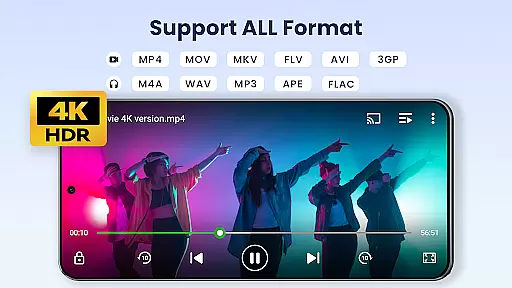

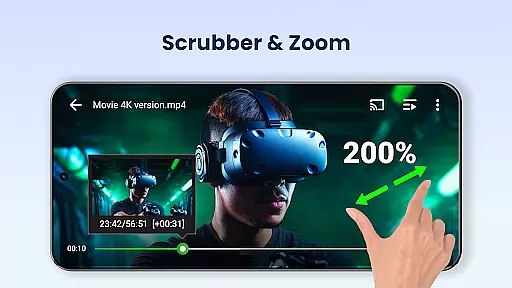
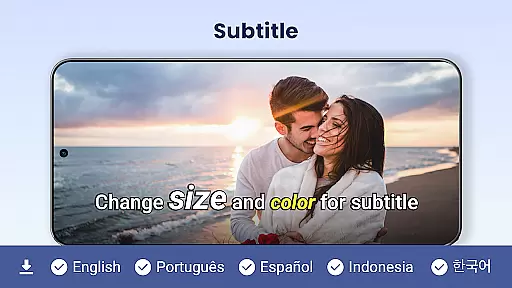
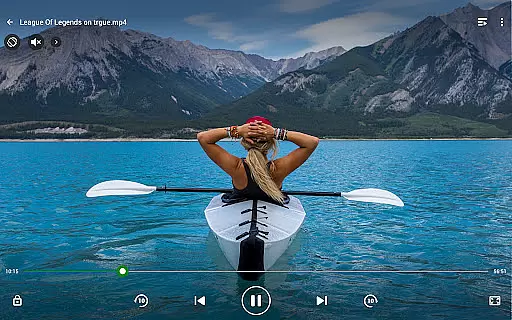
Video Player All Format is a professional video playback tool designed for both Android tablets and phones. This versatile player supports all video formats including MKV, MP4, AVI, and more, with Ultra HD capabilities up to 4K resolution. The app ensures smooth playback while offering advanced features like hardware acceleration and subtitle downloader.
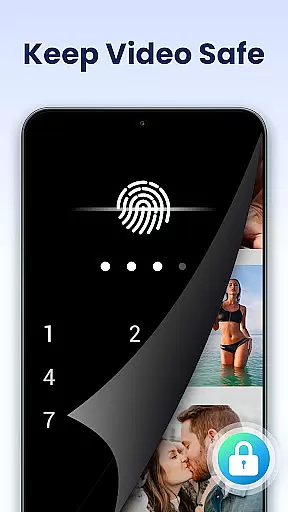
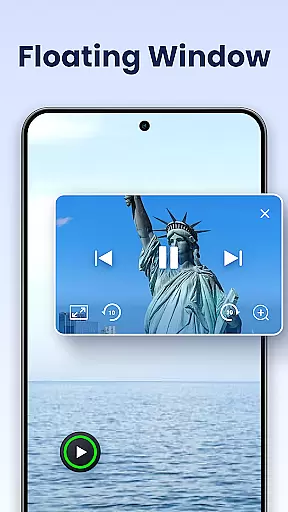
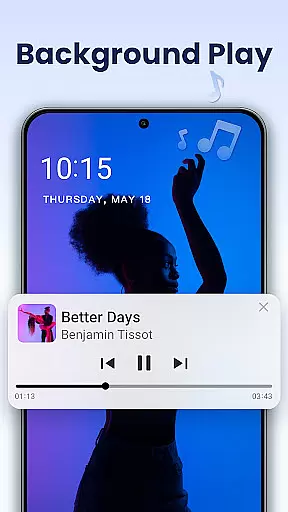
One of the standout features is its private folder option, allowing users to password-protect their private videos. Additionally, it offers innovative viewing modes such as pop-up windows, split-screen, and background play. With Chromecast support, users can easily cast their videos to TV screens, making it an ideal solution for personal and shared viewing experiences.
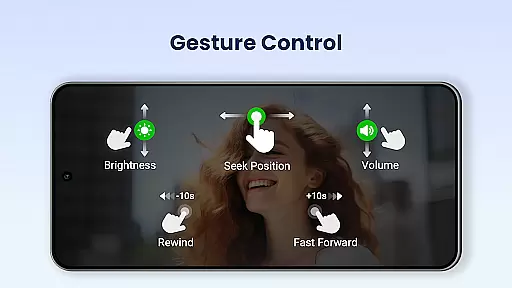
The app's automatic file identification system scans both device storage and SD cards, ensuring no video file is left undetected. Its intuitive interface allows easy control over volume, brightness, and playback speed, providing a seamless user experience. Whether you're managing files or multitasking, Video Player All Format delivers both functionality and convenience in one complete package.
Video Player All Format stands out with its comprehensive feature set tailored for diverse user needs. It supports all major video formats such as MKV, MP4, AVI, and more, ensuring compatibility across different file types. The inclusion of hardware acceleration enhances video playback performance, particularly for high-resolution files like 4K Ultra HD content.
For privacy-conscious users, the app provides a secure private folder feature. This allows users to protect sensitive videos with a password, preventing unauthorized access or accidental deletion. The pop-up and background video options enable multitasking, letting users watch videos while performing other tasks on their devices.
Additional notable features include Chromecast support for casting videos to TV, a subtitle downloader for enhanced viewing, and advanced playback controls like speed adjustment and night mode. These functionalities not only improve usability but also offer a customizable viewing experience that adapts to individual preferences and environments.
Video Player All Format stands out as a versatile video playback tool that supports an extensive range of video formats, making it adaptable to various user needs.
The application is designed to handle ALL video formats including MKV, MP4, M4V, AVI, MOV, 3GP, FLV, WMV, RMVB, TS, and more. This ensures that users are not limited by specific file types and can enjoy both standard and high-definition content without conversion hassles.
Moreover, the Ultra HD video player capability supports crisp 4K resolution playback, offering viewers a superior visual experience. Whether you're watching on an Android tablet or phone, the quality remains consistently high.
This broad compatibility empowers users to manage and play their video collections seamlessly, regardless of format or quality, affirming Video Player All Format's position as one of the best HD video players available for Android devices.
Beyond its core functionality as a video player, Video Player All Format incorporates AI-powered features that enhance the viewing experience.
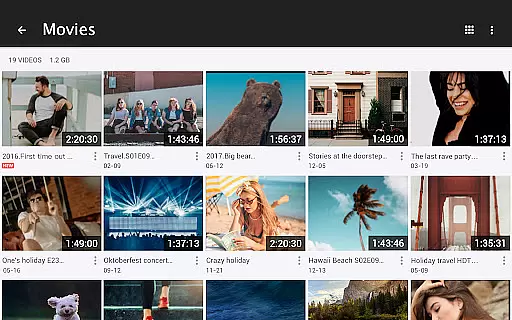
One notable feature is the automatic identification of all video files on your device and SD Card, streamlining media management. This intelligent systematization allows users to easily organize, manage, or share their videos with minimal effort.
In addition to smart file management, the player offers advanced playback options such as speed control from 0.5 to 2.0 times the normal rate, catering to those who wish to watch content at their preferred pace. The inclusion of hardware acceleration ensures smooth performance even at altered speeds.
These AI-driven enhancements not only simplify video handling but also enrich the vieweru2019s engagement by providing customizable and efficient playback controls, setting a new benchmark in user-centric media players.
Supports all video formats
Private folder protection
Chromecast integration
Background playback
User-friendly interface
Occasional ads
Premium features locked
Heavy on storage
Complex settings
Limited free options

Video Player - Unlimited features, 30 days money back guarantee.
 4.60
4.60
KMPlayer Plus (Divx Codec) officially support Divx codec.
4.30
Turn your phone into a wireless camera!
4.20
Download website videos fast&privacy
4.40
The essential companion to your Blue Iris PC software
2.50
Flud is a simple and beautiful BitTorrent client for Android.
4.80
Browser for Samsung TV to stream webvideos, online movies and livestreams in HD
4.10
#1 Torrent App on Android ** No Ads Ever + Battery Saver **
4.80
Browser + Remote for Roku to stream webvideos, online movies and livestreams
4.60
Screen recorder with audio to take live videos & Screenshot in high quality!
4.70
Create photo video with music & template. AI video maker for stunning slideshow.
4.60
Seamlessly connect and control your smart devices, anytime, anywhere with ease.
4.60
Video player, file manager for all formats, 4K/HD media player supports subtitle
4.30
Video Downloader is an utility that can save videos and music from web sites
4.20
Online Videos Player
3.90
Save photos and videos from social apps in one tap.
3.60
A full editing room to accompany your Insta360 cameras and handheld gimbals.
3.30
You can play SWF format file!
2.50
Play and download HD videos from all sources — fast, simple, and all-in-one.
4.0


User Reviews