
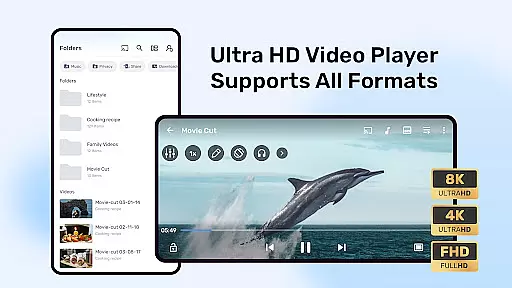

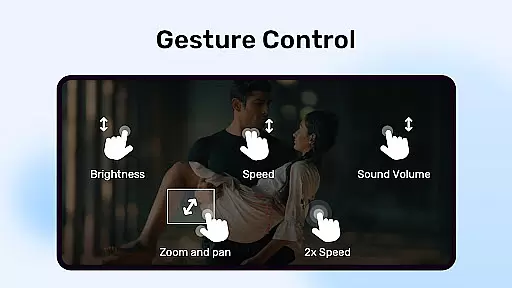

MX Player is a powerful video and music player designed for Android devices, offering advanced hardware acceleration and comprehensive subtitle support. The app utilizes a new HW+ decoder to enhance video playback on various devices, ensuring smooth performance even with high-resolution files.
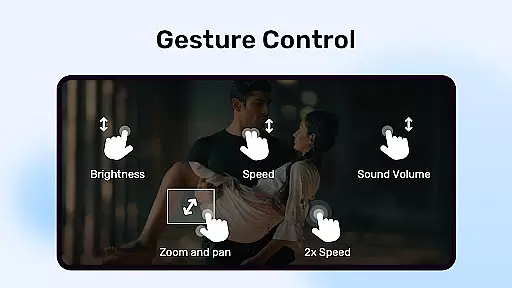
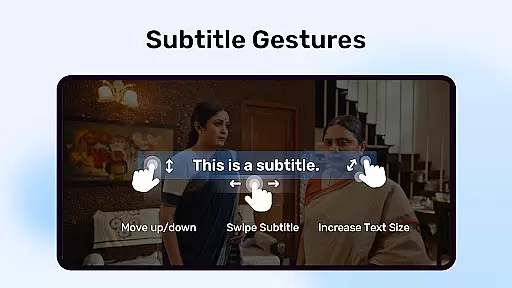
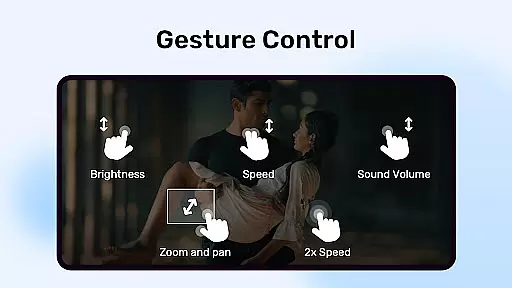
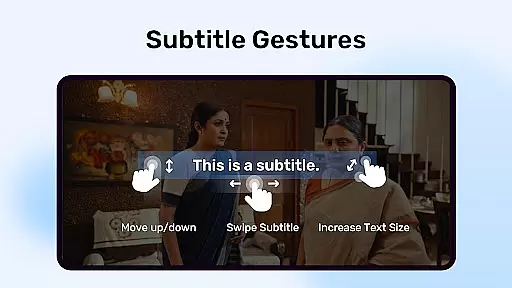
One of the standout features of MX Player is its multi-core decoding capability, which significantly boosts performance on multi-core devices by up to 70% compared to single-core devices. Additionally, users can enjoy intuitive controls such as pinch-to-zoom, zoom and pan options, and gesture-based subtitle navigation, making it easy to customize the viewing experience.
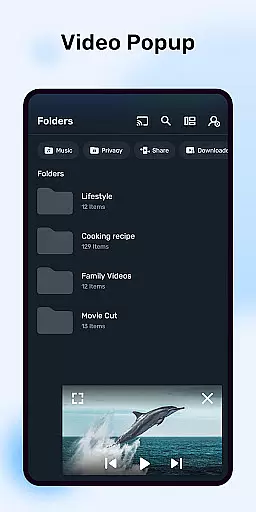
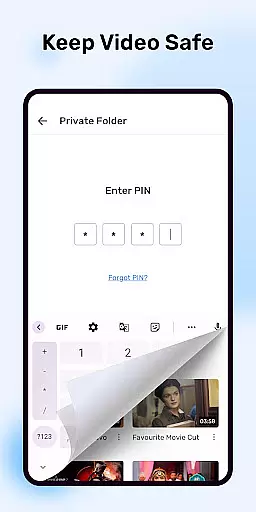
The app also includes practical features like a Kids Lock mode, allowing parents to entertain children without worrying about unintended device usage, and a Privacy Folder to safeguard personal videos. With support for numerous subtitle formats and permissions that ensure seamless functionality, MX Player is an essential tool for anyone looking to enjoy multimedia content on their Android device.
MX Player stands out in the Video Players & Editors category due to its advanced feature set tailored for both casual viewers and tech-savvy users. One of its primary advantages is the support for hardware acceleration through the HW+ decoder, which allows the app to play high-quality video files smoothly across a wide range of devices, including those with lower specifications.
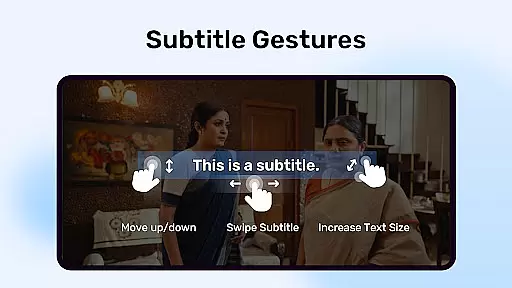
In addition to hardware acceleration, MX Player offers multi-core decoding, a feature that maximizes the processing power of modern smartphones. This ensures that users experience minimal lag or buffering, even when streaming or playing large video files. The app also provides precise control over subtitles, enabling users to scroll, zoom, and adjust text size effortlessly using simple touch gestures.
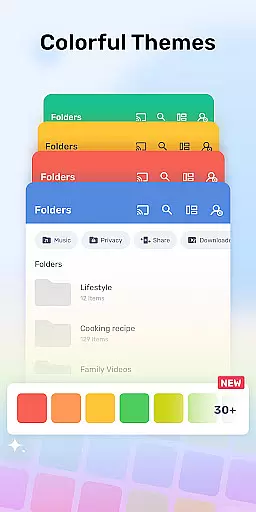
Other notable features include the Kids Lock function, which prevents children from accessing unauthorized apps while watching videos, and the Privacy Folder, which allows users to hide personal media files securely. These features, combined with extensive format compatibility and customizable settings, make MX Player a versatile and user-friendly choice for managing and enjoying multimedia content on Android devices.
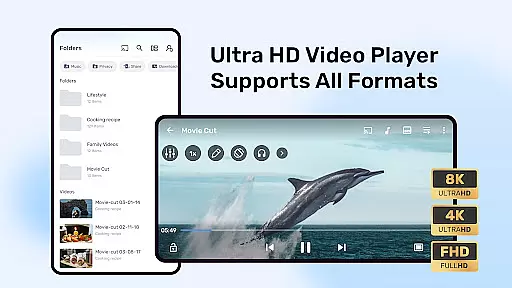
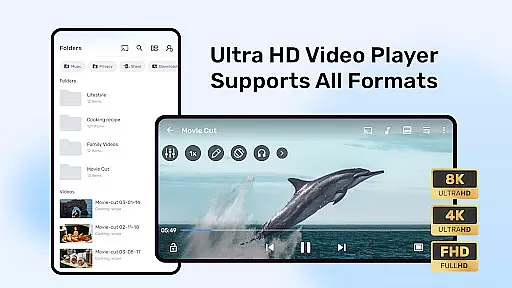
MX Player stands out in the Video Players & Editors category by offering extensive video format compatibility. This ensures that users can play almost any video file without the need for conversion.
The application supports a wide range of formats including but not limited to AVI, MKV, MP4, and FLV. This versatility is crucial for users who deal with various types of video content from different sources.
With its advanced hardware acceleration and multi-core decoding, MX Player delivers smooth playback even for high-resolution videos. These features significantly enhance the user experience by reducing buffering and improving video quality.
By supporting popular subtitle formats like SubRip, MicroDVD, and SubStation Alpha, the player ensures an inclusive viewing experience for global audiences. Users can enjoy their favorite movies with accurate subtitles, regardless of the original language.
While primarily known for its playback capabilities, MX Player also incorporates AI-powered editing features that add value to users seeking quick modifications. These smart tools allow for efficient video trimming, cropping, and enhancement without requiring advanced technical skills.
The integrated AI technology automatically detects and suggests optimal editing points based on scene changes and audio cues. This feature saves time and effort for users who need to make precise edits without manually searching through entire video files.
Additionally, the player offers basic color correction and audio adjustment options powered by intelligent algorithms. These tools help maintain consistent quality across edited segments while preserving the original video's integrity.
Although not a full-fledged video editor, MX Player's AI-powered features provide convenient solutions for common editing needs. This combination of playback and editing capabilities makes it a versatile tool for both casual viewers and content creators who require quick modifications on the go.
Advanced hardware acceleration
Multi-core decoding support
Intuitive gesture controls
Kids Lock for child safety
Privacy Folder for secure storage
Requires many permissions
No built-in video editor
Limited cloud integration
Ads in free version
Occasional bugs reported

Your media, on your terms.
 4.10
4.10
Video player with powerful streaming playback and various convenient features.
2.10
AirMirror Receiver - Screen mirroring/cast web videos to Android TV by AirPlay.
4.40
GENRAL PRO - General Pro is the best video player that fully supports all formats.
4.70
Mix with Virtual DJ directly from your phone or tablet !
3.10
#1 Torrent App on Android ** No Ads Ever + Battery Saver **
4.80
Web Browser for LG TV to stream webvideos, online movies and livestreams in HD
4.20
Fast private browser with secure, seamless access & supported video downloads!
4.00
convenient, safe and fast at Video Downloader & Player
4.60
Pro video editor app for Instagram, edit video with song, AI, effect & slowmo.
4.80
Screen recorder with audio to take live videos & Screenshot in high quality!
4.70
Create photo video with music & template. AI video maker for stunning slideshow.
4.60
Watch IPTV on your Android device
4.60
Fast, private downloading, video saving, social media
4.50
Photo and Music Video Creator into Stunning Videos—Effortlessly
4.40
Powerful Video Editor & Photo Editing App —— Quick Edits & Stunning Effects!
4.30
All format media Player, no need video converter any more!
4.00
AirMirror is Receiver for Screen Mirroring and Casting from Apple Devices.
3.60
All in one multi protocols stream receiver for AirPlay, Cast and DLNA.
3.60


User Reviews