
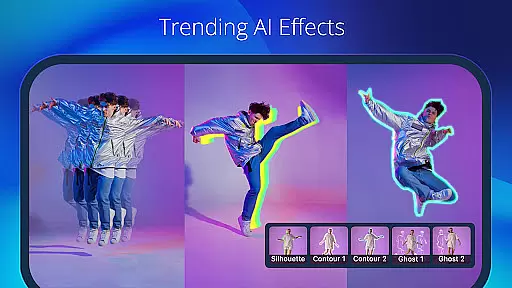
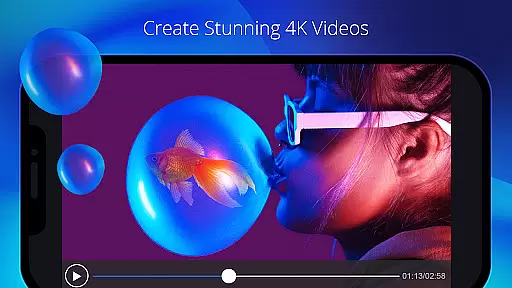
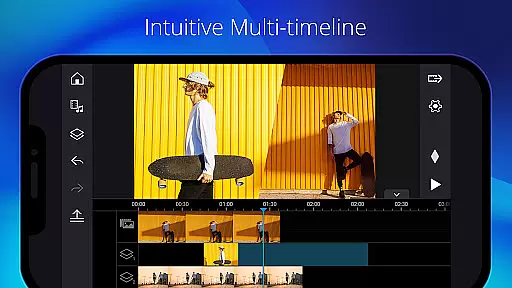
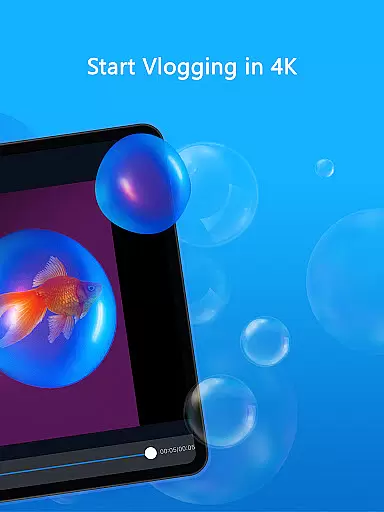
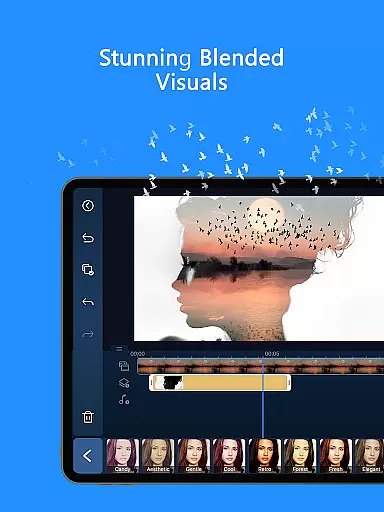
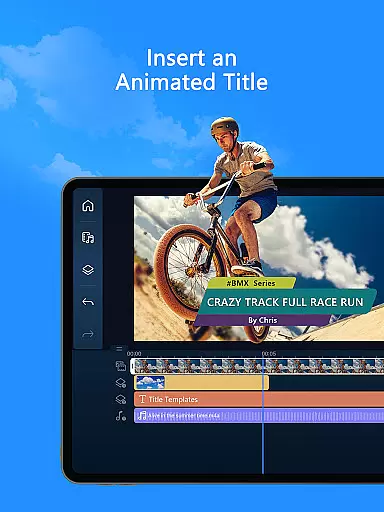
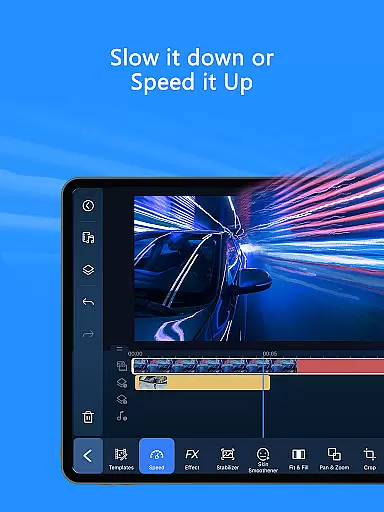
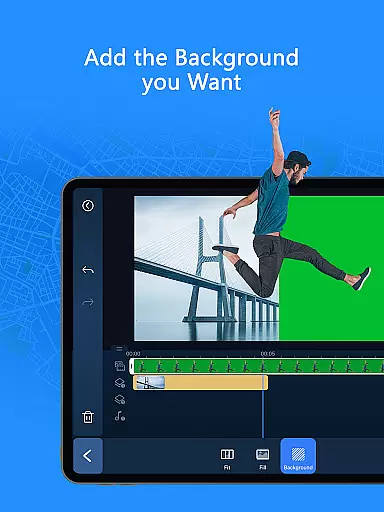
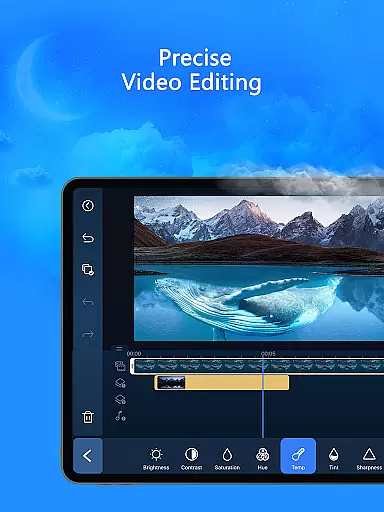
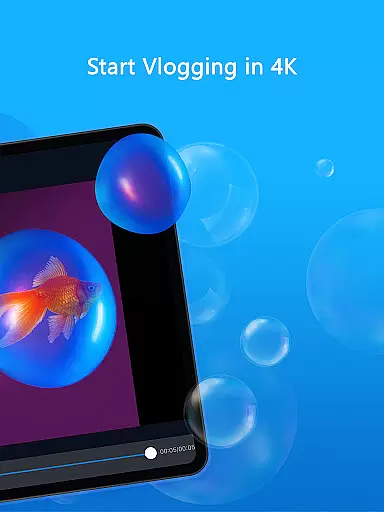
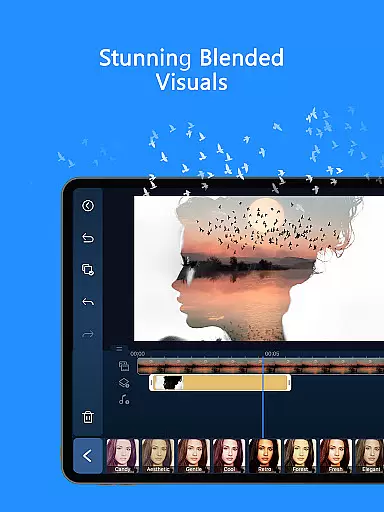
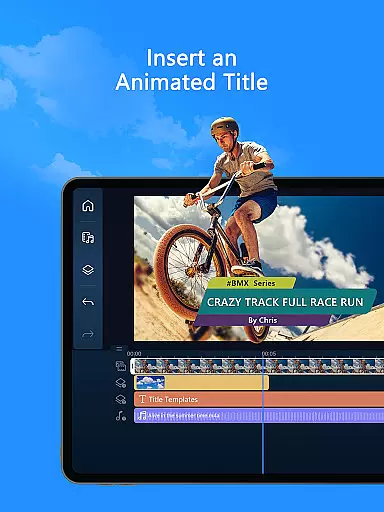
PowerDirector is a comprehensive AI-powered video editing application designed for both novice and professional content creators. This versatile tool allows users to create high-quality videos with ease, offering an extensive range of features such as animation filters, AI Auto Edit tools, and various creative templates. Whether you're looking to produce engaging social media clips or professional-grade video content, PowerDirector provides the necessary tools to transform your raw footage into polished productions.
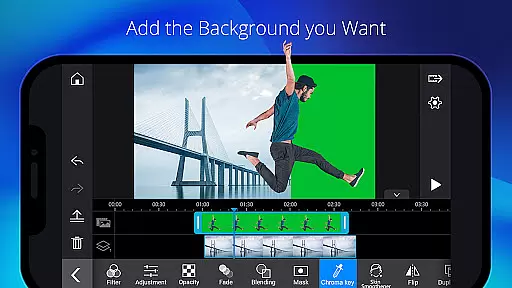
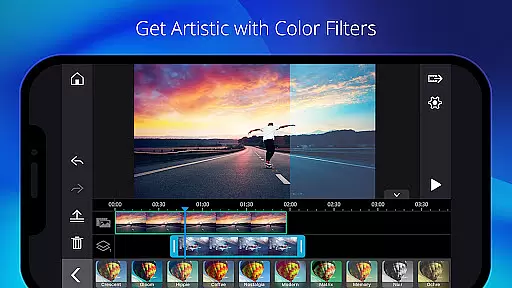
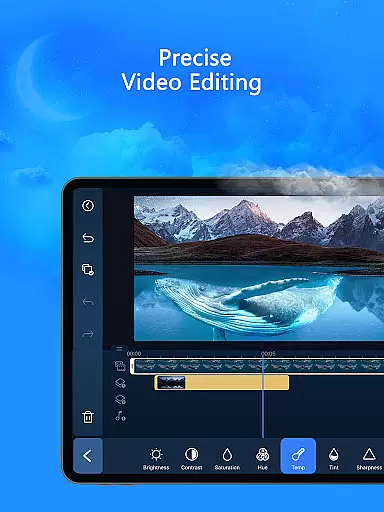
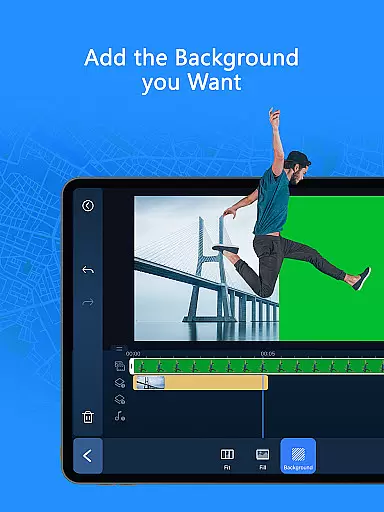
The app stands out with its specialized AI editing capabilities that include AI Image-to-Video conversion, AI Portrait filters, and AI Video Enhancer. These features enable users to apply advanced effects like Ghibli or Disney-style transformations, background removal, and super slow motion effortlessly. Additionally, the app supports essential editing functions such as trimming, cutting, splicing, and rotating, making it suitable for all experience levels. With support for professional adjustments including brightness, color correction, green screen editing, and keyframe controls, PowerDirector ensures that every creator can achieve their desired results.
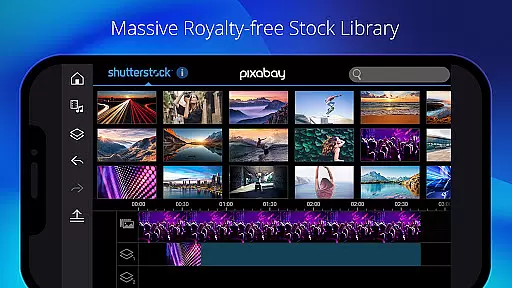
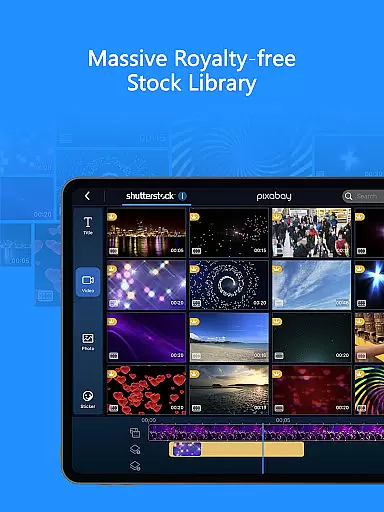
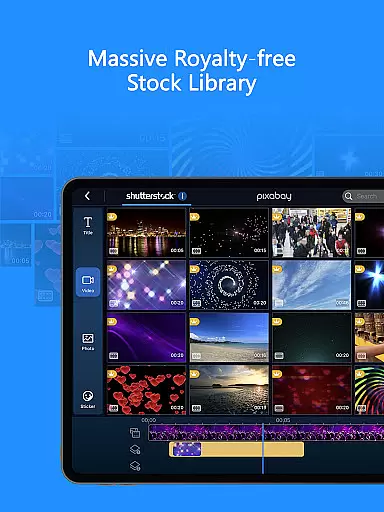
Designed for modern content creation needs, PowerDirector caters to TikTok enthusiasts and professional YouTubers alike. Its intuitive interface combined with powerful editing tools makes it an ideal choice for anyone looking to enhance their video projects efficiently. The premium version offers exclusive content and an ad-free experience, providing unlimited access to a royalty-free stock library powered by Getty Images. Available on supported devices, this app empowers users to unleash their creativity without limitations.
PowerDirector distinguishes itself through its robust collection of AI-driven editing features that streamline the video production process. The AI Auto Edit function automatically detects the most compelling moments in your footage and applies professional templates to create polished videos instantly. Users can explore creative possibilities with AI Image-to-Video conversion, transforming still images into dynamic video sequences using predefined templates like AI Dance and AI Kissing effects.
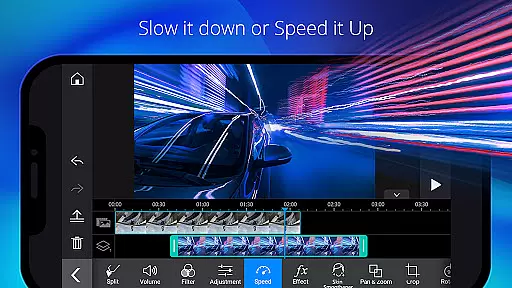
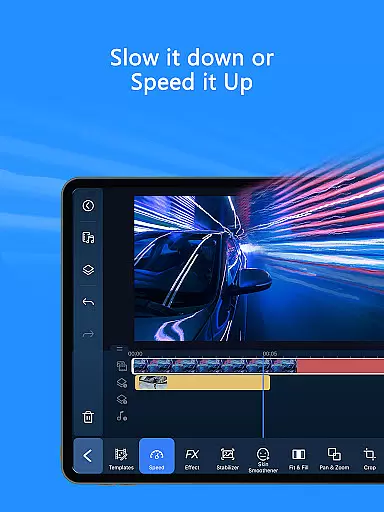
The application's versatility extends to its comprehensive set of manual editing tools. Creators can fine-tune their projects with precise controls for trimming, cutting, and adjusting playback speed. The built-in library offers thousands of free templates, effects, and filters, while advanced features like green screen editing, video stabilization, and keyframe controls provide professionals with the tools they need for complex projects. Notably, the Body Effect with Body Tracking feature enables innovative visual effects based on movement detection.
For those seeking premium content, PowerDirector's subscription model unlocks exclusive filters, motion titles, transitions, and effects. Subscribers gain access to a vast stock media library containing over 1,500 music tracks, photos, stickers, and video footage suitable for commercial use. The app maintains an ad-free environment, allowing creators to focus on their work without interruptions. With regular updates and new features continually being added, PowerDirector remains at the forefront of mobile video editing technology.
PowerDirector stands out with its extensive video format compatibility, ensuring that users can work with a wide array of file types without the hassle of conversion. This AI video editor supports everything from common formats like MP4 and AVI to more specialized ones such as ProRes and HEVC, making it versatile for both amateur and professional projects.
The app's comprehensive format support is crucial for content creators who deal with footage from different sources and devices. By eliminating the need for pre-editing conversions, PowerDirector streamlines the editing process, saving valuable time and preserving video quality. This allows creators to focus on the creative aspects of video production rather than technical limitations.
Moreover, PowerDirector enhances workflow efficiency by enabling seamless import and export processes across supported formats. Users can easily share their finished projects on various platforms or transfer them to other editing software without worrying about compatibility issues. This flexibility empowers creators to produce content that meets diverse distribution requirements while maintaining high-quality standards.
PowerDirector revolutionizes video editing with its advanced AI-powered features, setting a new standard in the Video Players & Editors category. The application's AI Auto Edit function intelligently analyzes raw footage to identify the most compelling moments, automatically assembling them into polished videos using professionally designed templates.
Beyond basic editing, PowerDirector offers specialized AI tools that cater to modern content creation needs. These include AI Portrait filters for artistic transformations, AI Background Removal for professional-grade compositing, and AI Speech-to-Text for automated subtitling. The AI Video Enhancer and AI Super Slow Motion features further elevate video quality, while Body Tracking effects enable dynamic motion-based visual enhancements.
This suite of AI-powered tools significantly reduces editing time while expanding creative possibilities. Content creators can now produce sophisticated effects and complex edits that previously required extensive manual work and technical expertise. By integrating these intelligent features, PowerDirector enables users to create professional-quality videos that rival studio productions, all within a user-friendly mobile environment.
User-friendly interface
Extensive AI features
Versatile editing tools
Premium stock library
Regular feature updates
High system requirements
Subscription fees
Complex for beginners
Limited free features
Occasional bugs

Fast, private downloading, video saving, social media
 4.50
4.50
?100% FREE! Download & save videos? safely in this app. All formats supported.
4.60
Watch a large amount of high-definition short drama content
4.60
Tik & Story Saver-Download ALL social media videos, photos & reels no watermark.
4.80
Powerful HD video player with support for all formats & subtitles.
4.1
1)AirPlay/DLNA Mirroring/Streaming, up to 4 connections; 2)Samba/NAS/DMS Player.
4.00
Turn your phone into a wireless camera!
4.20
AI Video Editor:AI Music, Text to Video,Text to Speech,Auto Caption,Video Effect
4.00
Photo editor & video maker with music and slideshows.
4.10
Play ALL formats in 4K & HD. Video downloader, MP3 player, Chromecast & more.
4.80
Cast Videos from Web Browser, IPTV to Roku, Chromecast, DLNA, Smart TV +more
4.60
HD video maker with no watermark, no ads & vlog maker with music, PIP, text
4.50
Fast video downloader & private browser. Save HD clips to watch offline.
4.40
Fast & Private Video Downloader App. Save all videos easily from the Internet.
4.40
Browser for Fire TV to stream webvideos, online movies, livestreams in HD
4.40
KMPlayer Plus (Divx Codec) officially support Divx codec.
4.30
All format media Player, no need video converter any more!
4.00
Client application for NextPVR software
3.00
Video player with powerful streaming playback and various convenient features.
2.10


User Reviews