
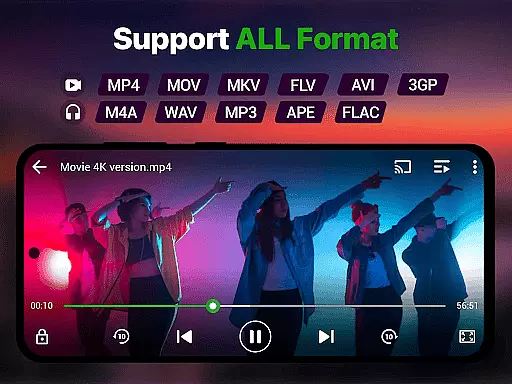
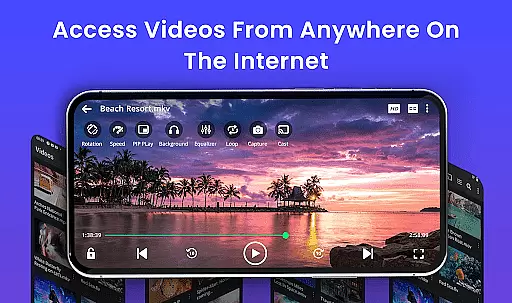
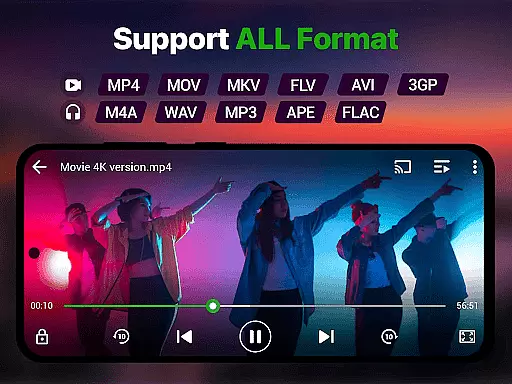
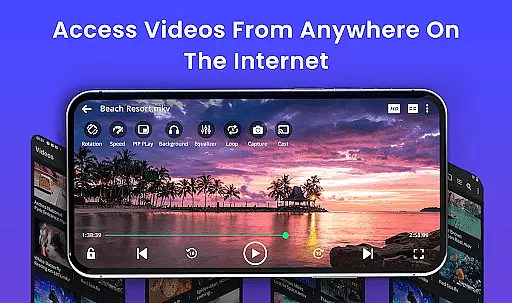
Video Player is a feature-rich video playback app designed to deliver an exceptional viewing experience on Android devices. Supporting Ultra HD and 4K quality, this app ensures smooth, high-performance playback for all major video formats including MP4, MKV, AVI, MOV, FLV, 3GP, and WMV. Whether you're watching local files, cloud-based media, or streamed content, the app's advanced decoding technology optimizes video clarity and frame rendering.
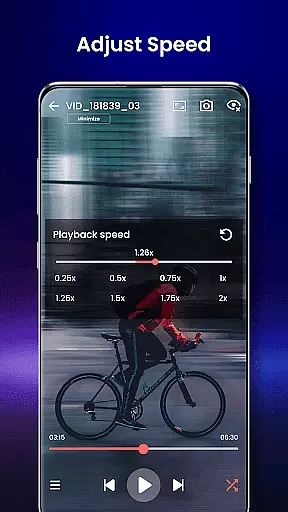
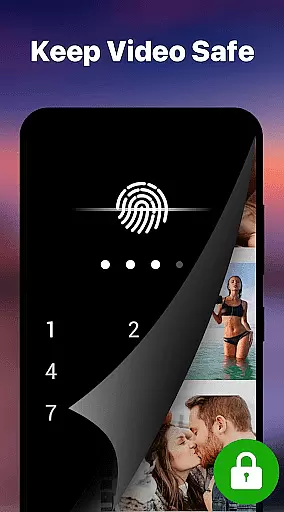
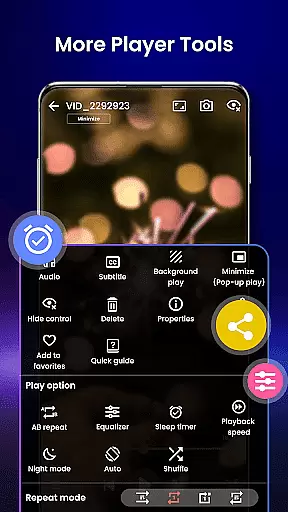
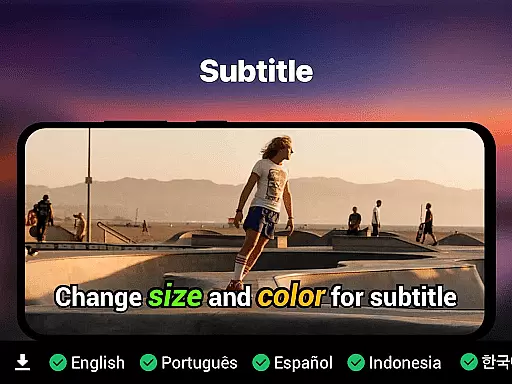
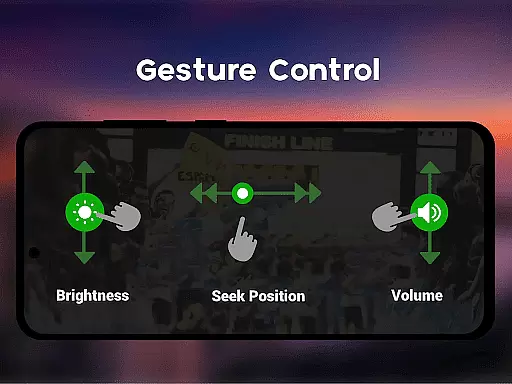
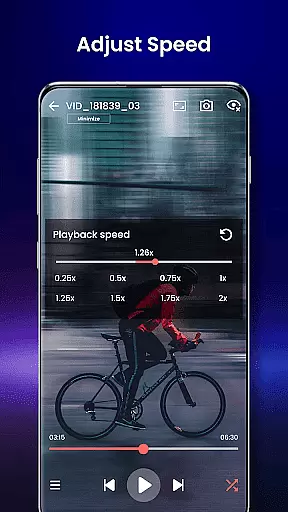
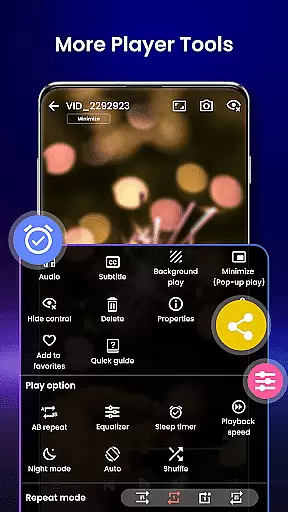
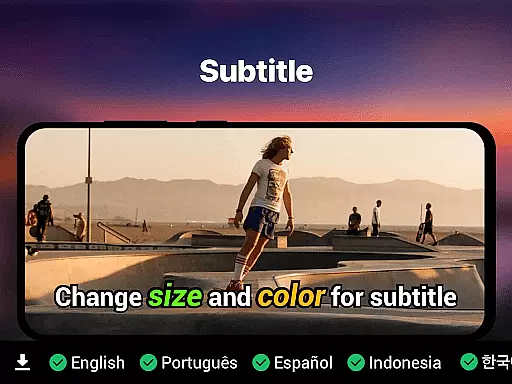
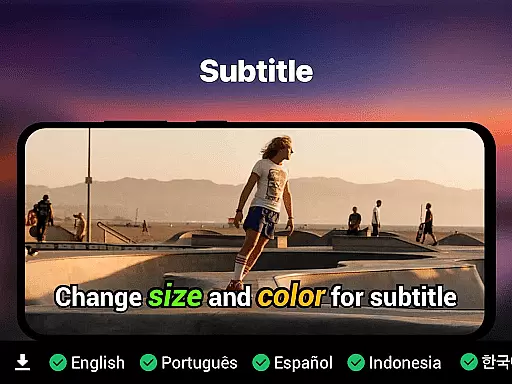
Beyond its core functionality, Video Player offers smart gesture controls, subtitle support (SRT, SSA, ASS, VTT), and background play with pop-up mode. Additional features like night mode, speed control (0.25x to 4x), and Chromecast support make it versatile for various use cases. With integrated file management, resume playback, and a private folder option, this app caters to both entertainment and security needs.
Ideal for movie enthusiasts, students watching tutorials, or professionals managing media libraries, Video Player transforms any Android device into a cinema-grade experience. Its lightweight design and ad-free interface further enhance usability, making it a top choice for seamless video playback.
Video Player stands out with its extensive feature set tailored for diverse user needs. The app supports Ultra HD and 4K playback, ensuring stunning visuals across all major video formats such as MP4, MKV, AVI, and more. Advanced decoding technology and AI-enhanced rendering optimize video clarity, even for high-resolution files, providing a lag-free experience.
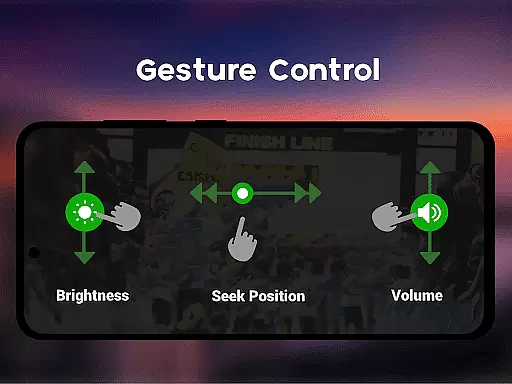
One of the app's key highlights is its customizable and user-friendly interface. Smart gesture controls allow users to adjust volume, brightness, and seeking effortlessly. Subtitle support includes multiple formats (SRT, SSA, ASS, VTT) with automatic track detection. Unique functionalities like background play, pop-up mode, and speed control (0.25x to 4x) cater to multitaskers and those needing flexible playback options.
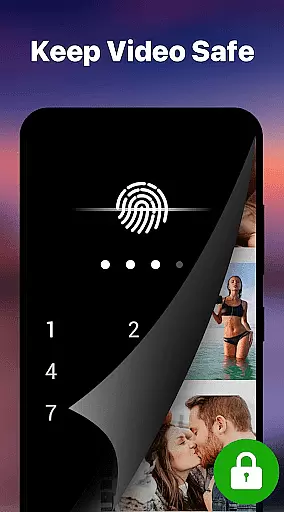
Additional features include a built-in file manager for organizing videos, a private folder with PIN lock for secure viewing, and Chromecast integration for streaming to larger screens. Resume playback and last-seen tracking ensure uninterrupted viewing sessions, while night mode and eye-protection settings prioritize user comfort during extended use.
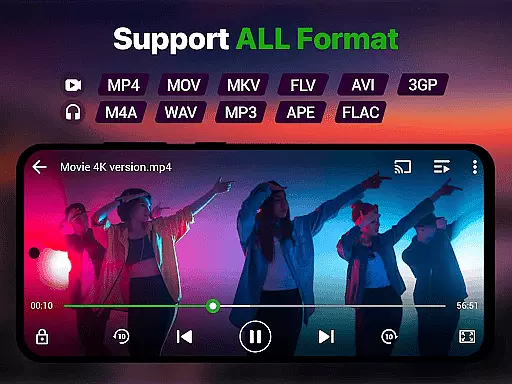
Video format compatibility is a crucial feature for any video player, ensuring that users can enjoy their media files regardless of the format. The Video Player app supports an extensive range of formats including MP4, MKV, AVI, MOV, FLV, 3GP, and WMV, making it a versatile choice for Android users.
This app employs advanced decoding technology to handle high-resolution videos smoothly, providing seamless playback even for demanding formats like 4K and Ultra HD. With AI-enhanced rendering, the clarity and frame optimization are boosted, which ensures that every video plays without lag or quality loss.
Users benefit from this wide compatibility as they no longer need to convert files or worry about unsupported formats. Whether watching movies, recorded clips, or downloaded content, the Video Player app delivers premium video quality with zero lag, enhancing the overall viewing experience on Android devices.
AI-powered editing features represent the cutting-edge advancement in video players, allowing users to enhance their video content effortlessly. The Video Player app incorporates smart gesture controls, speed control, and subtitle support, all optimized by artificial intelligence to provide an intuitive and customizable editing experience.
The app's AI capabilities extend to optimizing video playback settings such as brightness, volume, and seeking through simple gestures. It also offers speed adjustments ranging from 0.25x to 4x, catering to various viewing preferences. Subtitle synchronization is handled efficiently, supporting formats like SRT, SSA, ASS, and VTT, with built-in track detection for convenience.
These intelligent features ensure that users can personalize their video playback experience while maintaining high-quality standards. By integrating AI-powered functionalities, the Video Player app not only simplifies complex editing tasks but also elevates the entertainment value, making it an ideal choice for managing diverse media collections on Android devices.
Ultra HD & 4K support
All video formats compatible
Smart gesture controls
Subtitle synchronization
No ads
Limited iOS availability
Advanced features locked
High storage usage
Occasional bugs
Complex UI for beginners

You can play SWF format file!
 2.50
2.50
Watch full episodes of your favorite Cartoon Network and Cartoonito shows!
3.50
?100% FREE! Download & save videos? safely in this app. All formats supported.
4.60
Watch a large amount of high-definition short drama content
4.60
Search & download videos from net with all video downloader, auto-detect & safe.
4.60
VLC Remote lets you control your VLC Media Player on Mac, PC or Linux.
4.60
Powerful Video Editor & Photo Editing App —— Quick Edits & Stunning Effects!
4.30
Web Browser for LG TV to stream webvideos, online movies and livestreams in HD
4.20
convenient, safe and fast at Video Downloader & Player
4.60
AI Video Editor with Music, Filter, Slideshow, Effect, Merge & Trim Video.
4.80
GENRAL PRO - General Pro is the best video player that fully supports all formats.
4.70
All in one HD video downloader & player for multiple formats with full privacy
4.70
Screen recorder with audio to take live videos & Screenshot in high quality!
4.70
HD Video player all format, HD Videos, Cast & Subtitle. No annoying ads.
4.60
Photo and Music Video Creator into Stunning Videos—Effortlessly
4.40
Video Downloader is an utility that can save videos and music from web sites
4.20
LumaFusion: The Ultimate Storytelling Experience for Video Editing
4.10
1)AirPlay/DLNA Mirroring/Streaming, up to 4 connections; 2)Samba/NAS/DMS Player.
4.00
The essential companion to your Blue Iris PC software
2.50


User Reviews