











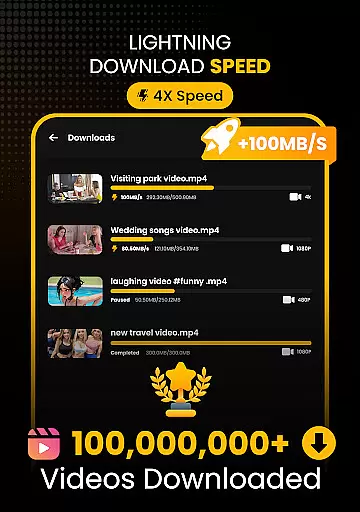
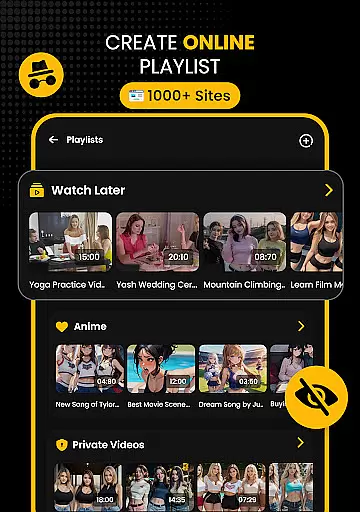
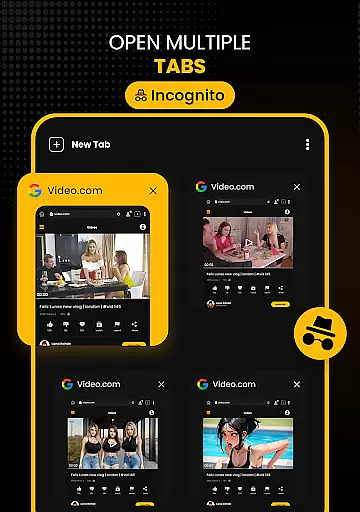




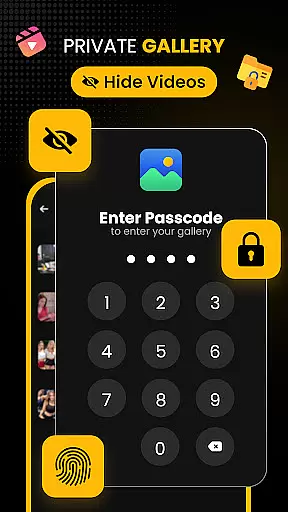
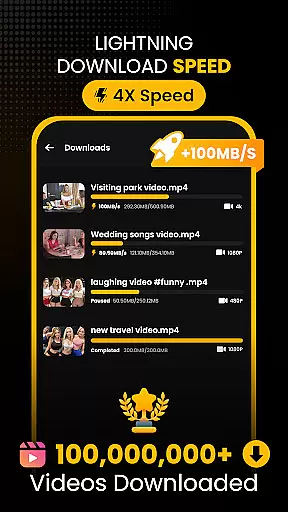
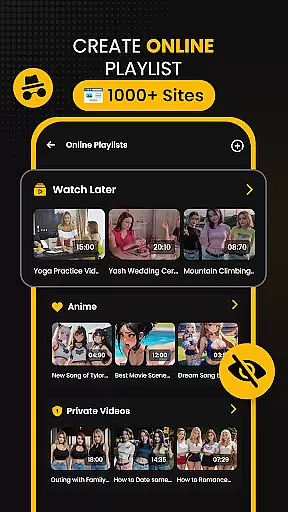



Download Hub is an all-in-one solution for video downloading, private browsing, and file management. This app combines a powerful video downloader with a secure incognito browser and robust file manager. Users can efficiently detect downloadable media links, save HD videos in multiple formats, and organize files with ease. The built-in private browser ensures secure web navigation by blocking ads and trackers while offering multi-tab functionality. With support for external SD cards and advanced security features like App Lock and Hidden Folder, Download Hub provides both convenience and privacy.
The app's key advantage lies in its versatility. Whether you're a commuter wanting offline entertainment, a student saving educational content, or a privacy-conscious user, Download Hub caters to various needs. It allows users to download high-quality videos up to 4K resolution, extract audio tracks, and enjoy smooth offline playback through its integrated HD player. Additionally, the app supports batch downloading and background service, ensuring uninterrupted media saving even when multitasking.
Download Hub is particularly useful for those who need to manage large media libraries securely. Its comprehensive feature set makes it suitable for creating personal archives of legally permitted content. By providing tools for safe browsing and efficient file handling, this app delivers professional-grade performance in a lightweight package, making it an essential tool for anyone looking to enhance their digital media experience.
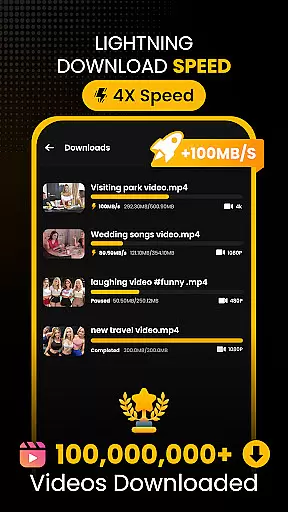
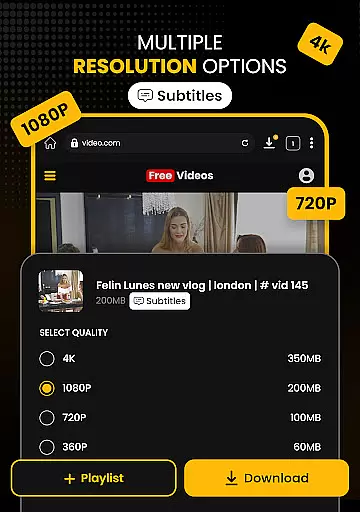
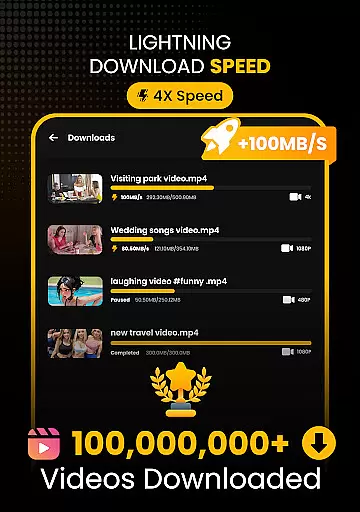
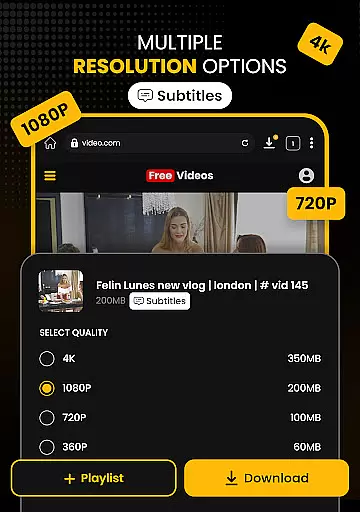
Download Hub stands out with its Universal Downloader Engine that accelerates download speeds by up to 300% using advanced multi-threading technology. The Smart Detection feature automatically identifies downloadable media links on web pages, lighting up the download button instantly when a video is detected. Users can choose from various resolutions including SD (480p) to crystal-clear HD (720p), 1080p, 2K, and 4K, ensuring optimal quality based on their preferences and storage capacity.
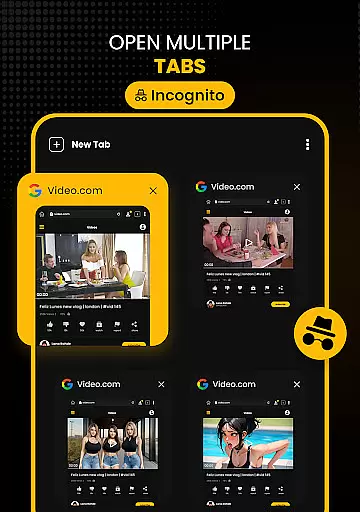
The Secure Private Browser offers an incognito mode that clears history, cookies, and cache after each session, ensuring complete privacy. The built-in Ad Blocker removes intrusive ads and pop-ups, enhancing the browsing experience. Moreover, the Desktop Mode allows users to access full desktop versions of mobile sites, while Multi-Tab functionality enables seamless switching between tabs for efficient multitasking. These features collectively provide a secure and streamlined browsing environment.
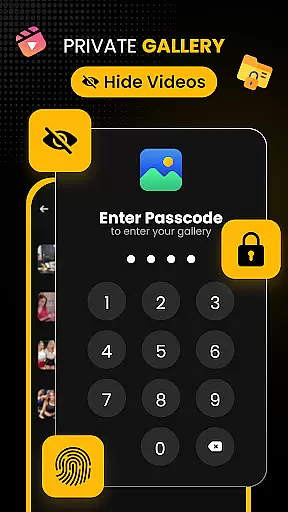
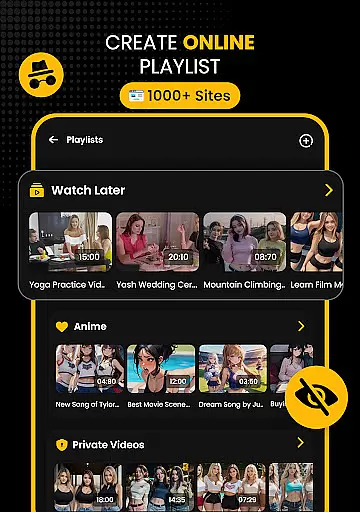
Security Center & Private Gallery add another layer of protection with App Lock, which secures the app or gallery using PIN, pattern, or password. The Hidden Folder feature moves sensitive downloads to a secret vault invisible in the main gallery, safeguarding private content. Coupled with Safe Browsing alerts for potentially malicious websites, these tools ensure peace of mind. Additionally, the Advanced File Manager offers total control over local storage, supporting SD card usage, background service, resume support, and media organization options, making Download Hub a comprehensive solution for managing digital content securely and efficiently.
Video format compatibility is a crucial feature for any video player and editor, ensuring that users can enjoy content in various formats without technical barriers. Download Hub supports an extensive range of video formats including MP4, M4V, MOV, AVI, WMV, MKV, FLV, and MPG. This wide compatibility allows users to download and play videos from different sources without worrying about format issues.
The app's universal downloader engine enhances the video format support by detecting downloadable media links on web pages and enabling users to save videos in their preferred resolution and format. Whether it's HD (720p), Full HD (1080p), 2K, or even 4K, Download Hub ensures that users have control over both the quality and file type of their downloads.
For users who need to manage large media libraries, this compatibility means they can organize and play all their files seamlessly within the app. The built-in media organizer further simplifies this process by allowing sorting of files based on name, size, or date, making it easy to locate specific videos.
Ultimately, Download Hub's robust video format compatibility empowers users to build comprehensive personal media archives. By supporting multiple formats and resolutions, the app caters to diverse user needs, from commuters downloading movies for offline viewing to students saving educational content for later review.
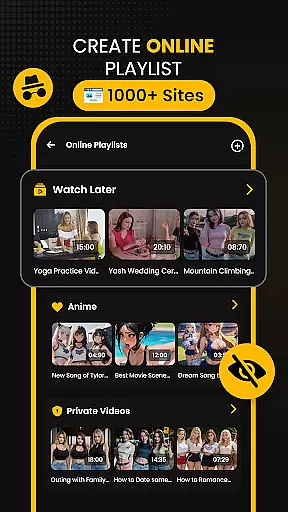
AI-powered editing features are revolutionizing how users interact with and modify their video content, providing tools that simplify complex editing tasks. Download Hub incorporates advanced AI technologies to enhance its functionality as a video downloader and editor. These features allow users to extract audio tracks from video clips effortlessly, enabling offline listening and custom playlist creation.
In addition to audio extraction, the app uses AI to optimize video playback and organization. For instance, the smart detection system automatically identifies downloadable media links on web pages, streamlining the process of saving online videos. This intuitive feature lights up the download button instantly when a video is detected, offering a seamless user experience.
Download Hub also includes gesture controls for volume, brightness, and seek operations during video playback. These AI-driven enhancements make navigating through media more interactive and enjoyable. Furthermore, the night mode feature provides a dark interface for comfortable late-night viewing sessions, demonstrating the app's attention to user-centric details.
By integrating these AI-powered editing features, Download Hub not only simplifies video management but also enriches the overall user experience. Users can efficiently browse, detect, save, and enjoy their digital content while benefiting from cutting-edge technology designed to make media handling more accessible and enjoyable.
User-friendly interface
Fast download speeds
Secure private browsing
Comprehensive file management
Versatile media support
No YouTube support
Limited free features
Occasional bugs
Requires permissions
Ads in free version

Online Videos Player
 3.90
3.90
Your media, on your terms.
4.10
Create photo video with music & template. AI video maker for stunning slideshow.
4.60
Full HD Video mp3 Player, MP4 player play 1080p, File manager, Video Downloader
4.40
Stream Web Videos to Chromecast, Samsung, LG, Sony, Roku, Fire TV, DLNA + more
4.00
Explore the largest library of free GIFs, Stickers & Memes - or create your own!
3.90
GENRAL PRO - General Pro is the best video player that fully supports all formats.
4.70
All in one HD video downloader & player for multiple formats with full privacy
4.70
Create, Publish & Maximize
4.70
AI Video Editor with Music, Filter, Slideshow, Effect, Merge & Trim Video.
4.80
HD Video player all format, HD Videos, Cast & Subtitle. No annoying ads.
4.60
VLC Remote lets you control your VLC Media Player on Mac, PC or Linux.
4.60
Fast, private downloading, video saving, social media
4.50
Fast & Private HD Video Downloader with Built-in Proxy Browser and Video Player.
4.50
KineMaster, Your Ultimate Video Editor!
4.40
AirMirror Receiver - Screen mirroring/cast web videos to Android TV by AirPlay.
4.40
Video player, file manager for all formats, 4K/HD media player supports subtitle
4.30
Web Browser for LG TV to stream webvideos, online movies and livestreams in HD
4.20
Watch full episodes of your favorite Cartoon Network and Cartoonito shows!
3.50


User Reviews