
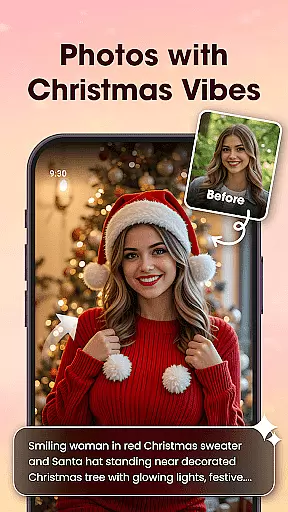

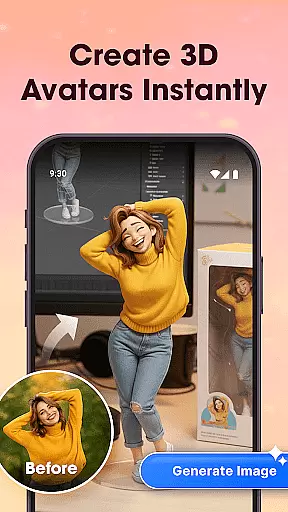
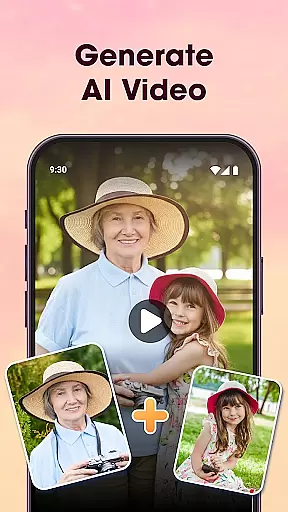
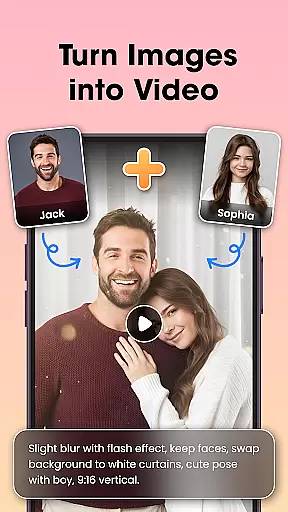
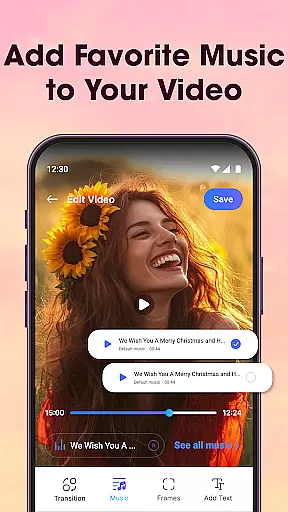
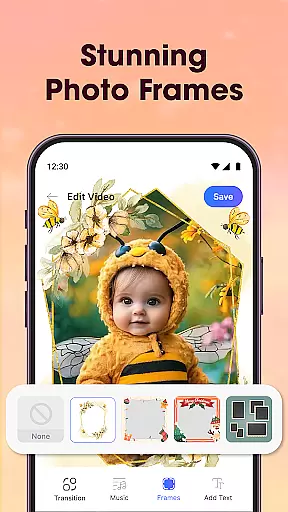
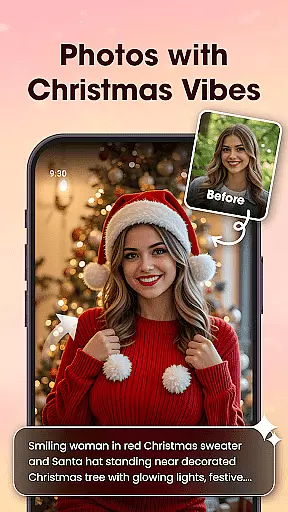

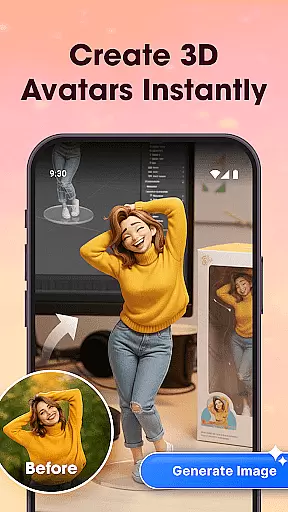
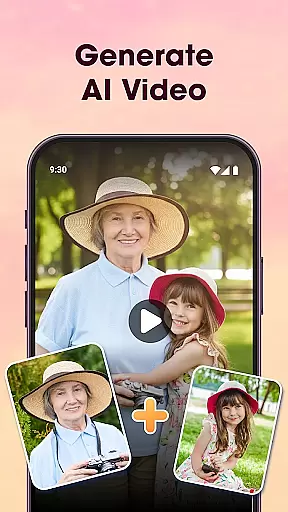
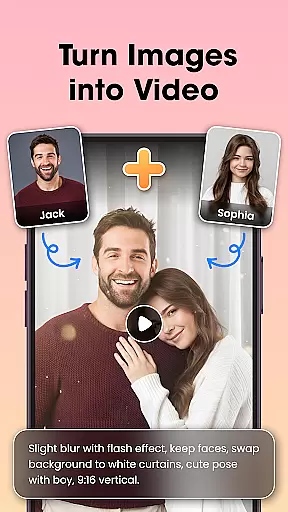
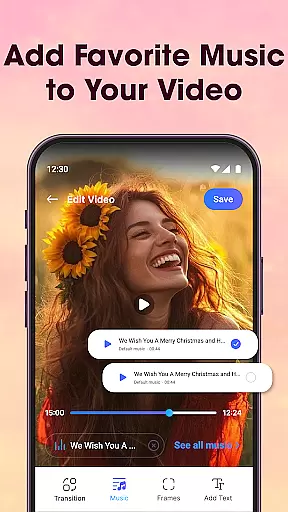
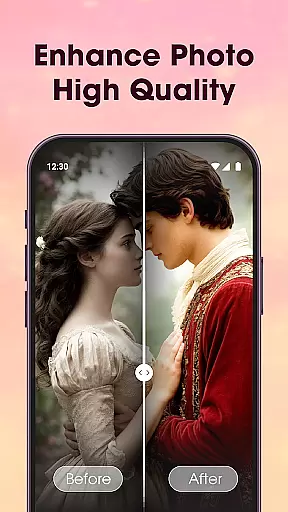
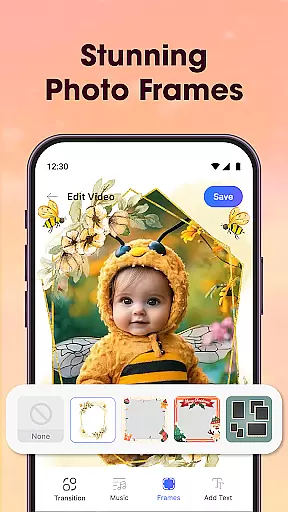
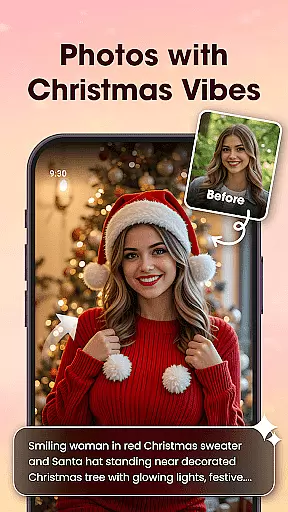

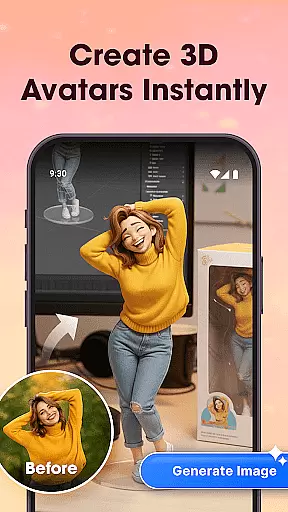
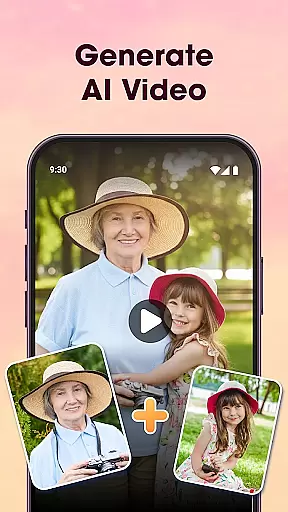
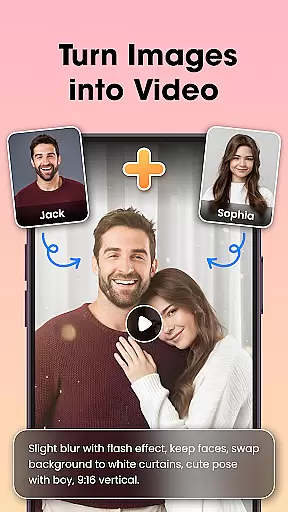
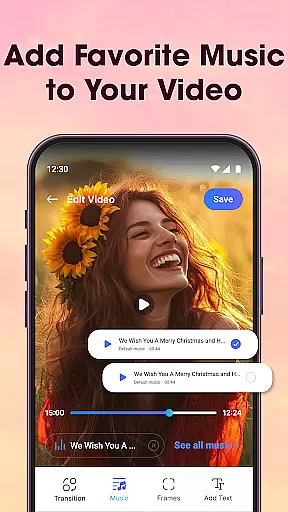
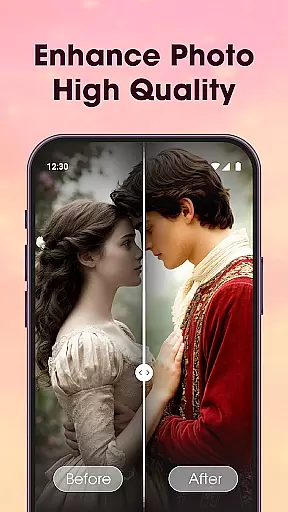
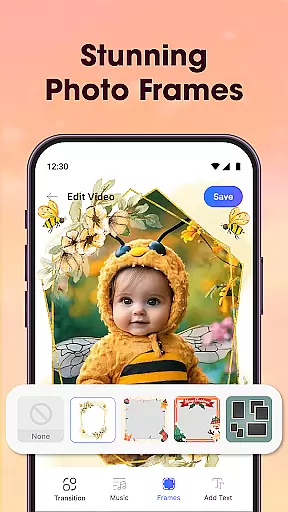
Photo Editor Video Maker Music is a versatile video editing application that allows users to transform their photos into engaging video stories. The app offers an intuitive interface where users can add background music, stylish effects, frames, and custom text to create personalized videos. With its AI Video Generator feature, users can turn simple photos into stunning videos using pre-designed templates like AI Hug and AI Kiss.
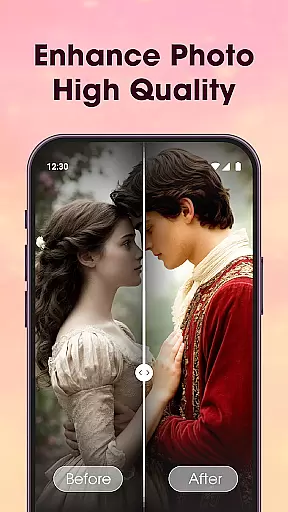
The app also provides essential photo editing tools such as filters, cropping, and retouching, ensuring that every image looks its best before being turned into a video. Users can further enhance their creations with visual effects, themed borders, and customizable text options. Whether it's for special occasions or everyday moments, this app helps bring memories to life through dynamic video presentations.
One of the standout features of Photo Editor Video Maker Music is its AI-powered capabilities. The AI Video Generator lets users select from various templates to automatically generate videos from their photos. Additionally, the AI Background Remover tool allows users to erase or replace photo backgrounds with just one click, streamlining the editing process.
The app includes a comprehensive suite of photo editing tools, including filters, stickers, text overlays, and advanced adjustments like tone, contrast, and lighting. Users can also take advantage of the Video Maker with Music feature to add trending tracks and smooth transitions to their slideshows. These features ensure that even novice editors can produce high-quality videos with professional polish.
One of the key strengths of Photo Editor Video Maker Music is its extensive video format compatibility. The app supports a wide range of video formats, ensuring that users can work with their preferred file types without any hassle.
The application automatically detects the format of the video being edited and provides optimal processing settings. This eliminates the need for prior conversion and allows users to focus on the creative aspects of video editing.
Whether you're working with MP4, AVI, MOV, or other common formats, this app maintains the original quality while adding your creative touches. The seamless integration of various formats makes it an ideal choice for both casual users and professionals.
Additionally, the app ensures smooth export in HD quality regardless of the source format. This versatility enables users to create stunning videos that are ready to share across different platforms without worrying about compatibility issues.
Photo Editor Video Maker Music stands out through its advanced AI-powered editing features. These intelligent tools revolutionize how users enhance their photos and videos, making professional-level editing accessible to everyone.
The app's AI capabilities include automatic background removal, photo enhancement, and intelligent cropping. Users can transform simple images into stunning visuals with just one tap, thanks to the sophisticated algorithms powering these features.
Particularly impressive is the AI Video Generator, which creates dynamic video content from static images. With specialized templates like AI Hug and AI Kiss, users can generate emotional, interactive video experiences that were previously only possible with complex editing software.
These AI-powered tools not only save time but also maintain high-quality results consistently. The combination of automated enhancements and manual control options provides users with the best of both worlds - efficiency and creative freedom.
User-friendly interface
AI-powered video generation
Extensive photo editing tools
Versatile music integration
High-quality export options
Limited free features
Occasional ads
Advanced tools require learning
Some templates are premium-only
In-app purchases can add up

The smartest M3U IPTV Player your playlists have ever seen.
 4.5
4.5
Video Trimmer, Video to MP3 Converter. Extract music from video, Easy & Fast.
4.80
Play ALL formats in 4K & HD. Video downloader, MP3 player, Chromecast & more.
4.80
Powerful HD video player with support for all formats & subtitles.
4.5
Live TV, anywhere in your home
3.80
AI Video Editor:AI Music, Text to Video,Text to Speech,Auto Caption,Video Effect
4.00
Mix with Virtual DJ directly from your phone or tablet !
3.10
The essential companion to your Blue Iris PC software
2.50
Watch IPTV on your Android device
4.60
Browser + Remote for Roku to stream webvideos, online movies and livestreams
4.60
?100% FREE! Download & save videos? safely in this app. All formats supported.
4.60
Cast to Chromecast, Xbox, Fire Stick, Roku, DLNA, Smart TV & No Feature Limited!
4.50
Fast & Private HD Video Downloader with Built-in Proxy Browser and Video Player.
4.50
Fast & Private Video Downloader App. Save all videos easily from the Internet.
4.40
Movie maker & video editing app with AI effects and green screen
4.30
AirMirror is Receiver for Screen Mirroring and Casting from Apple Devices.
3.60
All in one multi protocols stream receiver for AirPlay, Cast and DLNA.
3.60
Connect EasyCap or UVC devices for recording and broadcast video/audio stream
3.60
Client application for NextPVR software
3.00


User Reviews