
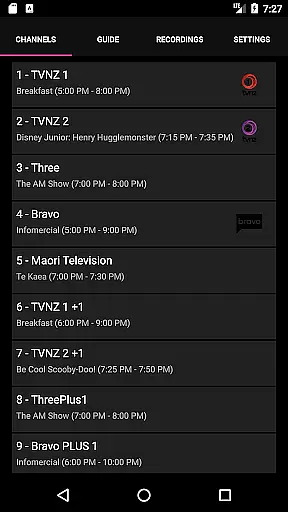
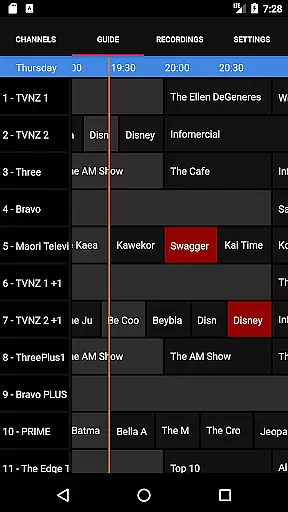
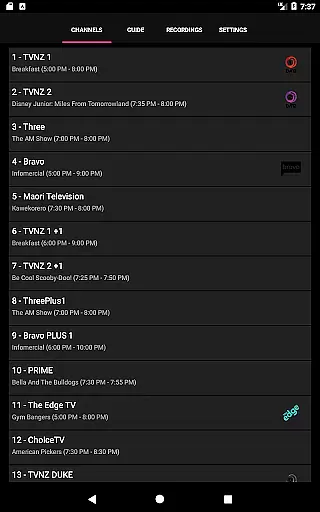
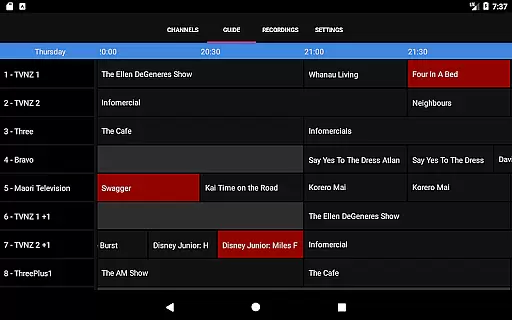
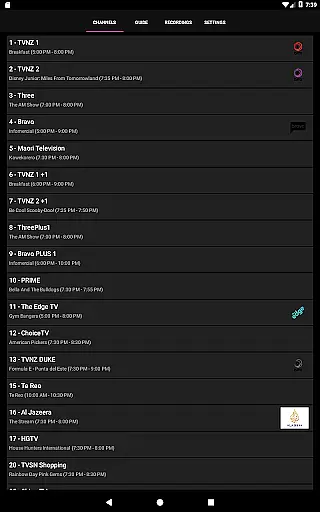
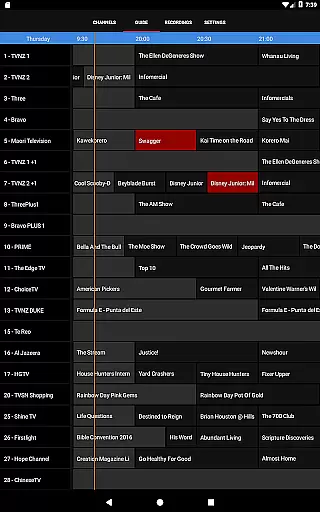
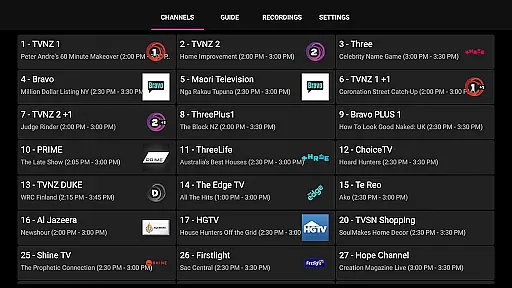
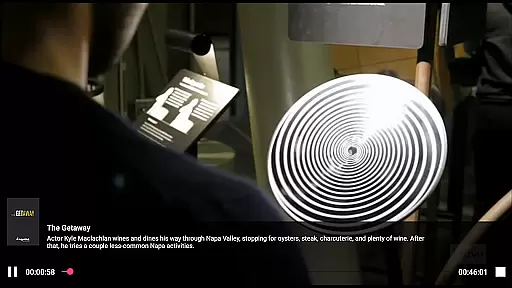
NextPVR is a versatile client application designed for users who already have the NextPVR software installed on their network. This app allows you to seamlessly interact with your media center, providing access to live TV streaming, an intuitive TV guide, and recording management. With support for various video capture sources like ATSC, DVB, and Analog TV tuners, it transforms your Windows PC into a powerful media hub. Whether you're at home or on the go, this app ensures that you can manage and enjoy your media content from anywhere on your mobile device.
The true value of NextPVR lies in its ability to integrate effortlessly with your existing setup. By connecting to a PC where NextPVR is installed, users can schedule recordings, browse the TV guide, and stream live TV directly to their mobile devices. Its compatibility with multiple tuner types makes it adaptable to different user needs, while its centralized control offers convenience and flexibility. Ideal for cord-cutters and HTPC enthusiasts, NextPVR provides a comprehensive solution for managing your television experience.
NextPVR stands out with its robust feature set tailored for media enthusiasts. The app supports live TV streaming, giving users the ability to watch their favorite channels in real-time directly on their mobile devices. It also includes an interactive TV guide, which displays program schedules and allows users to navigate effortlessly through available content. Additionally, the app enables full DVR functionality, letting users schedule, manage, and watch recordings remotely.
Another key feature is its seamless integration with ATSC, DVB, and Analog TV tuners, making it compatible with a wide range of hardware configurations. Users can customize their viewing preferences, adjust settings, and even control their media server directly from the app. These features collectively ensure that NextPVR delivers a smooth, flexible, and comprehensive media management experience, empowering users to take full control of their entertainment ecosystem.
NextPVR offers extensive video format compatibility, ensuring users can enjoy a wide range of media content without worrying about format restrictions.
The app supports popular formats such as MP4, AVI, MKV, and more, allowing seamless playback of videos recorded from ATSC/DVB/Analog TV tuners or other capture sources.
This flexibility enables users to watch live TV, view recordings, and manage their media library effortlessly across different devices on the network.
By supporting multiple formats, NextPVR ensures that users have a smooth experience when accessing their favorite shows or managing their recording schedules.
While primarily a media player, NextPVR incorporates AI-powered editing features that enhance the user's ability to manage and edit their recorded content efficiently.
These features include automated scene detection, smart trimming, and intelligent tagging, which streamline the editing process and save users valuable time.
With these tools, users can easily create polished videos by removing unwanted sections or highlighting key moments, all within the app's intuitive interface.
Such capabilities make NextPVR not just a platform for viewing but also for refining media, offering an integrated solution for both consumption and creation.
User-friendly interface
Live TV streaming
Comprehensive TV guide
Remote DVR scheduling
Wide hardware compatibility
Requires separate software
Windows PC dependency
No standalone functionality
Limited tuner support
Network setup complexity

You can play SWF format file!
 2.50
2.50
Create photo video with music & template. AI video maker for stunning slideshow.
4.60
Capture images & record videos for USB Camera, Webcam, Microscopes, Endoscopes
3.80
This app was created to edit the metadata of music files.
4.20
AirMirror is Receiver for Screen Mirroring and Casting from Apple Devices.
3.60
All in one HD video downloader & player for multiple formats with full privacy
4.70
Livestream, news, & gaming content. Watch, chat, and upload. Join Rumble today!
3.80
Video player with 4K & 1080P support, popup play, background play and subtitle.
4.20
Manage your YouTube channel on the go
4.40
High-Quality USB Camera Viewer & HDMI Display
4.70
Watch a large amount of high-definition short drama content
4.60
Support 1000+ Video Format, Subtitle Download, mp3 & Background Play, Cast On TV
4.60
Seamlessly connect and control your smart devices, anytime, anywhere with ease.
4.60
Add date and time watermark to photos and videos
4.50
Fast video downloader & private browser. Save HD clips to watch offline.
4.40
KMPlayer Plus (Divx Codec) officially support Divx codec.
4.30
Stream Web Videos to Chromecast, Samsung, LG, Sony, Roku, Fire TV, DLNA + more
4.00
Save photos and videos from social apps in one tap.
3.60
Powerful HD video player with support for all formats & subtitles.
4.4


User Reviews