
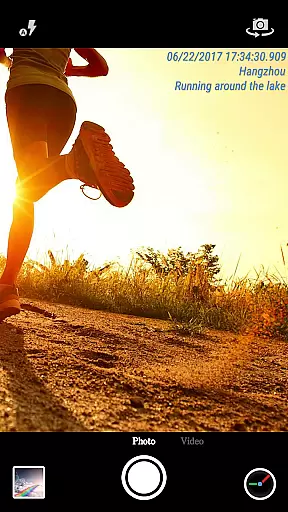
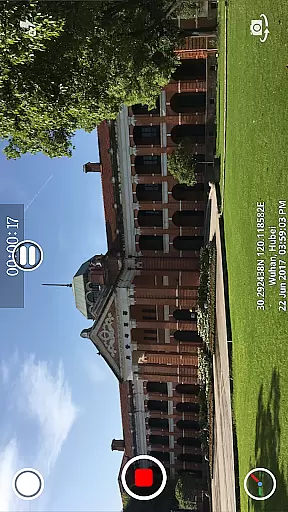
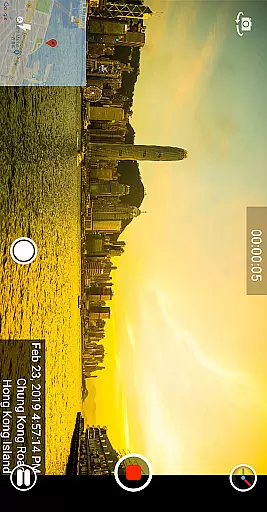
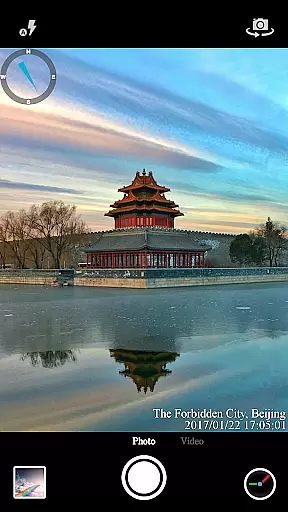
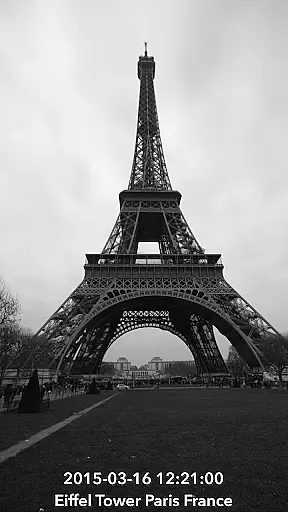
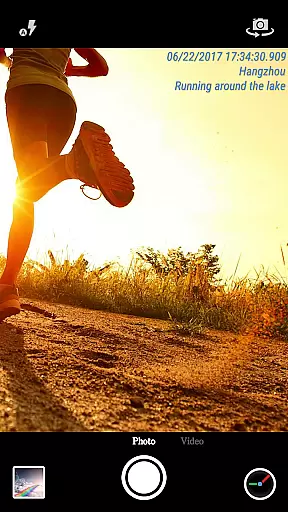
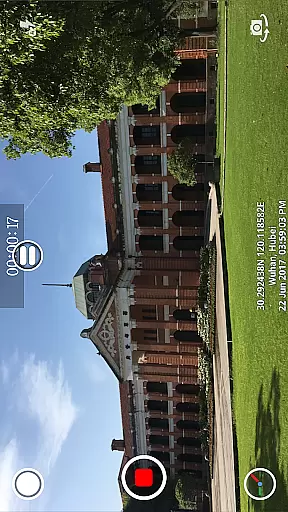
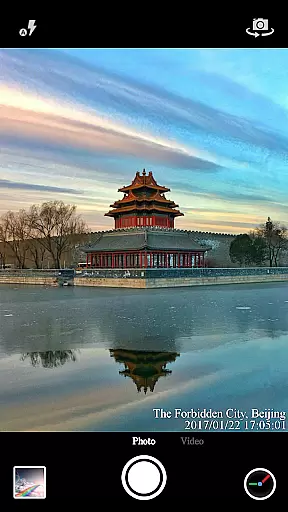
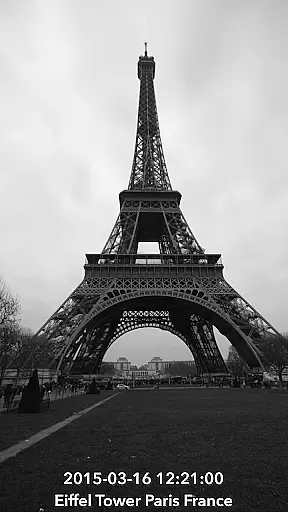
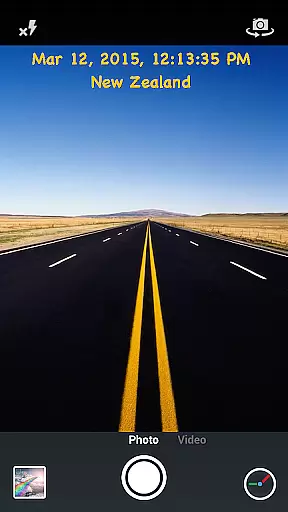
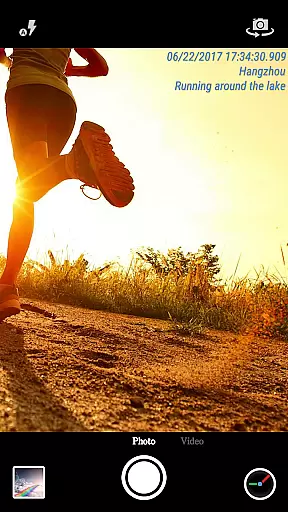
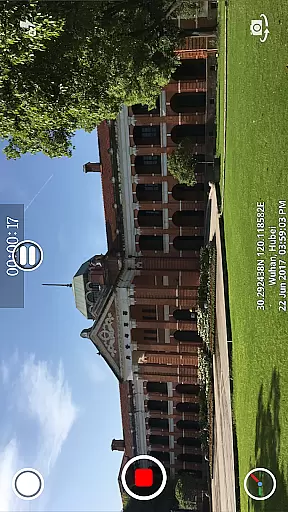
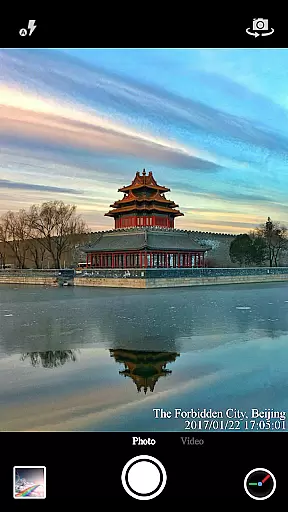
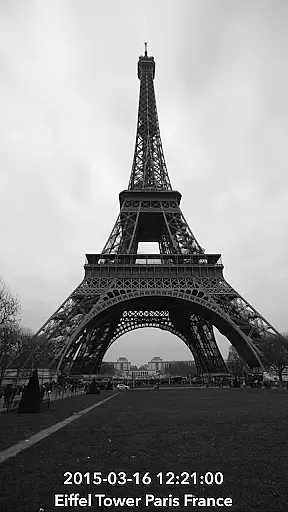
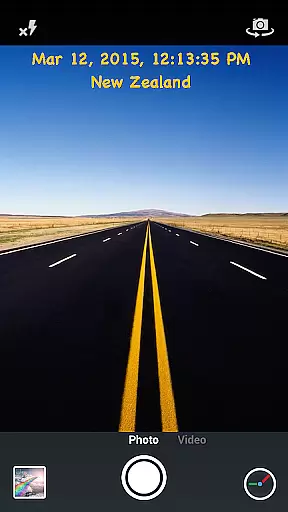
Timestamp Camera Pro is a powerful video and photo editing application that allows users to add real-time timestamp watermarks while capturing media. The app stands out with its millisecond-accurate timestamping feature, making it the only app in the market offering such precision. It supports 61 timestamp formats and provides extensive customization options for font style, size, color, and positioning.
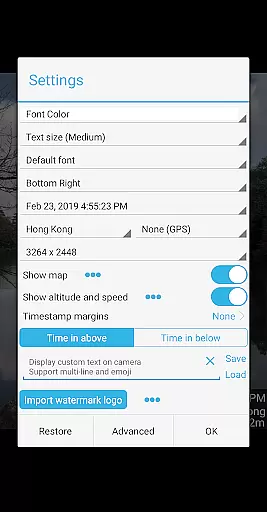
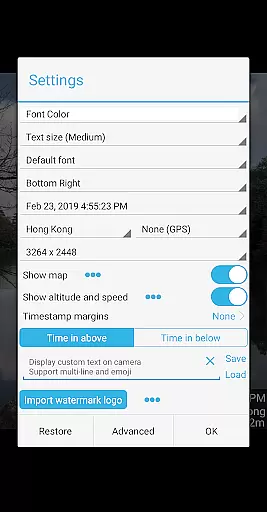
In addition to timestamps, the app enables users to display custom text, emoji, maps, and logo images on their photos and videos. With support for GPS location tagging, altitude, and speed display, this app caters to both casual users and professionals who need detailed metadata on their media files. Whether you're documenting a work project or creating content for social media, Timestamp Camera Pro offers the tools needed to enhance your media with informative overlays.
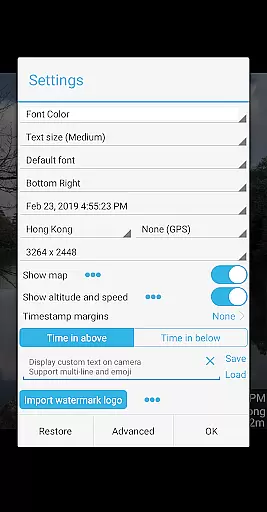
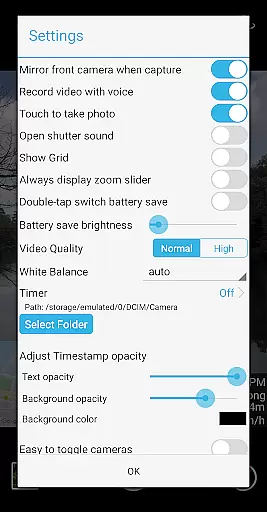
Timestamp Camera Pro boasts an impressive array of features designed to give users complete control over their media's appearance and metadata. One of its standout capabilities is recording videos with millisecond-accurate timestamps, ensuring precise time tracking. Users can choose from 61 different timestamp formats and customize the font, color, size, and position of the timestamp with seven placement options available.
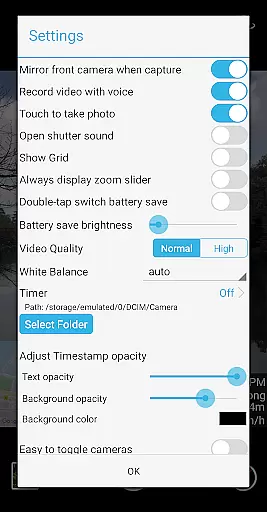
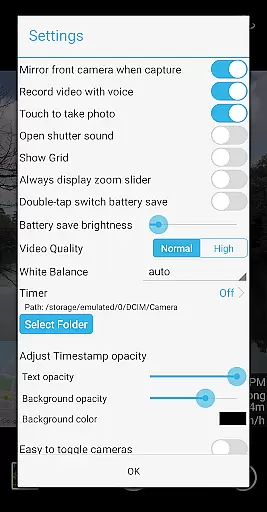
Beyond timestamping, the app offers advanced functionalities like displaying custom text, emoji, and even maps with adjustable scale, transparency, and size. Users can also add a custom logo image to their captures. Additional features include battery saver mode, audio toggle for video recording, and the option to turn off the shutter sound. All effects are applied in real-time, and users can change settings even while recording, providing unparalleled flexibility and creative freedom.
Timestamp Camera Pro stands out with its extensive video format compatibility, ensuring that users can work with a wide array of file types without any hitches. The app supports popular formats such as MP4, AVI, and MOV, making it versatile for various devices and platforms.
Beyond just basic playback, the app allows real-time effects to be applied to videos regardless of their format. This includes adding timestamps with millisecond accuracy, custom text, or even map overlays, all while maintaining the original video quality and format integrity.
Users benefit from the flexibility of being able to record, edit, and save videos directly to an SD card in their desired format. Whether for professional use or personal projects, this compatibility ensures that your videos are accessible and shareable across different mediums without the need for conversion.
One of the key highlights of Timestamp Camera Pro is its suite of AI-powered editing features that elevate video production to new heights. The app leverages advanced algorithms to provide functionalities like auto-adding location addresses and GPS data onto videos, streamlining the editing process significantly.
With options to customize the timestamp's font, color, size, and position, users can tailor their video edits precisely to their preferences or brand requirements. Additionally, the ability to adjust timestamp opacity and background adds another layer of personalization and professionalism to each project.
These intelligent editing tools not only save time but also enhance creativity by allowing users to experiment with different visual elements effortlessly. Whether you're a content creator looking to add unique touches to your videos or a professional needing reliable timestamping for documentation purposes, Timestamp Camera Pro delivers powerful capabilities right at your fingertips.
Millisecond accuracy
Extensive customization
Real-time effects
Supports custom logos
User-friendly interface
No automatic backup
Limited free features
Occasional bugs
Heavy on battery
Interface not intuitive for beginners

Auto video maker with music & exclusive filters. Video editing made simple.
 4.50
4.50
Video Trimmer, Video to MP3 Converter. Extract music from video, Easy & Fast.
4.80
Stream high quality video from your camera over NDI protocol
4.1
Manage your IPTV live channels and VOD playlists (no playlist included)
3.80
All in one multi protocols stream receiver for AirPlay, Cast and DLNA.
3.60
LumaFusion: The Ultimate Storytelling Experience for Video Editing
4.10
Powerful video player with advanced hardware acceleration and subtitle supports
4.20
Photo editor & video maker with music and slideshows.
4.10
Make videos you’re proud to share with Edits, a video editor for creators.
4.70
#1 Torrent App on Android ** No Ads Ever + Battery Saver **
4.80
GENRAL PRO - General Pro is the best video player that fully supports all formats.
4.70
Fast, private downloading, video saving, social media
4.50
Fast & Private HD Video Downloader with Built-in Proxy Browser and Video Player.
4.50
KMPlayer Plus (Divx Codec) officially support Divx codec.
4.30
IPTV-Smarters Player Pro M3U - Watch Live Stream TV Channels with Chromecast
4.00
Cast to Smart TV, Fire TV. Cast video, photo - Fast & Stable!
3.90
This app is an emulator of some specific IPTV boxes
3.50
Mix with Virtual DJ directly from your phone or tablet !
3.10
Client application for NextPVR software
3.00


User Reviews