
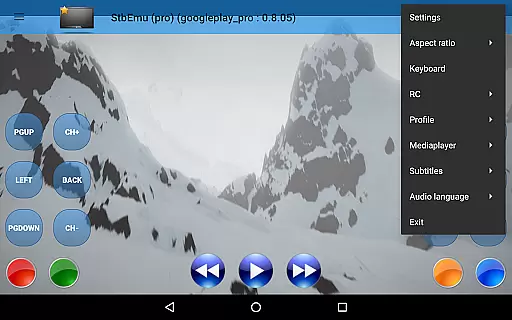
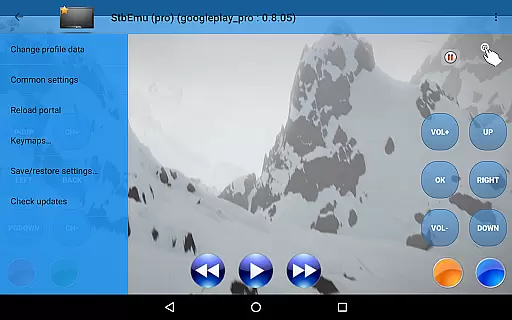
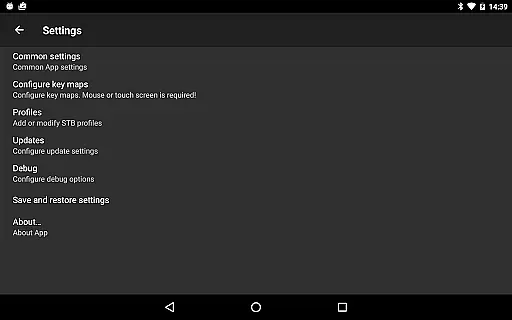
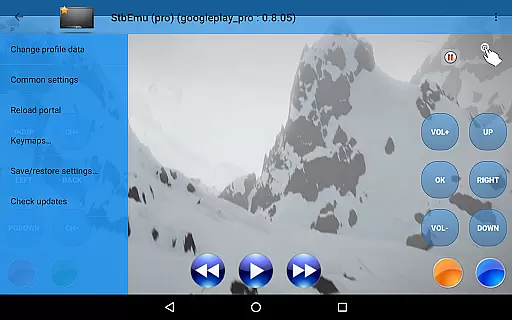
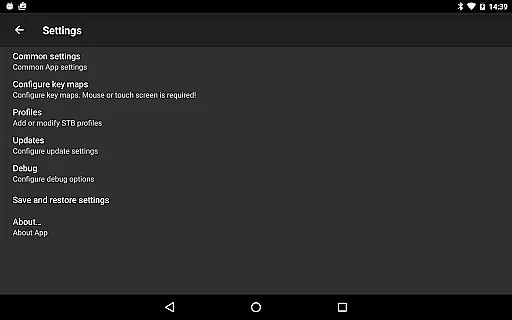
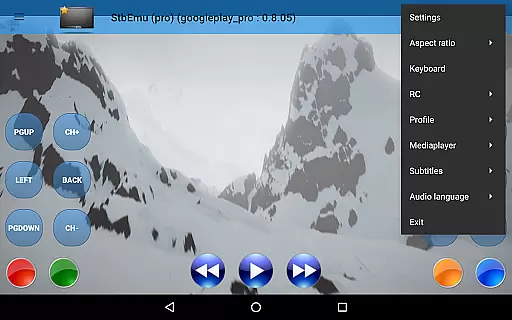
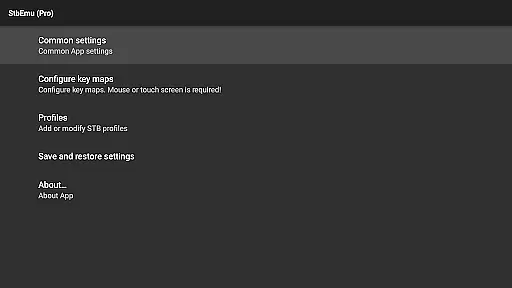
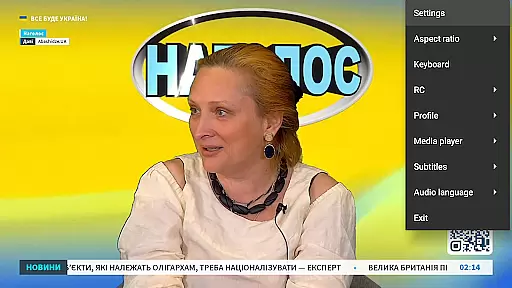
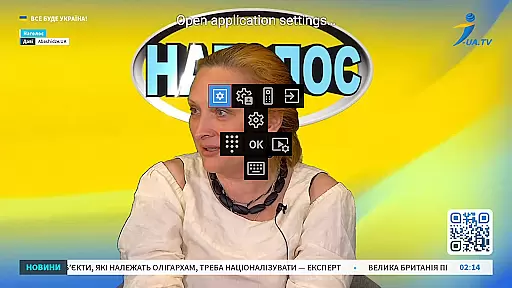

StbEmu (Pro) is an advanced IPTV player tailored for experienced users seeking precise control over their IPTV configurations. This app provides a customizable interface to adapt the IPTV experience to individual preferences and requirements.
Designed primarily as a demo tool, it supports connections to specific IPTV portals but does not support m3u playlists or similar formats. Users must configure the app for their own IPTV provider to unlock its full potential. With extensive settings available, StbEmu (Pro) offers a comprehensive solution for managing IPTV services on Android devices.
Ideal for tech-savvy individuals, this app allows intricate adjustments that can enhance streaming quality and reliability. However, proper configuration is essential for seamless operation, making it less suitable for beginners.
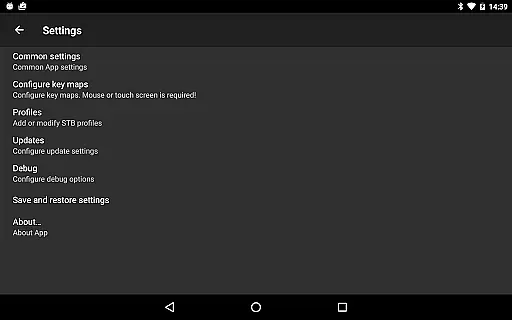
StbEmu (Pro) stands out with its highly customizable nature, allowing users to tweak various IPTV settings to optimize performance. The app includes advanced options such as network configuration, EPG settings, and streaming parameters, all of which contribute to a tailored viewing experience.
One notable feature is its compatibility with specific IPTV portals, ensuring reliable access to content provided by your IPTV service. Although it doesn't support common playlist formats like m3u, the app's strength lies in its detailed setup options that cater to complex user demands.
Additionally, StbEmu (Pro) offers tools for troubleshooting and fine-tuning your IPTV connection. These features are particularly beneficial for users who require stable and high-quality streams, though they necessitate a solid understanding of IPTV systems to fully leverage the app's capabilities.
Video format compatibility is a crucial aspect of any video player application, ensuring that users can enjoy content in various formats without technical hindrances. StbEmu (Pro) is designed with this in mind, supporting a wide array of video codecs and container formats.
The app's configuration allows for seamless playback of streams provided by your IPTV provider, once properly set up. This ensures that whether you're streaming in standard definition or high definition, the experience remains smooth and uninterrupted.
For users who have configured the app correctly, they will benefit from an extensive support system that handles different types of video content. This means less time worrying about format issues and more time enjoying your favorite shows and movies.
By focusing on advanced settings tailored to specific IPTV services, StbEmu (Pro) delivers a personalized and adaptable viewing experience that caters to both novice viewers and seasoned tech enthusiasts alike.
While StbEmu (Pro) is primarily an IPTV emulator rather than a traditional video editor, it incorporates AI-powered features that enhance the user's ability to manage and optimize their streaming experience. These smart tools assist in configuring settings that adapt to network conditions and content types.
One notable feature is the automatic adjustment of streaming quality based on current internet speed. This ensures minimal buffering and optimal resolution, providing a viewing experience that is both high-quality and reliable.
Additionally, the app offers diagnostic tools that use AI to troubleshoot common setup issues. By analyzing configuration patterns and user behavior, it provides suggestions that help improve overall performance and stability.
These intelligent capabilities make StbEmu (Pro) not just a tool for watching IPTV but also a comprehensive solution for managing and enhancing how content is delivered and experienced across different networks and devices.
Highly customizable
Advanced IPTV settings
Reliable portal connectivity
Comprehensive configuration options
Suitable for tech experts
Not beginner-friendly
No m3u playlist support
Complex setup required
Limited official support
Configuration knowledge needed

Video Trimmer, Video to MP3 Converter. Extract music from video, Easy & Fast.
 4.80
4.80
VLC Remote lets you control your VLC Media Player on Mac, PC or Linux.
4.60
Capture images & record videos for USB Camera, Webcam, Microscopes, Endoscopes
3.80
Movie maker & video editing app with AI effects and green screen
4.30
IPTV Loader, loads your own Playlist. DOES NOT CONTAIN ANY LIST OR CHANNELS
4.60
Add date and time watermark to photos and videos
4.50
Browser for Sony TV to stream web videos, online movies and live tv
3.20
Browser + Remote for Roku to stream webvideos, online movies and livestreams
4.60
Enjoy your favorite videos and channels with the official YouTube app.
3.90
#1 Torrent App on Android ** No Ads Ever + Battery Saver **
4.80
A Quick and Pro Video Editor
4.70
A Simple app to download Video & Music from the Internet.
4.70
Cast Videos from Web Browser, IPTV to Roku, Chromecast, DLNA, Smart TV +more
4.60
Watch a large amount of high-definition short drama content
4.60
Support 1000+ Video Format, Subtitle Download, mp3 & Background Play, Cast On TV
4.60
Photo and Music Video Creator into Stunning Videos—Effortlessly
4.40
Web Browser for LG TV to stream webvideos, online movies and livestreams in HD
4.20
AI Video Editor:AI Music, Text to Video,Text to Speech,Auto Caption,Video Effect
4.00
Video player with powerful streaming playback and various convenient features.
2.10


User Reviews