
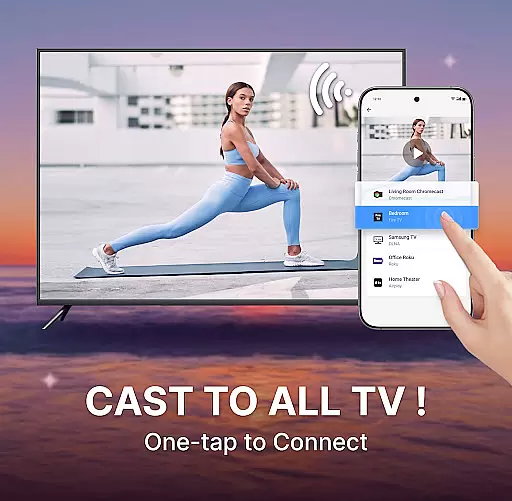
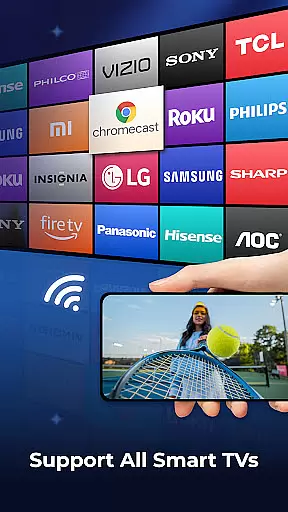
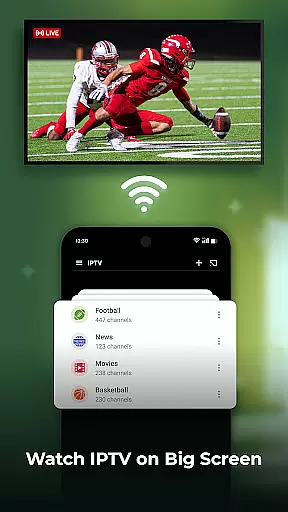
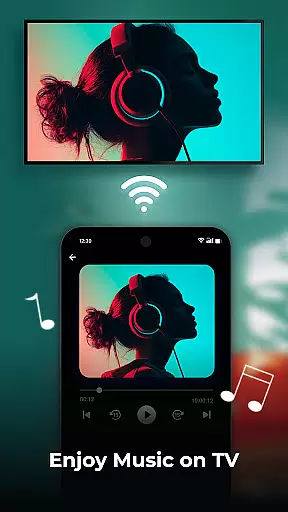
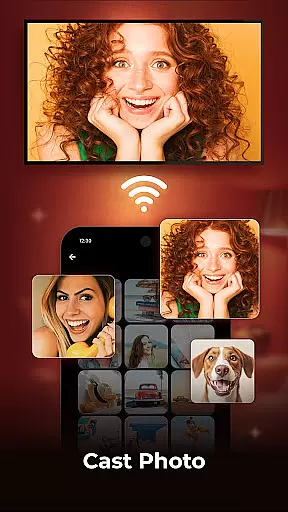
Cast to TV is a versatile application designed for users who want to stream and mirror content from their mobile devices to larger screens. The app allows you to cast videos, photos, and music directly to smart TVs with ease. With support for popular streaming devices like Sony, Samsung, LG TVs, Apple TV, Fire TV, Xbox, Web Browsers, PCs, and PS4, it ensures high-quality streaming of your favorite content in real time.
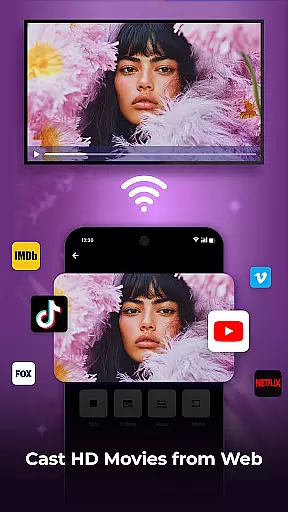
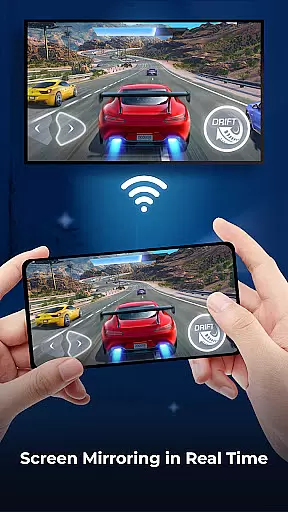
One of the standout features of Cast to TV is its screen mirroring capability, which mirrors your phone's screen in real-time on a bigger display. This feature is perfect for presentations, gaming, or sharing media with friends and family. Additionally, the built-in web browser enables casting of web videos directly to your TV, enhancing the overall user experience by providing seamless access to online content without interruptions from ads or pop-ups.
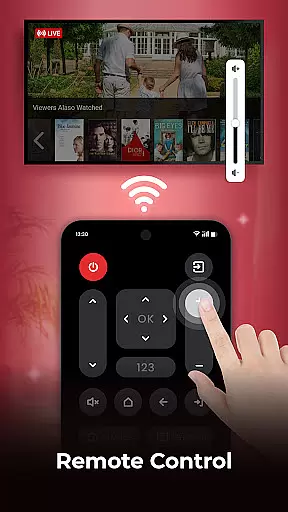
Cast to TV offers an array of features that cater to diverse user needs. The app supports casting various types of media including movies, web videos, photo slideshows, and more. It also provides easy control over your TV, allowing you to pause, fast forward, adjust volume, manage subtitles, and even use a remote control function for added convenience.
The screen mirroring feature stands out by offering real-time mirroring of your phone's display onto a larger screen, making it ideal for gaming or showcasing presentations. Moreover, the built-in HD video player ensures a superior viewing experience with options for shuffle, loop, or repeat modes in playlists. Users can also benefit from playback history tracking and enjoy uninterrupted streaming through the integrated web browser that blocks pop-ups and ads.
Cast to TV offers extensive video format compatibility, ensuring that users can cast a wide range of media files to their smart TVs without any hassle. The app supports popular formats such as MP4, AVI, and MKV, allowing for seamless streaming of videos in high definition.
The application's built-in HD Video Player enhances the viewing experience by providing smooth playback and crisp image quality. This feature is crucial for users who want to enjoy their favorite movies or personal recordings on a larger screen without compromising on quality.
With this level of compatibility, users are not limited by the type of content they wish to view. Whether it's family videos, online content, or downloaded movies, Cast to TV ensures that everything plays smoothly on your television, making it an ideal choice for home entertainment.
While primarily a casting app, Cast to TV also includes AI-powered editing features that allow users to enhance their media before streaming. These features include automatic color correction, stabilization, and upscaling to ensure that the content looks its best on a big screen.
The inclusion of playlists with shuffle, loop, or repeat modes adds another layer of customization to the user's viewing experience. Users can organize their media according to preference and let the app handle the playback sequence intelligently.
Moreover, the remote control functionality provides convenience by enabling users to manage playback functions directly from their phone. Adjusting volume, pausing, fast-forwarding, or entering text for movie searches becomes effortless, enhancing overall usability and interaction with the streamed content.
User-friendly interface
Wide device compatibility
High-quality streaming
Real-time screen mirroring
Built-in ad blocker
Limited advanced controls
Occasional connectivity issues
No offline mode
Premium features require subscription
Dependent on network stability

The smartest M3U IPTV Player your playlists have ever seen.
 4.1
4.1
Video Trimmer, Video to MP3 Converter. Extract music from video, Easy & Fast.
4.80
Tik & Story Saver-Download ALL social media videos, photos & reels no watermark.
4.80
KineMaster, Your Ultimate Video Editor!
4.40
Stream Web Videos to Chromecast, Samsung, LG, Sony, Roku, Fire TV, DLNA + more
4.00
Download videos easily & play them all in one smart, powerful video manager.
3.40
Movie maker & video editing app with AI effects and green screen
4.30
Powerful video player with advanced hardware acceleration and subtitle supports
4.20
Capture the moment and Cut
3.40
AI Video Editor with Music, Filter, Slideshow, Effect, Merge & Trim Video.
4.80
An easy-to-use and all-round screen recorder with audio
4.80
Download Hub, easy and private way to download and enjoy your videos offline
4.80
Seamlessly connect and control your smart devices, anytime, anywhere with ease.
4.60
Auto video maker with music & exclusive filters. Video editing made simple.
4.50
Video player, file manager for all formats, 4K/HD media player supports subtitle
4.30
This app was created to edit the metadata of music files.
4.20
Make your own Animations, Video and Photo Edits, Visual Effects, and more!
4.00
Manage your IPTV live channels and VOD playlists (no playlist included)
3.80
Powerful HD video player with support for all formats & subtitles.
4.1


User Reviews