

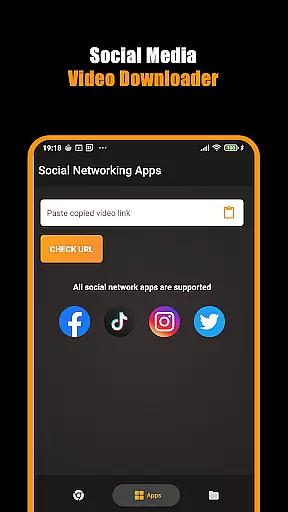
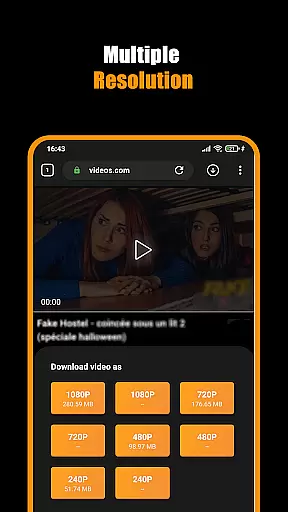


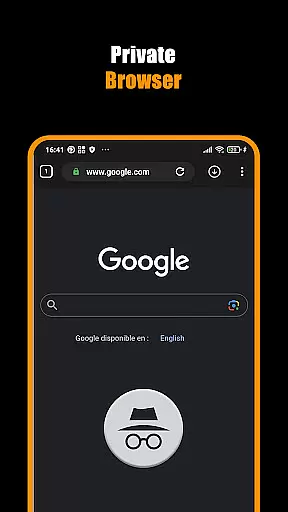
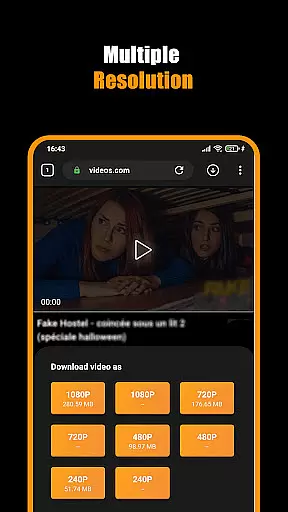
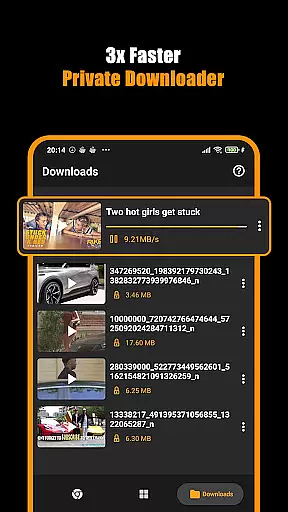


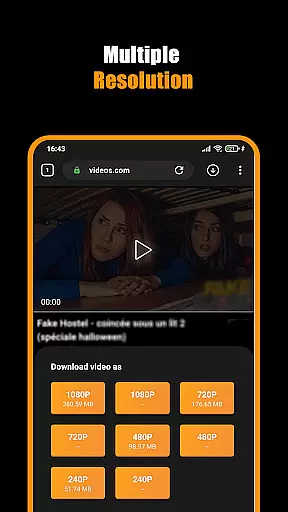


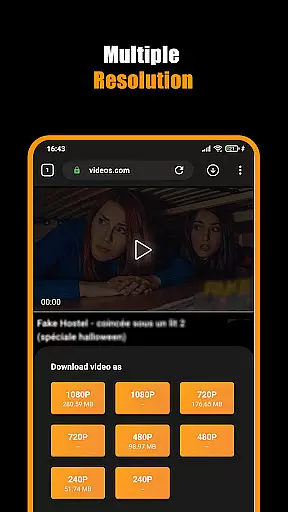


Hub Video Downloader is a specialized app in the Video Players & Editors category, designed to provide users with a secure and efficient way to download videos from various websites. This all-in-one solution features a smart built-in browser that automatically detects video content, allowing users to save HD videos in resolutions up to 4K directly to their devices.
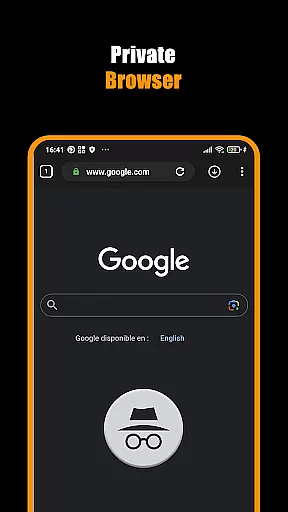
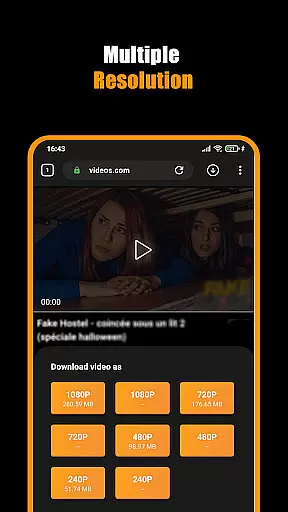
The app stands out with its advanced privacy features, including a private browsing mode that ensures no trace of your activities is left behind. Users can enjoy unlimited downloads while maintaining complete control over their data. The intuitive interface makes downloading straightforward - simply play the desired video, tap the download icon, and select your preferred quality.
This application proves particularly useful for those who frequently need to download and store video content for offline viewing. Whether you're a student saving educational materials or a professional collecting reference videos, Hub Video Downloader offers a reliable solution that combines speed, security, and ease of use.
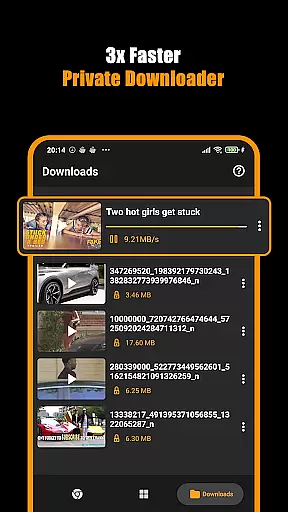
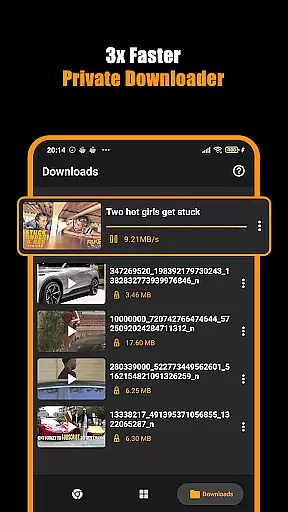
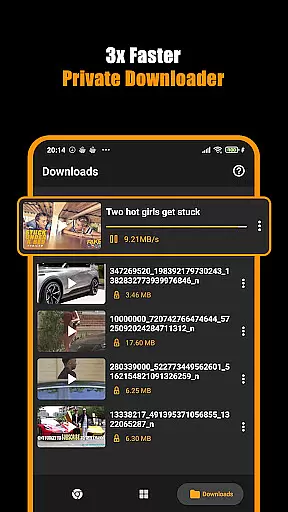
Among its notable features, Hub Video Downloader boasts an impressive array of tools that enhance the downloading experience. The app's Download Hub tool enables simultaneous processing of multiple files, significantly reducing waiting times. Users can pause, resume, or cancel downloads at any point, providing maximum flexibility during the downloading process.
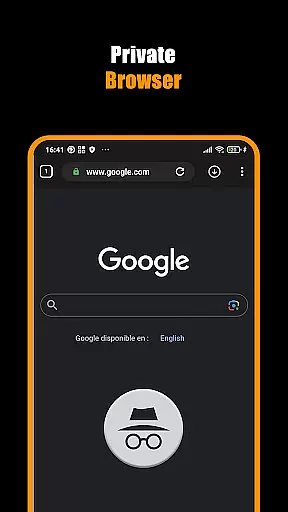
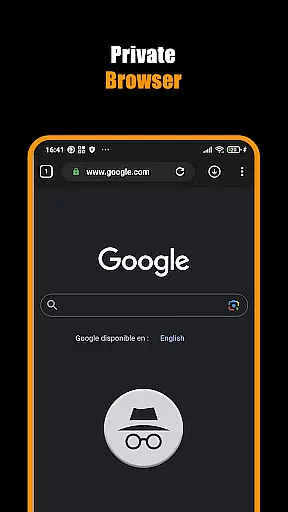
The application's private browser component offers unlimited tabs and robust security measures, ensuring safe browsing while searching for video content. It automatically clears all browsing data upon exit, maintaining user privacy. The built-in Movie Downloader feature supports various video formats and resolutions, from standard definition to 4K quality downloads.
Additional practical features include background downloading capability, automatic video detection upon website visit, and seamless integration with device galleries. These elements work together to create a comprehensive video downloading solution that caters to both casual users and professionals who require efficient content management.
Video format compatibility is a crucial feature for any video player and editor, ensuring that users can access their content in various formats without restrictions. Hub Video Downloader supports an extensive range of video formats, allowing you to download and play videos from different sources seamlessly. This flexibility means you won't be limited by specific file types and can enjoy content from multiple platforms effortlessly.
The app's built-in browser automatically detects videos on web pages, regardless of the format, providing a smooth downloading experience. Whether it's MP4, AVI, or more specialized formats like MKV, this downloader handles them all with ease. Such versatility ensures that no matter where your video comes from, you'll have no trouble saving it directly to your device.
For users who frequently interact with high-definition content, Hub Video Downloader offers support for 2K and 4K resolutions. This capability not only enhances viewing pleasure but also future-proofs your media library against evolving technology standards. With such comprehensive format coverage, you gain peace of mind knowing every video will be accessible when needed most.
AI-powered editing features represent the cutting edge of video processing technology, enabling users to enhance their videos quickly and efficiently. Hub Video Downloader incorporates advanced AI tools that streamline the editing process, making professional-quality adjustments accessible even to beginners. These intelligent features analyze video content automatically, suggesting optimal edits based on scene detection, color correction, and audio enhancement.
One standout aspect is the appu2019s ability to optimize video quality during downloads. Using sophisticated algorithms, it ensures each clip maintains its original clarity while adapting to different playback environments. This results in consistently sharp visuals whether viewed on mobile devices or larger screens. Additionally, background noise reduction and dynamic range compression improve overall sound fidelity, creating a polished final product.
Moreover, these AI-driven capabilities extend beyond basic enhancements. Users can leverage automated tagging and categorization functions to organize downloaded videos effectively. By recognizing key elements within footageu2014such as faces, objects, or locationsu2014the system generates metadata tags that simplify search and retrieval processes. Ultimately, Hub Video Downloader transforms raw clips into refined pieces ready for sharing or personal enjoyment.
User-friendly interface
Private browsing mode
Multiple file downloads
HD video support
Background processing
No YouTube support
Limited format options
Storage intensive
Occasional bugs
Ads present

Video player, file manager for all formats, 4K/HD media player supports subtitle
 4.30
4.30
You can play SWF format file!
2.50
Save photos and videos from social apps in one tap.
3.60
?100% FREE! Download & save videos? safely in this app. All formats supported.
4.60
Full HD Video mp3 Player, MP4 player play 1080p, File manager, Video Downloader
4.40
Play ALL formats in 4K & HD. Video downloader, MP3 player, Chromecast & more.
4.80
High-Quality USB Camera Viewer & HDMI Display
4.70
Manage your IPTV live channels and VOD playlists (no playlist included)
3.80
Create, Publish & Maximize
4.70
Tik & Story Saver-Download ALL social media videos, photos & reels no watermark.
4.80
An easy-to-use and all-round screen recorder with audio
4.80
Watch IPTV on your Android device
4.60
Fast, private downloading, video saving, social media
4.50
Cast to Chromecast, Xbox, Fire Stick, Roku, DLNA, Smart TV & No Feature Limited!
4.50
Download website videos fast&privacy
4.40
Viddo: Generate Action Figure, AI Anime, AI kiss, AI hug Video from image & text
4.40
Make your own Animations, Video and Photo Edits, Visual Effects, and more!
4.00
AirMirror is Receiver for Screen Mirroring and Casting from Apple Devices.
3.60
A full editing room to accompany your Insta360 cameras and handheld gimbals.
3.30


User Reviews