
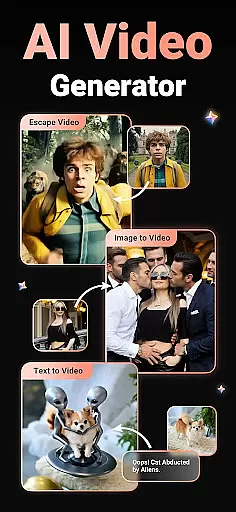
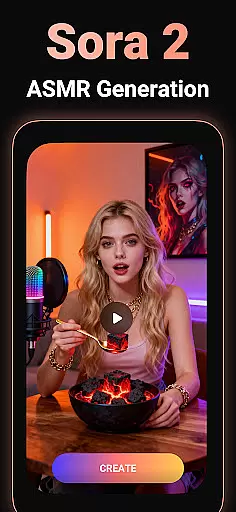
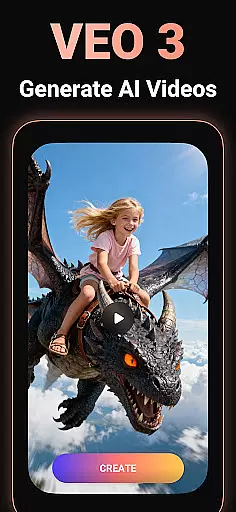
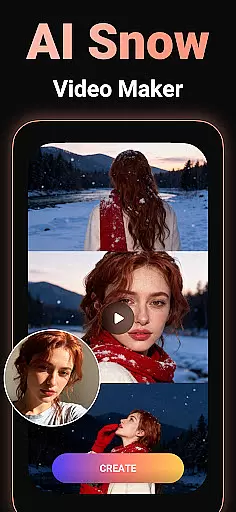
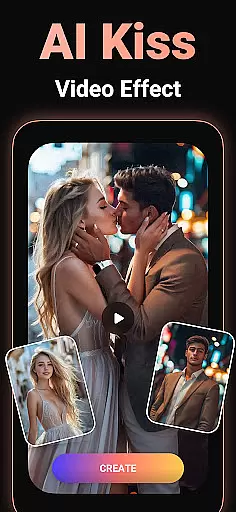
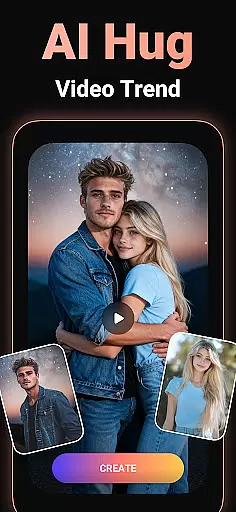
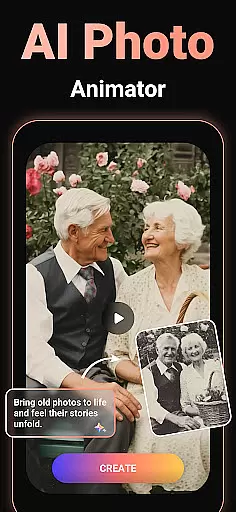
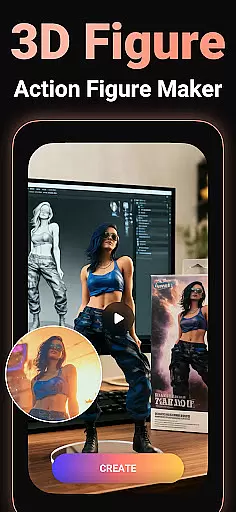
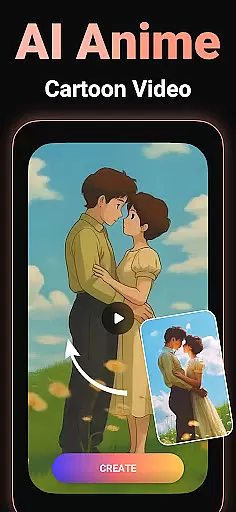
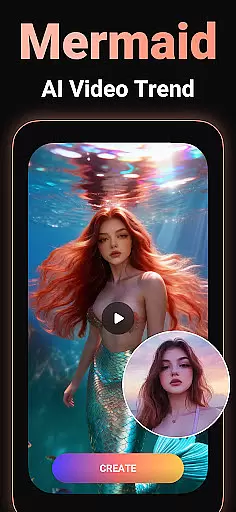
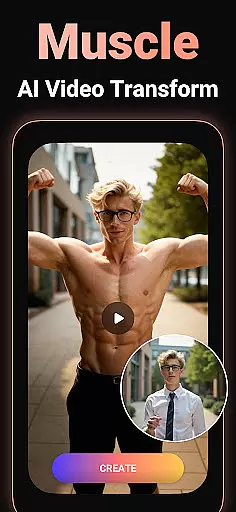
Viddo - AI Video Generator is an innovative video creation tool that leverages artificial intelligence to transform images and text into high-quality, engaging videos. With features like Image-to-Video conversion, Text-to-Video generation, and advanced AI effects such as Action Figure transformations, Anime styles, and viral sensations like AI Hug and Kiss, the app offers limitless creative possibilities.
Designed for both casual users and content creators, Viddo makes it easy to produce professional-grade videos with minimal effort. Whether you're looking to create fun animations for social media or crafting unique clips for special occasions, this app provides all the tools needed to bring your ideas to life while maintaining a user-friendly interface.
Viddo stands out through its cutting-edge AI technology powered by Pixverse, which ensures ultra-realistic video outputs. The Image-to-Video feature allows users to upload photos and generate lifelike animations, including trendy styles like dancing figures or action characters. Meanwhile, the Text-to-Video functionality enables seamless script-to-screen transformations, perfect for storytelling and marketing purposes.
Additionally, Viddo includes specialized tools like the AI Keyframe Video Generator, which creates smooth transitions between frames, and a variety of viral effects such as AI Anime, AI Dance, and more. These capabilities not only enhance creativity but also save time, making the app suitable for influencers, marketers, and hobbyists alike.
Video format compatibility is a crucial feature for any video player and editor, ensuring that users can work with a wide range of video file types without conversion hassles. Viddo - AI Video Generator supports an extensive array of formats, allowing creators to upload and export videos in their desired resolutions and codecs.
The application leverages advanced processing capabilities to handle high-definition and 4K video files seamlessly. Whether you're working with MP4, AVI, MOV, or other popular formats, Viddo maintains the original quality while providing editing flexibility. This versatility ensures that content creators can focus on their creative process without worrying about format restrictions.
For users, this means the ability to create and share professional-grade videos across different platforms effortlessly. The app's broad format support enables smooth collaboration, making it ideal for teams working on multimedia projects. With Viddo, exporting your project in a platform-friendly format is just a few clicks away.
Ultimately, Viddo's comprehensive video format compatibility empowers users to produce content that meets industry standards and audience expectations. By removing technical barriers, the app fosters creativity and efficiency, enabling storytellers to bring their visions to life without limitations.
AI-powered editing features represent the cutting edge of video production technology, automating complex tasks and enhancing creative possibilities. Viddo - AI Video Generator incorporates sophisticated AI tools that simplify the editing process, from generating videos from images to transforming text into dynamic visual narratives.
The app's AI capabilities extend to creating lifelike animations and applying viral effects such as Action Figure transformations, AI hugs, and kisses. These features utilize machine learning algorithms to analyze and adapt content, producing ultra-realistic results that captivate audiences. Users can experiment with various styles, including anime transformations and dance simulations, all within an intuitive interface.
This technological advantage translates to significant time savings and increased creative freedom for users. Instead of spending hours on manual edits, creators can rely on Viddo's intelligent systems to handle transitions, effects, and even character animations. The app's AI-driven approach makes professional-quality video production accessible to everyone, regardless of their technical expertise.
By integrating these advanced AI-powered editing features, Viddo positions itself as a leader in innovative video creation tools. Users benefit from both the efficiency of automated processes and the ability to produce unique, engaging content that stands out in today's competitive digital landscape.
User-friendly interface
Advanced AI effects
Versatile content creation
Instant sharing options
High-quality output
Limited free features
Premium subscription required
Occasional processing delays
Steep learning curve
Privacy concerns

This app was created to edit the metadata of music files.
 4.20
4.20
Support 1000+ Video Format, Subtitle Download, mp3 & Background Play, Cast On TV
4.60
Powerful Video Editor & Photo Editing App —— Quick Edits & Stunning Effects!
4.30
AI Video Editor:AI Music, Text to Video,Text to Speech,Auto Caption,Video Effect
4.00
Video Downloader, Multiple Resolution Options, Video Player
4.50
Make your own Animations, Video and Photo Edits, Visual Effects, and more!
4.00
Mix with Virtual DJ directly from your phone or tablet !
3.10
LumaFusion: The Ultimate Storytelling Experience for Video Editing
4.10
Screen recorder with audio to take live videos & Screenshot in high quality!
4.70
#1 Torrent App on Android ** No Ads Ever + Battery Saver **
4.80
Seamlessly connect and control your smart devices, anytime, anywhere with ease.
4.60
Browser + Remote for Roku to stream webvideos, online movies and livestreams
4.60
HD video maker with no watermark, no ads & vlog maker with music, PIP, text
4.50
Download website videos fast&privacy
4.40
Online Videos Player
3.90
Cast to Smart TV, Fire TV. Cast video, photo - Fast & Stable!
3.90
Save photos and videos from social apps in one tap.
3.60
A full editing room to accompany your Insta360 cameras and handheld gimbals.
3.30
Browser for Sony TV to stream web videos, online movies and live tv
3.20


User Reviews