
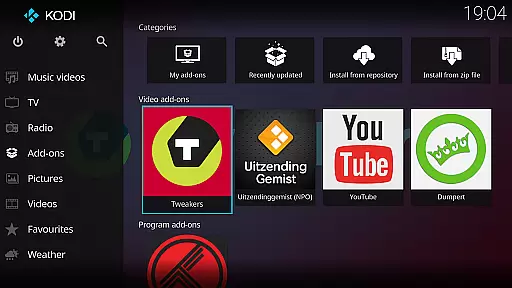
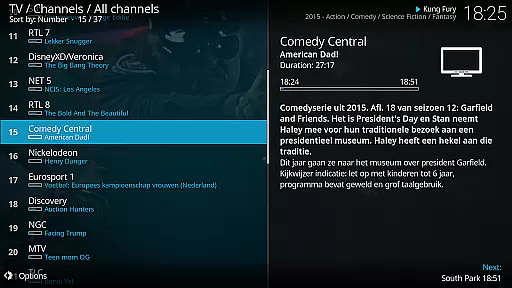
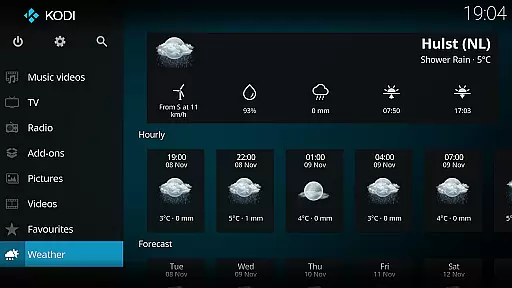
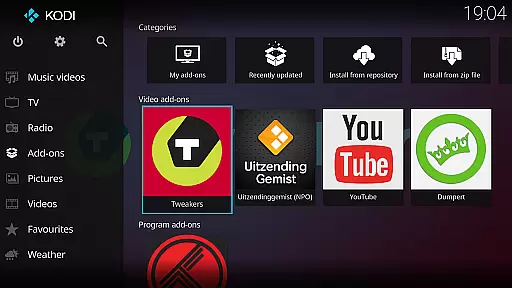
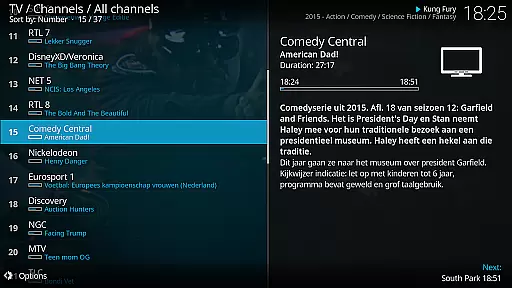
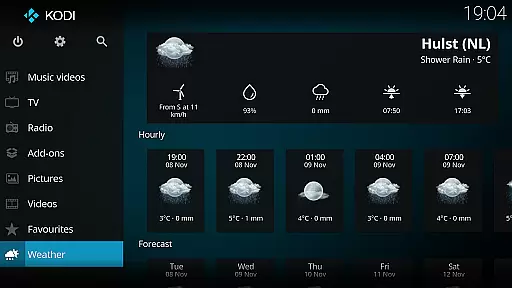
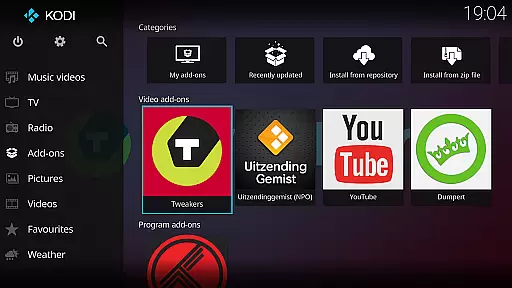
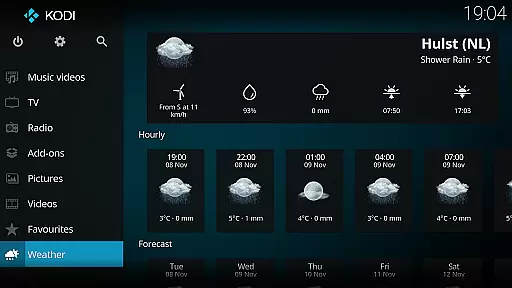
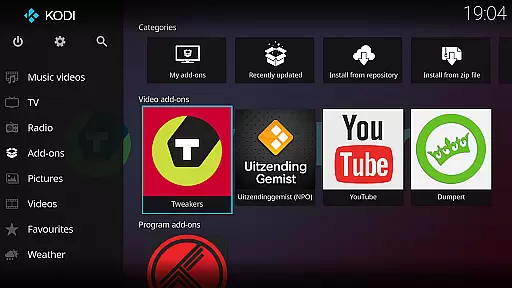
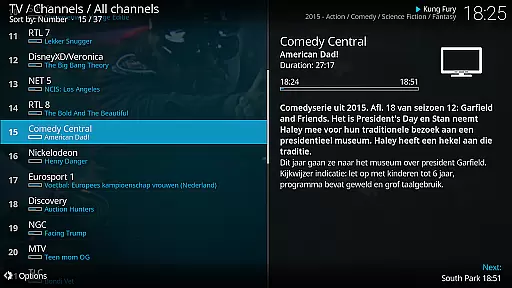
Kodi is an award-winning media player and entertainment hub designed for home theater setups. It offers a 10-foot user interface, making it perfect for living-room entertainment with support for remote controls. The software allows users to browse and view videos, photos, podcasts, and music from various sources including hard drives, optical discs, local networks, and the internet.
With its open-source nature, Kodi supports third-party plugins that provide access to freely available content online. Its graphical interface is intuitive and user-friendly, ensuring seamless navigation. Kodi's versatility extends to its skins, such as Estuary and Estouchy, which enhance usability on larger devices like phones and tablets.
Kodi stands out with its cross-platform compatibility and extensive media support. It can play a wide range of audio and video formats without the need for additional codecs. The platform also supports advanced features like library management, metadata scraping, and playlist creation, allowing users to organize their digital media efficiently.
One of Kodi's key strengths is its customization options. Users can install different skins and add-ons to tailor the experience to their preferences. Additionally, Kodi's support for third-party plugins enables access to streaming services and other online content providers, enhancing its functionality beyond basic media playback.
One of the core strengths of Kodi lies in its extensive video format compatibility. This media player supports a wide range of file types, ensuring that users can play virtually any video content they own or access. Whether it's common formats like MP4 and AVI or more specialized codecs, Kodi handles them all with ease.
The application achieves this through an advanced decoding engine that incorporates multiple open-source libraries. These libraries are regularly updated to ensure support for the latest formats. Additionally, Kodi allows users to customize playback settings, giving them control over quality and performance aspects.
This comprehensive format support provides significant value to users by eliminating the need for separate conversion software. Media enthusiasts can enjoy their collections without worrying about compatibility issues, regardless of the source or age of their video files.
While primarily known as a media player, Kodi also offers basic AI-powered editing capabilities that enhance the user experience. The software includes automatic metadata fetching and image enhancement features that utilize intelligent algorithms to improve media presentation.
When adding new content to the library, Kodi's AI automatically retrieves relevant information such as movie details, cover art, and cast information. This feature uses sophisticated web scraping techniques and database lookups to populate media entries accurately. The system also applies smart image processing to optimize thumbnail quality.
These intelligent features save users considerable time when organizing their media libraries. The automated processes reduce manual input while maintaining high-quality presentation standards. Although not a full-fledged editing suite, these AI-powered tools significantly streamline media management tasks.
User-friendly interface
Wide format support
Highly customizable
Open-source platform
Cross-platform support
No built-in content
Requires technical knowledge
Third-party plugins vary in quality
Not ideal for small screens
Potential legal concerns

Fast, private downloading, video saving, social media
 4.50
4.50
HD Video player all format, HD Videos, Cast & Subtitle. No annoying ads.
4.60
Powerful, professional, versatile teleprompter. Developed by an active film crew
4.00
IPTV-Smarters Player Pro M3U - Watch Live Stream TV Channels with Chromecast
4.00
Tik & Story Saver-Download ALL social media videos, photos & reels no watermark.
4.80
Powerful HD video player with support for all formats & subtitles.
4.0
Browser + Remote for Roku to stream webvideos, online movies and livestreams
4.60
VLC for Android is the best open source video and music player, fast and easy!
4.10
Create, Publish & Maximize
4.70
Video Trimmer, Video to MP3 Converter. Extract music from video, Easy & Fast.
4.80
Video Player - Unlimited features, 30 days money back guarantee.
4.60
Fast & easy HD video downloader for all formats, support 4K playback & download.
4.60
Add date and time watermark to photos and videos
4.50
Turn your phone into a wireless camera!
4.20
Browser for Samsung TV to stream webvideos, online movies and livestreams in HD
4.10
Manage your IPTV live channels and VOD playlists (no playlist included)
3.80
Download videos easily & play them all in one smart, powerful video manager.
3.40
You can play SWF format file!
2.50
Video player with powerful streaming playback and various convenient features.
2.10


User Reviews