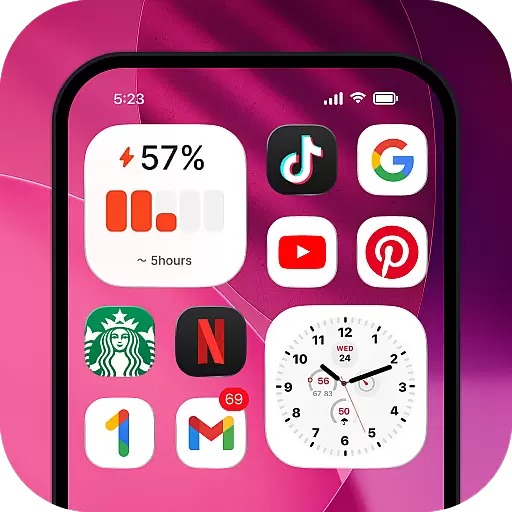
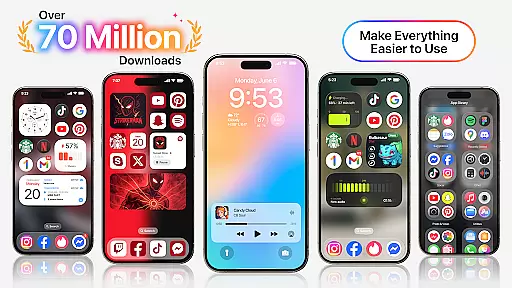
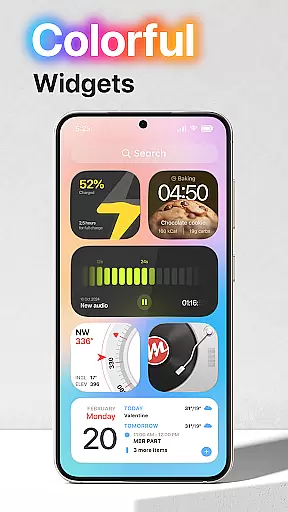
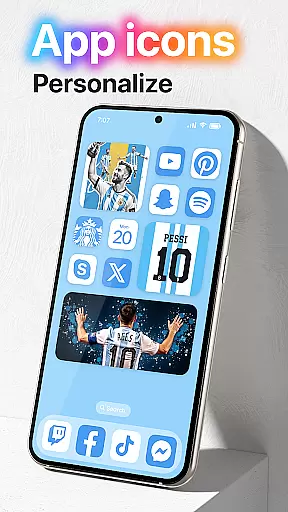
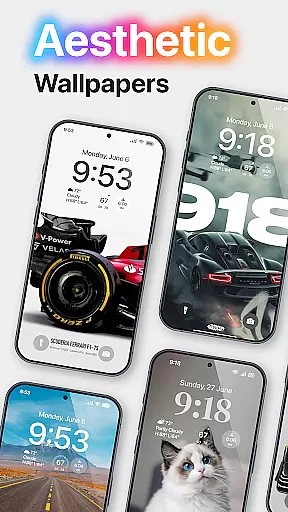
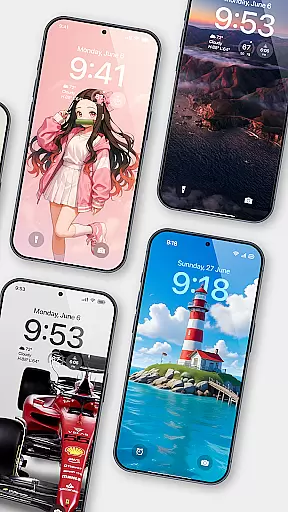
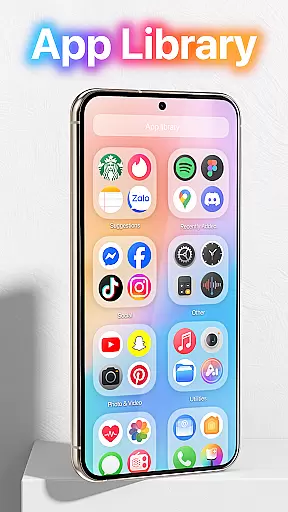
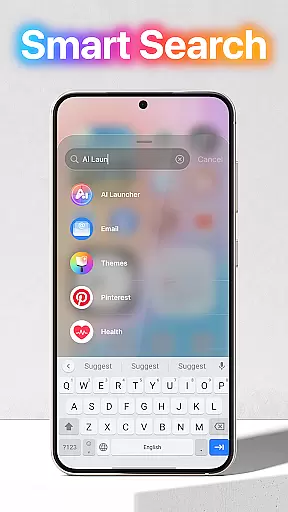
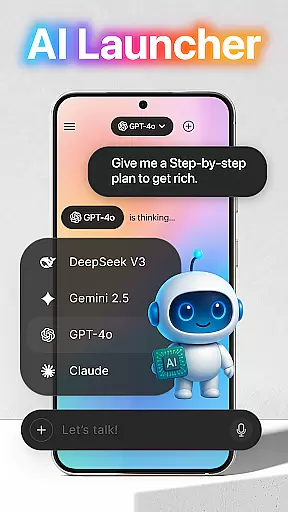
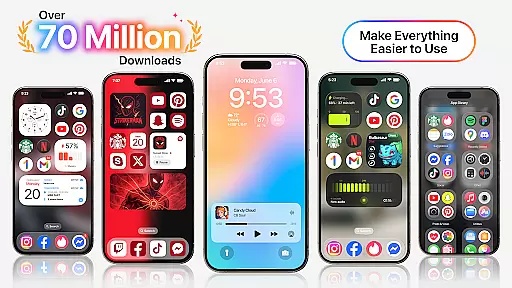
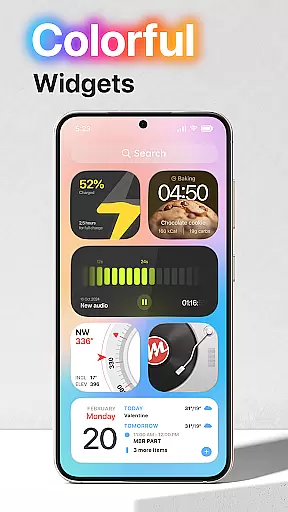
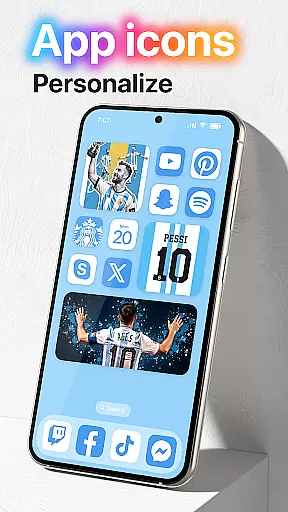
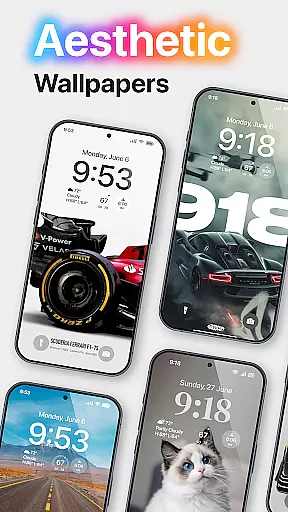
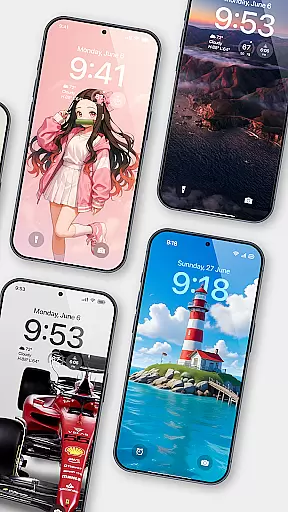
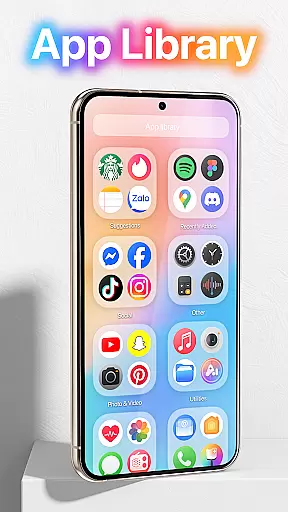
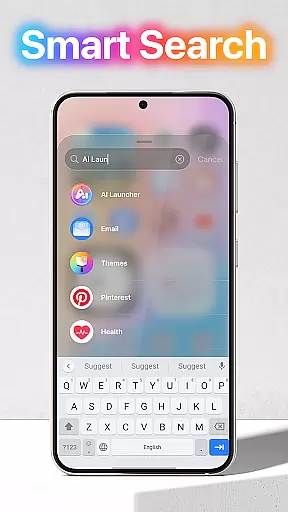
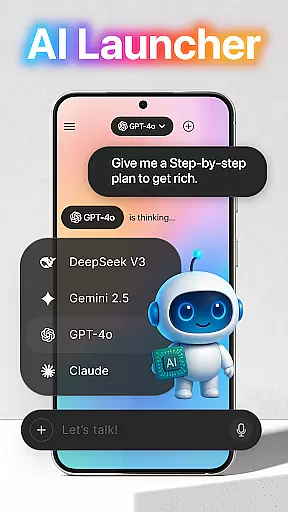
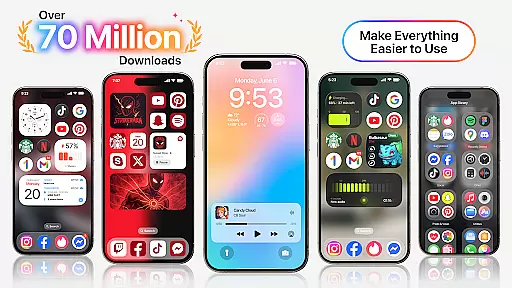
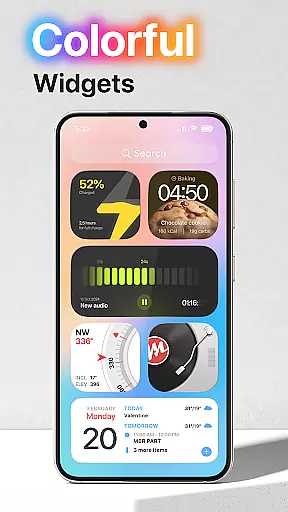
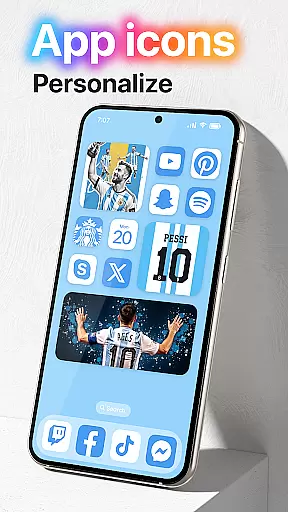
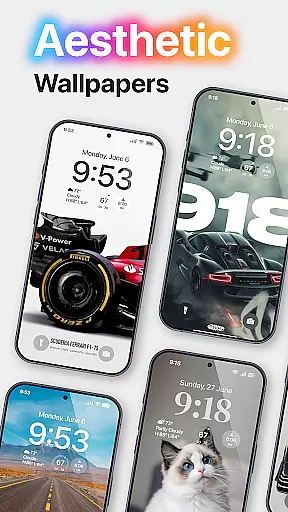
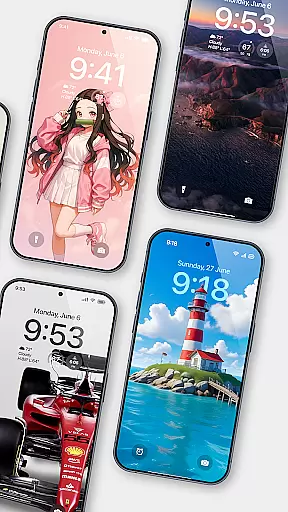
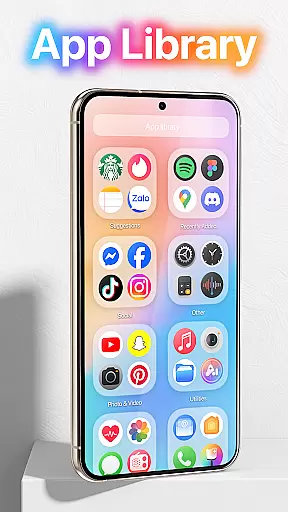
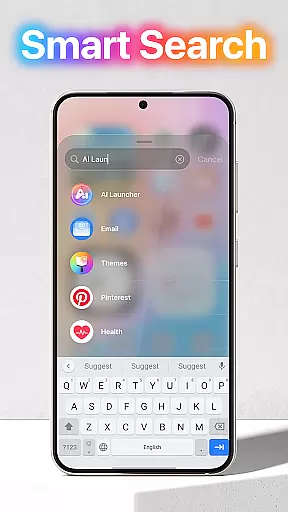
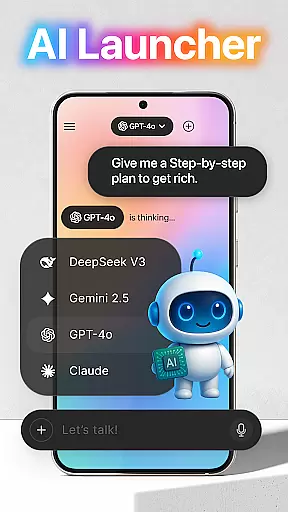
Launcher OS™ redefines the Android experience by transforming your mobile device into a more powerful, personal, and intelligent tool. This launcher app offers innovative features that enhance your phone's capabilities beyond traditional limits.
The application provides advanced functionalities such as lock screen camera access, notification display, and universal file search. These features ensure you stay connected and productive while maintaining top-notch security and privacy standards.
Ideal for users seeking to maximize their Android device's potential, Launcher OS™ is perfect for both personal and professional use, offering unprecedented customization and control over your mobile experience.
Launcher OS™ stands out with its comprehensive feature set designed to optimize your Android device. The app grants quick access to essential functions through its innovative lock screen interface.
Key features include voice-to-text conversion through microphone access, universal file search across storage, and customizable wallpapers from both local and cloud sources. The app also displays notifications and incoming calls even when the screen is locked.
These capabilities are implemented through carefully designed permission structures that maintain system security while providing maximum functionality. The result is a seamless user experience that makes your device smarter and more responsive.
Launcher OS offers an extensive range of customization options that allow users to tailor their smartphone experience according to their preferences. This includes the ability to change themes, icons, and wallpapers, providing a personalized touch to your device's interface.
The app supports setting wallpapers from both local storage and its server, ensuring you have a wide selection of visual styles to choose from. With these features, users can easily modify the look and feel of their home screens, making their devices truly unique to their personality and taste.
Moreover, Launcher OS provides intuitive controls for customizing the layout and arrangement of app icons and widgets. This flexibility ensures that every user can create an optimal and comfortable environment for their daily mobile interactions.
Theme compatibility is a crucial aspect of Launcher OS, ensuring that all visual modifications integrate seamlessly with the device's operating system. The app supports a wide array of themes, which are designed to be fully compatible with various Android versions and device models.
Users can switch between different themes effortlessly, knowing that each one adheres to compatibility standards that prevent any distortion or malfunction of the user interface. This reliability allows users to experiment with new looks frequently without concern for system instability.
In addition to aesthetic enhancements, theme compatibility in Launcher OS also extends to functional elements. This means that regardless of the theme applied, all features and functions of the launcher remain fully operational, delivering both beauty and performance in one package.
User-friendly interface
Advanced customization options
Enhanced productivity features
Comprehensive security controls
Innovative lock screen functionality
Requires multiple permissions
May drain battery faster
Complex for beginners
Some features need premium version
Occasional compatibility issues

Ultra realistic gold analog watch face with lots of customization options.
 4.50
4.50
Ultra realistic high quality analog watch face for Wear OS.
4.60
Adult video chat, dating, making friends, random matching
4.20
Interactive Miniature Painting Catalogue
3.30
Turn text & photos into stunning AI videos, art, and creative visual stories.
4.50
Adaptive Dot Style IconPack with Light & Dark Theme.
3.70
One 8 icons glass color version
4.80
300+ Beautifully crafted widgets inspired by OneUI.
4.60
Customize phone with anime themes, 3D icons, aesthetic widgets & wallpapers
4.80
Dark icon pack based on One 8
4.80
Bring adorable pets to life on your screen. Playful, interactive and full of fun
4.60
Choose your keyboard with RGB colors effect, themes, fonts, emojis.
4.60
300+ widgets inspired by Material You and Material 3 expressive design.
4.60
Color phone with cool effects for call screen, flash alert & ringtones music
4.50
A light in the dark, a unique style and an andless cutomization!
4.30
Themes - Widget & Wallpaper: Customize home screen, icon changer w unique themes
4.30
Unleash Your Creativity and Connect with Loved Ones with Lockscreen Drawing!
4.20
Struggling to find apps? Use this app to locate and open any app on your phone!
2.20
Modern Glass Icon Pack with glossy icons, clean minimal theme & aesthetic style
4.1


User Reviews