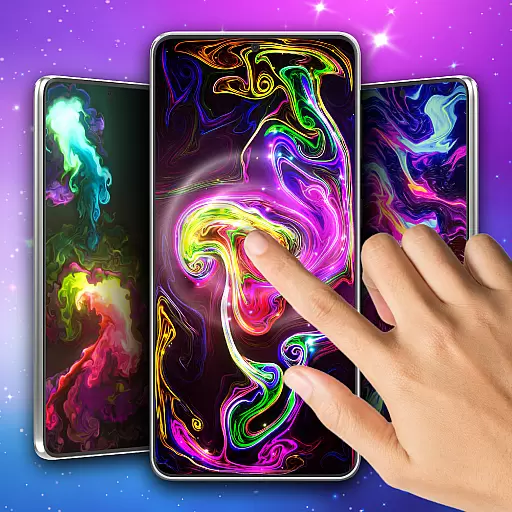
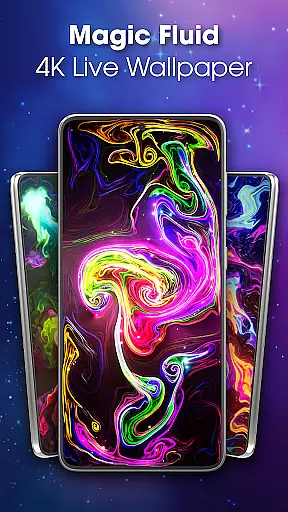
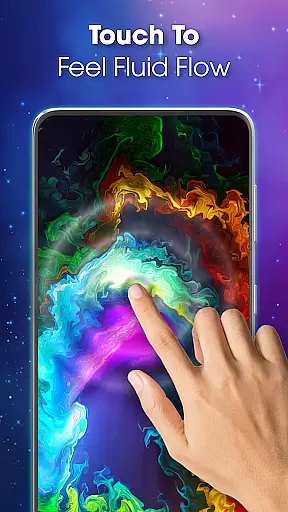
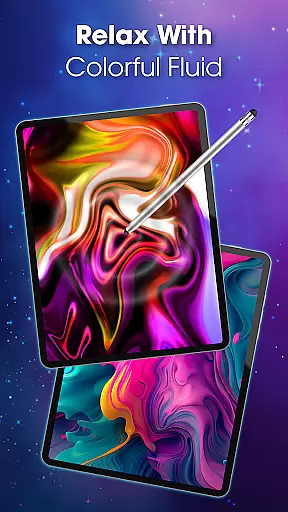
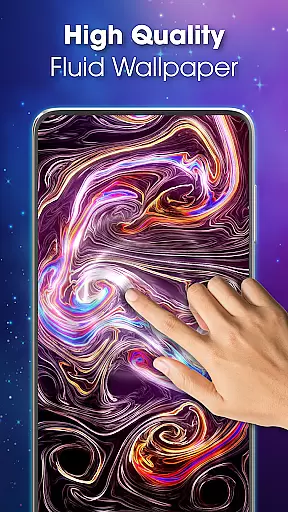
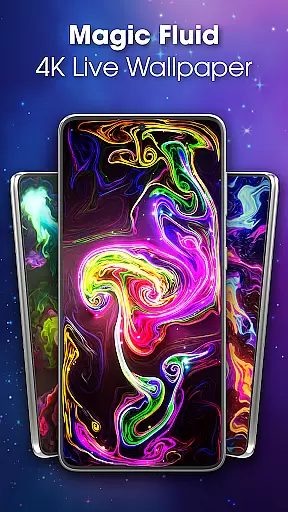
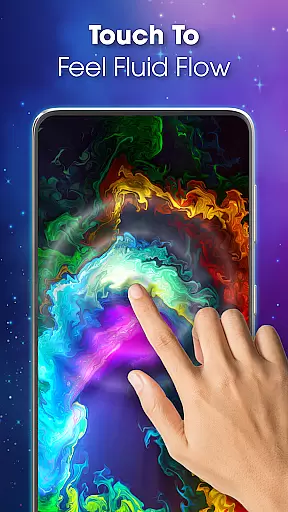
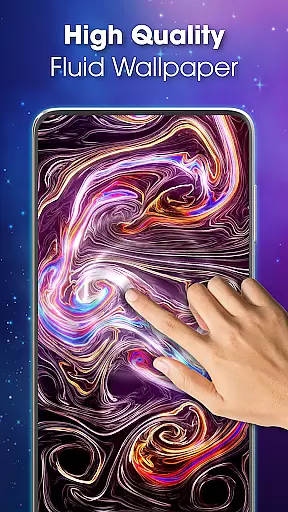
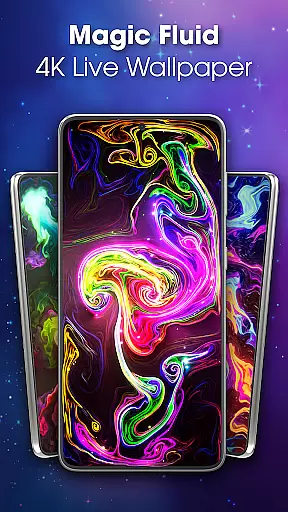
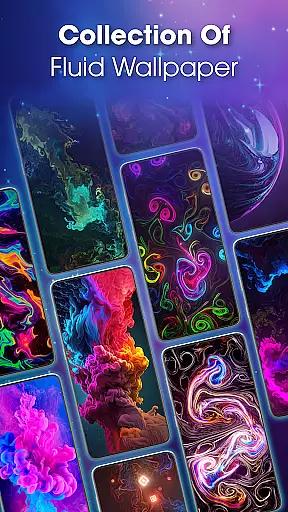
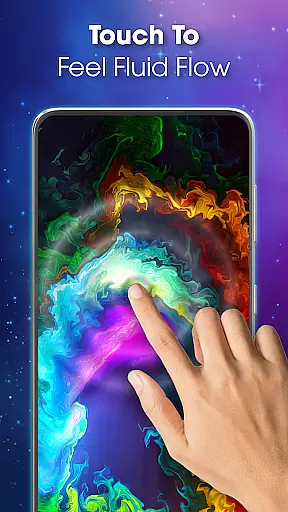
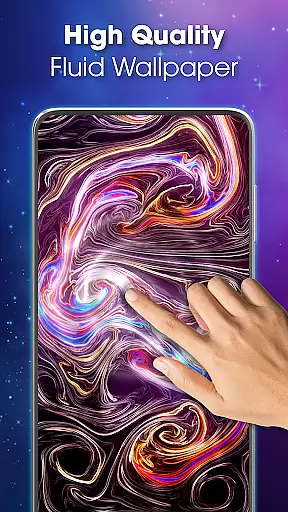
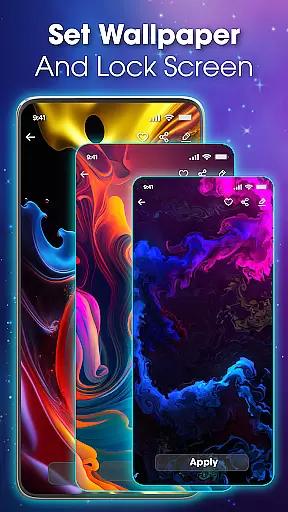
Magic Fluid Live Wallpaper 4D transforms your device's screen into a mesmerizing canvas of fluid animations. This personalization app offers interactive wallpapers that respond to touch, creating a dynamic and relaxing user experience.
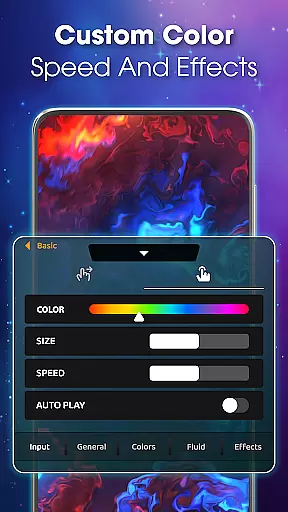
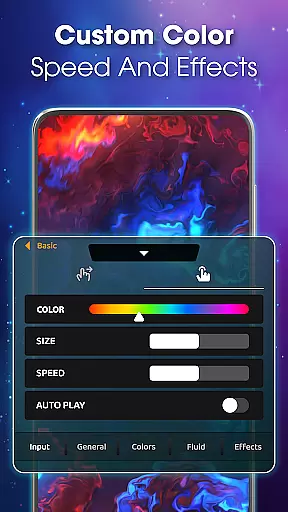
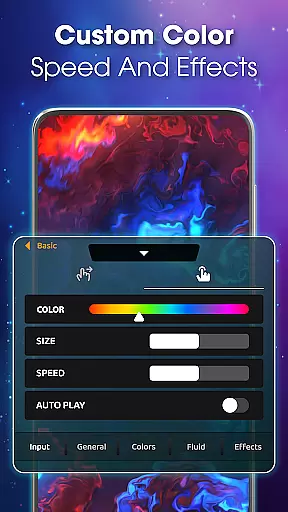
With high-quality 4K visuals, the app presents an array of customizable themes ranging from abstract art to nature-inspired designs. Users can adjust colors, flow speed, and effects to create unique live wallpapers that suit their mood and style.
Whether you're looking to personalize your device or seeking a digital zen garden to unwind with, Magic Fluid Live Wallpaper 4D provides both aesthetic pleasure and stress relief through its engaging fluid simulations.
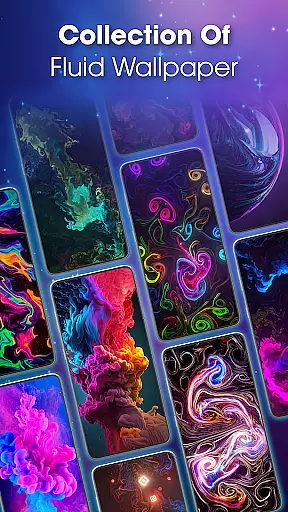
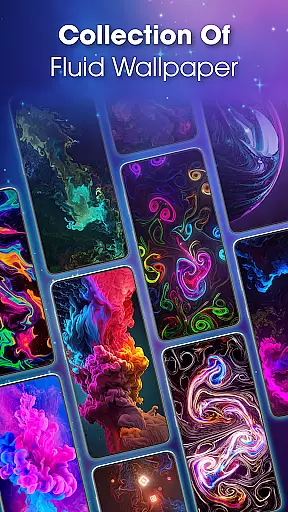
The Magic Fluid Live Wallpaper 4D app stands out with its rich feature set tailored for customization enthusiasts. The app boasts a gallery of interactive 4K wallpapers, each presenting smooth animations that react to touch gestures.
Users have the power to personalize every aspect of their wallpaper including color schemes, fluid dynamics, and special effects. This level of customization ensures that each user's home screen is truly one-of-a-kind.
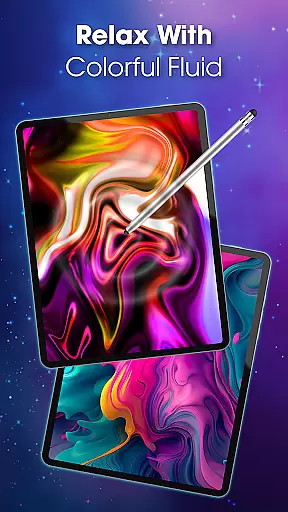
Beyond visual appeal, the app serves as a tool for relaxation. Its interactive fluid simulation allows users to immerse themselves in a colorful dance of light and motion, providing a calming effect perfect for unwinding after a long day.
Customization is at the heart of Magic Fluid live wallpaper 4D, offering users a rich palette of options to tailor their experience. With an extensive gallery of 4K quality interactive wallpapers, the app provides a diverse selection of themes ranging from abstract art to nature-inspired designs.
The app allows you to modify color schemes, adjust flow speeds, and tweak fluid dynamics to create a personalized live wallpaper that resonates with your current mood and style. This level of customization ensures that your device's screen is not just a display but an extension of your personality.
Furthermore, the ability to preview themes before application means you can experiment with different combinations without any commitment. This feature empowers users to fine-tune their choices until they achieve the perfect look for their device.
Magic Fluid live wallpaper 4D excels in theme compatibility, ensuring that its vibrant animations work seamlessly across various devices and screen sizes. The app's adaptive design maintains visual integrity whether on a smartphone or tablet, providing consistent quality.
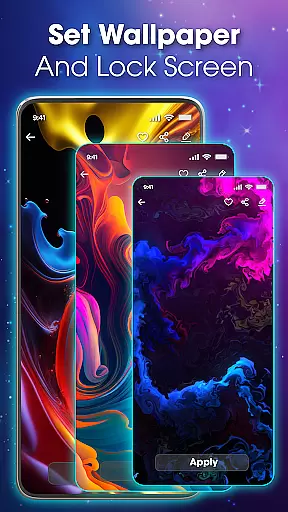
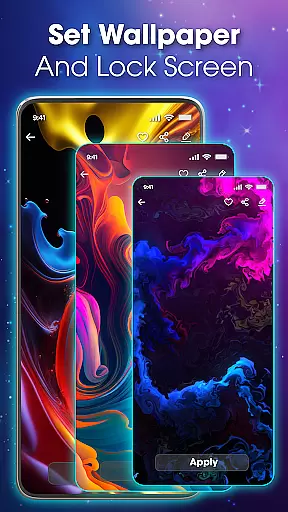
Users will appreciate the simplicity of setting their favorite animations as either the main screen or lock screen with just a few taps. This ease of use extends to compatibility with different Android versions, making it accessible to a wide audience.
In addition to supporting standard screen resolutions, the app also caters to high-resolution displays, delivering crisp and clear visuals every time. This dedication to compatibility ensures that all users can enjoy the magic of fluid motion regardless of their device specifications.
Stunning 4K quality
Highly customizable
Interactive touch response
User-friendly interface
Regular updates
May drain battery
Not all features free
Can be resource-heavy
Limited to compatible devices
Some settings complex

Ninja Turtles Cowabunga SE watch face for Wear OS
 4.50
4.50
Art & Emoji Keyboard with Cool Fonts, Cute Themes and Custom Designs.
4.40
Try creating your own keyboard with "Keyboard theme for android" app now!
4.50
Transfer your live wallpapers from Windows to Android using Wallpaper Engine!
4.00
Romantic Kiss Stickers App. Start romantic messaging now!
4.30
Nothing Icon pack with more than 3750+ highly crafted icons.
4.70
Icons made of colorful linear lines
4.60
200+ Material Inspired Widgets
4.50
Struggling to find apps? Use this app to locate and open any app on your phone!
2.20
Enjoy a variety of amazing live wallpapers and colorful EDGE lighting borders!
4.80
300+ Stunning and well-designed widgets inspired by NOTHING.
4.70
350+ widgets with a premium glass-style finish, perfect for home & lock screens.
4.70
A minimalist productivity launcher. One-hand-friendly. Zero ads.
4.70
Unique Android Launcher
4.60
Customizable screen pets that play, climb, and keep you company.
4.50
Themes - Widget & Wallpaper: Customize home screen, icon changer w unique themes
4.30
The definitive Icon pack maker and editor
4.30
Organize and manage your photos and videos effortlessly with Photo Gallery
4.20
Adaptive Dot Style IconPack with Light & Dark Theme.
3.70


User Reviews